8 Best Tools for Creating Passport Photos Online in 2026
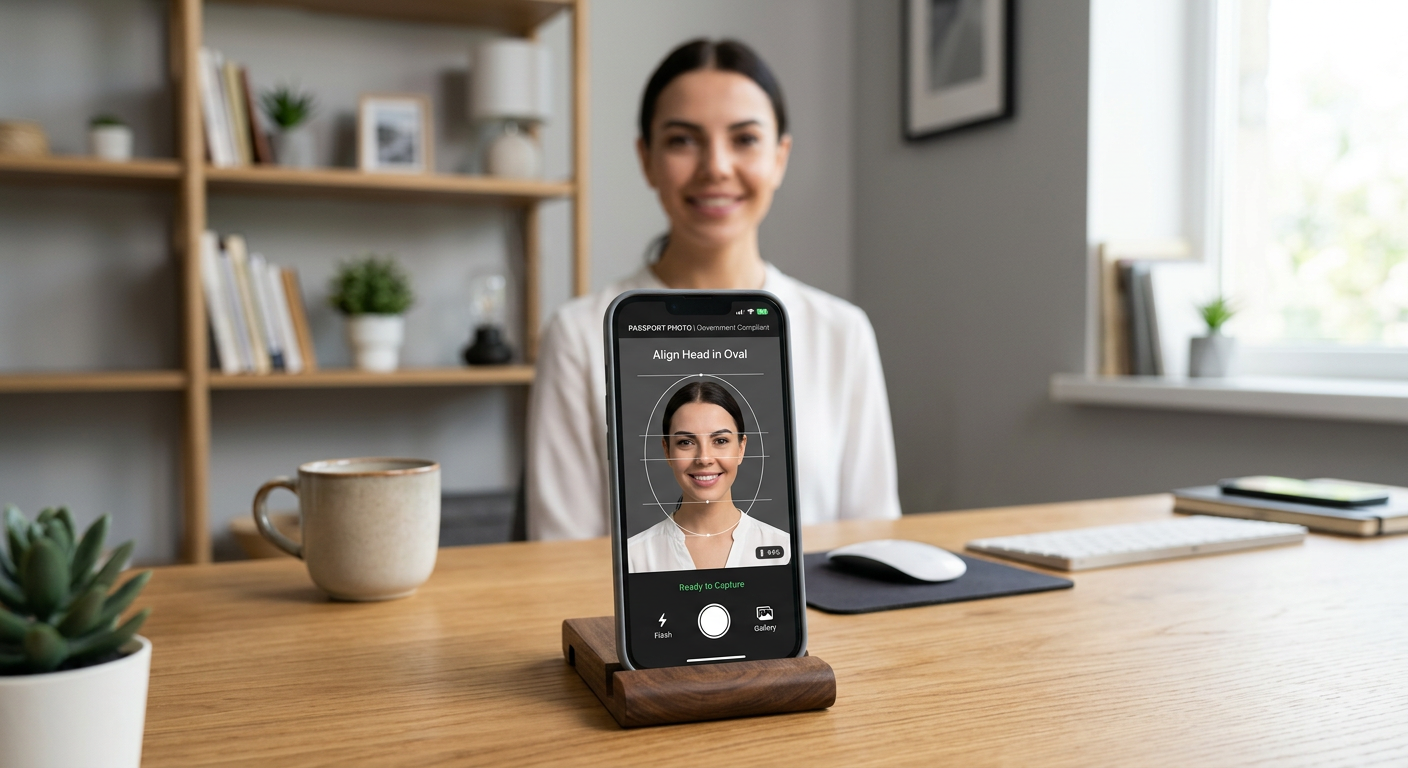
Creating high-quality identification images at home has become a standard approach for families and travelers looking to avoid the logistical hurdles of professional studios. With the rise of digital technology, generating government-compliant passport photos online is now an accessible process that relies on precise cropping, background normalization, and adherence to international biometric standards. Whether you are preparing documents for a visa or a standard passport application, using a dedicated passport photo id maker can significantly reduce processing times by ensuring your submission meets specific country requirements.

Quick Summary
Generating passport photos from home involves using AI-driven software to format, resize, and clean up smartphone imagery to meet official standards. By automating background removal and facial alignment, these tools help ensure your application is processed without delays.
- Accuracy: Tools automate complex requirements like chin-to-crown ratios.
- Accessibility: Accessible via web browsers or mobile apps 24/7.
- Compliance: Designed to meet specific global standards for passport and visa documentation.
Table of Contents
- Quick Summary
- Comparing Digital Passport Photo Tools
- 123PassportPhoto
- Visafoto
- PhotoGov
- PhotoBooth Online
- Smartphone iD
- PhotoAiD
- 7ID
- IDPhoto4You
- Buying Guide: How to Choose a Passport Photo Tool
- FAQ
- Recommended Reads
Comparing Digital Passport Photo Tools
| Tool | Primary Focus | Best For | Technical Approach |
|---|---|---|---|
| 123PassportPhoto | Web-based formatting | Quick cropping | Template-based sizing |
| Visafoto | Background adjustment | Strict compliance | Automatic background editing |
| PhotoGov | Free utility | Casual users | Standard preset application |
| PhotoBooth Online | Image verification | Quality assurance | AI-assisted verification |
| Smartphone iD | Expert verification | Mobile users | Hybrid AI/human check |
| PhotoAiD | AI enhancement | Advanced editing | Deep AI photo processing |
| 7ID | Mobile versatility | Frequent travelers | Multi-ID storage & crop |
| IDPhoto4You | Manual control | Power users | User-guided customization |
123PassportPhoto
123PassportPhoto is an online service designed to assist users in creating and downloading compliant images. Its interface focuses on streamlining the process of fitting a raw photo into a government-standard template.
- Pros: Simple, web-based interface; no software installation required.
- Cons: Limited advanced AI features for complex lighting corrections.
Visafoto
Visafoto is a digital tool that specializes in adjusting photo backgrounds, sizes, and composition. It is built to ensure that user-submitted photos align with the specific document requirements of different countries.
- Pros: Excellent at automated background removal; handles specific visa formatting.
- Cons: Primarily a web-based workflow which may feel restrictive for mobile-first users.
PhotoGov
PhotoGov provides a free online passport photo generator that applies technical parameters to images. It targets users looking for a straightforward, cost-effective way to prepare their files.
- Pros: Free utility; focuses on core technical requirements like file size and dimension.
- Cons: Lacks the extensive human or AI verification layers found in premium tools.
PhotoBooth Online
PhotoBooth Online functions as an online service that processes and verifies user-uploaded photos. It aims to ensure that the final output satisfies strict government criteria for official passport photo standards.
- Pros: Dedicated focus on verification; helps reduce the risk of submission rejection.
- Cons: Performance can vary depending on the quality of the source image provided.
Smartphone iD
Smartphone iD is a mobile application that guides users through the entire process. It incorporates both AI algorithms and human expert verification to ensure that every submitted photo meets the necessary standards.
- Pros: Added layer of human expert verification; mobile-friendly workflow.
- Cons: May require more time for the human verification step compared to fully automated tools.
PhotoAiD
PhotoAiD provides AI-powered photo editing and expert verification services. This tool is designed for users who want to leverage advanced technology to ensure their images meet official standards across various international document types.
- Pros: Advanced AI processing; offers comprehensive compliance checks.
- Cons: Requires an internet connection for cloud-based processing.
7ID
7ID is a mobile application for iOS and Android tailored for users who need to crop, edit, and format photos. It is designed to manage various international passport and ID requirements in one location.
- Pros: Very convenient for frequent travelers; supports multiple ID formats.
- Cons: Mobile interface design may take time to navigate for new users.
IDPhoto4You
IDPhoto4You is a web-based tool that allows users to manually crop and format photos. This option is ideal for users who prefer granular control over the final composition of their ID images.
- Pros: Provides manual adjustment tools for those who want total control.
- Cons: Less automated than AI-driven alternatives; requires more user input.
Buying Guide: How to Choose a Passport Photo Tool
Selecting the right tool to make passport photo files requires considering the specific documentation needs of your destination. When choosing between a passport photo app uk or an application configured for a different region, ensure the software supports the specific millimeter or inch requirements of the target country. Verification features are particularly useful if you are concerned about technical compliance, such as shadow elimination or proper head centering.
For most users, a passport photo online free generator is sufficient for standard applications. However, if the documentation is for a high-security visa or a specific jurisdiction that is known for strict rejection policies, selecting a service that includes human review or professional AI verification provides an extra layer of security. Always verify that the tool allows you to download a high-resolution file suitable for local printing or digital upload.
FAQ
- Is it safe to use a passport photo app australia or similar services? Most reputable digital photo services use encrypted connections to handle your biometric data, ensuring privacy during the upload and processing stages.
- Can I use these tools to prepare a baby passport photo? Yes, many of these platforms are designed to handle infants, though taking a compliant photo requires ensuring the baby is lying on a flat, plain background without shadows.
- Do I need to be a professional photographer to use these tools? No, these applications are designed for home use and guide you through the process of taking an acceptable smartphone photo.