How to Take a Baby Passport Photo with iPhone
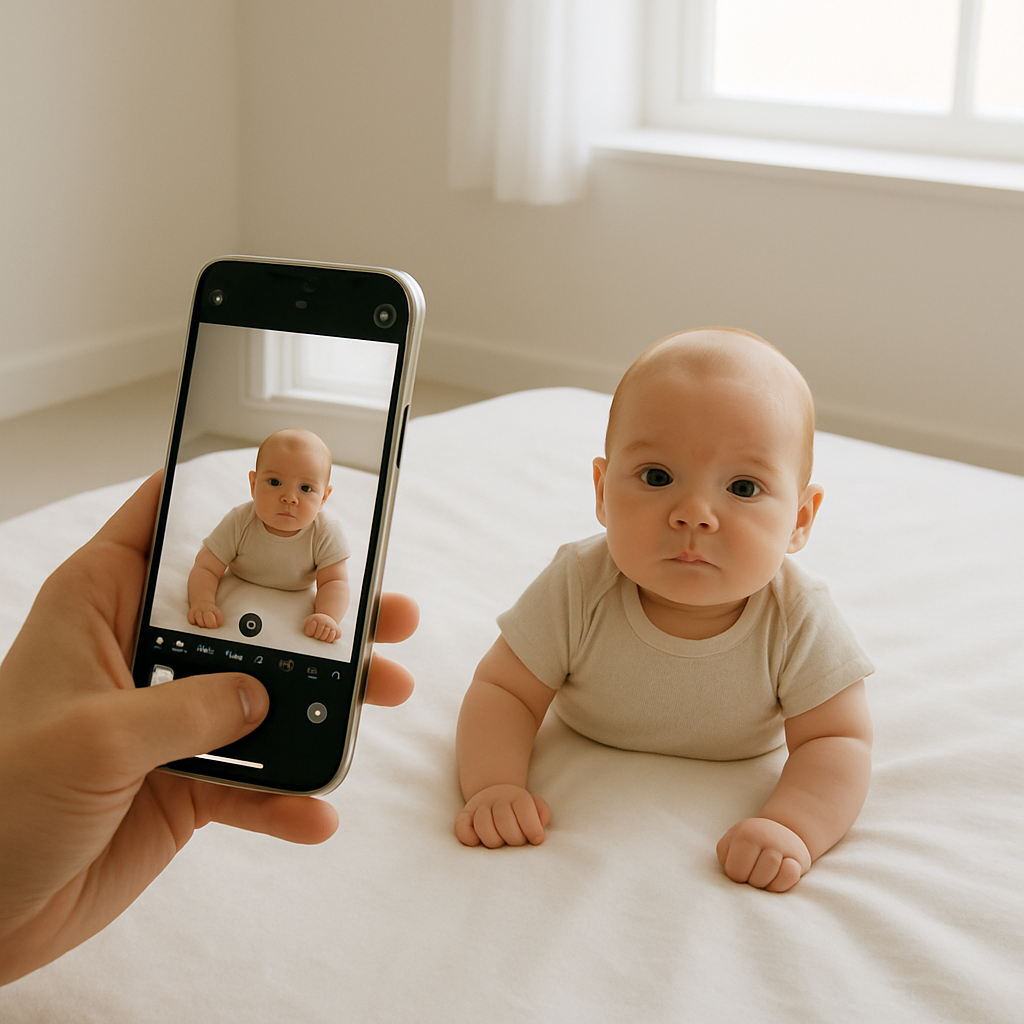
Let’s be real. Trying to snap a passport photo for your baby using an iPhone sounds simple in theory. But in practice? It’s like trying to herd a hyperactive kitten into a photo booth. They wiggle. They blink. They drool. Sometimes all at once.
If you’ve found yourself googling “how to take a baby passport photo with iPhone at 2 AM,” you’re not alone. And yes, you can totally do it from home. You just need a plan, a little patience, and maybe a toy giraffe for diversion purposes.
Why Even Bother Taking It Yourself?
First, let’s get one thing straight: passport photo places don’t always understand babies. A lot of studios still expect a baby to sit upright on a stool under harsh fluorescent lighting like it's a 1998 DMV photo shoot. Guess what? Your baby doesn’t like awkward chairs or glaring lights. And neither do you.
Doing it yourself with an iPhone means more comfort, zero rush, and - bonus - fewer germs. But the real kicker? Services like BabyPassportMaker.com make it freakishly easy to turn your cute chaos into a perfect, government-approved photo.
What You’ll Need First
- An iPhone (duh - ideally not older than iPhone 8)
- Bright indirect natural light, not harsh lamp light
- A white sheet, wall, or blanket
- Your baby (important!)
- Another adult or older sibling to assist - babies are slippery
Step-by-Step: Baby Passport Photo at Home with iPhone
1. Timing is Everything
Catch your little one when they’re rested and fed. A cranky or hangry baby is a photo shoot's worst nightmare. Morning times, post-nap, or post-milk comas are pure gold.
2. Find the Right Spot
Set up near a window that gets soft, even light. You don’t want shadows, especially on the baby’s face. Stand facing the window and check - is your baby’s face evenly lit? Good. If it looks like half Phantom of the Opera, move.
3. Choose the Background
White is the requirement. A plain white wall works beautifully. No wall? Lay the baby flat on a tightly pulled white sheet or blanket. Avoid wrinkles unless you want that in the official passport image for the next five years. (You won’t.)
4. The Positioning Game
Here’s the trick: if the baby can sit up unsupported, prop them in a high chair pushed against the wall. Not upright yet? Lie them on their back on the sheet. The key is to make them look slightly upright even when they're lying down. Weird, right? But trust me, it works.
5. Take the Photo - With Precision
- Use the main rear camera, not selfie mode - rear is higher quality
- Shoot from about 1 to 1.5 meters away
- Hold the iPhone level with baby’s face (not from above or below)
- Ensure the full head and shoulders are visible
- Background = 100% white, face = 100% visible
And make sure those eyes are open! If they blinked? Retake. If they're smiling, that's okay - but a neutral expression is technically preferred. Easier said than done with a baby. Just avoid big open-mouthed grins or wild expressions. Save those for grandma's fridge.
Common Pitfalls to Dodge
We’ve all been there. Snapped the "perfect" shot... only to get it rejected. Here’s why:
- Shadows - Especially behind the baby’s head or nose. Adjust lighting or move the sheet if needed.
- Color Casts - Blue tinted walls, colored blankets, or even colorful clothes near the baby can reflect onto their face. Stick to whites and neutrals.
- Hands or Props - No parent’s hands, no pacifiers. Not even the edge of a blanket under the chin. It all needs to disappear from the frame.
- Wrong Size or Crop - If the head is too small or too big in the shot? It's game over. Luckily, BabyPassportMaker.com handles this perfectly with automated cropping and sizing tools.
The Secret Weapon: BabyPassportMaker.com
This is the part that makes the DIY method worth its weight in goldfish crackers. Upload your phone photo to BabyPassportMaker.com, and it gets sorted - background fixed, size adjusted, baby magic applied. They analyze every guideline for each country and make sure it's all compliant.
So instead of wondering if your shot of baby Ava napping on a pillow counts as an official document, you can press “upload” and let the pros handle the compliance checklist.
They do the boring work. You get a print-ready file (or delivery).
And here's the kicker - it works even better than most in-store services. No car rides. No pandemic paranoia. Just your couch and your phone.
Tips from the Trenches
Because any parent who's attempted home photo day has learned at least one painful lesson the hard way:
- Use burst mode - more pics = better chances of getting one usable shot
- Have someone stand behind you waving a toy to grab baby’s attention
- Take breaks - meltdown incoming? Baby needs space too
- Don’t overthink it - trust your instincts and let go of perfection
Final Thoughts on iPhone Baby Passport Photos
Honestly, doing your baby’s passport photo at home with an iPhone isn’t just doable - it’s a game-changer. Sure, it takes a little practice (and a lot of snapped pics), but there's beauty in the control it gives you. No strangers. No studio clocks. Just you, your phone, and the cutest passport applicant the government’s ever seen.
And with BabyPassportMaker.com smoothing out the tech headaches (sizing, backgrounds, alignment), it becomes one less parenting task you have to stress about.
So? You’ve got the tools. You’ve got the know-how. And you’ve absolutely got this.