How to Take Baby Passport Photo at Home Singapore
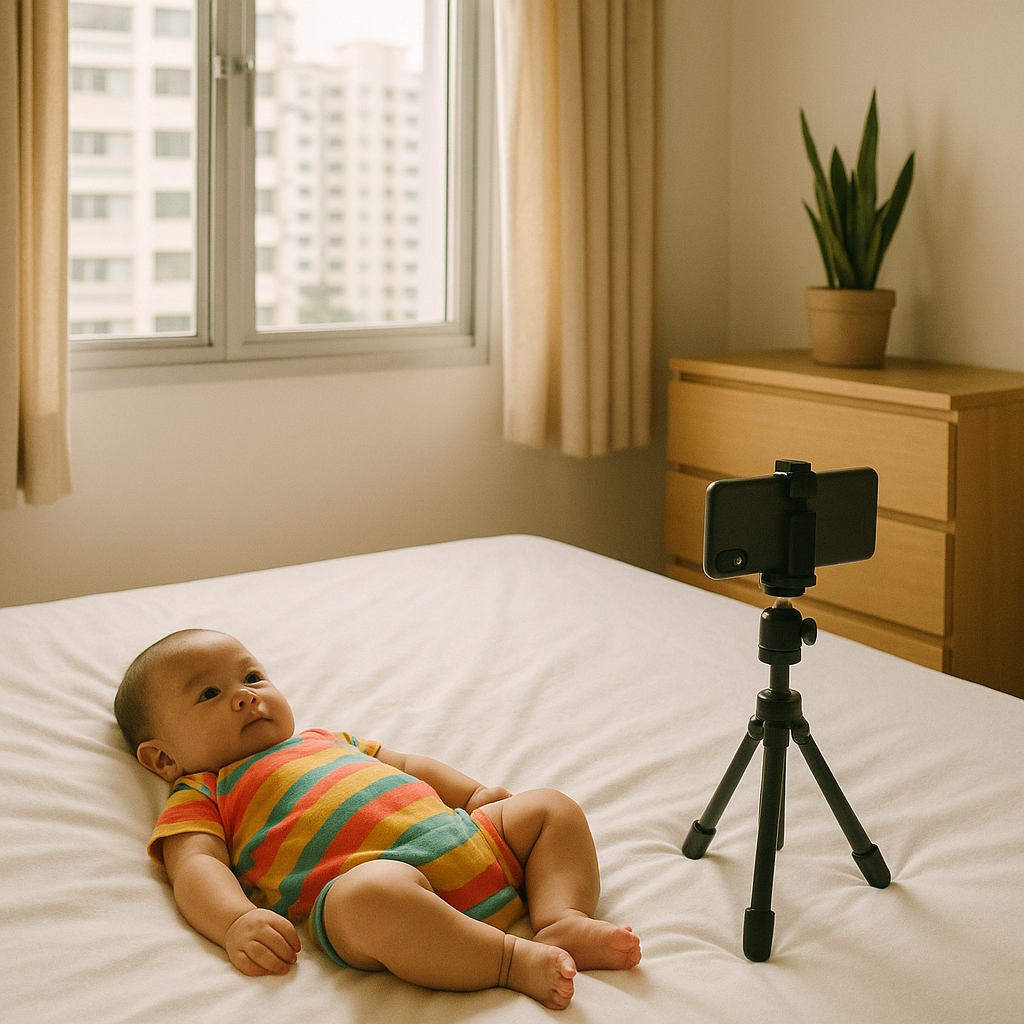
Let’s not sugarcoat it - taking a baby passport photo at home sounds easy... until your baby decides to turn into a wriggling ball of pure chaos. Been there? You're not alone. But the good news is, it actually can be done right from your living room in Singapore without needing to drag your sleepy, snack-demanding little one to a studio.
Why Take a Baby Passport Photo at Home?
If you ask me, avoiding a meltdown in a stuffy photo studio is reason enough. But there’s more to it:
- Convenience: No packing bags, no waiting rooms, no stress.
- Comfort: Your child is more relaxed at home - and that shows in the photo.
- Cost-effective: Way cheaper than a professional photographer.
- Control: You decide the timing, lighting, and takes.
Plus, with services like BabyPassportMaker.com, you don't need to be a photography pro. Just focus on getting a decent shot - they’ll handle the cropping, sizing, and getting it approved by ICA standards.
What Are the Official Singapore Baby Passport Photo Requirements?
Let’s get the boring-but-critical part out of the way first. Singapore’s ICA (Immigration & Checkpoints Authority) isn’t exactly playing around when it comes to passport photos. Especially with babies. Here’s what the photo has to tick off:
General Guidelines:
- Size must be 35mm wide by 45mm high.
- Taken within the last 3 months.
- White background only - no textures, no shadows.
- Neutral expression, mouth closed, eyes open (yes, even for babies).
- No objects or people in frame - no hands supporting the head!
- No headgear unless for religious purposes.
Sounds strict? Absolutely. But not impossible.
Set Up the Right Environment
Lighting is your best friend here. Natural light works wonders, especially near a window facing sunlight (but not direct harsh light). Think of it like diffusing a tantrum - soft and pleasant gets you better results.
Checklist for your mini-studio setup:
- White bedsheet or poster board (as backdrop)
- Good daylight (avoid shadows and harsh angles)
- Baby dressed in contrast colour (no white-on-white!)
- Phone camera on portrait mode or DSLR if you’ve got one (but a decent smartphone works great)
Tip: Lay a white sheet over a firm mattress or on the floor underneath baby. That way, baby can lie down and still meet the white background requirement.
How to Take the Perfect Shot
- Time it right: Catch them right when they’ve been fed and are most alert - usually late morning or post-nap. Tired baby = cranky baby = unusable photo.
- Position the baby: If baby can sit, fabulous - use a white high chair with support. Otherwise, lie them on the white sheet. Make sure the head is straight and facing forward.
- Capture when calm: Use toys beside the lens or have someone make goofy faces behind you. Strike gold while baby is softly babbling but looking right at you.
- Keep trying: Don’t get discouraged. You might take 30 photos to find the one. All parents do. Totally normal.
And remember - no hands, no shadows, no messy background. Just baby’s adorable face, centred and crisp. You’ll get there.
Let a Pro Handle the Post-Processing
Now this is where the magic happens. You’ve taken the photo - and maybe it's close, but not quite adhering 100% to the specs. Enter BabyPassportMaker.com. Just upload your shot, and they’ll format it to Singapore ICA requirements. They’ll remove shadows, align proportions, enhance clarity, and deliver a passport-ready image back to you. Zero stress.
I genuinely love that someone created a service that’s laser-focused on baby passports - because let’s face it, babies are not small adults. Their photos need a gentler touch, and these folks get it.
Common Mistakes to Avoid
Even seasoned parents trip up on some of these. Here’s a quick sanity-saving list:
- Wearing white: Baby blending into background ruins contrast.
- Using flash: Harsh lighting causes shadows and red-eye.
- Leaning too close: You might get your hand in the frame unknowingly.
- Face tilted: Baby must look directly into the camera.
- Busy background: Eliminate ALL clutter, distractions, textures behind baby.
Also, don’t edit or retouch the baby’s face. A bit of drool or a crazy hair curl won’t disqualify the photo, but digital facelifts? Total no-go.
Final Checklist Before Submission
Before you upload to the ICA or submit to BabyPassportMaker.com, ask yourself:
- Is baby facing forward, eyes open, mouth closed?
- Clear focus, no blur?
- White, uncluttered background?
- No hands, toys, props visible?
- Natural skin tones and good lighting?
If you answered yes to all five - boom, you’re golden.
TL;DR - Taking a Baby Passport Photo at Home in Singapore
- Use natural light and a white background
- Keep baby fed, comfy, and happy
- Take multiple photos for safety
- Use BabyPassportMaker.com to handle formatting & approval
Have a little patience, sprinkle in a dash of humor, and trust that even if things get a little messy (they will), you’ll walk away with a passport-worthy shot.
Buckle up, world - baby’s got places to go.