Maximum File Size for Online Baby Passport Uploads
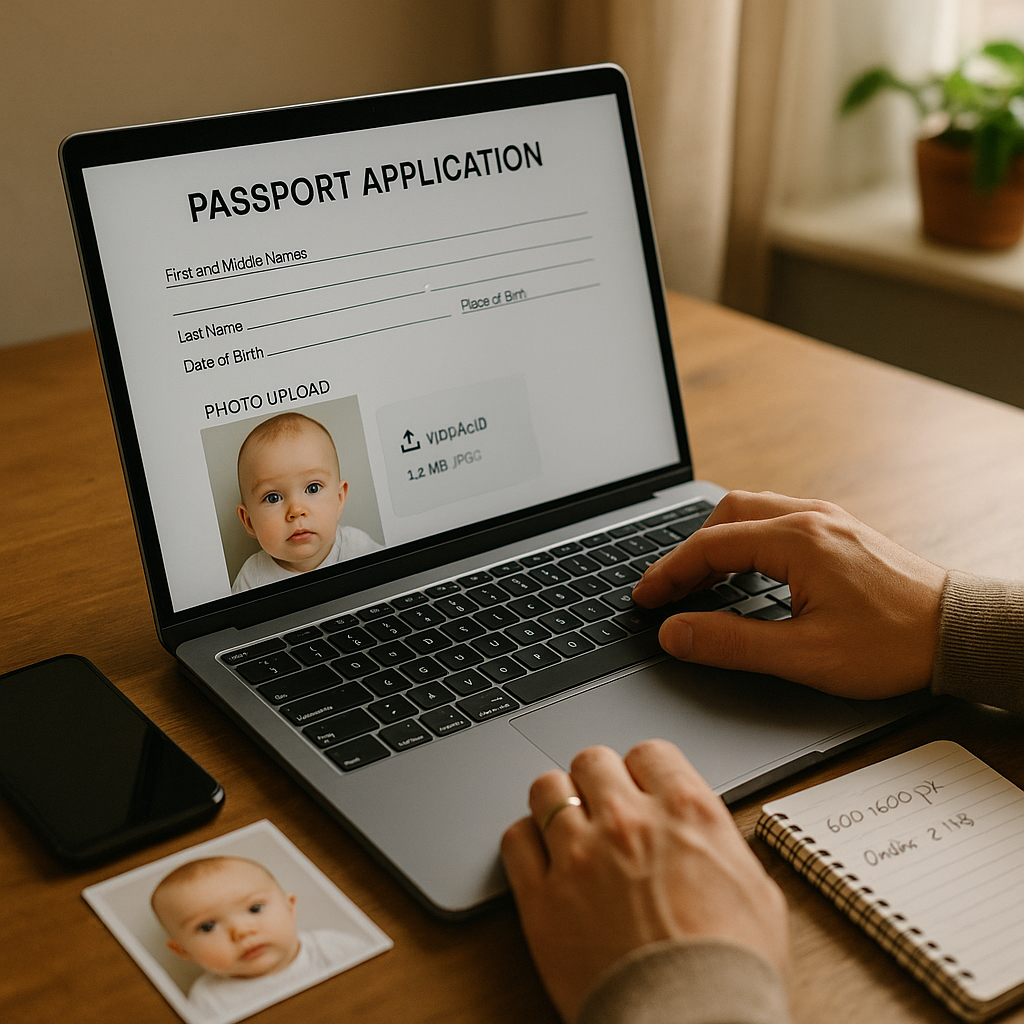
Applying for a baby passport online sounds simple. Upload a photo. Submit the form. Wait for approval. Done, right? Not exactly. One tiny detail trips up more parents than you’d think - the maximum file size for online baby passport uploads. It’s a small technical requirement that can cause surprisingly big delays. And when travel dates are creeping closer, even a minor hiccup feels enormous. This guide breaks it all down in plain English. No tech jargon. No confusing government-speak. Just practical, real-world advice on file size limits, image dimensions, compression tips, and how to avoid the dreaded upload error.
Why File Size Matters for Baby Passport Applications
When applying online, the passport agency’s system has strict limits. These platforms handle thousands of applications daily. Large files slow everything down, clog servers, and increase processing time. So they cap the upload size. If the photo exceeds the allowed limit, the system simply rejects it. No warning. No gentle reminder. Just an error message that feels oddly judgmental. Here’s the thing - baby passport photos are already tricky. Babies wiggle. Lighting shifts. Getting the perfect shot takes patience. The last thing parents need is a technical rejection.
What Is the Maximum File Size for Online Baby Passport Uploads?
The exact number varies slightly by country, but most online passport systems follow similar standards:
- File size: Usually between 240 KB and 10 MB
- Common preferred range: 500 KB to 2 MB
- File format: JPEG or JPG
- Image dimensions: Often 600 x 600 pixels minimum
Sounds straightforward. Yet this is where confusion starts. Some parents upload a 12 MB image straight from a modern smartphone. Rejected. Others compress it too much. Now it’s blurry. Also rejected. It’s a balancing act.
The Sweet Spot for File Size
If someone wants a safe recommendation that works for most systems, here it is:
- Keep the file between 800 KB and 2 MB
- Use high-quality JPEG format
- Ensure resolution is at least 600 x 600 pixels
This range avoids most upload errors while maintaining image clarity.
Common File Size Mistakes Parents Make
Honestly, the mistakes are predictable. Technology moves fast, and phone cameras now produce enormous files by default. Here are the usual culprits:
1. Uploading a Raw Smartphone Image
Modern phones capture ultra-high-resolution images - sometimes 5 MB, 10 MB, even larger. Great for printing posters. Not so great for online passport portals. The system rejects oversized files immediately.
2. Over-Compressing the Photo
Parents panic. They shrink the file aggressively. The result? Pixelated skin tones, fuzzy outlines, loss of detail. Passport systems check image clarity. If facial features aren’t sharp, the application may get flagged.
3. Cropping Incorrectly
File size isn’t just about megabytes. Cropping affects both dimensions and clarity. Cutting too tightly can distort proportions. Leaving too much background can reduce face visibility. It’s a bit like framing a painting. The subject needs breathing room, but not a football field of empty space.
How to Check Your Baby Passport Photo File Size
This step takes seconds and prevents hours of frustration. On most devices:
- Right-click the image file.
- Select “Properties” or “Get Info.”
- Look for file size listed in KB or MB.
If it’s over the maximum allowed limit, resize it. If it’s under 200 KB, consider increasing quality slightly. Simple, right?
How to Reduce File Size Without Losing Quality
Here’s where things get practical. Shrinking an image doesn’t mean destroying it. Done properly, compression is like folding clothes neatly into a suitcase - everything still fits, just more efficiently.
Smart Compression Tips
- Use a reputable image compressor tool.
- Adjust quality to 80 to 90 percent - not lower.
- Resize dimensions proportionally.
- Always preview before saving.
Avoid random screenshotting or sending the image through messaging apps. Those platforms often compress unpredictably and reduce facial detail.
Image Dimensions vs File Size - Not the Same Thing
Here’s a hot take - many people confuse resolution with file size. They’re related. But they aren’t identical.
- Dimensions refer to pixel width and height.
- File size refers to how much digital space the image occupies.
An image can be large in dimension but still optimized to fit size limits. Conversely, a poorly compressed photo can be small in pixels yet heavy in data. Think of dimensions as the canvas size and file size as the weight of the frame. Both matter.
Baby Passport Photo Requirements Beyond File Size
File size is just one piece of the puzzle. Even a perfectly sized upload can fail if it ignores other guidelines. Most online passport systems require:
- Plain white or off-white background
- No shadows
- Eyes open
- Neutral expression
- No visible hands supporting the baby
For infants, flexibility exists. Closed eyes may be accepted for newborns. Still, clarity remains critical. If someone wants a streamlined process, using a professional service like BabyPassportMaker.com removes much of the guesswork. The platform automatically adjusts file size, dimensions, and formatting to meet official standards. That alone saves time and stress.
What Happens If the File Is Too Large?
The portal typically displays an upload error. Sometimes it reads:
- "File exceeds maximum size limit."
- "Invalid image format."
- "Upload failed."
Frustrating? Absolutely. Worse, repeated failed attempts can time out the application session. Then the whole process restarts. No parent wants that.
Quick Checklist Before Uploading
Before clicking submit, run through this fast checklist:
- Is the file between 800 KB and 2 MB?
- Is it saved as JPEG or JPG?
- Are dimensions at least 600 x 600 pixels?
- Is the background plain and light-colored?
- Is the baby’s face centered and clearly visible?
Five quick checks. Massive difference.
Why Getting It Right the First Time Matters
Passport delays don’t just disrupt paperwork. They affect travel plans, family visits, international moves, and once-in-a-lifetime trips. Every correction request adds days - sometimes weeks - to processing time. If you ask most experienced applicants, they’ll say this: prevention beats correction. Uploading the correct file size from the start eliminates unnecessary back-and-forth. It keeps the application clean. Efficient. Stress-free.
Final Thoughts on Baby Passport Upload Limits
The maximum file size for online baby passport uploads may seem like a minor technical detail. Yet it carries real weight. Too large? Instant rejection. Too small? Risk of blurriness. Just right? Smooth approval. That sweet spot exists. It simply requires a little awareness and a few minutes of preparation. Parents already juggle enough - feedings, naps, packing lists, travel logistics. File size shouldn’t be the thing that derails an application. Handle the technical side carefully. Double-check the numbers. Use trusted tools when needed. And then? Submit with confidence. Because when it comes to baby passport photo uploads, precision isn’t optional - it’s essential.