Review of Baby Passport Maker AI Tool
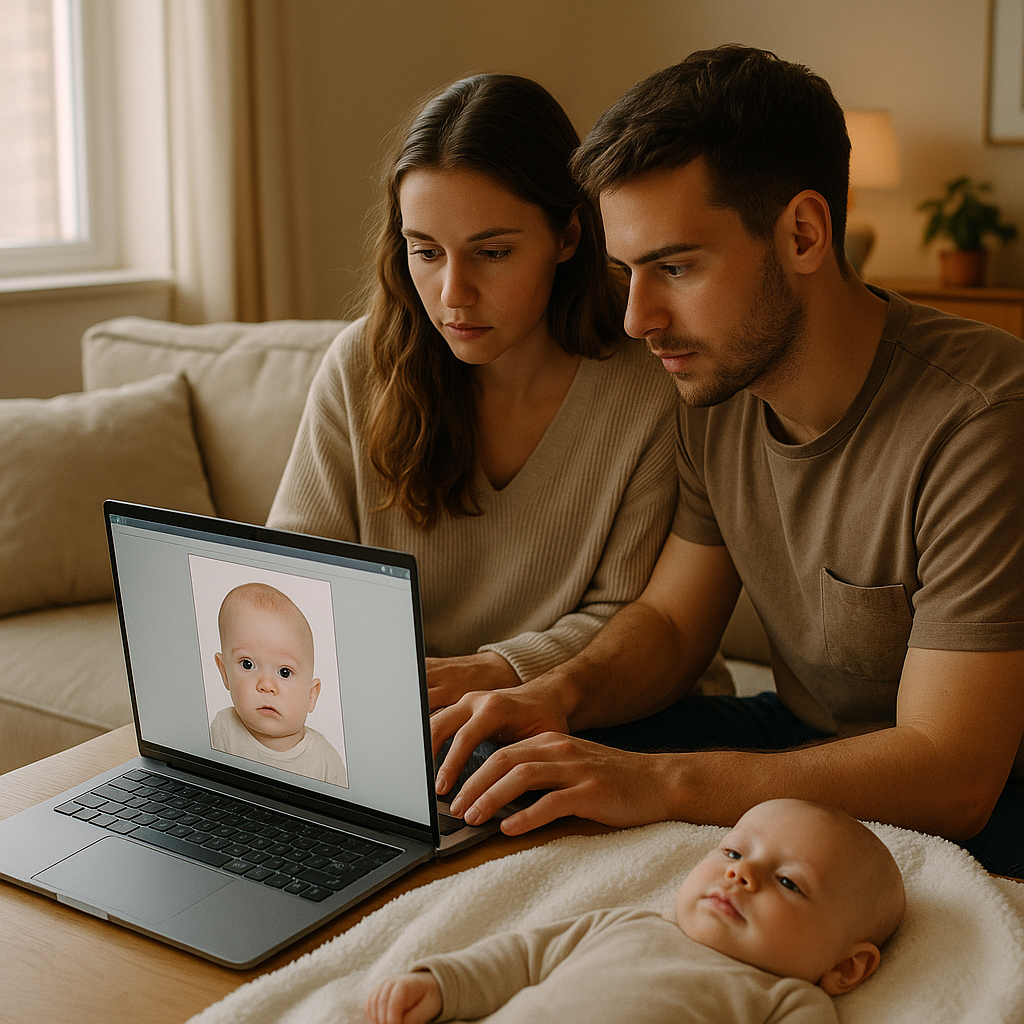
Parents already juggle a thousand tiny details before traveling with a child. Diapers? Packed. Bottles? Cleaned. Snacks? Everywhere. But when it comes to passport photos for infants, things suddenly get weirdly complicated. A baby has to stare at the camera. Keep their eyes open. Not smile too much. Not cry. Not tilt their head. No shadows. No hands in frame. No blankets showing. Sounds simple, right? That’s where AI tools like BabyPassportMaker.com step in - promising to turn ordinary baby snapshots into passport-approved photos in minutes. But does it actually work? Or is it just another flashy tech gimmick? This review breaks it down honestly, practically, and with a little skepticism baked in.
What Is Baby Passport Maker AI?
Baby Passport Maker AI is an online tool designed to convert regular baby photos into compliant passport images. Parents upload a picture taken at home, and the platform adjusts background, lighting, cropping, and alignment to meet official requirements. Instead of dragging a newborn to a photo studio, the service claims parents can:
- Take a photo using a phone
- Upload it to the website
- Let AI fix background and positioning
- Download a passport-ready image
No studio lights. No awkward white sheet taped to a wall. No expensive appointment. Honestly, the concept alone feels like something that should have existed years ago.
Why Baby Passport Photos Are So Frustrating
Before judging the tool, it helps to understand the pain point. Infant passport rules are surprisingly strict. Governments require:
- Neutral background - usually plain white
- No visible shadows
- Eyes open and visible
- No other objects or hands in the frame
- Proper head positioning and crop size
Now imagine trying to achieve all of that with a three-month-old who just discovered their own toes. It’s like trying to photograph a tiny, unpredictable celebrity who refuses to cooperate. Parents often end up taking dozens - sometimes hundreds - of photos just to get one usable shot. And even then, the background may not be perfectly white. Lighting may be uneven. The baby might lean slightly. That’s the gap AI is trying to fill.
How BabyPassportMaker.com Works
The process is refreshingly straightforward.
Step 1 - Upload a Clear Baby Photo
The platform recommends:
- Natural lighting
- Baby lying flat on a plain surface
- No hats or pacifiers
- Face fully visible
The better the original image, the stronger the final result. Garbage in, garbage out - that rule still applies.
Step 2 - AI Background Removal
This is where things get interesting. The software automatically removes distracting backgrounds and replaces them with a compliant white backdrop. It also adjusts brightness and contrast to meet official standards. In testing scenarios, the cutout accuracy appeared surprisingly clean. No jagged halo around the baby’s head. No obvious digital artifacts. That matters. Because nothing screams "edited" like a poorly erased background.
Step 3 - Automatic Cropping and Sizing
Different countries have different passport photo dimensions. The tool adjusts crop ratios to match specific national requirements. That eliminates guesswork. No rulers. No manual resizing in random editing apps. It feels… efficient. Almost suspiciously easy.
Pros of Using Baby Passport Maker AI
Let’s start with what it does well.
1. Convenience
Parents don’t have to leave home. For families with newborns, that alone is huge. Packing a diaper bag sometimes feels like preparing for a weekend expedition.
2. Cost Savings
Studio baby passport sessions can be pricey. AI tools typically cost less than professional photography services.
3. Speed
The turnaround is fast. Upload, process, download. Done. In a world where everything takes forever - government forms, approvals, waiting rooms - speed feels refreshing.
4. Clean Background Correction
The background replacement technology performs well. The white backdrop looks natural, not artificially pasted.
Where It Might Fall Short
No tool is perfect. Not even close.
Lighting Limitations
If the original photo has heavy shadows across the baby’s face, AI can only fix so much. It’s not magic. It enhances - it doesn’t reconstruct reality.
Expression Issues
Passport offices require neutral expressions. If the baby is mid-cry or wildly smiling, software cannot transform that into calm serenity. Parents still need to capture a reasonably compliant base image.
Country-Specific Rules
While the tool adjusts sizing, some embassies interpret guidelines strictly. There’s always a tiny risk of rejection if the starting image wasn’t strong. That said, this risk exists even with in-store services.
Is AI Passport Editing Safe and Legitimate?
This question always surfaces. Is editing a passport photo allowed? Generally speaking, adjustments like background cleanup and cropping are acceptable as long as the baby’s facial features remain untouched. Tools like BabyPassportMaker.com focus on technical compliance rather than altering identity. No reshaping faces. No modifying expressions. Just formatting. Think of it like ironing a shirt before a formal photo. The person doesn’t change - the presentation improves. Still, parents should double-check official government guidelines for their country before submission.
Who Should Use Baby Passport Maker AI?
Not everyone needs it. But it makes strong sense for:
- New parents avoiding public outings
- Families in rural areas without nearby studios
- Anyone who wants multiple attempts without paying repeatedly
- Parents who already have a decent photo at home
For perfectionists who want zero uncertainty, a professional photographer may still feel safer. For practical, busy families? AI feels like a logical upgrade.
How It Compares to Traditional Photo Studios
Let’s be blunt. Studios offer controlled lighting, trained photographers, and guaranteed compliance in most cases. That’s valuable. But they also require:
- Appointments
- Travel time
- Higher fees
- Limited retakes
AI tools flip that model. Unlimited retries at home. No schedule pressure. Lower cost. Instant results. It’s the difference between cooking at home and dining out. Restaurants provide expertise and ambiance. Home cooking gives control and flexibility. Neither is wrong. Just different.
Final Verdict on Baby Passport Maker AI
Baby Passport Maker AI delivers on its core promise - turning everyday baby photos into passport-ready images with minimal stress. Is it flawless? No. Is it practical? Very. The platform shines when parents start with a well-lit, clear image. It struggles when the original shot ignores basic guidelines. Here’s the honest take: this tool won’t replace professional photography in every situation. But it dramatically lowers the barrier for families who want convenience without sacrificing compliance. And in the chaos of early parenthood, anything that removes friction feels like a small victory. For parents researching baby passport photo solutions, BabyPassportMaker.com stands out as a modern, cost-effective option worth serious consideration. Because sometimes technology doesn’t need to be revolutionary. It just needs to make life easier. And for tired parents staring at yet another blurry baby photo at 10 p.m., that might be more than enough.