7 Best Tools for Getting Passport Photos Online in 2026
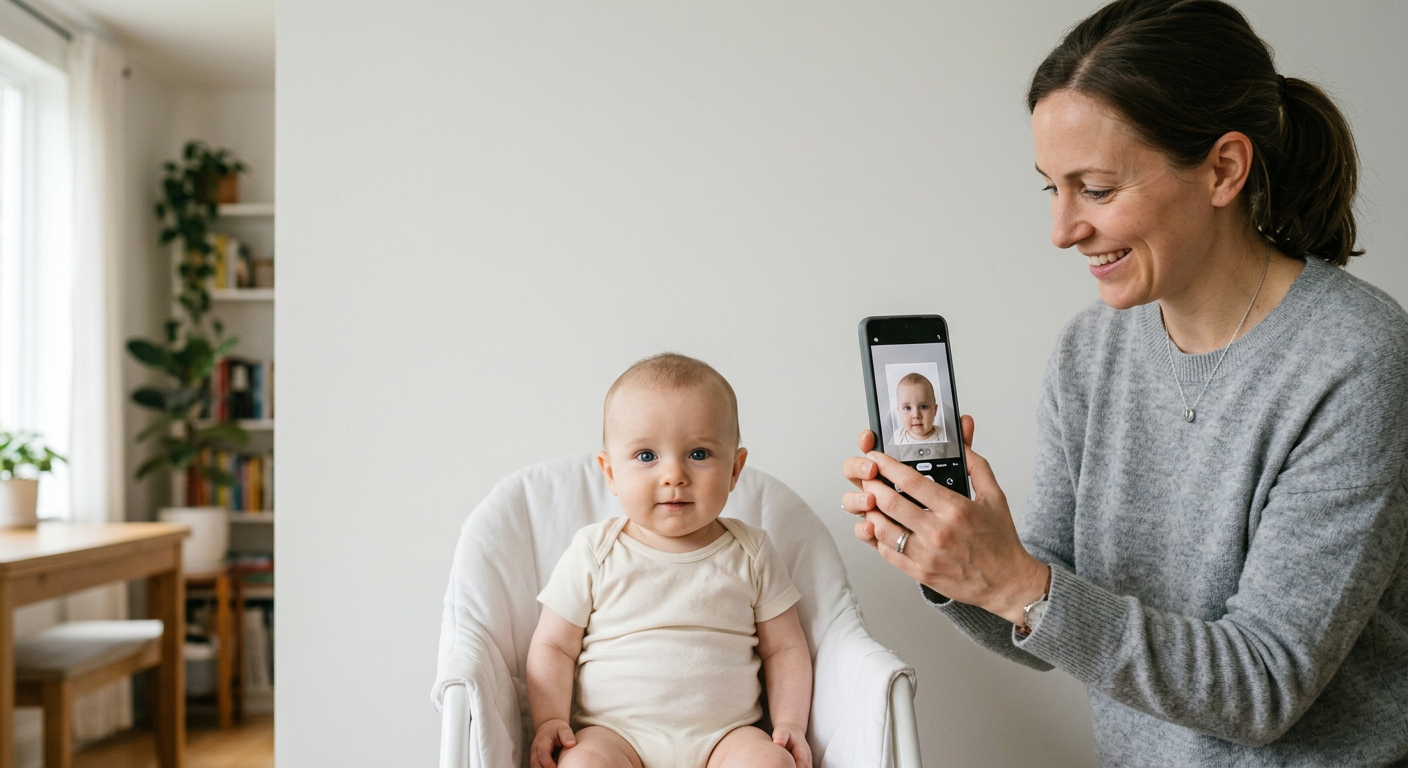
Creating compliant travel documents has moved away from the inconvenience of visiting physical photo studios. With modern high-resolution smartphones, parents and travelers can now generate government-compliant images at home. Using dedicated digital tools ensures that the final file meets the precise biometric standards required by various international authorities, saving both time and the logistical frustration of managing infants during professional photo sessions.

Quick Summary
Digital tools for creating passport photos online allow users to capture, crop, and format images to meet strict biometric requirements using a smartphone. These services leverage automated algorithms to handle background removal, lighting correction, and precise dimension scaling, ensuring that submitted files adhere to official government standards for passports and visas.
- Automated background removal for clean, white, or light-colored backdrops.
- Precise cropping to meet specific country-wide pixel or millimeter dimensions.
- AI-driven facial centering to ensure eye line and head size are compliant.
- Instant digital delivery for printing or online submission.
Table of Contents
- 7 Best Tools for Getting Passport Photos Online in 2026
- Quick Summary
- Table of Contents
- Comparing Passport Photo Tools
- 123PassportPhoto
- Passport Photo Online
- Smartphone iD
- PhotoGov
- 7ID
- MakePassportPhoto
- PhotoBooth Online
- Buying Guide: Choosing the Right Service
- FAQ
- Recommended Reads
Comparing Passport Photo Tools
| Tool | Primary Focus | Best For | Verification |
|---|---|---|---|
| 123PassportPhoto | Template matching | Quick formatting | User-driven |
| Passport Photo Online | AI + Human check | High accuracy | Hybrid |
| Smartphone iD | Mobile-first UX | Australian users | AI + Human |
| PhotoGov | Free browser utility | Budget users | User-driven |
| 7ID | Crop and resize | App-based speed | Automated |
| MakePassportPhoto | Versatile templates | Multiple visas | User-driven |
| PhotoBooth Online | Simple interface | Basic cropping | User-driven |
123PassportPhoto
123PassportPhoto is an online tool designed to convert standard photos into compliant passport imagery. Users upload their images, and the service provides tools to adjust the alignment according to specific national requirements.
- Pros: Very straightforward interface; handles various international sizing standards.
- Cons: Relies heavily on the user to ensure the initial photo has adequate lighting and positioning.
Passport Photo Online
Passport Photo Online utilizes a combination of AI processing and human review to ensure that images meet official criteria. This dual approach is intended to reduce the risk of application rejection due to technical non-compliance.
- Pros: Adds a layer of human oversight to the AI output; supports both app and web platforms.
- Cons: Can be more feature-heavy than necessary for simple tasks.
Smartphone iD
Smartphone iD is a mobile-focused application tailored specifically for the Australian market. It integrates AI and human verification to help users create photos that meet the strict standards required by government authorities.
- Pros: Optimized for smartphone cameras; specifically targets Australian compliance criteria.
- Cons: Requires mobile app installation rather than browser-only usage.
PhotoGov
PhotoGov is a browser-based utility that focuses on accessibility. It allows users to process images to meet technical standards at no cost, making it an option for those who already have a high-quality photo and just need proper formatting.
- Pros: Accessible directly via web browser; free to use for basic formatting.
- Cons: Limited in terms of advanced AI verification compared to paid services.
7ID
7ID is an application available on both iPhone and Android platforms. It allows for quick cropping and adjustment of photos for various official document requirements.
- Pros: Intuitive mobile interface; fast processing times for quick adjustments.
- Cons: Primarily a utility for cropping; lacks the comprehensive review steps found in hybrid AI/human services.
MakePassportPhoto
MakePassportPhoto provides an online generator that offers templates for many countries. This is useful for individuals needing specialized visa photos alongside standard passport photos.
- Pros: Excellent for diverse international visa requirements; templates simplify the setup process.
- Cons: Requires careful user monitoring to ensure the final output remains within the lines.
PhotoBooth Online
PhotoBooth Online is a streamlined web service for those who need a simple, no-frills crop and adjustment tool to get their photos ready for submission.
- Pros: No complex account registration required; focus on utility and speed.
- Cons: Less automation for background removal compared to newer AI-driven competitors.
Buying Guide: Choosing the Right Service
When selecting a tool for passport photos online, consider the complexity of your requirements. If you are handling a US baby passport photo, you need a service that excels in AI-driven facial centering and background removal, as infants move frequently during capture.
Look for tools that offer clear guidance on lighting and shadow management, as poor lighting is the most common cause of application rejection. Additionally, verify if the tool explicitly states it supports the specific dimensions required for your destination, as UK baby passport photo standards differ significantly from those in other regions. Prioritize services that offer an explicit check of your final file against biometric requirements rather than just a simple crop tool.
FAQ
Are online passport photo generators reliable? Yes, provided the service utilizes AI to verify biometric parameters like head size, eye position, and background uniformity. Always check if the output file is guaranteed to meet government standards.
Do I need a professional camera to use these tools? Most modern smartphones are sufficient. The quality depends more on lighting and clear, neutral backgrounds than on the specific sensor of the camera.
Can I use these tools for infants? Yes, but it is often more difficult. Ensure you have a plain, light-colored background and try to take the photo during a time when the baby is calm and alert.