Digital Code for UK Baby Passport Photos Online
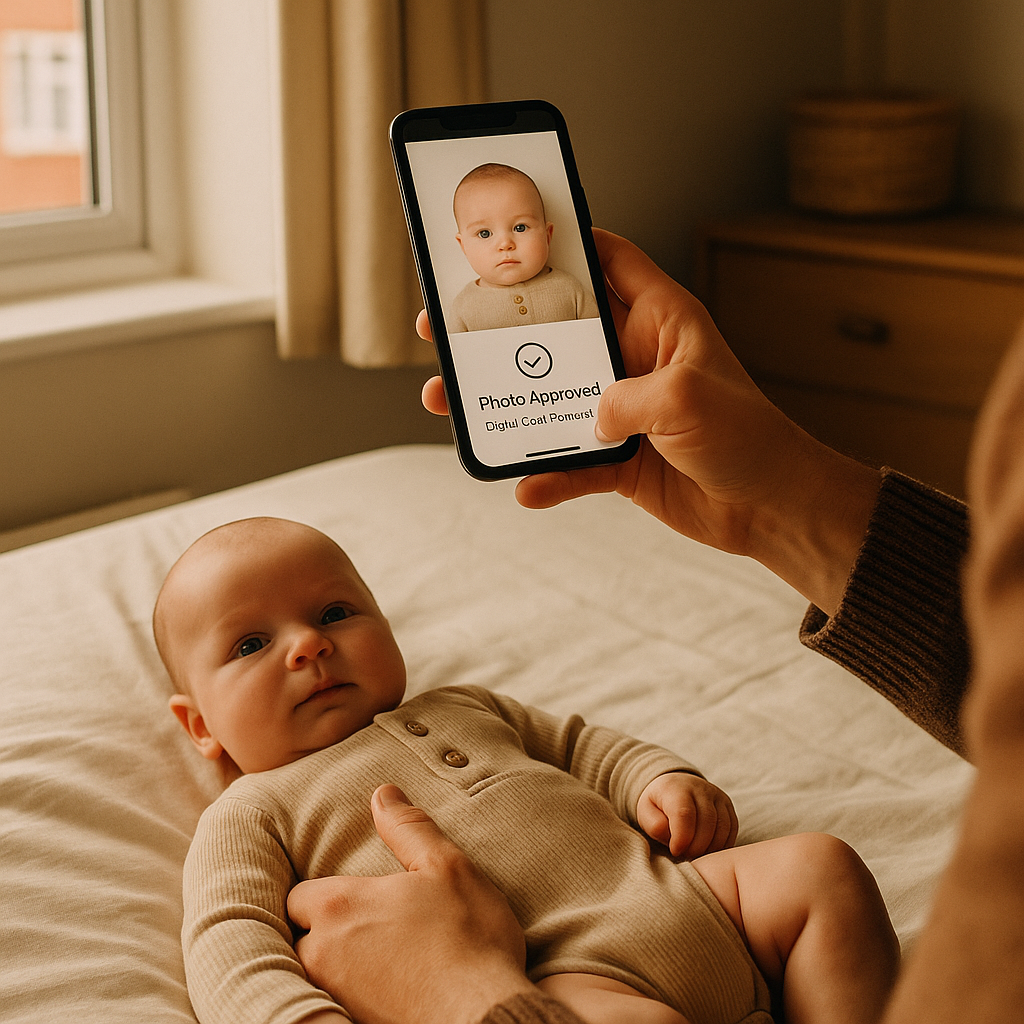
There’s something oddly intimidating about applying for a baby’s first passport. The forms. The rules. The photo requirements that seem simple - until they’re not. And then comes the phrase that trips most parents up: digital code for UK baby passport photos. What is it? Where does it come from? And why does it feel like one wrong click could delay everything? Let’s break it down in plain English. ## What Is a Digital Code for a UK Baby Passport? A digital code is essentially a unique reference number linked to a compliant passport photo stored online. Instead of printing and mailing physical pictures, parents enter this code during the application process. The passport office then retrieves the image directly. Sounds simple, right? It is - when it’s done correctly. The UK government introduced digital photo codes to streamline passport applications. No more damaged prints. No more rejected photos because lighting was slightly off. No more guessing whether the baby’s eyes were open enough. But here’s the catch: the image must meet very specific UK passport photo rules. And babies? They don’t exactly follow instructions. ## Why Baby Passport Photos Are a Different Game Taking a passport picture of an adult is straightforward. Sit still. Neutral expression. Done. A baby, on the other hand, treats photo time like an improv performance. They wriggle. Blink. Smile at the wrong moment. Or stare into space like they’re contemplating the meaning of life. UK guidelines require that: - The baby faces forward - Eyes are open and visible - No shadows across the face - Plain light background - No hands or objects in the frame That last one? Tricky. Especially when a parent’s hand is secretly supporting the head just outside the camera view. Getting this right at home can feel like trying to photograph a cloud. Technically possible. Frustrating in practice. ## How the Digital Code System Works Here’s the process in simple steps: ### 1. Take or Upload a Photo Parents either take the picture themselves or use an online passport photo service. ### 2. Photo Gets Checked for Compliance The image must meet official UK passport photo requirements. Some services use AI validation combined with manual review. ### 3. Receive a Digital Code Once approved, a unique code is generated. ### 4. Enter the Code During Application While completing the baby’s passport application online, parents enter the code instead of uploading a new photo. The passport office pulls the approved image directly from the system. Clean. Efficient. Paper-free. When it works. ## Why Parents Choose Online Digital Code Services If you ask most parents, they don’t want to spend an afternoon dragging a newborn to a photo booth inside a supermarket. They want convenience. Online services like BabyPassportMaker.com provide a way to upload or take a baby’s photo at home and receive a compliant digital code quickly. The process typically includes: - Automated compliance checks - Background adjustments - Cropping to exact UK passport dimensions - Code delivery for online application use Honestly, the appeal is obvious. It saves time. It reduces stress. And it removes that lingering doubt - “Will this get rejected?” ## The Biggest Mistakes Parents Make Let’s be blunt. Most rejections happen because of small details. Not dramatic errors. Just tiny, technical ones. ### Common Baby Passport Photo Errors: 1. Shadow under the chin 2. Uneven lighting on one side of the face 3. Background that looks white but isn’t pure light grey or cream 4. Baby looking slightly sideways 5. Parent’s fingers barely visible at the edge That last one catches people off guard. You might not notice it until it’s too late. And once rejected? The process resets. Time lost. Travel plans delayed. No one wants that. ## Can You Take the Baby Passport Photo Yourself? Yes. Absolutely. Should you? That depends on patience levels. Technically, parents can take the image using a smartphone. Modern cameras are more than capable. The real challenge isn’t resolution - it’s compliance. Lighting must be even. No red-eye. No harsh shadows. The baby’s head must be centered with the correct space above it. Imagine trying to align a moving target while adjusting blinds for natural light. That’s the vibe. Some parents manage it on the first try. Others spend two hours and end up ordering takeaway out of exhaustion. ## Why the Digital Code Is Better Than Printed Photos Printed passport photos feel old-school now. They can crease. Smudge. Get lost in the post. Digital codes eliminate that risk entirely. The image stays in a secure system and connects directly to the application. It’s cleaner and faster. Here’s why many prefer the digital option: - No physical handling - Instant delivery via email - Direct integration with UK passport system - Reduced chance of postal delays It’s the difference between mailing a letter and sending an email. Both work. One is just… smoother. ## What Makes a Photo Truly UK Compliant? The UK has strict biometric standards. And babies aren’t exempt. ### Key Requirements Include: - Head occupies 70 - 80% of the frame - Neutral expression (no wide smiles) - Mouth closed - Eyes open and visible - No hats or head coverings (unless religious/medical) For infants under one year, slight relaxation is allowed. But not much. This is where professional online services earn their keep. They adjust brightness, remove minor background inconsistencies, and ensure proper framing. Because guessing isn’t a strategy. ## Is It Safe to Use an Online Passport Photo Service? This question pops up a lot. Parents want to know their baby’s image isn’t floating around the internet. Reputable platforms use secure upload systems and delete photos after a set period. They generate the digital code required for the passport office and nothing more. Still, it’s wise to: - Check privacy policies - Ensure secure HTTPS connection - Avoid unknown, unreviewed sites Trust matters. Especially when it involves a child’s identity document. ## Step-by-Step: Getting a Digital Code Today For anyone feeling overwhelmed, here’s a simplified action plan. ### Step 1: Choose a Reliable Online Service Look for one that specializes in UK passport photo digital codes. ### Step 2: Take the Photo in Natural Daylight Lay the baby on a plain sheet or position them upright with proper support. ### Step 3: Upload the Image Ensure it’s clear and unedited before submission. ### Step 4: Wait for Verification This usually takes minutes to a few hours. ### Step 5: Receive Your Digital Code Enter it during the online passport application. That’s it. No printing. No photo booth. No guessing. ## Final Thoughts on UK Baby Passport Digital Codes Applying for a baby passport doesn’t have to feel like decoding a secret language. The digital code system is actually one of the smoother parts of the process - when understood. Parents who use online tools designed specifically for UK passport standards often avoid the most common pitfalls. They gain speed. Convenience. And peace of mind. Because let’s face it - there are already enough moving parts when traveling with a baby. The photo shouldn’t be the thing that causes chaos. A compliant image. A valid digital code. A submitted application. Simple steps. Big relief. And that first tiny passport arriving in the post? Worth every minute spent getting it right.