Free Online Passport Photo Tools: Are They Safe?
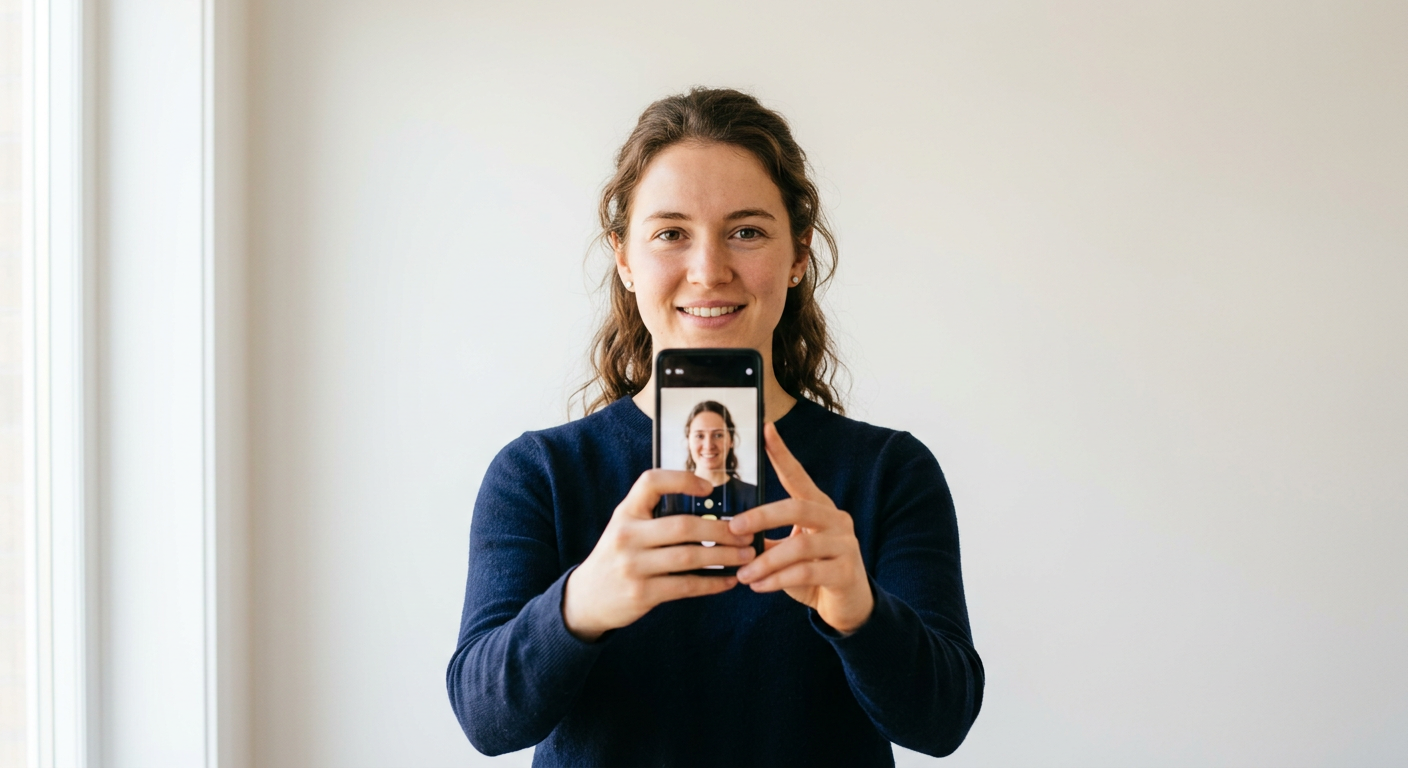
We have all been there. You are staring at an upcoming trip, panic setting in because your passport is expired. Suddenly, you stumble upon a site promising a free passport photo online in mere seconds. It sounds like a total lifesaver, right? But before you upload your most precious biometric data to a random corner of the internet, it is worth pausing to think about what is actually happening behind the curtain.
Quick Summary
Free online passport photo services allow users to crop and format images to meet official government standards without professional equipment. While convenient and cost-effective, they pose risks regarding data privacy and image compliance. Users must verify the tool's security protocols and ensure the output meets strict government requirements before submission.
- Privacy: Most free sites monetize user data.
- Compliance: Many tools fail to meet specific biometric criteria.
- Safety: Always check if the site uses encrypted uploads.
Table of Contents
- Quick Summary
- The Appeal of Free Passport Photo Online Tools
- Risks Associated With Free Online Passport Photo Services
- Best Practices for Online Passport Size Photo Editing

The Appeal of Free Passport Photo Online Tools
Let’s be real for a second. Nobody actually enjoys trekking to a pharmacy or a post office just to have a bored clerk take an unflattering picture of them under harsh fluorescent lights. If you ask me, the ability to snap a high-quality photo at home using your own smartphone is a game-changer. It is fast, it is cheap, and it allows you to get the lighting just right. If you need specific guidance, you can always check out a professional guide for US baby passport photos to see how pros handle the setup.
When you use a site that lets you generate a passport photo online free, you are effectively trading a bit of time for a lot of convenience. But is the convenience worth the potential headache of a rejected application? Governments are notoriously picky about shadows, background consistency, and head positioning. If the tool is just a basic image cropper, you might find yourself doing more work than if you had just visited a professional in the first place.
Why People Choose Free Tools
- Cost savings: Why pay money when the technology seems available for nothing?
- Speed: No appointments or waiting in lines.
- Control: Retake the photo as many times as you like until you look human.
Risks Associated With Free Online Passport Photo Services
Here is a hot take: in the digital age, if you are not paying for the product, you are often the product. Many free websites aren't just doing charity work. They are often harvesting metadata or, worse, building databases of facial recognition points. It is a bit unsettling when you consider how sensitive passport data actually is. You can read up on the importance of maintaining your privacy and data security here to understand what you should be looking for in a reputable service.
The Data Privacy Trap
Honestly, I believe most people ignore the terms of service. Most of these free generators store your image on a server somewhere. Does that server have military-grade encryption? Probably not. If a site doesn't explicitly state that they delete your image immediately after download, treat it with extreme caution. Your biometric identity is one of the few things you cannot change if it gets leaked. Don't risk it for the sake of saving a few bucks.
Best Practices for Online Passport Size Photo Editing
If you are determined to use a free online passport photo service, you have to be smart about it. Not all tools are built with the same level of integrity. Some are just simple, honest utilities meant to help people out, while others are essentially data-mining operations. To stay safe, look for platforms that offer comprehensive help and support resources rather than just a "get it free" landing page. Those sites usually have a reputation to maintain.
Checklist for Safe Use
- Check for HTTPS: If the browser shows a "not secure" warning, close the tab immediately.
- Read the fine print: Does the site claim ownership of your uploaded photos?
- Test with a placeholder: Does it work correctly, or is it just trying to get you to download malware?
- Use reliable sources: Stick to platforms that clearly define their terms of service and usage policies so you know exactly where your data ends up.
Ultimately, there is no replacement for common sense. If a site feels fishy, it probably is. Keep your digital life locked down, and don't give away your identity just to save a ten-dollar fee at the post office. It is your passport, after all. Treat it with the respect it deserves.