Passport Size Photo Officeworks vs. DIY Options
Getting your documents ready for international travel is usually a massive headache, especially when you realize your current identification photos are older than your favorite pair of sneakers. Whether you are hunting for a passport size photo Officeworks service or trying to figure out how to snap your own, the process can feel like a game of high-stakes limbo. You want to save money, but you also definitely do not want your application rejected for a lighting error or a slightly skewed head tilt.
Quick Summary
Choosing between professional services and DIY methods for your passport photos depends on your budget and technical comfort. Officeworks and Australia Post provide guaranteed compliance for a fee, while DIY options using digital tools offer cost savings and convenience if you follow strict government requirements for lighting and resolution.
- Professional services offer peace of mind with compliance guarantees.
- DIY solutions save money but require careful adherence to light standards.
- Digital uploads are becoming the new standard for modern applications.
Table of Contents
- Passport size photo Officeworks services
- Australia Post digital passport photo options
- DIY digital passport photos Australia
- Using passport photo 123 apps
- FAQ
- Recommended Reads

Passport size photo Officeworks services
If you ask me, walking into a store and having someone else handle the technical heavy lifting is the ultimate luxury. When looking for a passport size photo Officeworks location, you are essentially paying for their equipment and their assurance that the photo will actually pass muster with the passport office.
Benefits of in-store printing
It is simple - you show up, you stand in front of the white backdrop, and they take care of the rest. There is a certain comfort in knowing that if the first shot looks like a blurry mess, they will just take another one. Many people prefer this because, honestly, who has time to stress about shadows on their own wall at home? It acts as a safety net. If you are preparing an official guide for Australian baby passport photos, these services often prove to be worth every cent just to avoid the hassle of a rejected application.
Australia Post digital passport photo options
For most Aussies, the local post office is the gold standard for identity verification. The Australia Post digital passport photo system is integrated directly into their processing centers. You walk in, take the photo, and they link it to your application form. It is seamless.
Why choose the post office?
They have the specific lighting rigs and software calibrated for the exact dimensions required by the government. Plus, since they are the ones likely processing your actual application, the integration is tight. You won't have to worry about file formats or DPI settings - they handle the technical jargon for you. If you are just starting your travel research, check out our comprehensive digital passport guidance to see how these requirements stack up against international standards.
DIY digital passport photos Australia
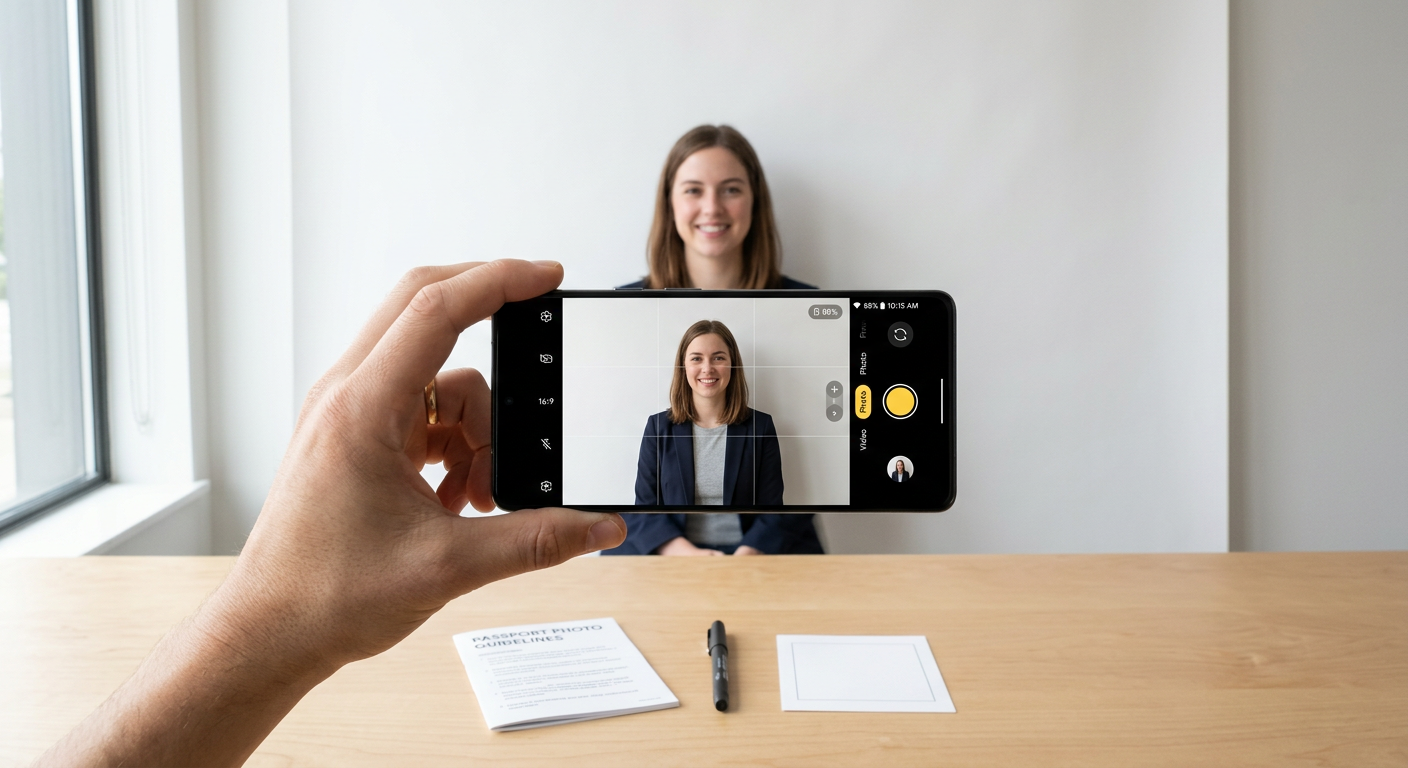
Now, here is a hot take: you can absolutely do this yourself if you have a decent smartphone and a blank white wall. DIY digital passport photos Australia have become increasingly popular as phone cameras have gotten sharper than a tack. The catch? You have to be meticulous.
Essential tips for success
- Use natural, front-facing light to avoid shadows on your face.
- Keep a neutral expression - no wide, toothy grins allowed.
- Ensure the background is plain white or off-white with no distractions.
- Maintain a steady distance to keep the focus sharp.
It sounds simple, right? Just keep in mind that the government is notoriously picky about facial geometry. One wrong tilt and that application is going straight into the 'denied' pile. If you feel like your project is becoming too complex, remember that you can always contact our support team to help troubleshoot your specific needs.
Using passport photo 123 apps
There are tons of apps out there that claim to automate this process. Using a tool like a passport photo 123 app can be a massive time-saver, as these programs are usually designed to automatically crop and format your images to the correct specifications. It is essentially like having a professional editor in your pocket. Just be sure to read the privacy policy before uploading your sensitive identity information to any third-party service. It is just smart practice in the digital age.
FAQ
Are DIY passport photos really accepted?
Yes, as long as they meet the exact specifications set by the Department of Foreign Affairs and Trade (DFAT).
Does Officeworks provide digital files?
Most locations provide both printed copies and a digital file on a USB or via email, but it is always best to check with your specific branch.
What is the most common reason for rejection?
Poor lighting that creates shadows behind the head or on the face, followed by incorrect head positioning or expressions.