Professional Passport Photo Services vs DIY Apps: How to Choose in 2026
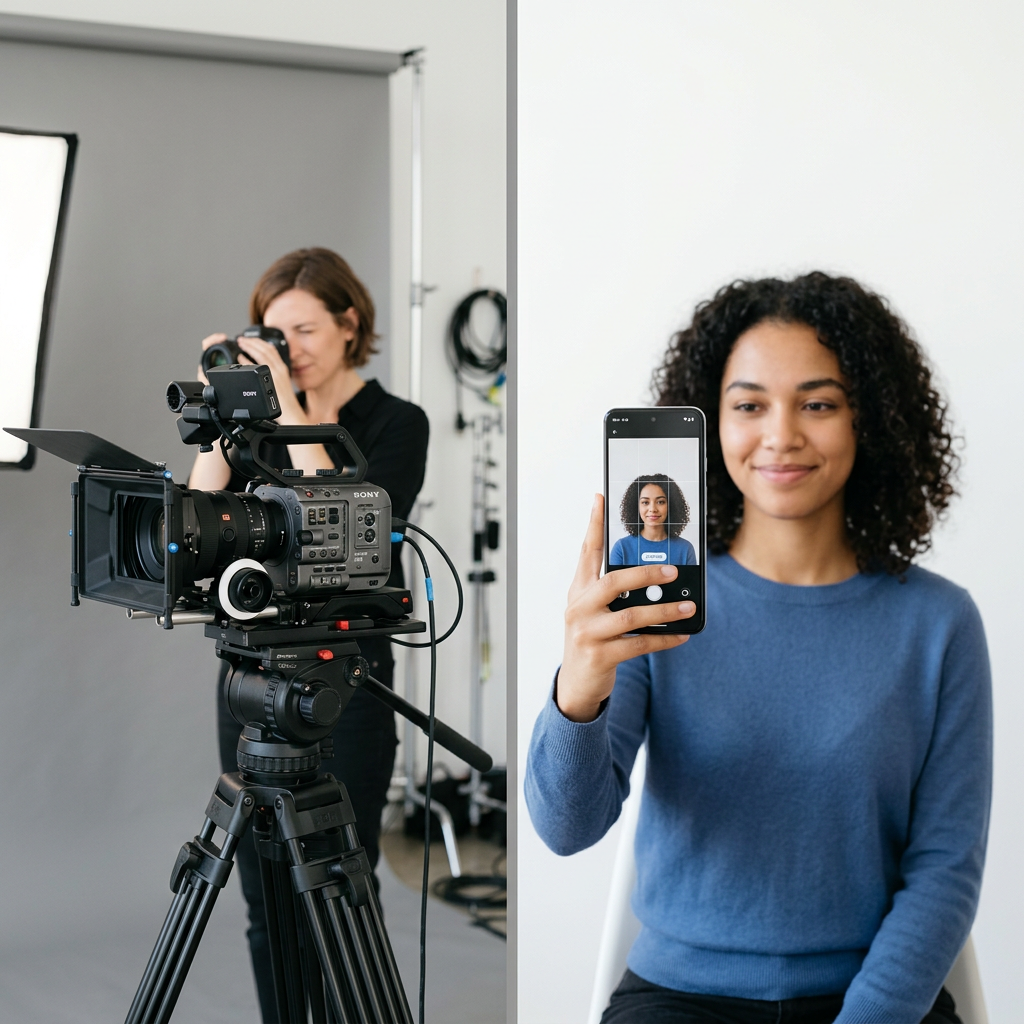
Securing a compliant professional passport photo is the most common point of failure for travel document applications. With strict biometric requirements imposed by government agencies worldwide, applicants must choose between the convenience of a modern passport photo id maker or the reliability of established physical photography studios. Understanding the nuances of lighting, background uniformity, and facial expression requirements is essential before you head out to various photo passport locations to ensure your documentation is accepted without delay.
Quick Summary
Selecting the right method for your identification photos involves balancing technical compliance with convenience. While professional services offer peace of mind through expert lighting and framing, mobile applications provide cost-effective solutions for those who understand the specific biometric standards of their country.
- Professional studios ensure full compliance with complex biometric facial recognition standards.
- DIY passport photo apps offer instant, affordable access 24/7 from home.
- Proper lighting and neutral backgrounds remain the primary factors for approval.
- Choosing between methods depends on your budget and urgency.
Table of Contents
- Quick Summary
- Comparison of Passport Photo Categories
- Professional Studio Services
- Retail and Pharmacy Locations
- DIY Mobile Passport Photo Apps
- How to Choose Your Passport Photo Method
- FAQ
- Recommended Reads

Comparison of Passport Photo Categories
| Category | Features | Pros | Cons | Target Audience |
|---|---|---|---|---|
| Professional Studio | Studio lights, expert editing | High success rate | Expensive | High-stakes applications |
| Retail/Pharmacy | Quick walk-in service | Accessible, cheap | Variable quality | General travelers |
| DIY Apps | Mobile-based processing | Cost-effective, fast | High user effort | Budget-conscious users |
Professional Studio Services
Professional photography studios remain the gold standard for those who cannot afford a rejected application. When you opt for a professional passport photo, you are paying for the expertise of a technician who understands how to manage shadows, glare, and head positioning, which are common reasons for rejection by government authorities. If you are preparing for a specific visa application, you can consult our general guidance resources to ensure you meet all secondary requirements.
These providers often utilize high-resolution lighting rigs that eliminate the subtle shadows behind the ears or neck that often trip up automated scanning systems. The primary advantage is the "do-over" guarantee; most studios will retake the shot immediately if the first attempt is unsatisfactory, saving you the stress of potential rejection notices months down the line.
- Pros: Expert lighting and framing; reduced risk of rejection; professional post-processing.
- Cons: Higher cost per set of photos; requires an appointment or travel time.
Retail and Pharmacy Locations
Retail chains and pharmacies are the most common passport photo places for the average traveler. These locations use standardized kiosks or basic camera setups that are calibrated to meet specific regional requirements, such as those for a US baby passport photo. They represent a middle ground between high-end professional studios and DIY solutions, offering decent quality at a competitive price.
While convenient, the quality at these locations can vary significantly depending on the experience of the staff member on duty. A clerk who is busy with store operations may not prioritize the fine-tuning of your head angle or shadow positioning, so it is always wise to inspect the printed results carefully before leaving the store premises.
- Pros: Highly accessible; quick turnaround time; affordable pricing.
- Cons: Inconsistent service quality; potential for long wait times; limited ability to retake photos.
DIY Mobile Passport Photo Apps
Using a passport photo id maker app has become the preferred choice for tech-savvy travelers. These platforms use intelligent algorithms to detect facial features, ensure the background is sufficiently light, and crop the image to the exact dimensions required for your specific country. For example, if you need a UK baby passport photo, these apps can often adjust the aspect ratio automatically, ensuring compliance with strict international regulations.
For those who prefer a home-based approach, it is vital to use natural light facing a window and a plain white background. The best apps will provide real-time feedback on your facial expression and positioning, ensuring your submission doesn't get flagged during the initial digital intake process. If you encounter issues during this process, feel free to contact our team for troubleshooting advice.
- Pros: Extreme convenience; significant cost savings; allows multiple retakes until perfect.
- Cons: Requires a reliable camera and good ambient light; no professional guidance if you are unsure about compliance.
How to Choose Your Passport Photo Method
When selecting your provider, consider the complexity of your application. If you are submitting documentation for an infant or a child, where strict adherence to eye-contact and mouth-position rules is non-negotiable, a professional service is often worth the extra investment. Complex lighting setups in professional environments prevent the "washed out" look often seen in amateur snapshots.
Conversely, for standard adult renewals, a high-quality app often suffices. Always check the official government specifications regarding "biometric" standards, which dictate parameters like head-to-chin height and allowable color balance. If you are traveling frequently, keep a digital copy of your compliant photo stored securely to avoid the need for recurring trips to photo passport locations.
FAQ
- Do digital passport photos need to be printed? It depends on your country's application process; many now accept digital uploads, but some still mandate high-quality physical prints on matte photo paper.
- Can I smile in my passport photo? Generally, government agencies require a neutral expression with a closed mouth; smiling often leads to rejected applications because it alters facial recognition landmarks.
- Why are photos rejected? Most rejections stem from shadows on the face, improper head tilt, glasses creating glare, or an incorrectly sized background.