Best Passport Photos Online 2026: Mobile Apps and Digital Tools Compared
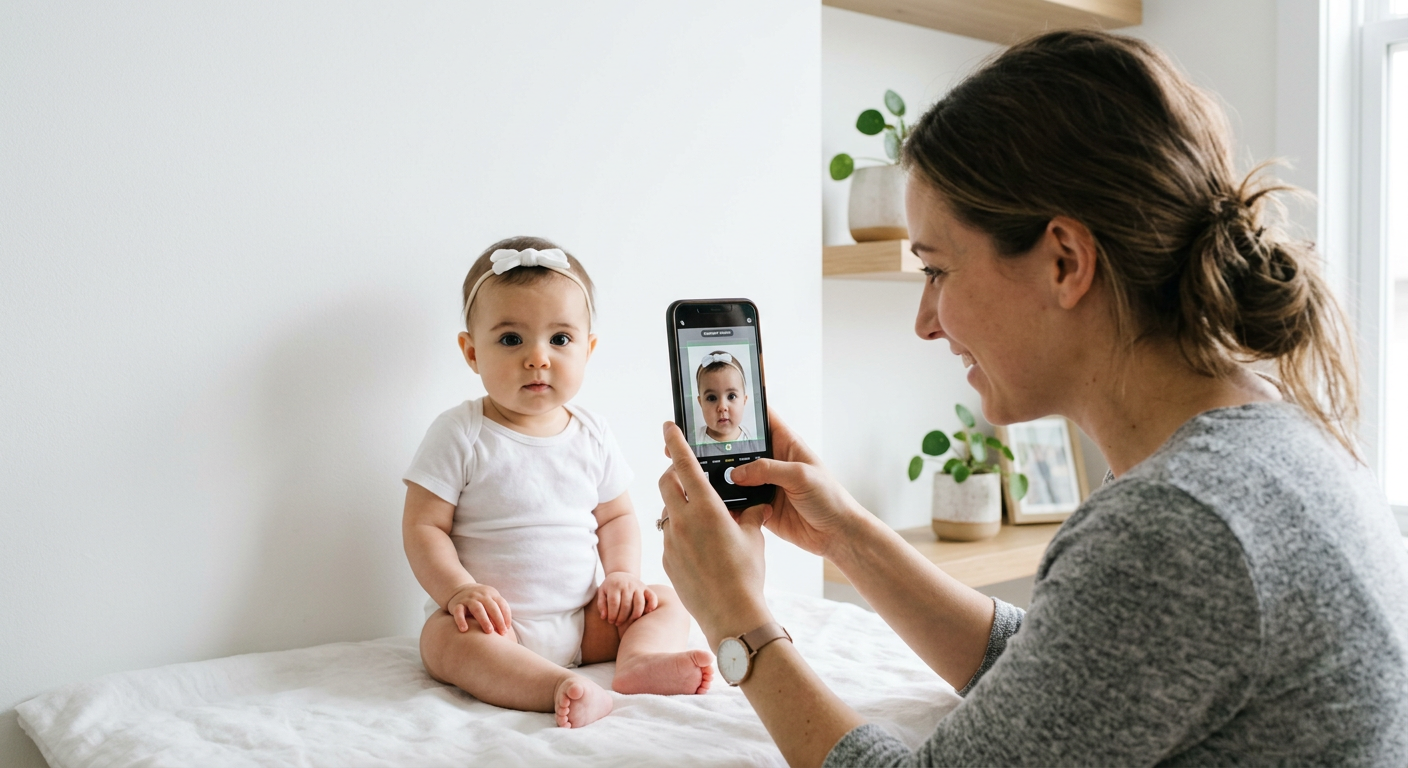
Creating government-compliant travel documents from home has become the standard for modern families. With the rise of advanced image processing technology, obtaining passport photos online is no longer a task requiring a professional studio visit, which is particularly beneficial for parents dealing with infants or those with limited time. By utilizing specialized software, users can ensure their photos meet stringent international standards for lighting, background, and facial proportions.

Quick Summary
This guide reviews the top digital tools for generating professional-grade travel documents from home. These platforms use automated algorithms to crop, resize, and adjust backgrounds to meet global government criteria.
- Time efficiency: Generate compliant images in under 60 seconds.
- Cost savings: Avoid the high fees of traditional photography services.
- Global compliance: Access specific templates for international visa and passport requirements.
- Convenience: Easily capture and format photos using a standard smartphone.
Table of Contents
- Comparison Table of Passport Photo Services
- AI-Driven Mobile Applications
- Web-Based Automated Formatting Tools
- Local Printing and Kiosk Integration
- How to Choose the Right Passport Photo Solution
- FAQ
- Recommended Reads
Comparison Table of Passport Photo Services
| Category | Key Features | Pros | Cons | Best For |
|---|---|---|---|---|
| AI Mobile Apps | Automated background removal, head centering | High convenience, portable | Limited manual control | Busy parents, mobile users |
| Web-Based Tools | Browser-based, no app install required | Accessible on any device | Variable image quality | Desktop users, quick tasks |
| Studio-Integrated Services | Digital export to local kiosks | High acceptance rates | Often requires a trip to a store | Users needing physical prints |
AI-Driven Mobile Applications
Mobile applications have revolutionized the process of taking infant passport photos by providing real-time feedback on alignment and lighting. These apps leverage deep learning to identify facial landmarks, ensuring the head size remains within the required 25-35 mm range mandated by many passport offices.
By processing images on a smartphone, users can iterate quickly until the perfect shot is captured. This is significantly more efficient than a physical studio appointment, where the infant's cooperation is often limited to a very small window of time. These applications frequently provide automatic background removal, which is a critical requirement for government compliant images across almost all jurisdictions.
Web-Based Automated Formatting Tools
For those who prefer not to download software, web-based platforms offer a streamlined alternative. These browser-based solutions act as an AI passport photo generator, allowing users to upload a high-resolution smartphone photo and receive a formatted file instantly. This is particularly useful for travelers needing specific visa photo formatting that differs from standard passport dimensions.
These platforms often feature specific templates for different countries, including Australian baby passport photo standards or requirements for the UK baby passport photo. Because these tools are cloud-based, they can easily maintain updated compliance databases, ensuring that even if a government changes a specific margin requirement, the output remains valid.
Local Printing and Kiosk Integration
Once a digital file is ready, the final step involves converting that file into a physical document. Many users find it most convenient to use a baby passport photo service that exports files optimized for home printers or local retail kiosks. This allows for a hybrid workflow where the technical compliance is handled by the AI software, while the printing is done at a low cost.
It is essential to check if your chosen tool provides high-resolution 600 dpi files. Without sufficient resolution, a photograph may be rejected by customs officials regardless of the cropping accuracy. When using a US baby passport photo digital tool, ensure the final export matches the mandatory 51x51 mm (2x2 inch) size.
How to Choose the Right Passport Photo Solution
Selecting the best tool depends on your technical comfort and the urgency of your application. While many search for a free online passport photo solution, it is important to verify that the service actually guarantees compliance. A truly useful passport photo online free trial should offer the ability to preview the image alignment before payment.
Look for services that offer a refund policy if the government rejects your submission. Because rules for passport photos online can vary, having an automated service that keeps track of the latest legislative updates provides significant peace of mind. Prioritize tools that provide clear, step-by-step instructions for posing, especially when working with infants.
FAQ
- Can I take a passport photo at home? Yes, as long as you have a plain, well-lit background and follow the specific dimensions required by your country's passport authority.
- Are apps better than professionals? Apps are generally more convenient and cost-effective, though professional studios may be preferred by those who find the technical aspects of digital formatting challenging.
- What should I look for in a passport photo app? Look for features like automated background removal, head size validation, and a money-back guarantee for compliance issues.
- Do I need special equipment? A modern smartphone with a high-resolution camera and good ambient lighting is usually sufficient to produce a high-quality, compliant image.