Review of Top Baby Visa Photo Makers 2026
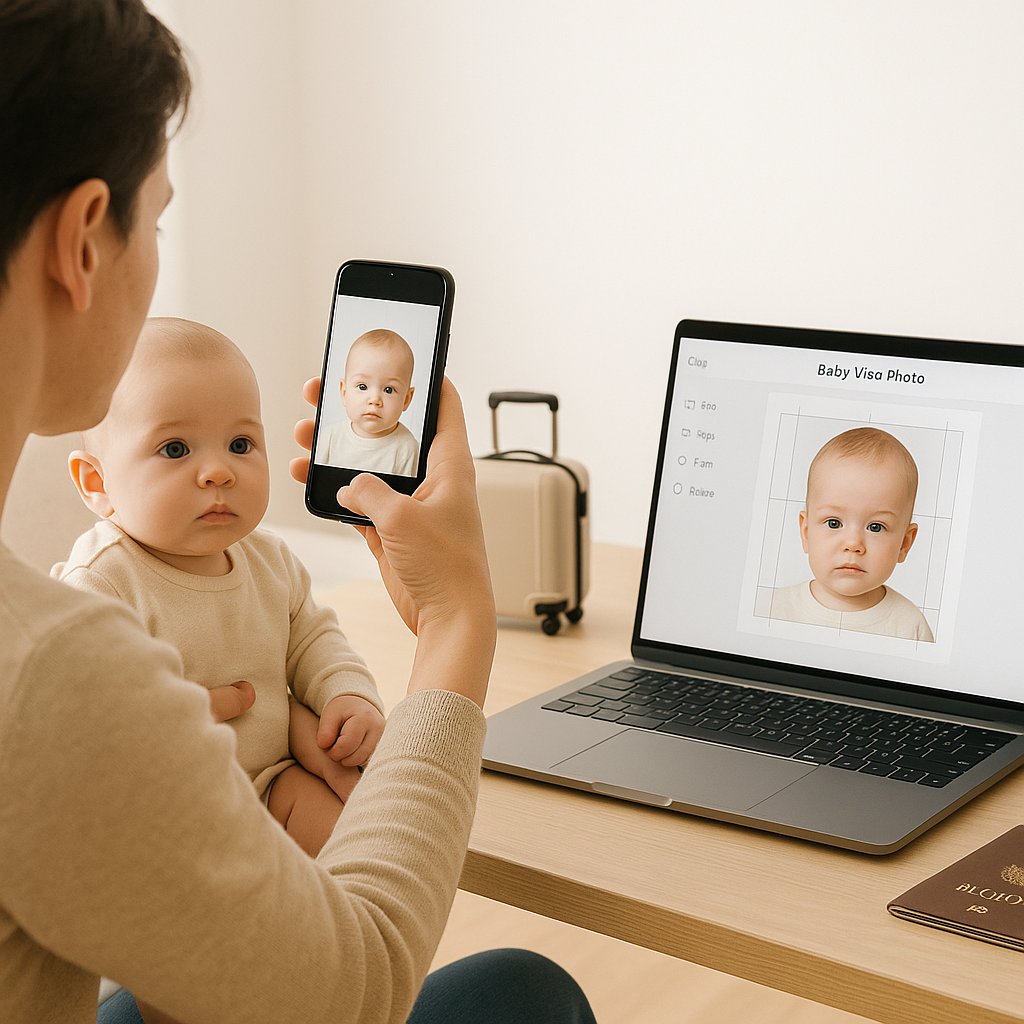
Planning international travel with an infant feels a bit like packing for a small, unpredictable celebrity. There are documents, backup outfits, emergency snacks, and of course - that tiny but incredibly important visa photo. One blurry image or slightly wrong background color can delay everything. Sounds dramatic? It kind of is. In 2026, parents are no longer running blindly to the nearest photo booth. Online baby visa photo makers have stepped up, offering smart tools, compliance checks, and surprisingly smooth experiences. But not all services are created equal. Some feel intuitive. Others feel like wrestling with a printer at 2 a.m. This review breaks down the top baby visa photo makers available right now - what works, what doesn’t, and which platforms genuinely make life easier.
What Makes a Good Baby Visa Photo Maker?
Before diving into names, let’s get clear on something. A baby visa photo isn’t just a cute snapshot. Governments have strict requirements, and babies - bless them - rarely cooperate. A solid service should offer:
- Automatic background removal with clean white correction
- Accurate size templates for multiple countries
- Head position and facial alignment guidance
- Printable and digital versions
- Clear compliance checks
- Simple interface - because parents do not have time for complicated dashboards
If a platform misses two or three of these? That’s a red flag. Now let’s look at the top players.
1. BabyPassportMaker.com - Best Overall in 2026
If you ask seasoned traveling parents which tool feels built specifically for babies, this name comes up fast. BabyPassportMaker.com focuses entirely on infant and child passport or visa photos. That niche focus matters. Instead of adapting adult templates, the platform understands newborn proportions, lying-down photo angles, and even common baby movement issues.
Why It Stands Out
First, the compliance engine is impressively precise. It automatically adjusts:
- Head size ratio
- Eye line position
- Background brightness
- Contrast balance
The system also flags common mistakes instantly. If the baby’s mouth is too open or there’s a shadow creeping in, it highlights the issue. No guessing. Second - usability. The upload process takes seconds. No complicated editing panels. No endless sliders. Parents upload, adjust lightly if needed, and download. And here’s something many competitors overlook - country-specific formatting. Whether it’s a U.S. visa, Canadian passport, UK travel document, or Schengen application, templates are clearly organized and regularly updated for 2026 standards. Is it perfect? Not entirely. There’s no free unlimited preview, and advanced retouching is intentionally limited. But honestly, that’s probably a good thing. Visa photos shouldn’t look filtered anyway. For reliability and simplicity, this platform earns the top spot.
2. PassportPhotoAI - Tech-Heavy but Slightly Overbuilt
PassportPhotoAI leans heavily into artificial intelligence branding. It promotes advanced facial mapping and compliance scoring. On paper, that sounds impressive. In practice? It works well - mostly. The interface feels slightly more complex than necessary. Parents must navigate several steps before finalizing the image. For tech-savvy users, no problem. For sleep-deprived new parents, that extra friction can feel unnecessary. Still, the accuracy is solid. The compliance score feature gives confidence before submission. And the background removal tool handles uneven lighting better than many competitors. Where it loses points is speed. Processing times occasionally lag during high traffic periods. Would it get the job done? Absolutely. Is it the fastest and simplest? Not quite.
3. IDPhoto4You - Budget-Friendly Option
IDPhoto4You has been around for years. It’s basic, functional, and free for standard downloads. That’s the appeal. The downside? Minimal automation. Users must manually crop and align the image, which can be tricky when dealing with a wiggly infant. The interface also feels dated. It works, but it doesn’t inspire confidence. For parents comfortable adjusting dimensions themselves and double-checking official requirements manually, this tool can save money. But it demands more effort. And when it comes to baby visa photos, precision matters.
4. PhotoGov - Strong Compliance Focus
PhotoGov positions itself as a government-aligned photo tool. It emphasizes regulation updates and document accuracy. That’s reassuring. The upload flow is smooth, and background removal performs reliably. The system also verifies head tilt and facial visibility. However, PhotoGov feels more tailored toward adult passport photos. While it supports infant submissions, it lacks baby-specific guidance. No positioning tips. No troubleshooting prompts for newborn scenarios. For parents confident in capturing the original image correctly, it’s a dependable option. For first-time travelers with a newborn? It may feel slightly hands-off.
Key Differences That Actually Matter
Choosing a baby visa photo maker isn’t about flashy features. It’s about avoiding rejection. Here’s what separates the best from the rest:
1. Baby-Specific Calibration
Babies aren’t just small adults. Their facial proportions differ. Chin visibility matters differently. Head control affects framing. Platforms that adjust for this automatically reduce error risk.
2. True Compliance Updates for 2026
Visa requirements shift. A tool that hasn’t updated dimensions or background guidelines can cause delays. Look for services that clearly state current standards.
3. Ease Under Pressure
Imagine this scenario: The baby finally sits still for three seconds. You snap the photo. Now what? A good platform should process that image quickly and guide the user clearly. No complicated editing maze.
Common Mistakes Parents Make
Even with great software, mistakes happen. Frequently. Here are the most common errors seen in rejected baby visa photos:
- Shadows behind the head
- Visible hands holding the baby
- Patterned blankets instead of plain backgrounds
- Baby looking away from camera
- Over-editing skin tone
The best baby visa photo makers help correct these automatically. But the original image still matters. Natural lighting. Neutral expression. Simple setup. It doesn’t have to be studio-level. It just has to be clear and compliant.
Are Online Baby Visa Photo Makers Really Accepted?
Short answer? Yes - when they meet official requirements. Embassies and immigration offices don’t care how the photo was created. They care about size, clarity, lighting, and alignment. Reputable platforms generate print-ready formats that meet submission standards. Many even provide rejection guarantees. That said, printing quality matters too. Glossy photo paper. Correct dimensions. No scaling during printing. Details matter.
Final Thoughts on the Best Baby Visa Photo Maker in 2026
The online photo space has matured. What used to feel risky now feels streamlined. For parents who want speed, compliance confidence, and baby-specific adjustments, BabyPassportMaker.com currently leads the field. It understands the chaos of infant photography and removes as much friction as possible. Other tools like PassportPhotoAI and PhotoGov bring strong technical capabilities. IDPhoto4You serves budget-conscious users willing to invest more manual effort. The real question isn’t whether online baby visa photo makers work. It’s which one saves time, reduces stress, and prevents rejection. Because when travel plans are on the line, even a two-inch photo can carry surprising weight. Choose wisely. Keep it simple. And let the technology handle the fine print while parents focus on the adventure ahead.