Where to get a digital passport photo in 2026
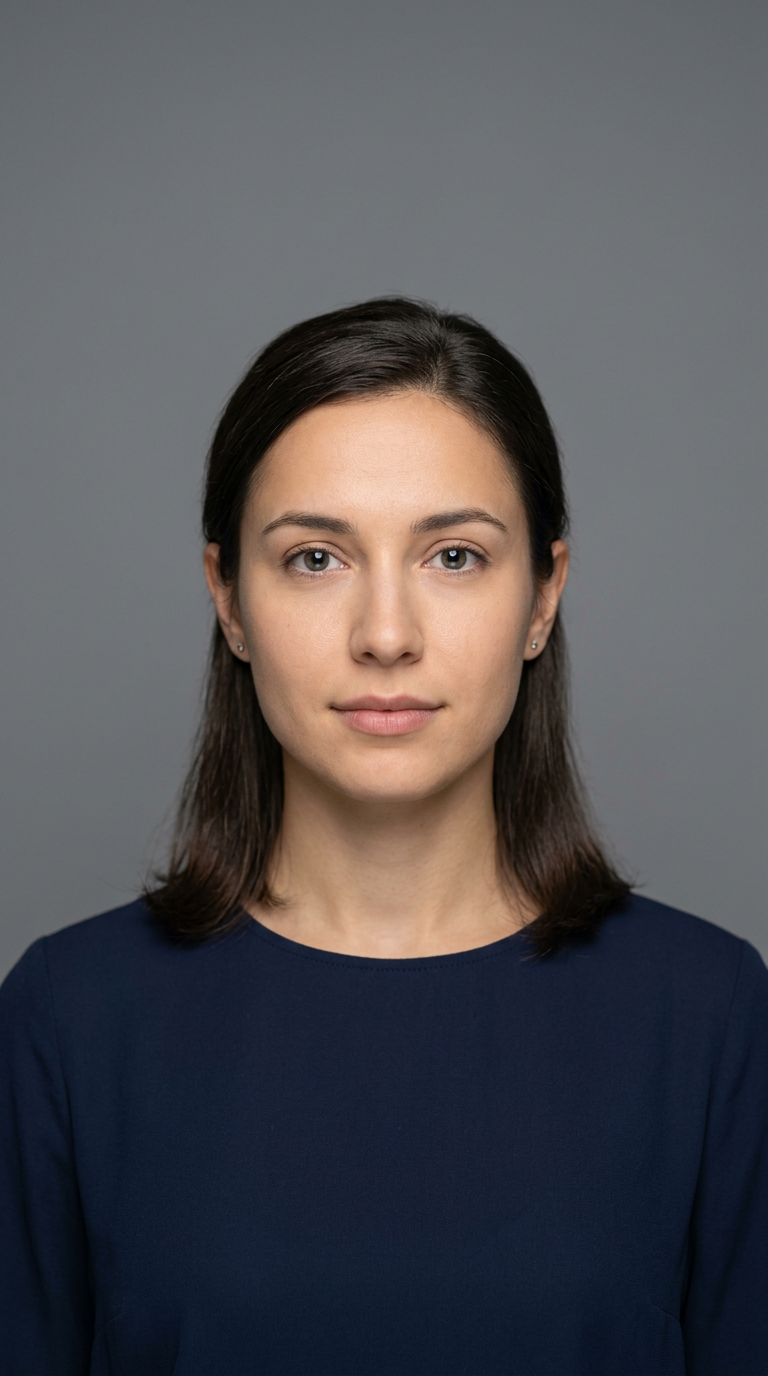
Securing a compliant passport photograph in 2026 requires navigating a landscape where physical print requirements have largely been supplanted by digital submission standards. Understanding where can i get a digital passport photo is the first step in ensuring your application proceeds without delays. Whether you are using a professional service, a specialized online tool, or preparing for a specific international requirement like a UK baby passport photo, the process relies on strict adherence to biometric standards and file formatting.
Quick Summary
Obtaining a digital passport photo involves using a high-resolution camera to capture a biometric-compliant image, then processing it to meet specific international dimension and background requirements. Most applicants now rely on specialized digital platforms to ensure proper cropping, lighting, and metadata compliance before submission to government portals.
- Capture a clear, front-facing image with neutral lighting.
- Utilize digital tools to meet official dimensions (usually 35x45mm or 2x2 inches).
- Verify file size and format (JPEG/PNG) requirements for your specific country.
- Use trusted online passport size photo services to automate validation.
Table of Contents
- Quick Summary
- Understanding Digital Compliance Standards
- Leveraging Professional Digital Services
- Step by Step - DIY Passport Photo Creation
- Common Pitfalls and Troubleshooting
- Frequently Asked Questions
- Recommended Reads

Understanding Digital Compliance Standards
Government agencies globally have moved toward stringent digital standards to accommodate facial recognition software. When deciding where do i get a digital passport photo, you must recognize that standard mobile selfies rarely pass the automated checks implemented by passport authorities. The primary requirements include a neutral facial expression, eyes open and visible, and a uniform, light-colored background. Any shadow on the face or background can lead to an immediate rejection of your application.
Beyond the composition, technical specifications are non-negotiable. Agencies typically require files to be in JPEG format, with specific pixel dimensions and a maximum file size, often between 240KB and 10MB. If you are preparing a document for an US baby passport photo or other travel documents, these technical metrics ensure that the image can be embedded into the e-passport chip. Failure to meet these criteria forces a manual review, which can add weeks to your processing time.
Leveraging Professional Digital Services
For those seeking convenience without the risk of rejection, dedicated passport photos online services provide the most reliable path. These platforms utilize AI-driven algorithms to scan your image against government compliance rules, such as head-to-frame ratios and lighting uniformity. This removes the guesswork associated with manual editing and ensures that your photograph conforms to the specific regulations of your destination country, whether it is for a Canadian baby passport photo or a standard adult renewal.
Professional services also offer an added layer of security. By using a secure platform to upload and process your image, you ensure that your biometric data is handled in accordance with modern privacy standards. Many of these services offer a money-back guarantee if the photo is rejected by the passport office, providing a safety net that DIY methods lack. Before choosing a provider, verify that they offer automated validation checks for the specific country's passport bureau.
Step by Step - DIY Passport Photo Creation
- Prepare the Environment - Find a space with consistent, natural light coming from the front. Avoid overhead lights that create dark shadows under the eyes or chin. Ensure the background is plain white or off-white with no patterns or textures.
- Capture the Image - Position the camera at eye level with the subject, approximately 1.5 meters away. Use the highest resolution setting on your smartphone. Ensure the subject's entire head and shoulders are visible within the frame, leaving room for later cropping.
- Validate Dimensions - Use an online passport size photo tool to crop the image to the exact dimensions mandated by the authority. Do not distort the image by stretching it; maintain the original aspect ratio while ensuring the head size falls within the mandated percentage of the frame height.
- Review and Refine - Inspect the image for glare, red-eye, or peripheral distractions. If the background shows a shadow, adjust your position relative to the light source and re-capture. Never use filters or digital touch-ups that alter the biometric features of the face.
Pro Tip: If you are taking photos of children or infants, lay them on a white sheet on the floor in a bright, shadow-free room to achieve a compliant, top-down shot while maintaining the required neutral posture.
Common Pitfalls and Troubleshooting
One of the most frequent reasons for rejection is "background noise" or improper contrast. Even a slight shadow on a white wall can cause the software to flag the image as non-compliant. To troubleshoot this, move further away from the wall to soften shadows, or use a reflector (or a second person holding a white piece of cardboard) to bounce light back onto the subject's face.
Another common error is submitting an image that is too compressed. While the file must be under a specific size limit, saving a JPEG file with too much compression (low quality) introduces artifacts that obscure facial features. Always save your file at the highest quality setting that still falls under the required maximum file size. If you remain unsure about your results, consult the official help resources provided by your country's passport issuing authority.
Frequently Asked Questions
- Can I use a free online passport photo tool? While free tools exist, they often lack the sophisticated AI compliance checks that prevent rejection. Be cautious and ensure they support your specific country's requirements.
- Is a selfie ever acceptable? Only if it meets all technical requirements including lighting, background, and head position. Generally, having another person take the photo is safer.
- Does my photo need a specific resolution? Yes, most countries require at least 300 to 600 DPI (dots per inch) to ensure print quality if the digital file is ever printed by the agency.
- How long is a digital passport photo valid? Usually, the photo must be current, meaning taken within the last 6 months. Using an old photo is a common cause for rejection.