Top Passport Photo Maker Solutions for Fast Digital Compliance in 2026
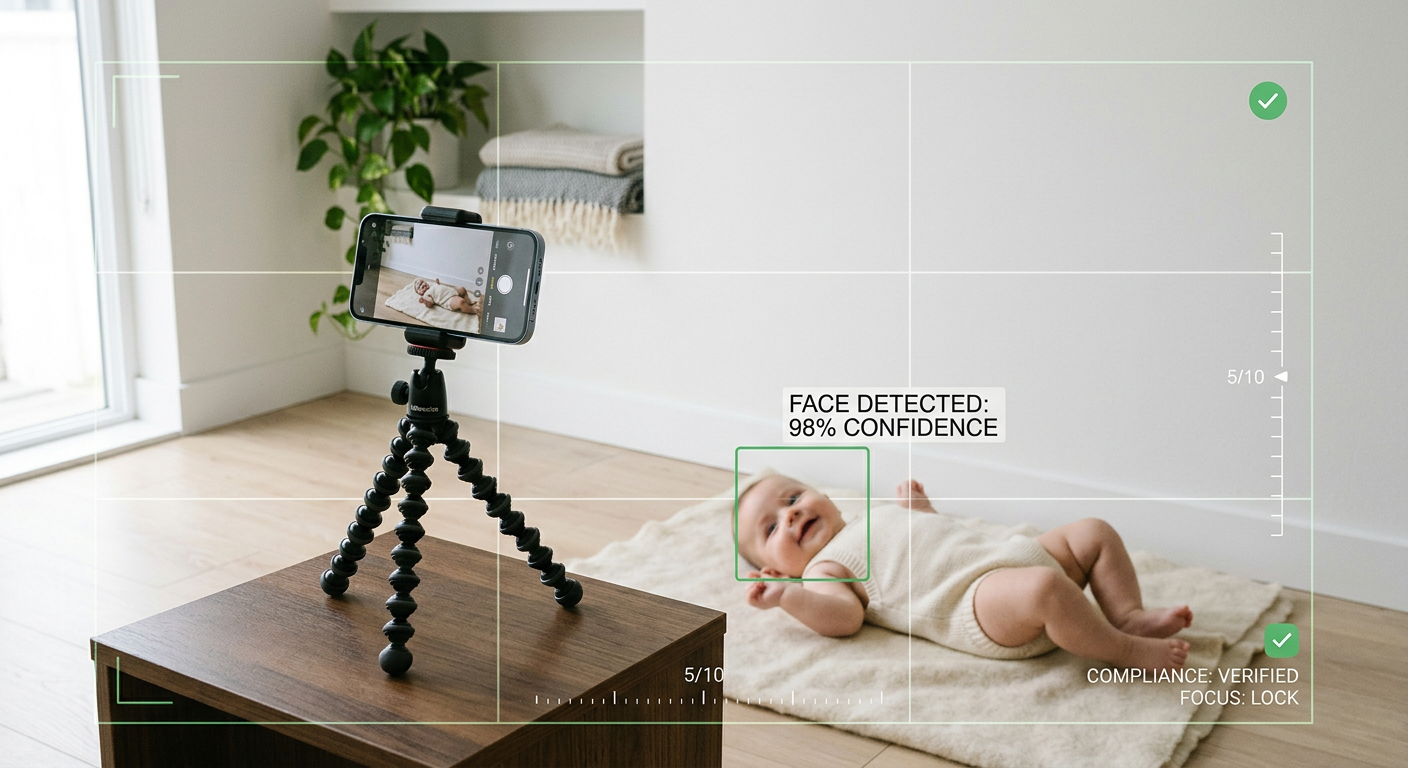
Navigating the complexities of government identity standards often starts with a single hurdle: obtaining a compliant portrait. For busy parents and travelers, the traditional route of finding a professional studio can be time-consuming and logistically challenging. Modern technology has introduced the passport photo maker as a viable, efficient alternative, allowing users to generate government-compliant images from the comfort of their homes. These tools leverage advanced image processing to handle technical requirements like background removal, head-positioning, and luminosity adjustments, ensuring your application moves forward without bureaucratic delays.
Quick Summary
An online passport photo maker is a digital platform that uses AI algorithms to transform raw smartphone photos into precise, government-compliant identity images. By automating complex technical requirements like sizing, alignment, and background removal, these tools provide a cost-effective, time-saving alternative to physical photography studios for busy individuals.
- Instantly adjust facial dimensions and background colors to meet specific national standards.
- Eliminate the need for expensive studio visits and lengthy travel time.
- Access automated verification to reduce the risk of rejection by passport agencies.
- Conveniently download or print files suitable for various visa and passport applications.
Table of Contents
- Comparison of Online Passport Photo Tools
- AI-Driven Automated Platforms
- Browser-Based Manual Editing Tools
- Hybrid Mobile Application Solutions
- Local Printing Integration Services
- How to Choose the Best Passport Photo Maker
- FAQ
- Recommended Reads

Comparison of Online Passport Photo Tools
| Category | Primary Focus | Pros | Cons | Ideal User |
|---|---|---|---|---|
| AI Automated | Speed & Compliance | High accuracy, minimal effort | May require a fee | Parents, busy travelers |
| Manual Web Editors | Customization | Free to use, total control | Steep learning curve | Tech-savvy DIYers |
| Mobile Apps | Portability | On-the-go editing | Limited screen size | Frequent travelers |
| Local Print Services | Physical Delivery | Convenience for printing | May lack advanced AI | Users without home printers |
AI-Driven Automated Platforms
AI-powered platforms represent the current gold standard for those who require guaranteed compliance without needing expertise in graphic design. These services analyze the uploaded photo, perform automatic background removal, and calculate the precise head-to-chin measurements required by specific countries. For families, this is particularly beneficial when managing an infant passport photo where lighting and positioning are often difficult to control manually.
These platforms often feature built-in databases of global standards, ensuring your visa photo formatting is correct whether you are applying for a residence permit in Switzerland or a tourist visa in Saudi Arabia. By shifting the burden of compliance from the user to the algorithm, these tools significantly reduce the risk of rejection, which is the primary pain point for most applicants.
Pros
- Guaranteed adherence to complex government regulations.
- Extremely fast processing times (often under 60 seconds).
- High success rates for official document acceptance.
Cons
- Often requires a purchase for high-resolution files.
- Less flexibility if you want to manually adjust every pixel.
Browser-Based Manual Editing Tools
Browser-based editors offer a "do-it-yourself" approach for users who prefer to handle the composition of their image. These tools typically provide a grid overlay that matches standard passport sizes, allowing users to manually drag and resize their photos to fit the required dimensions. While these tools do not always feature automated background replacement, they are excellent for those who already have a well-lit photo and simply need to crop it to the correct aspect ratio.
These platforms are often free but lack the sophisticated error-checking mechanisms of premium automated services. If you are preparing a UK baby passport photo and have a clean, white-walled room available, these tools allow you to format your images without hidden costs. However, users must be vigilant about shadow detection and over-exposure, as manual tools often fail to alert you if the photo quality itself is insufficient for government scanning equipment.
Pros
- Frequently offered as free resources.
- No software installation or account setup required.
- Good for quick, simple resizing tasks.
Cons
- Lacks automated verification for strict background or shadow rules.
- Higher likelihood of manual error in measuring dimensions.
Hybrid Mobile Application Solutions
Mobile applications bridge the gap by combining the camera hardware of your smartphone with specialized editing software. Because many people keep their identification documents and photos on their phones, these apps provide a seamless workflow from capture to submission. For example, generating a Singapore baby passport photo using a smartphone app allows you to review the results instantly while the child is still settled, rather than waiting until you are in front of a computer.
These apps often include "print-at-home" templates, allowing you to arrange multiple passport-sized images onto a single 4x6 inch sheet. This is a highly efficient way to prepare for multiple applications, such as securing an Australian baby passport photo alongside adult renewals, all while utilizing the native processing power of your handset.
Pros
- Utilizes the best camera quality available on your personal device.
- Convenient for multi-person family applications.
- Offline capability in many cases.
Cons
- Smaller interfaces can make precision adjustments difficult.
- File export can sometimes be gated behind subscriptions.
Local Printing Integration Services
Some online photo services operate by allowing you to upload your image, formatting it for you, and then sending the file directly to a local kiosk for printing. This is ideal for those who need a physical copy of an Italy baby passport photo but lack a high-quality printer at home. By integrating with retail networks, these platforms ensure the print quality meets the high-resolution requirements (such as 600 dpi) often demanded by government agencies.
These services provide a layer of physical assurance. Because physical prints must be crisp and color-accurate, using a service that formats and routes to a professional-grade printing kiosk minimizes the risk of the print itself being rejected. This is a common strategy for those applying for a Germany baby passport photo where the specific paper quality can sometimes be scrutinized during the application process.
Pros
- Guaranteed high-quality, professional paper prints.
- Removes the risk of poor home printer resolution.
- Often integrated with popular neighborhood retail chains.
Cons
- Requires a trip to a physical store location.
- Dependent on the availability of local printing partners.
How to Choose the Best Passport Photo Maker
Selecting the right tool depends largely on your technical comfort and your specific application requirements. If you are applying for a Canada baby passport photo, pay close attention to the specific lighting and shadow requirements which are notoriously strict. An automated AI service is generally the safest choice here because it can identify and fix technical failures that a human eye might miss.
Consider the following criteria when making your choice: - Verification Features: Does the tool explicitly state it checks for shadows and compliance? For a US baby passport photo, this is non-negotiable. - Support for International Standards: Ensure the platform offers specific templates for the country you are applying to, as dimensions (e.g., 50x50 mm vs. 35x45 mm) vary globally. - User Support: Does the platform offer a refund policy if the photo is rejected? This provides peace of mind for high-stakes applications. - Ease of Use: If you are a busy parent, prioritize platforms that emphasize a 60-second workflow over those with complex manual settings.
FAQ
- What should I look for in an online passport photo maker? Look for automated background removal, precise dimension scaling for the specific country's requirements, and a high-resolution export (at least 600 dpi).
- Is an online passport photo maker really compliant? Yes, provided the AI tool has been trained on official government standards. Ensure the tool you use has a solid track record of successful applications.
- Can I take a passport photo of my baby at home? Absolutely. The key is to use natural, even lighting, a neutral background, and ensure the baby is facing the camera directly with a neutral expression, even if they are a newborn.
- Do I need special equipment to use these tools? No. Most modern smartphones have high-enough camera quality for passport standards when paired with an AI-processing tool that handles the technical formatting.