Fixing Shadows in Baby Passport Photos with AI
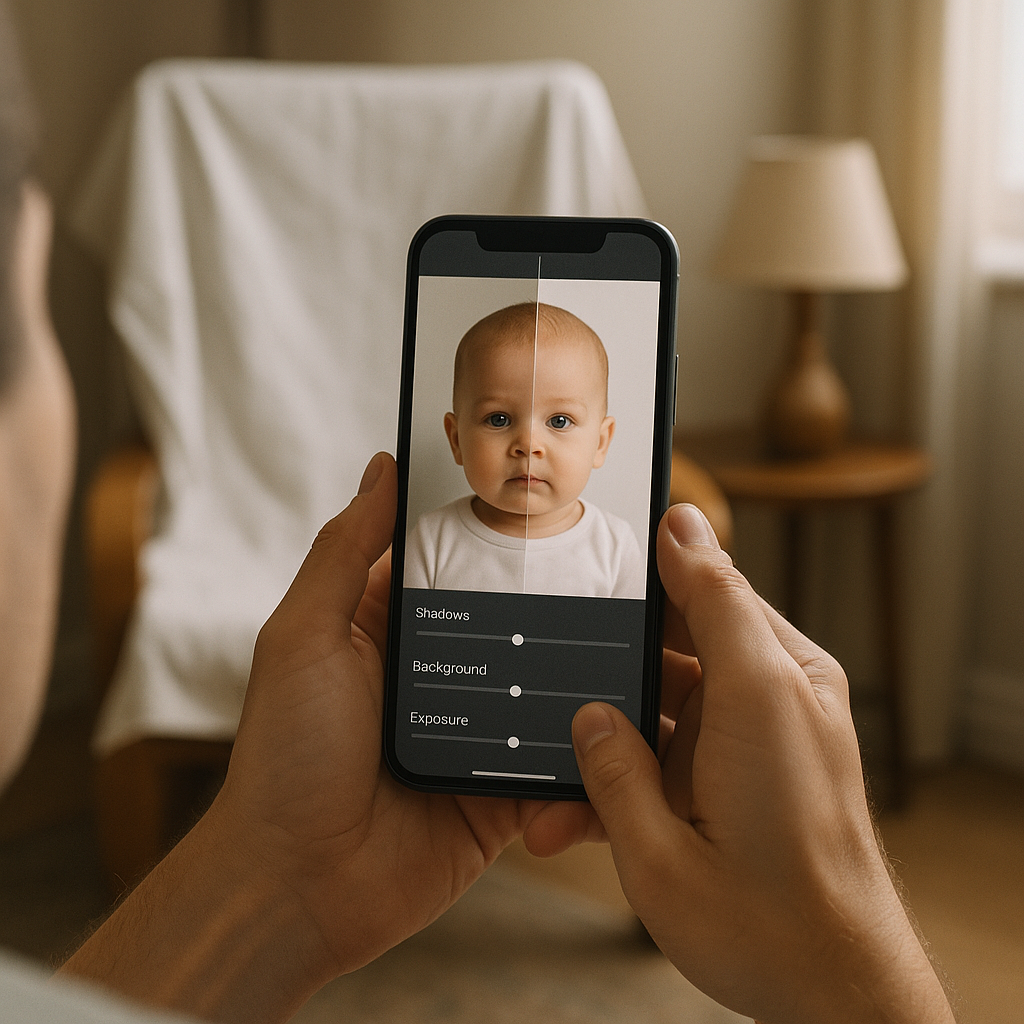
There is a special kind of chaos that shows up when someone tries to take a baby passport photo. Not “cute chaos,” either. The real kind - the kind where the lighting looks fine to the human eye, but the camera decides to betray everyone, and suddenly a shadow crawls across the baby’s cheek like a little gray storm cloud.
And yes, shadows matter. A lot. Passport photo rules are famously picky, and baby passport photos somehow feel even more unforgiving because babies do not exactly “hold still and face forward” on command. So when a parent finally gets a usable shot and then notices a dark band behind the head or a half-moon shadow under the chin… it’s brutal. One tiny mistake, and the photo gets rejected. Again.
This is where AI tools can actually be helpful (and not in a gimmicky way). If you ask me, fixing shadows is one of the best, most practical uses of AI photo cleanup right now - because the goal isn’t to create some airbrushed fantasy. It’s to meet strict passport photo requirements while keeping the baby’s face looking natural.
Why shadows are such a big deal in baby passport photos
Passport photo guidelines usually demand even lighting and a plain background. Shadows can break both rules at once. A shadow on the wall can make a “white background” look gray or blotchy. A shadow on the face can change how the baby’s features appear. That’s the whole issue.
Think of it like this: a passport photo is basically a visual ID barcode. Not literally, but close. The system (and the humans checking it) want consistency. Shadows are like smudges on a barcode - sometimes it still scans, sometimes it doesn’t, and nobody wants to gamble on it when deadlines are looming.
Common shadow problems parents run into
- Background shadows - often behind the head, caused by overhead lights or a lamp placed too close.
- Under-chin shadows - common when the baby’s head tilts slightly down.
- Side-face shadows - caused by light coming from one direction (hello, window light).
- Harsh shadow edges - the “cutout” look that screams bad lighting.
Sounds simple, right? Just “use better lighting.” Except babies do not wait for anyone to build a perfect home studio. The moment is either now or not happening.
What “fixing shadows with AI” actually means (without making it weird)
Here’s a hot take: the best AI edits are the ones nobody notices. The point isn’t to change the baby’s face. It’s to correct lighting issues so the photo matches real-world rules.
When AI fixes shadows properly, it usually does a few things:
- Balances exposure so one side of the face isn’t darker than the other.
- Softens shadow transitions to remove harsh edges.
- Neutralizes background tone to look evenly lit and properly light.
- Preserves skin texture so the baby still looks like a baby (not a plastic doll).
That last part is big. Some tools “fix” shadows by nuking detail. The result looks like an oil painting. And passport offices don’t love that.
How to avoid shadows before you even use AI
Honestly, prevention beats repair. If the original image is decent, AI has a much easier job. The cleaner the starting point, the less editing you need, and the more natural the result looks.
Quick lighting setup that works at home
- Use a window with indirect light - not full sun blasting in like a spotlight.
- Face the baby toward the light, not sideways.
- Move the baby away from the wall a bit to reduce background shadows.
- Turn off overhead lights if they create top-down shadows under the brow and chin.
- Use a white sheet as a background if the wall isn’t truly plain.
A decent mental image: treat the light like butter. You want it spread evenly, not clumped in one corner of the room. If one side of the baby’s face looks “toasty,” you’re going to get shadows.
Fixing shadows in baby passport photos with AI - the practical workflow
Third-person reality check: most parents don’t want Photoshop. They want a fast, rules-friendly result. They want the photo to pass. That’s it.
A streamlined workflow usually looks like this:
- Pick the best frame - eyes open, mouth relaxed, face visible, no hands blocking cheeks.
- Crop to the correct passport photo size for the country (this varies).
- Fix lighting and shadows without changing facial features.
- Check background consistency - no gradients, no dark corners.
- Export at the right resolution so it prints and uploads cleanly.
Where does AI fit? Step 3 and step 4, mainly. Shadows and background problems are the two biggest photo rejection magnets.
What to watch out for when using AI shadow removal
AI can be brilliant. AI can also be… a little too confident. It sometimes invents “fixes” you never asked for. The guardrails matter.
- Over-brightening that blows out skin tone and removes natural depth.
- Grayish background after edits, when it should be clean and light.
- Edge halos around hair or ears where the AI tried to separate subject from background.
- Texture smoothing that makes the baby’s face look unnatural.
Have you ever seen a photo where the person looks like they were lightly sanded? That’s what you’re avoiding.
A more realistic option: using a passport-focused tool
This is where a dedicated service can save time, because it’s built around the rules rather than “general photo editing.” A tool like BabyPassportMaker.com is aimed at baby passport photos specifically, which means it’s thinking about the stuff that actually causes rejections: shadows, background, sizing, and overall compliance.
And yes, it’s different than tossing a baby photo into a random editor and hoping for the best. Purpose-built tools usually:
- Guide users toward the right passport photo dimensions
- Help create or clean a plain light background
- Reduce shadow intensity while keeping facial detail
- Export in formats that actually work for printing or online submission
If you ask me, the biggest win is speed. Parents don’t have the patience (or time) to fight sliders for an hour while the baby’s mood swings like a tiny metronome.
SEO-friendly checklist: baby passport photo shadow fixes that actually help
Because people always ask for a checklist. Here it is, with the stuff that matters.
Before editing
- Use even, soft light - window light works best.
- Avoid strong overhead bulbs that create under-eye and under-chin shadows.
- Keep the background plain and light, with no patterns.
- Ensure the baby’s face is fully visible - no blankets creeping up.
During AI shadow correction
- Fix background shadows first; they’re the most obvious.
- Reduce face shadows gently, not aggressively.
- Watch for weird edges around hair and ears.
- Keep skin tone believable - babies should look alive, not fluorescent.
After editing
- Zoom in and check for halos, blotches, or patchy background areas.
- Confirm correct passport photo size and crop.
- Export at a clean resolution so nothing looks fuzzy or compressed.
Frequently asked questions (the real ones)
Can a passport photo be rejected because of shadows?
Absolutely. Many agencies require uniform lighting with no harsh shadows on the face or background. If the shadow changes facial visibility or makes the background look uneven, it can trigger rejection.
Is it “allowed” to use AI to fix shadows in a baby passport photo?
Most rules focus on the final image meeting requirements rather than banning a tool category. The key is avoiding edits that change identity - no reshaping features, no adding effects, no beauty filters. Shadow correction and background cleanup are typically about compliance, not appearance enhancement.
What’s the safest way to keep it natural?
Use minimal correction. Fix the lighting problem, then stop. When AI tries to do too much, the photo starts looking synthetic, and that’s when trouble shows up.
One last opinionated note about “perfect” baby passport photos
Third-person truth: the perfect baby passport photo is mostly a myth. Babies wrinkle their noses. They squint. They lean. They suddenly discover their tongue and decide it must be featured. So the goal isn’t perfection - it’s a compliant, clear photo with even lighting, no distracting shadows, and a plain background.
AI shadow removal can be the difference between “rejected, please resubmit” and “approved, moving on with life.” Not glamorous. Just practical. And practical is what parents need.
If the photo already has decent framing and a clear face, a focused tool like BabyPassportMaker.com can handle the shadow cleanup and background fixes without turning the baby into a wax figure. That’s the sweet spot. Clean, compliant, done.