How to Take a Compliant Newborn Passport Photo: A Step-by-Step Guide
Most parents discover the strict reality of biometric documentation the moment a consulate clerk slides a printed image back across the counter, pointing out a faint shadow under a three-week-old’s chin. You are holding a sleeping baby, you have just spent an hour queueing in a pharmacy, and the government software rejected your file because the infant's jawline lacked contrast against the background. Generating a compliant newborn passport photo requires passing the exact same algorithmic checks applied to adults, but executing that capture with a subject who lacks neck control, cannot follow instructions, and sleeps for most of the day. Achieving this at home is entirely possible, provided you understand how biometric scanners read facial geometry and what lighting triggers a false positive.
Quick Summary
A compliant infant biometric photo is a sharply focused, evenly lit image capturing the baby's face from the chin to the crown with both eyes visible and no background shadows.
- Natural, indirect window light prevents the harsh drop-shadows that cause automated rejections.
- Positioning the infant at a 45-degree angle in a car seat covered by a white sheet provides necessary cervical support.
- Smartphone cameras must be kept at least four feet away and zoomed in to prevent facial feature distortion.
- AI processing tools map the facial geometry to government templates, removing the risk of manual cropping errors.
Table of Contents
- 1. Preparing the lighting and environment for a newborn passport photo
- 2. Positioning the infant for strict biometric alignment
- 3. Timing the session for open eyes and neutral expressions
- 4. Framing the shot to meet infant passport photo requirements
- 5. Processing the image to clear biometric verification
- Common Pitfalls & Troubleshooting
- FAQ
- Recommended Reads
1. Preparing the lighting and environment for a newborn passport photo
Biometric scanners do not look at a photograph the way a human does; they read contrast points to map a geometric grid over the face. The distance between the pupils, the width of the nose, and the curve of the jawline are calculated based on where light transitions into shadow. If the lighting in your room casts a heavy shadow on one side of the baby's nose, the software misinterprets the size of the feature and fails the image.
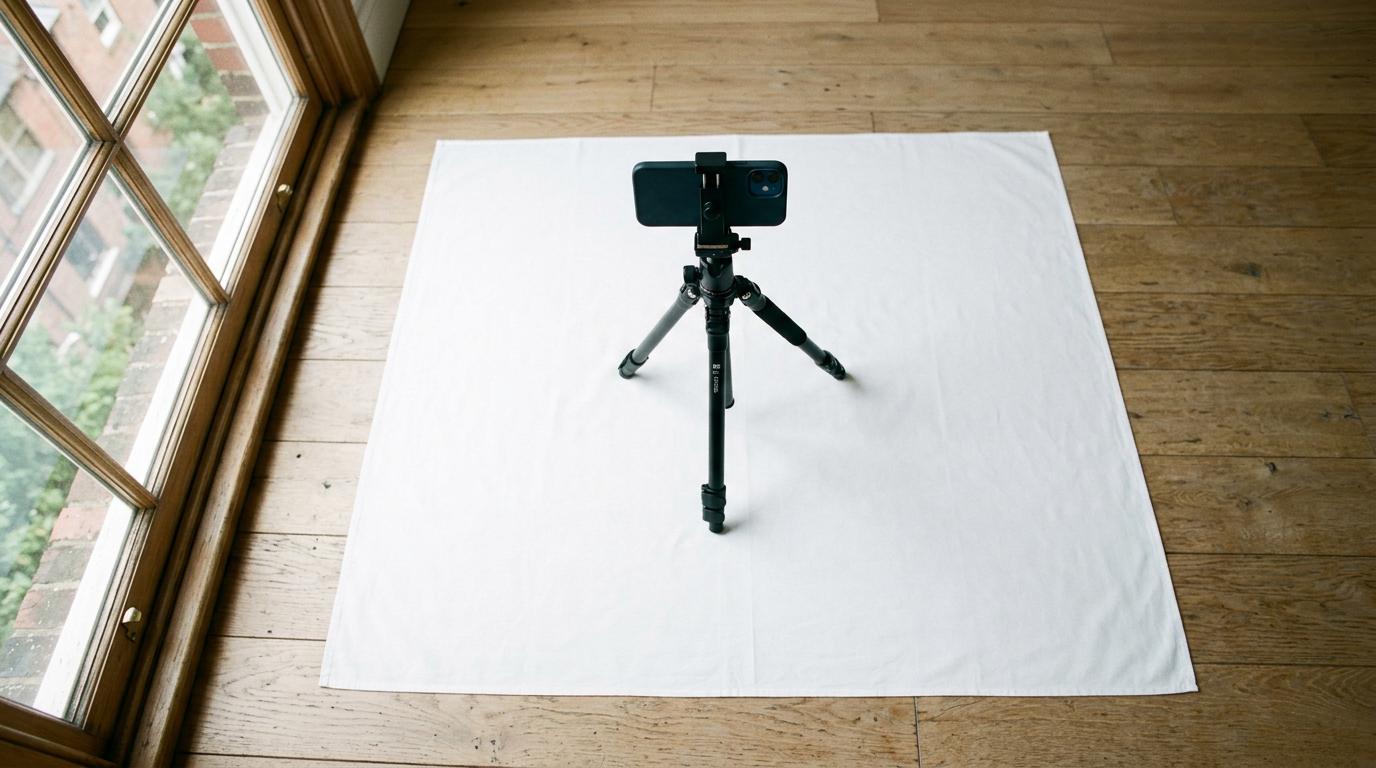
The most reliable light source for passing these checks is indirect daylight. Position your setup roughly three to four feet away from a large window that does not receive direct beams of sunlight. If a harsh shaft of light is hitting the floor, tape a plain white piece of printer paper or a sheer white curtain over the glass to diffuse it. The goal is flat, even illumination across the entire face. Never use your camera's flash. A flash creates a hard, black drop-shadow directly behind the baby's head, which blends into the hairline and makes it impossible for the processing algorithm to separate the subject from the background.
The critical mistake parents make during this step is relying on overhead room lighting. Standard residential ceiling bulbs cast downward shadows into the eye sockets and under the chin. Turn off every artificial light in the room. If the side of the baby's face furthest from the window appears dark, prop a piece of white cardboard vertically on that side to bounce the window light back onto the shadowed cheek. Getting this right at the capture stage is what allows you to confidently follow the New Zealand Passport Photo Requirements: A Complete Checklist or any other strict regional standard without worrying about contrast rejections.
2. Positioning the infant for strict biometric alignment
Infants lack the cervical spine strength to hold their heads upright, which makes standard adult posing techniques useless. Laying a baby completely flat on their back on the floor is the most common approach, but it often causes the infant's chin to tuck downward into their chest. This chin-tuck obscures the jawline and creates neck wrinkles that confuse edge-detection software.
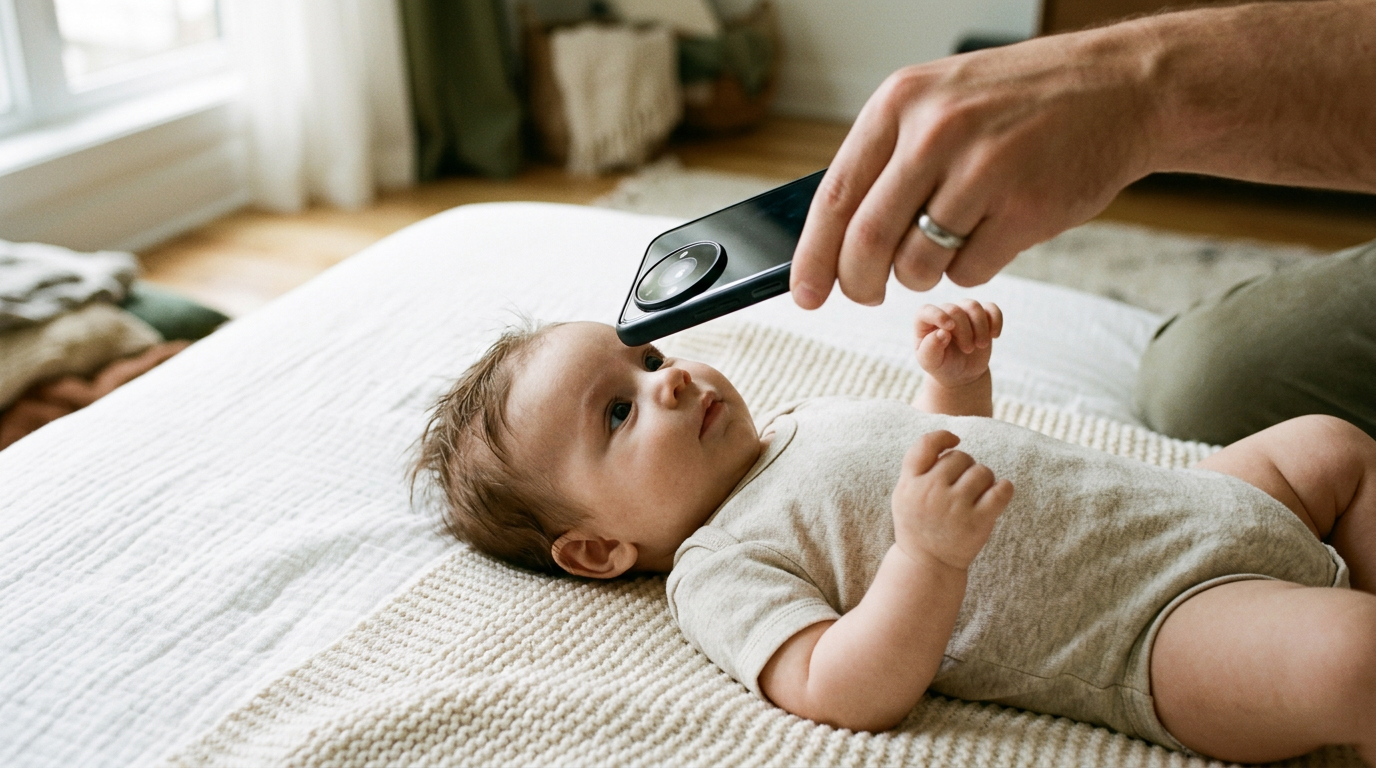
The mechanical solution is to use gravity to your advantage without triggering a chin-tuck. Take a standard infant car seat and drape a tightly woven, wrinkle-free white sheet completely over it, tucking the fabric into the crevices so it sits taut. When you place the baby into this prepared seat, they rest at a 45-degree angle. This gentle incline naturally prompts the infant to rest their head back against the surface while keeping their chin slightly elevated, exposing the entire jawline for the camera.
Practical rule: Support the spine rather than manipulating the skull; rolling two small hand towels and placing them beneath the sheet on either side of the baby's torso prevents their head from rolling sideways, ensuring a perfectly straight-on angle without requiring adult hands in the frame.
If parental hands, fingers, or even shadows of your arms appear anywhere in the frame, the photo is instantly invalidated. The government software scans for human skin tones in the background area. By stabilizing the torso rather than the head, you keep your hands completely out of the frame while maintaining the required full-frontal facial posture.
3. Timing the session for open eyes and neutral expressions
Government rules mandate that the applicant must have a neutral expression, with both eyes open and clearly visible. For an adult, this is a simple instruction. For a baby, it requires synchronizing the photograph with their narrow physiological wake windows.
A frequent failure mode is attempting to take the newborn passport photograph immediately after a feeding. While a fed baby is a calm baby, they are also prone to milk-drunk squinting, half-closed eyes, and milk residue around the lips. Residue alters the contrast line of the mouth, causing the software to flag the image for an altered facial feature. Conversely, waiting too long after a nap guarantees crying, which forcefully shuts the eyes and opens the mouth - another automatic rejection trigger.
The optimal window is roughly twenty minutes after the baby wakes from a solid nap, but before they are fed. During this brief period, their eyes are naturally wide open, and their facial muscles are relaxed into the required neutral expression. If the baby is awake but staring off to the side, do not rattle keys or play loud sounds directly next to the lens. Sudden noises trigger the Moro reflex, causing them to startle, tense their facial muscles, and throw their hands into the frame. Instead, slowly wave a high-contrast object (like a black-and-white patterned toy) directly above the camera lens to gently guide their gaze toward the sensor.
4. Framing the shot to meet infant passport photo requirements
The default lens on almost every modern smartphone is a wide-angle lens. Wide-angle lenses suffer from barrel distortion, an optical effect that stretches the center of the image toward the viewer while pushing the edges away. If you hold a smartphone ten inches away from a baby's face to fill the frame, the lens physics will magnify the baby's nose and push their ears backward out of visibility. When the passport office runs this image through their software, the algorithm will determine that the facial proportions are mathematically impossible and reject the application.
To bypass optical distortion and successfully meet strict infant passport photo requirements, you must increase the physical distance between the sensor and the subject. Stand at least four to five feet away from the baby. At this distance, the barrel distortion completely neutralizes, flattening the facial features into their true, accurate proportions. Because standing this far back will include too much of the car seat and room in the shot, use your camera app's optical zoom function (typically marked as 2x or 3x on the screen) to bring the frame closer.
Ensure you are shooting directly down at the baby's face, keeping the lens perfectly parallel to their nose. Do not shoot from the feet looking up, or from the crown looking down. Keep the camera completely level. Leave plenty of negative space around the baby's head and shoulders. You need this excess background margin so that processing software has enough raw data to scale, center, and crop the final output according to specific dimensional mandates, just as you would when navigating the Indian Passport Photo Requirements and Dimension Standards.
5. Processing the image to clear biometric verification
Capturing the image is only the first phase; formatting it for government submission is where the highest volume of rejections occurs. The background behind the infant must be a uniform, shadow-free color (usually pure white or light grey, depending on the jurisdiction). Because achieving a mathematically pure background at home without studio strobes is nearly impossible, the background must be digitally replaced.
Do not attempt to use generic magic wand tools or basic photo-editing apps to cut out the background. These manual tools struggle with the fine, wispy nature of baby hair. They either leave a jagged halo of the original background behind the head, or they aggressively slice off the tops of the ears. When an official scanner detects an unnatural digital edge or an erased ear canal, it flags the image as digitally manipulated.
Many parents attempt an infant passport photo walgreens visit to avoid this processing step, only to find the store's overhead fluorescent lighting casts severe shadows, the staff cannot safely pose the baby, and the queueing environment guarantees a crying infant. Instead of fighting physical retail limitations, the reliable route is processing your raw, well-lit home capture through specialized AI tools like BabyPassportMaker. These systems use machine learning trained specifically on biometric edge-detection. They identify the exact boundary of the wispy hair, neutralize the background perfectly to a 255-white value, and precisely scale the crown-to-chin ratio to match government templates.
By letting an algorithm handle the background extraction and exact sizing, you secure a new born passport image that clears automated intake systems on the first try, saving you from a weeks-long application delay over a millimeter cropping error.
Common Pitfalls & Troubleshooting
Government rejections are rarely accompanied by helpful explanations; you generally receive a vague error code about contrast or framing. Diagnosing what actually failed requires knowing how the biometric scanners interpret visual data. Here are the distinct failures that ruin otherwise good photos, and how to fix them today.
The Disappearing Jawline
- Symptom: The infant's chin appears to blend directly into their chest or clothing, leaving no distinct lower facial boundary.
- The Fix: This happens when an infant wears a high-collared shirt, a bulky sweater, or a bib that sits too close to the face. The scanner cannot separate the fabric from the skin. Remove all bulky clothing. Dress the baby in a simple, dark-colored, flat-collared onesie. The dark fabric creates a sharp, high-contrast line immediately beneath the chin, giving the software a definitive edge to map.
Asymmetrical Catchlights and Facial Shadows
- Symptom: One ear is visible while the other is lost in shadow, or only one eye has a reflection of light (a catchlight) in the pupil.
- The Fix: Your primary light source is hitting the baby from a sharp 90-degree side angle. If the window is directly to the baby's right, the left side of their face falls into deep shadow. Rotate the car seat or the baby's position so they are facing the window at a 45-degree angle. This allows the light to wrap around the front of the face, illuminating both eyes evenly.
The "Floating" Subject (Over-Aggressive Background Removal)
- Symptom: The edges of the baby's head look unnaturally sharp, ears appear clipped, or the hair looks like a solid plastic helmet.
- The Fix: This is the result of using basic consumer background-removal tools that threshold too harshly. The government software flags this as a forged document. The fix is to stop using manual eraser tools. Use dedicated biometric passport AI that is programmed to retain the natural, semi-transparent fade of fine hair while replacing only the solid background pixels.
The Red-Eye False Fix
- Symptom: The baby has red pupils from a camera flash, and you used an app's "red-eye reduction" tool to paint them black.
- The Fix: Never use digital paint or red-eye removal tools on a passport photo. Passport agencies use iris mapping. Digital red-eye tools destroy the iris data and replace it with a flat black circle, guaranteeing an instant rejection for digital alteration. The only fix is to turn off your camera flash entirely and reshoot the photo using only natural window light, which naturally prevents the red-eye effect from occurring in the first place.
FAQ
Do a newborn's eyes need to be fully open for a passport photo?
Yes, but with slight leeway for the very young. Standard regulations require both eyes to be open and clearly visible. However, many passport agencies explicitly state that for infants under six months of age, they will accept photos where the eyes are not perfectly, widely open, provided they are not actively squeezed shut in distress. You must still aim for open eyes to prevent delays.
Can I use a pacifier to calm the baby between shots?
You can use it between shots, but you must remove it for the photograph. A pacifier obscures the mouth and alters the shape of the cheeks. Furthermore, leaving a pacifier in for too long before the photo can leave red pressure rings around the baby's mouth, which may alter the facial contrast enough to cause an algorithmic rejection. Remove it a few minutes before you start capturing.
Does the background sheet need to be perfectly white before processing?
No, it simply needs to be a plain, uniform, light-colored fabric without any patterns, creases, or deep wrinkles. The most important factor is contrast. If your baby has very pale skin and blonde hair, using a light grey sheet rather than a stark white one can actually help the AI processing software better define the edges of the face before it finalizes the background.
How long does a passport for an infant remain valid?
In most jurisdictions, a passport issued to a newborn remains valid for five years. Despite the fact that the child will look completely different at age four than they did at three weeks old, border control agencies understand this biological reality. You do not need to update the photograph until the passport actually expires and requires renewal.