Passport Photo Requirements in 2026: The Rules That Actually Decide Acceptance
A passport photo usually fails for ordinary reasons: the chin is tipped up, the background goes gray at the edges, the crop is technically the right size but the head is too small inside it, or a parent submits a smiling baby photo because that was the only still frame. Passport photo requirements are less about taking a flattering picture and more about meeting a tight set of identity and print standards that officers can assess quickly and consistently.
Quick Summary
A compliant passport photo is a recent, clear, evenly lit image that matches the application’s size, background, pose, and submission rules. Government acceptance usually turns on technical details - head size, facial visibility, neutral presentation, and print or digital file quality - not on whether the picture looks “good.”
- Identity comes first - the face must be easy to compare with the applicant in person.
- Correct outer dimensions are not enough - head sizing and positioning matter just as much.
- Background, lighting, and sharpness cause many avoidable rejections.
- Rules vary by country - especially for size, digital specs, and certification wording.
- Signature and certification are separate issues from the photo itself and only apply when the application process asks for them.
Table of Contents
- Quick Summary
- Table of Contents
- 1. Start with the rule governments actually enforce - recognizability
- 2. The crop passes only when the head size passes too
- 3. Background and lighting fail photos that seem fine on a phone
- 4. Expression, glasses, hair, and baby positioning are judged differently than people expect
- 5. Digital submission and print quality break the photo at the last minute
- 6. Passport photo signature and passport photo certification are separate compliance checks
- Common Pitfalls & Troubleshooting
- FAQ
- Recommended Reads
1. Start with the rule governments actually enforce - recognizability
Why this comes before every measurement
The first test is simple: does the image show the applicant as they can be identified today, without ambiguity? That sounds obvious, but it explains most passport photo rules better than any checklist does. Neutral background, even lighting, front-facing pose, visible eyes, closed mouth where required, and no distracting shadows all serve that one purpose.
In practice, this is why a technically sharp photo can still fail. If one side of the face is in shadow, if hair covers the eyebrow line and eye contour, or if a baby is photographed at an angle while lying on patterned bedding, the image stops being a reliable identity record. Officers are not scoring aesthetics. They are checking whether the face can be compared against a live person and stored cleanly in a document system.
What to check today:
- Look at the photo at arm’s length, not zoomed in.
- Ask whether the jawline, both eyes, nose bridge, and mouth outline are plainly visible.
- Compare it with older ID photos only to confirm resemblance, not to match styling.
If you need a baseline for U.S. submissions, the page on American passport photo requirements and size specs is useful because it separates face visibility from simple print size.
2. The crop passes only when the head size passes too
Why the outer dimensions mislead people
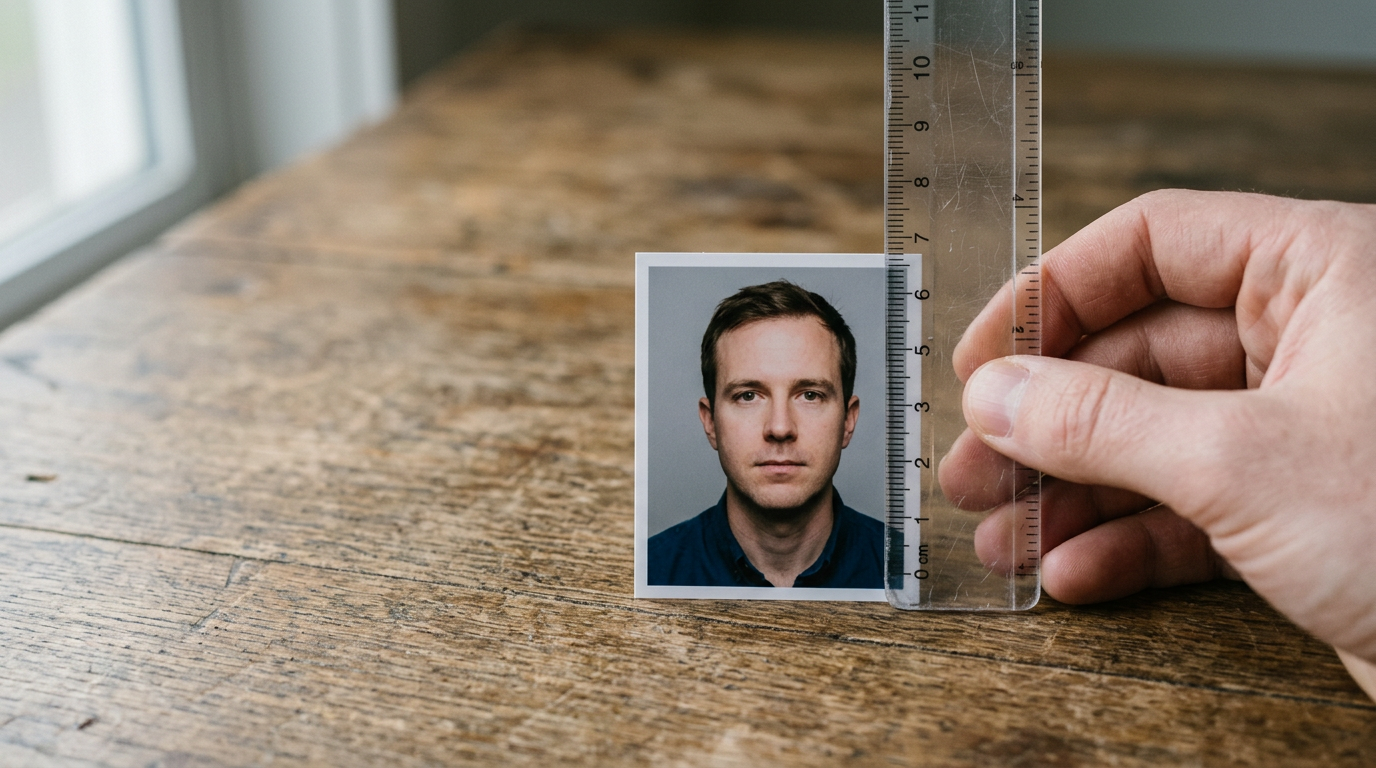
One of the most common mistakes is assuming that if the photo is cut to the official dimensions, the job is done. It is not. Passport photo criteria usually specify both the overall photo size and the amount of the frame the head must occupy. A photo can be the correct rectangle and still fail because the face is too small, too large, too high, or too low.
This happens a lot with smartphone photos. Parents stand too far back to keep a squirming child in frame, then crop aggressively later. The result looks acceptable on screen, but the head ends up undersized relative to the final image. The opposite happens too: a close-up fills the frame but clips hair, crown, or shoulder line that the standard expects to see.
What to act on today:
- Confirm the destination country’s required photo dimensions first.
- Then confirm the head height or eye-position rule, if that country publishes one.
- Print a test copy or preview the final crop at actual size rather than trusting a phone screen.
For broader sizing differences across jurisdictions, Passport Size Photo Dimensions in 2026: How to Meet Standard Requirements and Avoid Rejection helps show why “passport size” is not one universal standard.
Practical rule: If you have to crop heavily to make the face fit, the original photo was taken from the wrong distance. Retake it before you try to rescue it in editing.
3. Background and lighting fail photos that seem fine on a phone
What acceptance checks are trying to avoid
A phone screen forgives a lot. Passport systems do not. Backgrounds need to be plain enough that the face outline, ears where required, hair edges, and shoulders separate cleanly from the backdrop. Lighting needs to be even enough that there are no hard shadows behind the head, under the chin, or across the cheeks.
The failure mode here is usually not “wrong color wall.” It is more specific:
- Off-white walls that turn gray or yellow in indoor light
- Window light from one side creating a dark cheek and bright cheek
- Flash producing shine on the forehead or a shadow halo on the wall
- Editing that removes the background but leaves jagged edges around the hair
For infants, this gets harder because blankets wrinkle, white sheets pick up blue light from nearby windows, and adults often cast shadows while leaning over the child. That is why the setup matters more than the camera. Use diffuse light, keep the head parallel to the background, and avoid mixed lighting from a window plus warm ceiling bulbs.
A detailed companion on home setup is How to Meet Strict Government Passport Photo Requirements at Home, which is especially relevant for families trying to avoid a studio visit.
4. Expression, glasses, hair, and baby positioning are judged differently than people expect
The rule is consistency, not style
People often overfocus on whether a smile is “allowed” and underfocus on whether the face is consistently readable. The real question behind most passport photo rules is whether anything changes the visible structure of the face or hides features needed for comparison.
That is why these details matter:
- Expression: broad smiles can narrow the eyes, raise the cheeks, and distort the mouth line.
- Glasses: even if permitted in a narrow set of cases, lenses can add glare, hide eyelids, or distort the eye area.
- Hair: volume is fine; coverage is the problem. If hair hides the eyes, eyebrows, or face edge, the image becomes harder to assess.
- Infants and newborns: support must not appear in frame if the rule requires the child alone; hands, shadows, or visible car seat edges often trigger rejection.
With babies, the practical target is not a textbook neutral expression. It is a calm, unobstructed, front-facing face with both eyes open where the country requires it. A slightly parted mouth may be tolerated in some infant cases; a blurred cry frame is not. This is one area where country-specific instructions matter more than generic internet advice.
If you want a visual method for checking whether a sample image is likely to pass, How to Analyze a Passport Photo Example to Ensure Government Acceptance in 2026 is a better reference than relying on social media examples.
5. Digital submission and print quality break the photo at the last minute
A compliant image can still be ruined in output
A photo can meet every visual rule and still fail when exported, compressed, printed, or trimmed badly. This is where many applicants lose time. The capture was acceptable, but the final file or print no longer matches what they captured.
The mechanics are straightforward:
- Digital applications may require specific file formats, pixel dimensions, or limits on file size.
- Printed applications can fail because of low-resolution printing, color casts, over-sharpening, paper damage, or uneven cutting.
- Retail print workflows sometimes auto-correct exposure or color, changing the image after you approved it.
For busy parents, the mistake is often reviewing only the screen version. Always review the actual final output - the exact file being uploaded or the exact print being attached. If the print looks darker than the screen, if the skin tone shifted, or if the cut edges eat into the required border area, that is no longer the same submission.
For country variation, The Ultimate Guide to Passport Photos: Rules and Requirements for 2026 is useful because it frames print and digital acceptance as separate parts of compliance rather than one generic standard.
6. Passport photo signature and passport photo certification are separate compliance checks
Do not attach these requirements to the wrong application
Two keywords confuse applicants constantly: passport photo signature and passport photo certification. They are not universal photo rules. They apply only where a specific application process asks for them.
A photo signature requirement usually refers to instructions about whether the back of a printed photo must be signed, who signs it, what must be written, and whether ink placement can damage the image. Certification is different again. In some systems, a witness, guarantor, or photographer may need to confirm identity or attest that the image is a true likeness. In others, there is no such requirement at all.
The practical risk is obvious: people copy a rule from another country or an outdated renewal process and create their own rejection. A perfectly valid digital application can be complicated by unnecessary markings on a print. A printed application can fail because the wrong person signed, or because required wording was omitted.
What to check today:
- Verify whether your country and application type ask for a signature or certification at all.
- Separate first-time applications from renewals, and adult applications from child applications.
- Treat instructions for the photo front, photo back, and application form as three different checks.
If your process includes signature handling, How to Execute Your Passport Photo Signature: A Complete Guide for 2026 and How to Ensure Your Passport Photo Signature Meets Criteria are the right follow-on references because they deal with signature mechanics rather than general image composition.
Common Pitfalls & Troubleshooting
The frustrating part of passport photo rejection is that different failures can look identical from the outside: “photo does not meet requirements.” These are the ones that most often hide behind that message.
The photo looks clear, but rejection says it does not meet standards
Most often the real cause: head size or positioning, not sharpness. Applicants judge clarity by eye and miss the geometry. Check whether the crown, chin, and eye line sit where the country expects. Fix by retaking from the correct distance, not by stretching or recropping a weak original.
The background seems white, but the system rejects it anyway
The usual symptom is slight shadows, gray gradients, or poor edge separation around hair. This is common with home walls and baby blankets. Check the image on a larger screen and increase brightness while reviewing. Fix by changing the lighting setup first; editing alone rarely cleans up a badly lit background without creating artificial edges.
The digital file uploads, then fails later in review
That points to a content problem rather than a file-format problem, but sometimes it is both. The symptom to check is whether the uploaded preview looks darker, softer, or more tightly cropped than your original. Fix by exporting the final file exactly to the stated specs and reopening that exported version before submission.
A printed photo looks fine until attached to the form
This usually means print handling caused the issue: fingerprints, glossy glare, bent corners, or cutting slightly inside the required dimensions. Check the physical photo under normal room light, not only under direct flash from a phone. Fix by reprinting on suitable photo stock and trimming with a guide, not freehand scissors if accuracy is marginal.
Child or baby photos keep failing even though the adult photos pass
That often comes down to posture, visible support, or partial obstruction. The symptom is subtle: a hand edge under the neck, a pillow crease behind the head, one eye less visible than the other, or motion blur from a moving infant. Fix by simplifying the setup and prioritizing a clean facial view over getting a cheerful expression.
FAQ
Do all countries use the same passport photo requirements?
No. The broad logic is shared - recent image, clear face, plain background, correct dimensions - but the actual size, head measurement, digital file rules, and signature or certification requirements can differ by country and by application type.
Can a passport photo be rejected even if the size is correct?
Yes. Correct outer dimensions do not guarantee acceptance. Head size, eye position, lighting, shadows, background quality, facial visibility, and final print or file quality are all separate checks.
Are passport photo rules stricter for babies?
The standards are not always stricter, but they are harder to satisfy in practice. Babies move, cannot hold a neutral pose on cue, and are often photographed on unsuitable backgrounds. The key is a visible, front-facing face with minimal obstruction and no visible support where prohibited.
What is passport photo certification?
It is not a universal photo feature. In some application systems, a qualified person or witness may need to confirm identity or endorse the photo as a true likeness. In many others, no certification is needed. Always check the instructions for your exact application route.
Does a digital passport photo need the same checks as a printed one?
Yes, plus file-specific checks. The identity, pose, lighting, and background rules still apply, but digital submissions also need the correct file format, dimensions, and upload-ready quality. A valid-looking image can still fail if export settings degrade it.