Where to get digital passport photos: A complete guide for 2026
Obtaining a valid digital passport photo is an essential step in modernizing your travel document application. As governments transition toward digitized administrative processes, knowing exactly where to get digital passport photos has become as important as knowing the specific technical dimensions required for your face and background. Whether you are renewing a document or applying for an initial visa, complying with international standards is the primary factor that prevents application delays.
Quick Summary
Digital passport photos are electronically formatted images that meet strict government criteria regarding resolution, lighting, and composition. You can obtain these through professional photography studios, specialized retail kiosks, or by using an AI passport photo generator that automates compliance checks.
- Use high-resolution images with neutral, plain backgrounds.
- Ensure your photo adheres to specific pixel dimensions and file size limits.
- Avoid shadows on the face or background to prevent rejection.
- Verify if your specific application portal requires a digital file or a printed code.
Table of Contents
- Understanding Official Requirements
- Where to Get Digital Passport Photos
- DIY Digital Passport Photos
- Common Pitfalls & Troubleshooting
- FAQ
- Recommended Reads
Understanding Official Requirements
Government-compliant images are not standard social media portraits. They must adhere to rigid specifications, including head size, facial expression, and background color. For most international standards, the background must be plain white or off-white, and your expression must be neutral with mouth closed and eyes clearly visible. Wearing glasses is generally discouraged or prohibited in many jurisdictions, as they can cause reflections or frame obstructions.
Understanding the technical side is crucial before you start your search for where can i get a digital passport photo. Typical digital requirements mandate a resolution of 600 dpi, with specific pixel height and width dimensions. If the file is too large or too small, the government submission portal will automatically reject it. Furthermore, the lighting must be even; side-lighting or harsh flashes create shadows that obscure facial features, leading to an immediate invalidation of the image by automated biometric software.
Where to Get Digital Passport Photos
In Australia, several established paths exist for obtaining a digital passport photo in Australia. Many citizens visit an Australia Post digital passport photo service point, which remains a primary hub for document verification. These locations provide a streamlined experience where a staff member captures your image, verifies its compliance, and provides a digital code or file suitable for online applications.
Alternatively, an Officeworks digital passport photo service offers another reliable retail option. These centers are equipped with professional lighting setups and calibrated cameras to ensure the resulting file meets the specific requirements of the Australian government. For those asking where do i get a digital passport photo that is guaranteed, these retail outlets are often the safest bet because they provide staff oversight and a physical location to resolve issues should the first attempt fail.
DIY Digital Passport Photos
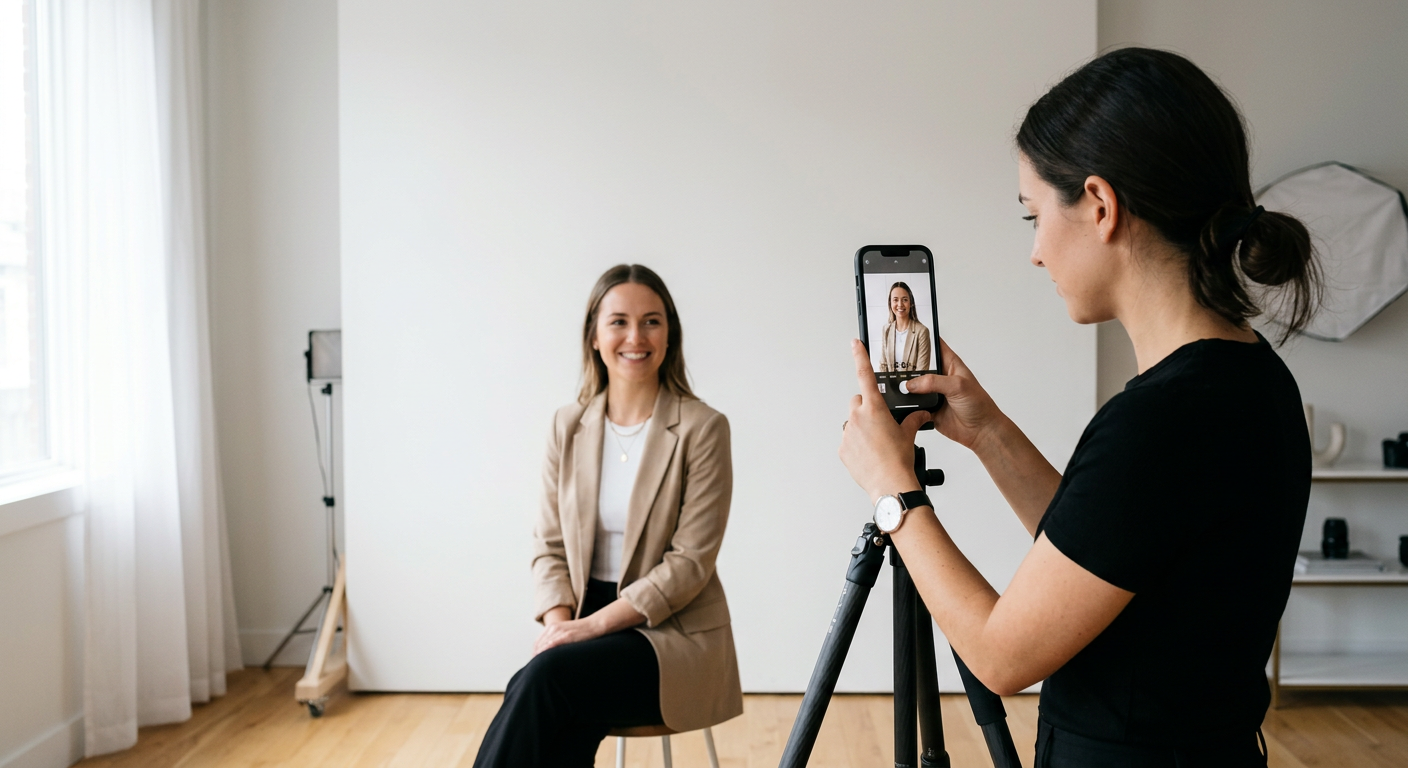
If you prefer to capture the image yourself, you must first master the environment. Use a plain wall as a backdrop and position your subject facing a natural light source, such as a window. Avoid using direct flash, which causes the aforementioned shadow issues. Once you have a clear, high-quality photograph, you can utilize an AI passport photo generator to process the image for you.
To understand how can i get a digital passport photo effectively, follow these steps: 1. Capture your image against a solid, light-colored background with no clutter. 2. Ensure the subject’s head and shoulders are clearly visible with even lighting on both sides of the face. 3. Upload the high-resolution original file to a compliant software platform to perform background removal and resizing. 4. Check the preview to ensure the eyes and chin align with the mandated guidelines for your specific passport type. 5. Download the file, ensuring it is exported in the exact pixel dimensions required by your government authority.
Pro Tip: If you are photographing an infant, try laying them on a white sheet on the floor in a bright, evenly lit room. This allows you to stand directly above them to capture a centered, top-down shot that is much easier for AI software to convert into a compliant portrait.
Common Pitfalls & Troubleshooting
One of the most common issues is the incorrect crop of the digital image. Automated systems require the head to occupy a specific percentage of the total frame height. If you zoom in too close or leave too much whitespace above the head, the system will flag the image for manual review, which significantly slows down your application processing time.
Another frequent mistake involves file metadata or formatting. Even if the image looks perfect, if it is saved in the wrong format (such as an unsupported PNG or a heavily compressed JPEG), it may not be recognized by the portal. Always ensure your final file matches the DPI and file extension requested in your application portal’s instructions. If you find yourself repeatedly rejected, the most efficient path is to revisit a professional service to ensure the digital passport photos Australia standards are strictly met.
FAQ
- Can I take a digital passport photo with my iPhone? Yes, provided the camera resolution is high and the lighting is perfectly even. You will still need to use software to crop it to the correct dimensions and remove the background.
- Do I need a special digital code for my passport application? Some government agencies provide a digital code at service centers. However, if you are uploading your own photo, you usually just need the high-resolution file formatted to their specifications.
- Are glasses allowed in my digital passport photo? Most jurisdictions have banned glasses in passport photos due to glare and lens reflection issues. It is best to remove them for the shot.
- Why was my digital photo rejected? Common reasons include improper background, shadows on the face, incorrect head-to-frame ratio, or poor file quality (pixelation).