Indian Passport Photo Requirements: How to Avoid Rejection in 2026
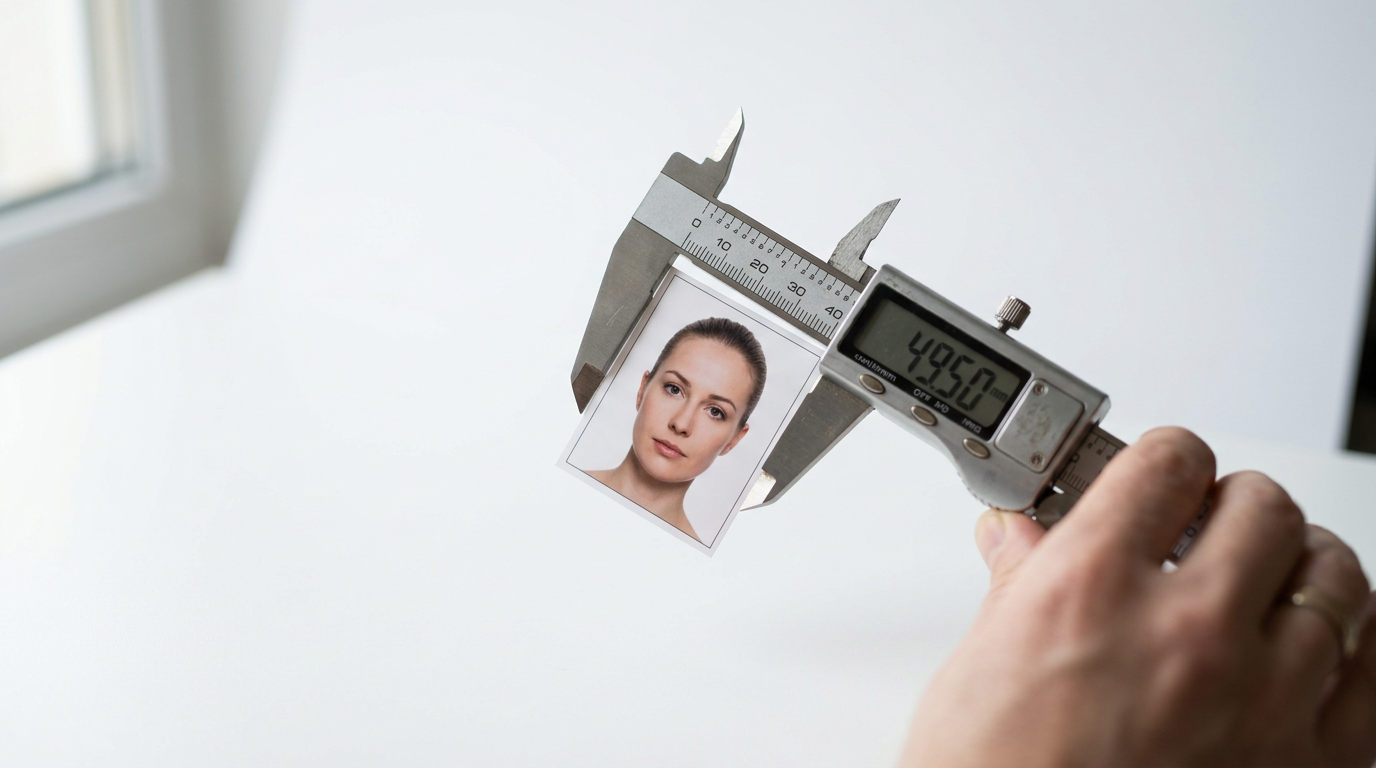
The email from the Indian consulate or your local VFS Global processing center arrives, stating your application is "On Hold" because the submitted image failed the biometric scan. The rejection does not happen because the image is blurry, out of focus, or poorly exposed. It happens because the facial proportions missed a strict 70-to-80-percent threshold that automated systems enforce. Meeting the exact indian passport photo requirements is not about taking a flattering picture; it is about engineering an image that satisfies a highly sensitive biometric algorithm designed to map facial geography. The exact distance between the bottom of the chin and the crown of the head matters more than the overall image resolution. When an application is stalled due to a photograph, it delays travel plans, forces a complete resubmission of documents, and adds unnecessary administrative fees.
Quick Summary
The specifications for Indian passports mandate a 2-inch by 2-inch format where the applicant's face dominates the frame, surrounded by a perfectly plain, shadow-free background. Minor deviations in head tilt, lighting angles, or file compression will trigger automated system rejections during the initial upload or physical consular review.
- The physical dimensions must be exactly 51x51 millimeters.
- The head must measure between 35 and 40 millimeters from chin to crown.
- Backgrounds must be stark white or a very light off-white with zero texture.
- Digital uploads strictly require JPEG format with file sizes between 10 KB and 100 KB.
- Infants must have their eyes open with no visible hands or parental support in the frame.
Table of Contents
- The millimeter difference that triggers automatic rejection
- Why shadows and background hues fail the biometric scan
- What newborn framing demands from parents
- Where clothing and accessory choices ruin visibility
- How physical printing differs from the digital upload
- FAQ
- Recommended Reads
The millimeter difference that triggers automatic rejection
The outer boundary of the image is only the first filter an application must pass. The standard indian passport photo size requires a physical print measuring exactly 51 millimeters wide by 51 millimeters high. However, processing centers rarely reject applications because a paper cutter left an extra millimeter on the border. They reject them because the internal proportions of the subject's face do not align with the biometric grid used by the Ministry of External Affairs.
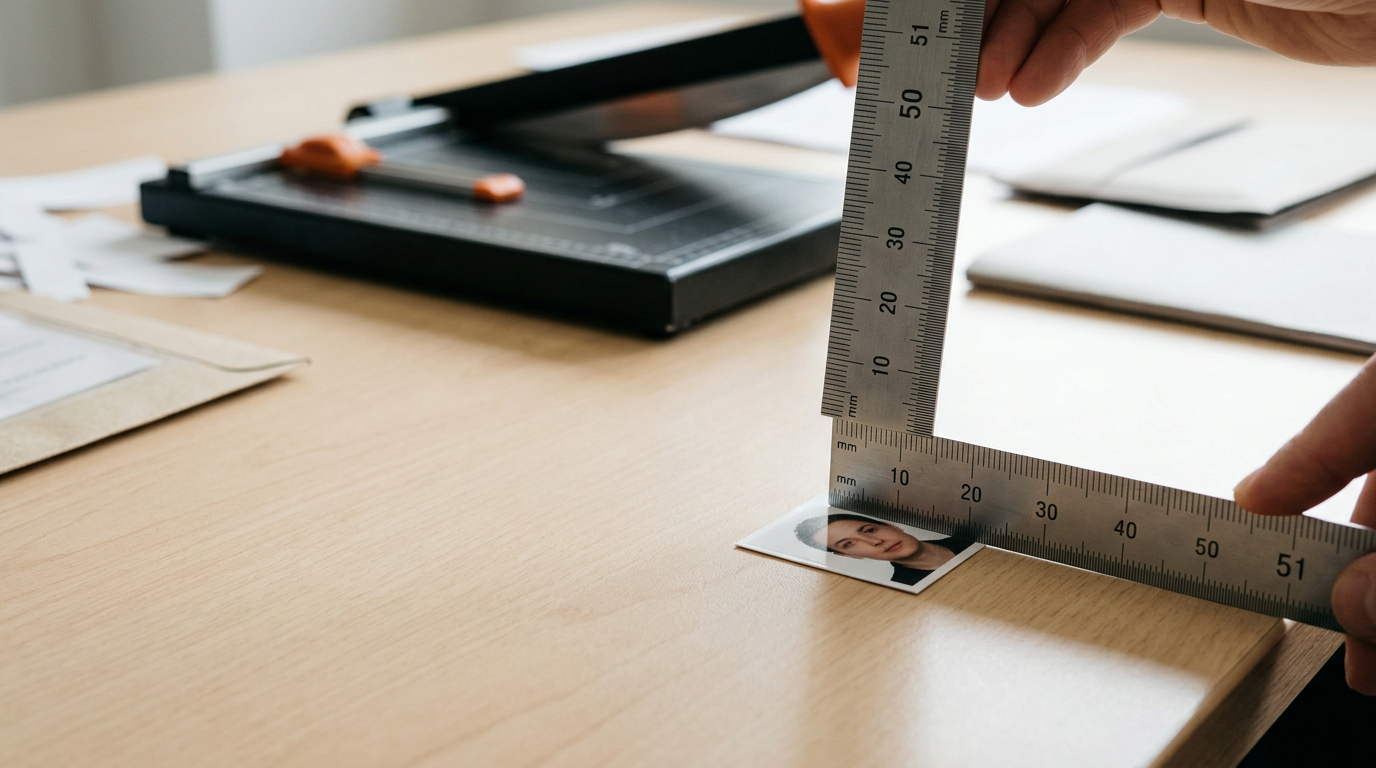
The critical metric is the facial coverage area. The applicant's head must measure between 35 millimeters and 40 millimeters from the lowest point of the chin to the highest point of the skull, excluding the bulk of the hair. This ensures the face occupies the proper proportion of the overall frame. If the head measures 42 millimeters, the facial features are pushed too close to the borders, triggering a "zoom error" in the scanning software. If the head measures 30 millimeters, the system flags the image as "subject too far," failing to capture enough detail for facial recognition mapping.
Practical rule: Measure the printed applicant's head with a millimeter ruler before submission; the chin to the crown of the head must measure exactly between 35 and 40 millimeters, regardless of how the overall image looks to the naked eye.
Understanding these photo dimensions for indian passport applications changes how you crop the original file. A common failure mode occurs when an applicant uses an automated cropping tool that stretches the image horizontally or vertically to force it into a square shape. Stretching alters the aspect ratio of the face, fundamentally changing the distance between the eyes and the width of the jawline. The biometric software cross-references these ratios against standard human facial geometry, and any digital distortion results in an immediate invalidation of the document.
To prevent aspect ratio errors, the photograph must be shot from an adequate distance - typically 1.2 to 1.5 meters away - using a lens focal length that closely mimics the human eye (around 50mm to 85mm equivalent). Shooting too close with a wide-angle smartphone lens bulges the center of the face, making the nose appear disproportionately large and pushing the ears back. This perspective distortion will fail the physical resemblance check even if the physical dimensions of the print are perfectly correct. Reviewing the Indian Passport Photo Requirements and Dimension Standards ensures you understand how the final crop dictates the physical measurements.
Why shadows and background hues fail the biometric scan
The requirement for a plain white or light off-white background is not a stylistic preference; it is a technical necessity for the edge-detection algorithms used in modern identity verification. The software must establish a hard, continuous boundary around the applicant's jawline, ears, and shoulders to digitally separate the subject from the background. Any deviation in color or lighting disrupts this process.
When a subject stands flush against a wall and the camera flash fires, a hard, dark crescent shadow forms directly behind the neck and head. To the human eye, this is simply a shadow. To the biometric scanner, that shadow registers as a physical extension of the hair or the jawline, creating a distorted head shape that no longer matches human proportions. Similarly, shadows cast across the face itself - such as a shadow under the nose from overhead lighting, or a dark gradient on one side of the face from a nearby window - confuse the symmetry verification. The software expects identical illumination on both sides of the vertical axis of the face.
Practical rule: Place the subject exactly 1.5 meters in front of the white background and position the light source directly behind the camera to ensure shadows fall out of the frame entirely.
Background color introduces another common point of failure. The guidelines strictly prohibit colored backgrounds, heavily textured walls, or domestic settings. Submitting a photograph with a light blue background - which is standard in some other countries - will result in an automatic rejection for an Indian application. The background must be pure white or a very pale, untextured off-white. If you shoot against a colored wall and attempt to digitally erase the background later, amateur masking often leaves a halo of colored pixels around the hair. The official scanners detect these digital manipulations, flagging the image as fraudulently altered.
Achieving the correct background requires managing ambient light. If the white wall is in a room with a strong incandescent bulb, the wall will appear yellow or orange in the final image. A white wall reflecting a green lawn outside a window will carry a green color cast. The camera's white balance must be calibrated to ensure the background renders as a true neutral white without overexposing the subject's skin. Following an established Indian Passport Photo Requirements: A Step-by-Step Compliance Guide for 2026 helps lock down the lighting environment before the shutter is pressed.
What newborn framing demands from parents
Expatriate families applying for a newborn's Overseas Citizen of India (OCI) card or a first passport face the most rigorous application of these rules. While some nations grant leniency for infant photography, allowing closed eyes or minor posture shifts, the Indian guidelines remain incredibly strict. The infant's eyes must be fully open, looking directly toward the camera lens, and the mouth must be closed.
The primary failure mode for infant applications is visible parental support. When parents attempt to hold a newborn upright against a wall, knuckles, fingers, or a supporting forearm often slip into the frame. Even a single adult finger supporting the back of the baby's neck under their shirt will trigger a rejection. The image recognition software flags these as foreign objects within the biometric zone. Pacifiers, hands near the face, and distracting toys used to catch the infant's attention must remain entirely out of the camera's view.
The mechanics of capturing a compliant image of an infant without physical support require altering the shooting angle. Laying the infant flat on their back on a plain white sheet is the most reliable method. The photographer stands directly above the infant, shooting downward. This eliminates the need to support the heavy head and allows gravity to keep the posture relatively straight. However, this angle introduces lighting challenges. Shooting from above often means the photographer's own body blocks the overhead light, casting a large shadow directly over the infant's face.
To counter this, parents must use natural light coming from a side window, carefully turning the infant so the light falls evenly across the face without creating deep shadows on one side. If the baby is prone to rolling or looking away, rolling two small towels and placing them under the white sheet on either side of the baby's head creates a subtle physical channel that keeps the head centered. The infant must face the lens squarely; a profile or three-quarter view is unacceptable. Both edges of the face must be equally visible. Reviewing Indian Passport Photo Requirements: 5 Steps to Application Approval provides the exact workflow for managing an uncooperative infant during a photo session without violating the strict framing rules.
Where clothing and accessory choices ruin visibility
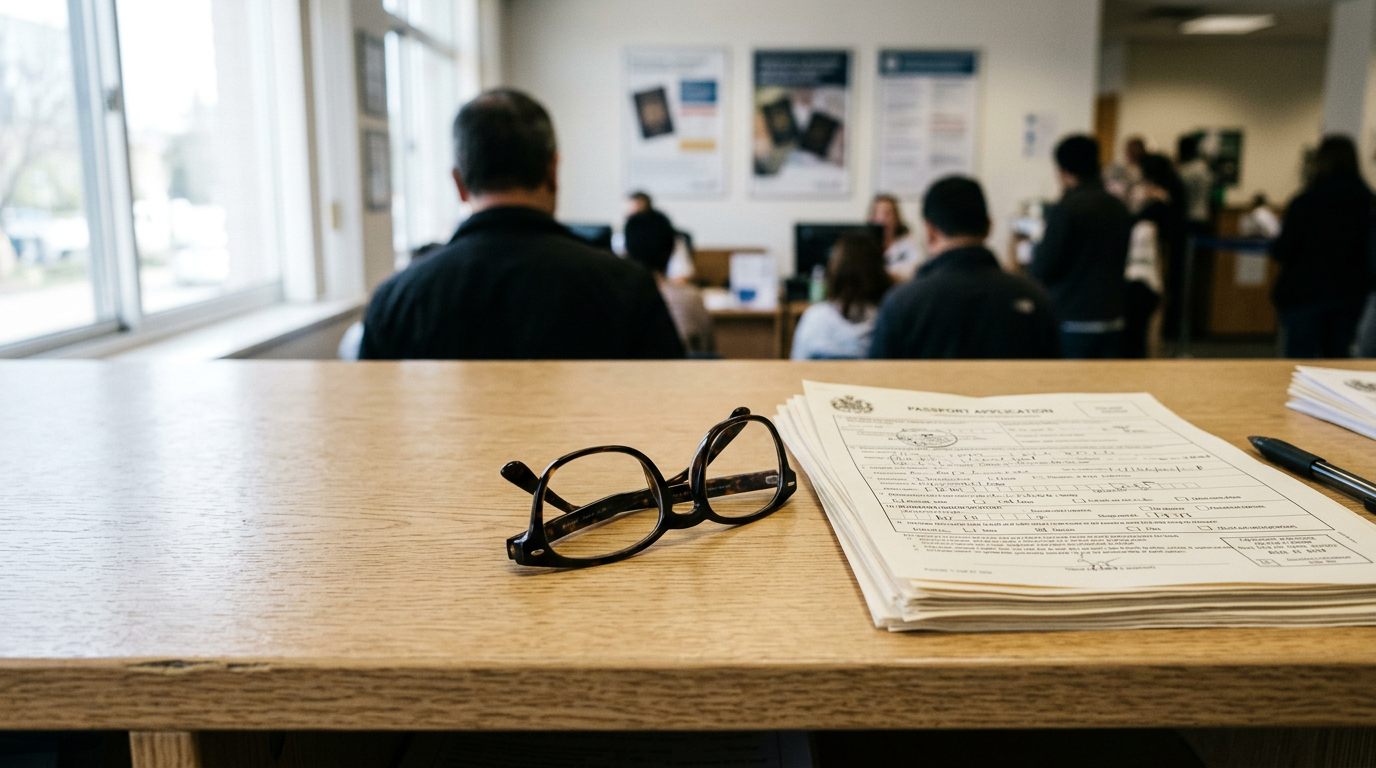
The Indian government heavily restricts what an applicant may wear in an identification photograph, focusing entirely on preventing obstruction of facial features and maintaining high contrast. The most absolute restriction is the total ban on eyeglasses. Regardless of whether the glasses are prescription, have thin frames, or feature anti-reflective coatings, they must be removed. Frames frequently obscure the orbital bone, cast micro-shadows into the eye socket, and reflect the camera flash, all of which blind the biometric scanner to the exact shape and color of the eyes.
Clothing contrast presents a less obvious but equally fatal error. Because the background must be white or off-white, wearing a white shirt or blouse creates a visual phenomenon known as the "floating head." When a white garment blends seamlessly into the white background, the software cannot locate the applicant's shoulders. The shoulders are a required reference point that tells the algorithm where the head ends and the torso begins. Applicants must wear dark or heavily colored clothing that establishes a sharp, undeniable contrast against the bright background.
Head coverings are strictly prohibited unless worn daily for religious purposes. When a religious head covering is worn, it must be adjusted so that it does not cast a shadow across the forehead or the sides of the face. The facial area from the absolute bottom of the chin to the top of the forehead, including the entire width of the face, must remain perfectly visible. If a turban or hijab sits too low on the forehead, altering the apparent shape of the face or covering the eyebrows, the image will fail the compliance check.
Similarly, large jewelry, thick headbands, and elaborate hair accessories must be removed. Hair should be pulled back or tucked behind the ears. While the ears do not need to be completely exposed in every single case, hiding the edges of the cheekbones with heavy, draping hair prevents the software from measuring the true width of the face. The goal is complete, unobstructed visibility of the facial topography.
How physical printing differs from the digital upload
The application process often requires both a digital upload for the initial portal submission and physical prints for the consular interview. The specifications for these two formats are fundamentally different, and a file that works for one will frequently fail the other.
| Specification Dimension | Digital Upload (Online Portal) | Physical Print (VFS/Consulate) |
|---|---|---|
| Measurement Standard | 600 x 600 pixels (Minimum) | 51 x 51 millimeters (2x2 inches) |
| File/Paper Type | Standard JPEG file format | Continuous-tone photographic paper |
| Data Constraints | 10 KB to 100 KB strict file size limit | High-quality matte or glossy finish |
| Resolution Quality | Must avoid heavy JPEG compression artifacts | 300 DPI minimum print resolution |
The digital portal used by the Indian government is notorious for its strict file size limitations. The uploaded JPEG must sit exactly between 10 KB and 100 KB. Compressing a high-resolution 600x600 pixel image down to under 100 KB without destroying the image quality requires careful handling. If you simply use a basic web compression tool, it often introduces blocky JPEG artifacts - pixelated squares that appear across the cheeks and forehead. The biometric scanner reads these artifacts as physical skin deformations and rejects the file. You must balance the compression slider to reduce the file size while maintaining smooth gradients across the skin.
Physical prints introduce an entirely different set of failure points. The prints must be produced on dedicated photographic paper, either matte or glossy. Using a standard home office inkjet printer on regular printer paper guarantees a rejection. Even if you use glossy paper in a home inkjet printer, the consular scanner will often detect the microscopic dot-matrix pattern left by the ink nozzles. These ink dots confuse the scanner, which registers them as a heavy texture over the face.
Photographs must be printed using a dye-sublimation printer or professional chemical processing, which produces continuous, dot-free tones. Furthermore, the prints must not be stapled, creased, or damaged in any way. A single staple hole near the subject's ear or a heavy crease across the chin renders the photograph useless. For a deeper breakdown of exactly how to output the final file safely, A Complete Guide to Understanding Photo Dimensions for Indian Passport Applications in 2026 explores the technical divide between screen resolution and physical print quality.
FAQ
Are glasses permitted in Indian passport applications?
No. The Indian government strictly prohibits all eyeglasses, including daily prescription glasses, tinted lenses, and reading glasses. They must be removed to prevent glare and frame obstruction of the eyes.
Can I submit a photograph with a light blue background?
No. While light blue backgrounds are accepted by some other nations, Indian passport and OCI specifications explicitly require a plain white or light off-white background with no patterns or shadows.
Can a newborn baby have their eyes closed in the picture?
No. Indian authorities do not offer exemptions for sleeping infants. A baby's eyes must be visibly open and looking toward the camera lens, and their mouth should be closed as much as naturally possible.
How recent must the photograph be?
The photograph must have been taken within the last six months to ensure it reflects your current appearance. Submitting an older photo, especially one previously used in another visa or passport, will result in rejection.
Is it acceptable to smile in the photograph?
No. You must maintain a neutral facial expression. Smiling alters the natural geometry of the face, lifting the cheeks and narrowing the eyes, which prevents the biometric software from capturing accurate baseline measurements.