Understanding the 2026 UK Passport Photo Requirements: Size and Framing Standards
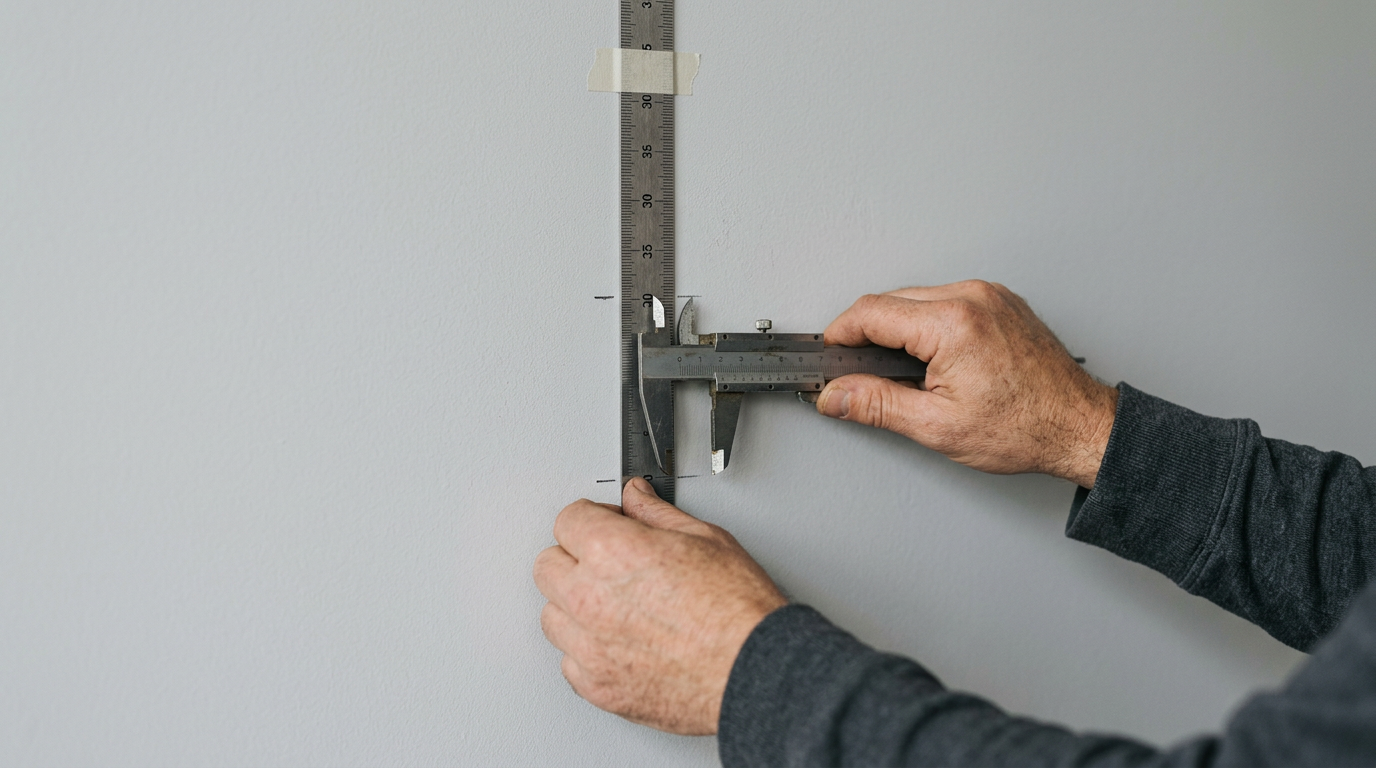
Most applications stall because applicants misunderstand how strictly the HM Passport Office enforces the uk passport photo requirements before a human ever views the file. When a user uploads a digital image or submits a printed copy, the file immediately enters an automated biometric checking system. This software is designed to measure static geometric data rather than human appearance. If you apply traditional portrait photography rules - asking the subject to smile, framing them tightly, or capturing a dramatic shadow - the system will halt the application immediately. Navigating these requirements means understanding that your submission is graded by an edge-detection algorithm that demands clinical precision, flat lighting, and a completely neutral expression.
Quick Summary
Meeting HM Passport Office standards requires providing an unedited, perfectly centered image that aligns with strict facial mapping software constraints. The submission must feature flat lighting, rigid head proportions, and an unbroken background that isolates the subject completely.
- Printed passport photos must measure exactly 35mm by 45mm.
- Digital files require a minimum pixel dimension of 600 wide by 750 high without manual cropping.
- The distance from the subject's chin to the crown of their head must measure 29mm to 34mm.
- Backgrounds must be a plain light gray or cream to prevent the software from losing edge contrast.
- Infant applications receive specific waivers for eye contact and neutral expressions.
Table of Contents
- Why UK Passport Photo Requirements Reject Standard Portraits
- How the UK Passport Photo Size Strictness Forces Precision
- Why Background Color and Lighting Break Digital Applications
- Where British Passport Photo Rules Relax for Infants
- What Fails the HMPO Automated Biometric Checker
- Where Third-Party Validation Beats Raw Uploads
- FAQ
- Recommended Reads
Why UK Passport Photo Requirements Reject Standard Portraits
When a user submits an image to the HM Passport Office (HMPO), it undergoes immediate processing by a biometric facial recognition algorithm. This software maps the geometry of the face, searching for highly specific, fixed nodal points. It calculates the exact distance between the centers of both pupils, the width of the nose, the curve of the jawline, and the horizontal alignment of the mouth. This creates a digital map required for international border control gates. Reading through British Passport Photo Requirements: Everything You Need to Know clarifies that the goal is clinical accuracy, not aesthetics.
Smiling fundamentally alters the resting geometry of the human face. It pushes the cheeks upward, narrows the visible aperture of the eyes, and stretches the horizontal width of the mouth. Because biometric security systems rely on a baseline, neutral facial expression to identify travelers, the submitted image must match this unexpressive state exactly. Submitting an image that looks flattering often means submitting one that fails the algorithm. To avoid this, the subject must stare directly down the barrel of the camera lens, keeping their mouth entirely closed and their eyebrows completely relaxed.
The system also rigorously evaluates the symmetry of the subject's gaze. A tilt of the head that shifts the ear alignment by even five degrees throws off the horizontal axis the software expects to find. If the algorithm cannot draw a perfectly level, straight line between the centers of both pupils, it flags the image as a biometric failure.
How the UK Passport Photo Size Strictness Forces Precision
The standard uk passport photo size depends entirely on whether the applicant is submitting a physical paper form or uploading a file to the digital application service. Attempting to apply the printed dimensions to a digital upload is the most common reason home-captured images fail the initial validation check.
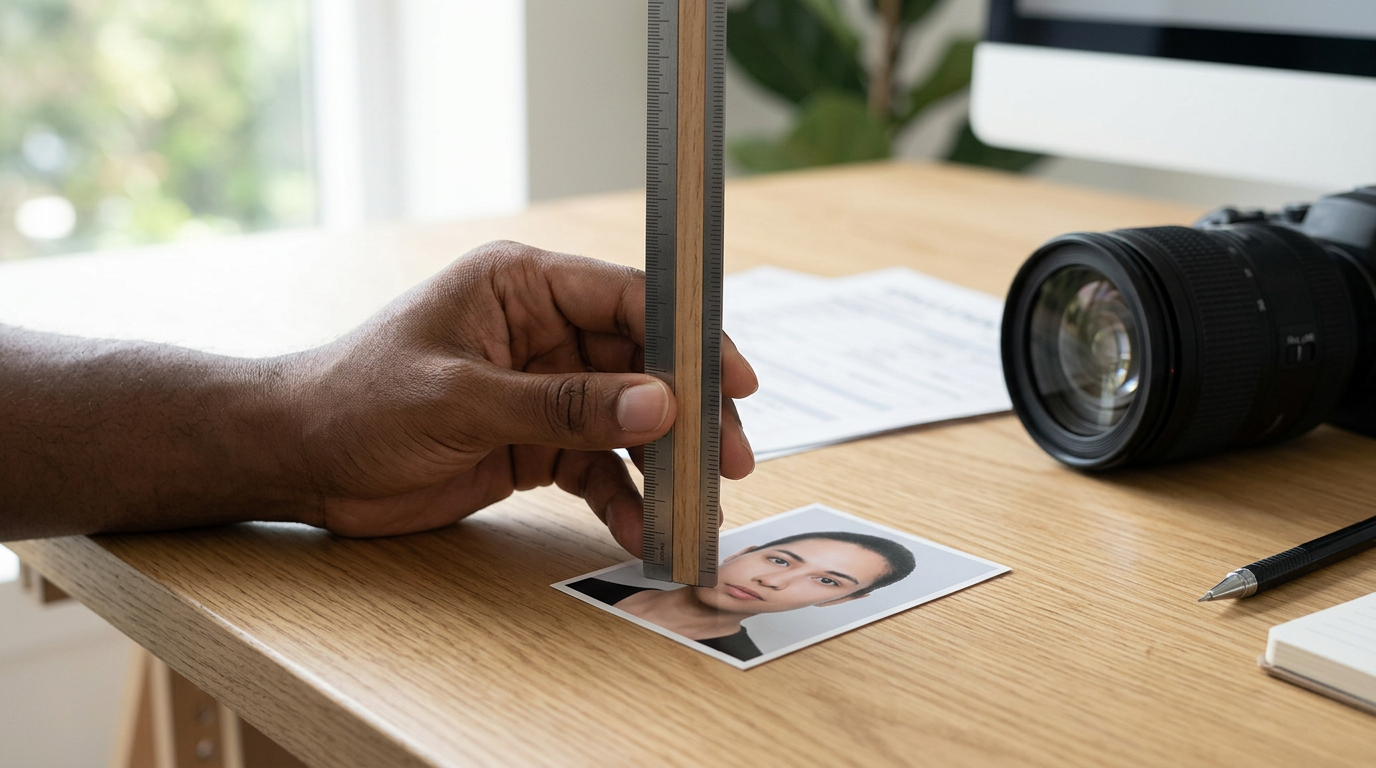
For printed paper applications, the physical photograph must measure exactly 35mm wide by 45mm high. Within that specific rectangle, the subject's head - measured from the lowest point of the chin to the very top of the crown - must occupy between 29mm and 34mm. If the head measures 35mm, the image is rejected for leaving insufficient margin at the top edge. If it measures 28mm, the face lacks the resolution density required for scanning into the database.
Digital applications operate on a completely different processing framework. Instead of asking you to upload an image pre-cropped to a 35x45mm ratio, the HMPO digital service requires an uncropped image that its own internal software will format dynamically. The upload must be at least 600 pixels wide and 750 pixels high, with a file size strictly between 50KB and 10MB. To ensure compliance across both formats, applicants often consult Passport Size Photo Dimensions in 2026: How to Meet Standard Requirements and Avoid Rejection.
When users attempt to manually crop their digital image before uploading, they often cut away the shoulders and the surrounding background space. The automated checker requires substantial blank space around the head to calculate exactly where the final borders should fall. If you crop the file too tightly on your smartphone, the HMPO system cannot locate the edges of the shoulders and rejects the file immediately.
| Specification Dimension | Digital Submission Standards | Printed Paper Submission Standards |
|---|---|---|
| Total Dimensions | Minimum 600 x 750 pixels | Exactly 35mm x 45mm |
| Head Size (Chin to Crown) | Calculated automatically by HMPO software | Exactly 29mm to 34mm |
| Accepted File Format | JPEG (.jpg or .jpeg) | Professionally printed on photographic paper |
| File Size Constraints | 50KB minimum limit, 10MB maximum limit | Not applicable to physical prints |
| Cropping Requirement | Upload raw; do not crop manually before submission | Pre-cut to exact measurements before mailing |
Why Background Color and Lighting Break Digital Applications
The background behind the applicant is just as critical to the facial mapping software as the subject's face. The official government guidelines mandate a plain light gray or plain cream background. Many applicants intuitively assume a pure white wall is acceptable, but pure white introduces severe technical mapping issues for the edge-detection algorithm. Detailed guidance on British Passport Photo Requirements in 2026: A Step-by-Step Compliance Guide outlines how background contrast dictates application success.
When a subject with pale skin, white hair, or baldness stands in front of a purely white background, the digital camera sensor often struggles to distinguish where the physical head ends and the wall begins. This phenomenon, known as edge clipping, destroys the visual contrast required for the software to draw a bounding box around the skull. A light gray or cream background provides a gentle contrast floor, ensuring the perimeter of the head remains distinctly visible regardless of the subject's complexion.
Lighting dictates whether that background passes the software check. If the subject stands too close to the wall, their body casts a harsh, black drop shadow directly behind their neck or shoulders. The algorithm registers this shadow as a physical object or a secondary person in the frame, instantly halting the application.
Practical rule: To eliminate background shadows entirely, position the subject approximately 1.5 meters away from the background wall and ensure the primary light source strikes their face directly from the front rather than from an overhead angle.
Lighting must also strike the face perfectly evenly. A strong window light hitting only the left side of the face creates a deep shadow across the right cheek and nose. The facial mapping software reads this heavy shadow as a physical deformity or a facial obstruction, failing the strict symmetry check.
Where British Passport Photo Rules Relax for Infants
Securing a compliant image of a newborn presents obvious logistical hurdles. The HMPO recognizes that young children cannot follow instructions to hold perfectly still, maintain a rigid neutral expression, or sit perfectly upright. Because of this, understanding the british passport photo requirements for infants reveals a pragmatic approach to an otherwise inflexible system, suspending several of the strictest rules based entirely on the child's age.
For children under six years old, the strict requirement to look directly into the camera lens with a neutral expression is waived. They are not explicitly required to keep their mouths completely closed, though exaggerated expressions like crying or laughing can still trigger a manual review flag that delays processing.
For infants under twelve months old, the rules relax even further. Newborns do not need to have their eyes open at all. If their eyes happen to be open, they are not required to be looking at the lens. The most significant challenge with infants is supporting their bodies without introducing forbidden elements into the frame. Parents often attempt to hold the child from behind, but if a parent's hand or fingers become visible around the infant's waist or shoulders, the photo fails the isolation test.
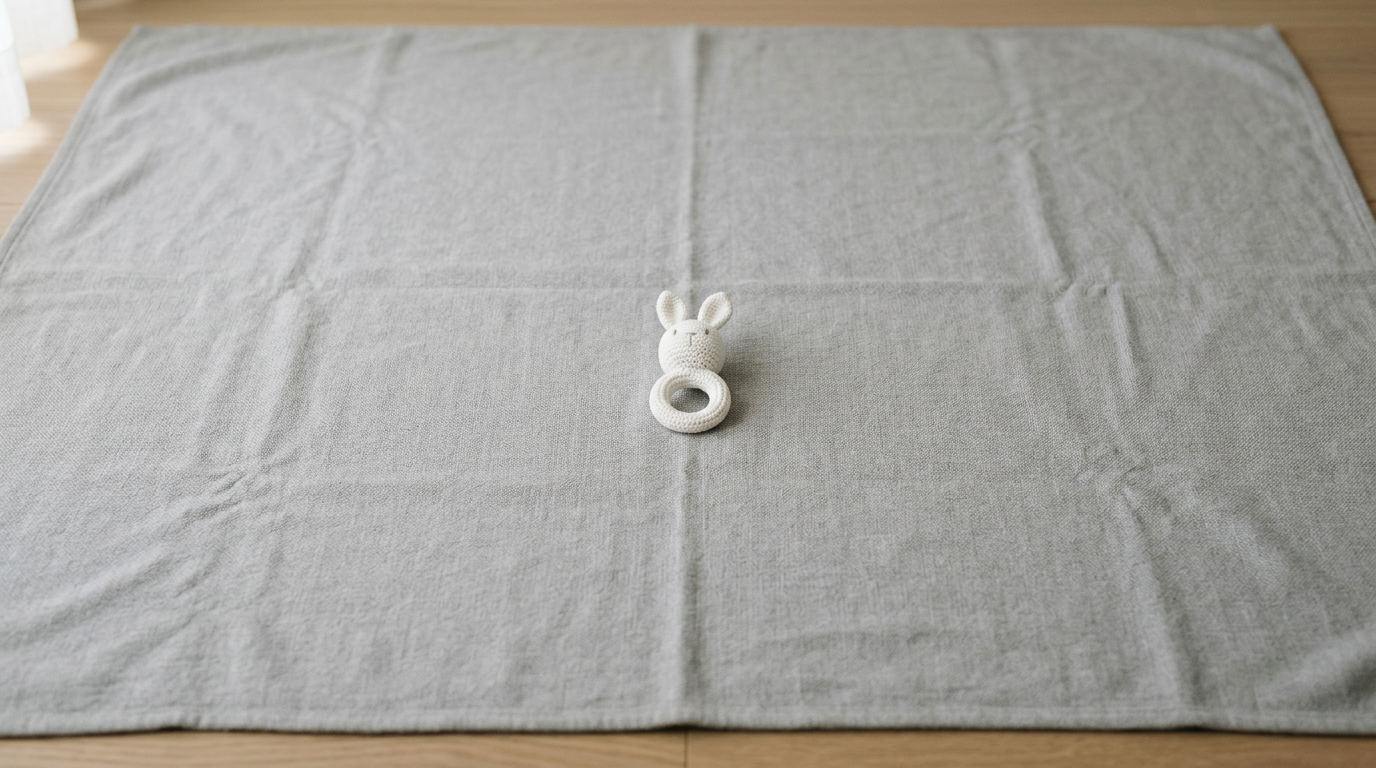
The most reliable method for an infant under one year old is to drape a plain light gray blanket over a flat surface or into a standard car seat. Lay the infant gently on their back and capture the photo from directly above. This eliminates the need for manual physical support and guarantees a compliant background. You can refer to A Guide to 2026 British Passport Photo Requirements and Global Visa Standards for advanced setup methods. Taking a compliant british passport photo at home means controlling this environment completely, ensuring no wrinkles in the blanket cast heavy shadows behind the child's head. Pacifiers and toys remain strictly forbidden, as they obscure the facial anchor points the software still attempts to map.
What Fails the HMPO Automated Biometric Checker
When a photo is rejected, the HMPO portal generally provides a basic error message, leaving the applicant to guess the exact technical cause. Beyond basic sizing and background errors, three specific digital failures account for the vast majority of instant rejections.
First, messaging application compression destroys essential biometric data. If you capture a high-resolution photo on a smartphone and send it to your upload computer via WhatsApp, iMessage, or a similar chat platform, the app aggressively compresses the file size to save network bandwidth. This compression introduces JPEG artifacts - microscopic blocks of pixel distortion - around high-contrast areas like the pupils and the edge of the mouth. It also strips the EXIF metadata from the file. When uploaded, the file often registers below the 50KB minimum threshold or lacks the pixel density required for facial mapping. Resources like How to Get the Correct Passport Size Photo in 2026: Official Guidelines and Standards emphasize maintaining the original file integrity.
Second, optical glare from modern LED ring lights confuses the eye-detection algorithm. While ring lights provide the flat, even lighting the background rules require, they reflect as distinct white circles on the surface of the eye or on eyeglass lenses. The software reads these bright white anomalies as severe eye damage or a physical obstruction. Even if eyeglasses are normally permitted for medical reasons, any glare whatsoever will fail the check. The most reliable approach is to remove glasses entirely for the photograph.
Third, the automated software detects automatic "red-eye" reduction tools as illegal digital manipulation. If a camera flash causes a red pupil, many smartphones automatically apply a background software filter to paint over the red pixels with black or gray digital paint. The HMPO algorithm checks the file specifically for this type of digital alteration. If it detects that the eye color has been artificially replaced by software, it flags the image as forged.
Practical rule: Always transfer the raw photo file directly from the camera to the final upload device using a physical cable, AirDrop, or email configured to "Actual Size" to preserve the mandatory file resolution and embedded metadata.
Where Third-Party Validation Beats Raw Uploads
The UK government offers two primary paths for digital submissions: uploading a raw JPEG file directly from a personal device, or entering a unique digital photo code provided by a commercial photo booth or studio. Understanding why the digital photo code system exists explains exactly why manual home uploads fail so frequently.
When an applicant enters a digital photo code into the HMPO portal, they are transferring an image that has already been routed through an application programming interface (API) connecting the third-party vendor directly to the passport office. Before the vendor issues the code to the customer, their own proprietary software pre-checks the lighting, background contrast, and head sizing against the government's exact algorithmic parameters. The vendor effectively pre-validates the biometric data, ensuring the image clears the threshold before the applicant ever starts the passport form.
Uploading a raw image from a smartphone bypasses this crucial pre-validation step. The image hits the HMPO automated checker entirely raw, without any intermediate algorithmic adjustments to contrast, exposure limits, or background isolation. This places the entire burden of technical compliance on the applicant's photography skills. Furthermore, a modern smartphone's default camera software often applies automatic enhancements - such as background blur, artificial skin smoothing, or localized HDR exposure adjustments. These default enhancements actively work against biometric compliance.
Portrait mode, for example, uses artificial intelligence to intentionally blur the background and isolate the subject. The HMPO checker detects this depth-of-field manipulation immediately and rejects the file on the grounds that the image has been digitally altered. To succeed with a raw manual upload, the camera must be forced into its most basic mode, disabling all automated beauty filters and artificial lighting enhancements to capture a flat, highly detailed, and completely unedited representation of reality.
FAQ
Can I wear makeup in my UK passport photo?
Yes, you can wear makeup, but it must reflect your standard everyday appearance and cannot alter the physical shape or apparent structure of your face. Heavy contouring that creates artificial cheekbones or alters the jawline will fail the biometric depth scan. Natural makeup that evens out skin tone without introducing heavy shadows or highlights is perfectly acceptable.
Do I need to remove my glasses for a British passport photo?
While the official rules permit glasses if you must wear them for a strict medical reason, it is highly recommended to remove them entirely. Any glare on the lenses, reflection from the frames, or shadows cast by the frames across your eye sockets will cause an immediate algorithmic rejection. Sunglasses and tinted transition lenses are strictly forbidden under all circumstances.
Can I take my passport photo using the selfie camera on my phone?
No. Selfie cameras utilize a wider focal length that artificially distorts human facial proportions, often making the nose appear substantially larger and the ears smaller. You must use the rear-facing camera, positioned at least 1.5 meters away, operated by another person or set on a tripod utilizing a timer.
Why does my background have to be gray instead of white?
A purely white background causes the edges of the subject's face or light-colored hair to overexpose and blend into the wall, a technical imaging issue known as clipping. The biometric software requires a light gray or cream background to maintain sharp, unbroken contrast around the entire perimeter of the head.
Is it acceptable for an infant to have their mouth open in a passport photo?
Yes, children under the age of six are not required to maintain a strictly neutral expression or keep their mouths fully closed. However, they must not have any physical objects, such as a pacifier, dummy, or a toy, obscuring their mouth or any part of their face.