How to Handle a Passport Photo for Passport Renewal and Guarantors in 2026
A rejected passport photo is not just a frustrating email from the passport office; for a traveling family, it is a delayed trip, expired visas, and a sudden scramble to restart the entire application process. The rules governing a passport photo for passport renewal are stringent, and when infants are involved, those rules collide with the reality of an uncooperative subject. Add the requirement for a guarantor, and a simple administrative task becomes a multi-step project.
Quick Summary
Renewing a passport requires a strictly formatted biometric photo and, in many cases, a verified guarantor to confirm the applicant's identity. This guide covers the exact biometric standards for a passport renewal photo, how to select an eligible guarantor, and the steps to ensure your infant's application is accepted on the first try.
- Backgrounds must be pure white or light grey with no shadows.
- Infant photos require specific chin-to-crown measurements (usually 25-35 mm).
- Guarantors must hold a valid passport and know the applicant personally.
- AI-formatted digital photos are accepted if they meet strict government DPI and sizing rules.
Table of Contents
- 1. Understand Biometric Standards for Renewal
- 2. Photographing Infants for Renewal
- 3. Identifying an Eligible Guarantor
- 4. Getting the Guarantor Endorsement
- Common Pitfalls & Troubleshooting
- FAQ
- Recommended Reads
1. Understand Biometric Standards for Renewal
Every government maintains exact specifications for a passport renewal photo. A photo that looks acceptable to a parent is routinely rejected by automated scanning software if the technical parameters are off by millimeters.
The mechanics of photo acceptance rely on biometric mapping. Software measures the distance between the eyes, the proportion of the head to the frame, and the uniform lighting across the face. For most international standards, including Australia, the UK, and Canada, the photo must be 600 DPI. The head size, measured from the bottom of the chin to the crown, typically must fall between 25 mm and 35 mm. Shadows across the face or a background that is not uniformly light grey or white will trigger an automatic rejection.
The mistake people actually make here is assuming a high-resolution smartphone photo is automatically compliant. While modern cameras capture enough detail, they do not automatically frame the subject to government ratios or eliminate background shadows.
Practical rule: Use a digital formatting tool that explicitly locks the chin-to-crown measurement to the required millimeters before you save the file.
2. Photographing Infants for Renewal
Infants cannot follow instructions, making them the hardest subjects for official photography. A passport photo renewal for a baby still requires compliance with core biometric rules, even if governments offer slight leniency on closed eyes for newborns.
The process works best when the infant is laid flat. Place a plain white or light grey sheet on the floor or a firm mattress. Ensure the light source is direct and natural - like an overcast day through a large window - to avoid casting sharp shadows under the baby's chin or nose. The camera must be held directly above the child, parallel to their face, rather than at an angle. For infants under six months, support their head with rolled towels hidden completely beneath the background sheet.
The mistake parents make is leaving hands in the frame. Parents often try to support a sitting infant by holding their shoulders. If a parent's hand, arm, or even a piece of their clothing appears in the crop of the baby passport photo, the application is void.
3. Identifying an Eligible Guarantor
A guarantor for passport photo verification acts as the government's proxy to confirm that the person in the photo is the person named on the application. They are essential for child applications and adult renewals where the appearance has changed significantly.
The mechanics of eligibility vary slightly by country, but the core rules are universal. A guarantor must hold a valid, current passport from the issuing country. They must have known the applicant (or the parent, in the case of an infant) for a minimum period, usually 12 months or more. Crucially, they cannot be related to the applicant by birth or marriage, and they cannot reside at the same address. Many jurisdictions also require the guarantor to be employed in a recognized profession, such as a teacher, police officer, or registered medical practitioner.
The mistake applicants make is choosing someone who meets the professional requirement but cannot verify the required duration of the relationship. A doctor you met once last week is not an eligible guarantor, even if their profession is on the approved list.
4. Getting the Guarantor Endorsement
Once you have an eligible guarantor, the endorsement must be executed exactly as the application instructions dictate. This is a strict legal declaration.
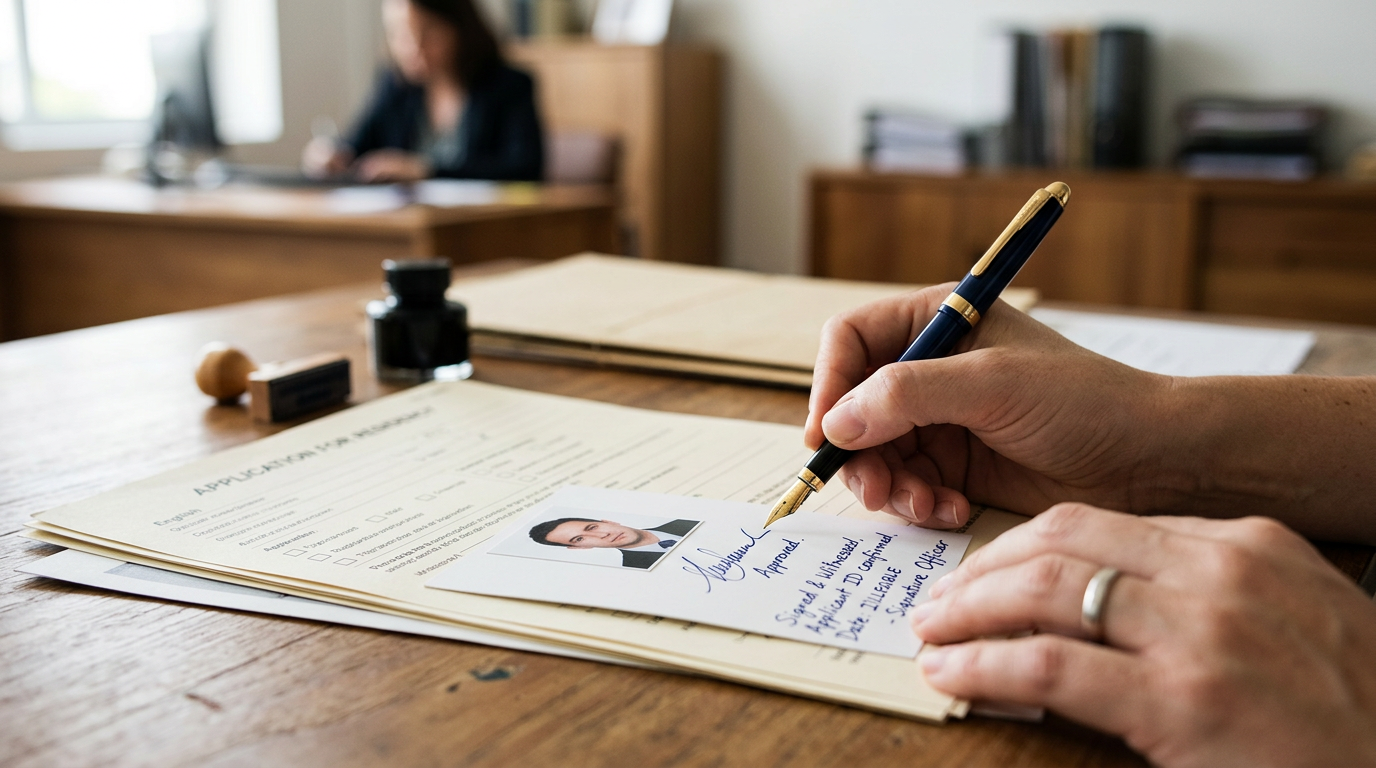
For physical photos, the guarantor writes a statement on the back of one. This is usually "I certify this to be a true likeness of [Applicant's Name]" followed by their signature and the date. They must also sign the form. This goes on the relevant section. For digital applications, the process involves entering the guarantor's details into the online portal. The passport office then emails them a secure link. This is used to digitally verify the photo and your identity.
Many people use the wrong pen. They might also write over the image area on physical photos. Using a heavy marker or a pen that bleeds through the paper ruins the biometric scan on the front. Always use a standard black ballpoint pen. Write gently. Let the ink dry completely before stacking the photos.
Common Pitfalls & Troubleshooting
When an application stalls, the rejection notice is often vague. These are the most frequent causes and how to fix them.
The "Washed Out" Rejection
- Symptom: The photo is rejected for poor contrast or being overexposed.
- Fix: This happens when flash photography flattens the facial features against a white background. Retake the photo using diffused natural light without a flash, ensuring the separation between the subject's face and the background is clear.
The Guarantor Verification Failure
- Symptom: The passport office contacts you stating the guarantor could not be verified.
- Fix: This usually means the guarantor missed the phone call from the passport office or their own passport has expired. Verify your guarantor's passport expiry date before they sign, and warn them to expect a call from an unlisted government number.
The Dimension Error
- Symptom: The digital file is rejected by the online upload portal before submission.
- Fix: The file size is likely too large (over 5MB) or the aspect ratio is incorrect. Most government portals require a specific pixel dimension (e.g., 600x600 pixels for a square format). Resize the image using a dedicated passport tool rather than a generic photo editor.
FAQ
Can a family member be a guarantor for a passport photo?
No. A guarantor cannot be related to you by blood, marriage, or common-law partnership, and they cannot live at your address.
Do I need a guarantor if I am just renewing my adult passport?
In many jurisdictions, a standard adult renewal does not require a guarantor if your previous passport is undamaged, was issued when you were an adult, and your appearance has not drastically changed. Check your specific local government guidelines.
What color should an infant wear for a passport photo?
Dress the infant in a dark or bright color that contrasts sharply with the white or light grey background. Avoid white clothing, as it will blend into the background and cause a rejection.
Can I use a smartphone to take a passport renewal photo?
Yes, provided the final image meets all strict biometric standards for lighting, background, and head proportions. You will usually need a formatting tool to align the measurements correctly.