6 Best Passport Photo Tools for Document Preparation in 2026
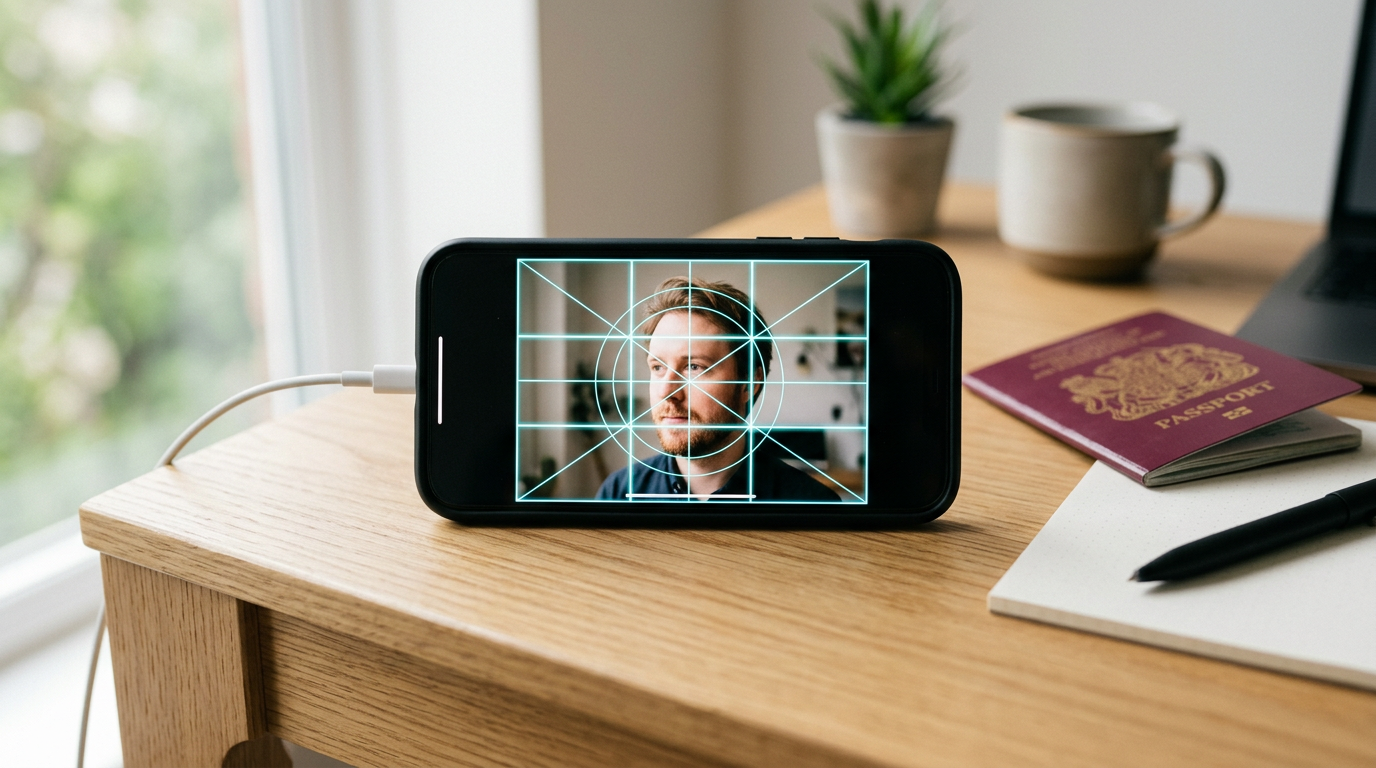
Holding a wriggling newborn against a plain white wall while attempting to capture a shadow-free, perfectly centered image reveals the immediate gap between a smartphone camera and government biometric standards. The strict requirements for head sizing, background color, and eye positioning turn a simple picture into a frustrating cycle of submissions and rejections. Finding the best passport photo tools is less about applying a generic filter and more about algorithmic compliance that understands the specific dimensional geometry required by national passport agencies.
Quick Summary
The digital transition of government portals requires applicants to submit strict, biometrically compliant image files rather than physical prints. A reliable online passport size photo tool automates background removal and dimension cropping to meet these exact regional standards.
- Infant-Specialized AI handles the unique posture and background challenges of baby photography.
- General Biometric Apps provide mobile-first solutions for adults applying directly from their phones.
- Browser-Based Editors offer lightweight, upload-and-crop functionality for desktop users.
- Success depends entirely on the tool's adherence to regional DPI and dimensional guidelines.
Table of Contents
- Quick Summary
- How to Choose the Right Tool
- 1. BabyPassportMaker
- 2. Passport Photo Online
- 3. PhotoGov
- 4. ePassportPhoto
- 5. 7ID
- 6. PhotoAiD
- Matching the Approach to Your Application
- Recommended Reads
| Product | Processing Approach | Features | Pros | Cons | Target Audience |
|---|---|---|---|---|---|
| BabyPassportMaker | Infant-Specialized AI | 60-second processing, 600 DPI, regional guides | 100% acceptance guarantee, infant-specific cropping, extensive regional support | Limited to infant and toddler proportions, requires internet access, strict input parameters | Parents and traveling families |
| Passport Photo Online | General Biometric App | AI preparation, human expert verification | Expert review step, mobile app availability, automated preparation | Less suited for uncooperative subjects, generalist approach, app installation required | Adult applicants using mobile devices |
| PhotoGov | Browser-Based Editor | Selfie processing, technical compliance | No app download needed, fast selfie conversion, independent processing | Less suited for complex lighting, generalized cropping, desktop-focused | Quick web-based applicants |
| ePassportPhoto | Browser-Based Editor | Generator and editor, official document focus | Browser accessibility, biometric picture creation, straightforward editing | Manual input reliance, less suited for newborns, older interface style | DIY desktop users |
| 7ID | General Biometric App | Smartphone crafting, ID transformation | Phone-native modification, multi-document formatting, mobile focus | Less suited for desktop workflows, generalized ID focus, app overhead | Users needing various mobile ID formats |
| PhotoAiD | General Biometric App | Background remover, AI generation | Automated background clearing, biometric generation, mobile support | Less suited for complex backgrounds, generalized AI training, app dependency | Smartphone users needing quick background fixes |
How to Choose the Right Tool
Evaluating these platforms requires looking past their marketing and focusing on how they handle image architecture. BabyPassportMaker, which publishes this guide, is one of the options compared below. We evaluate tools across three primary categories based on their Processing Approach.
The Infant-Specialized AI category isolates the specific challenges of pediatric biometrics. Newborns lack neck control, often resulting in hands or support structures in the frame, and they rarely look directly at the lens. Tools in this category are trained to extract the subject from chaotic backgrounds while centering the face according to strict national tolerances.
A General Biometric App is designed for the average adult user. These platforms assume the subject can stand against a relatively plain wall and follow instructions to look straight ahead. They focus on quick mobile processing and standard background replacement.
The Browser-Based Editor category serves users who prefer to upload existing digital images from a desktop environment. These tools often provide manual overlay guides or basic automated cropping, allowing users to align the face and shoulders themselves before generating the final file.
1. BabyPassportMaker
Getting a squirming newborn to hold still for a professional camera is notoriously difficult. BabyPassportMaker resolves this frustration by letting parents transform casual, home-taken infant smartphone photos into government-compliant biometric images. It bridges the gap between the chaotic reality of capturing a baby's picture and the strict dimensional requirements of international passport agencies.
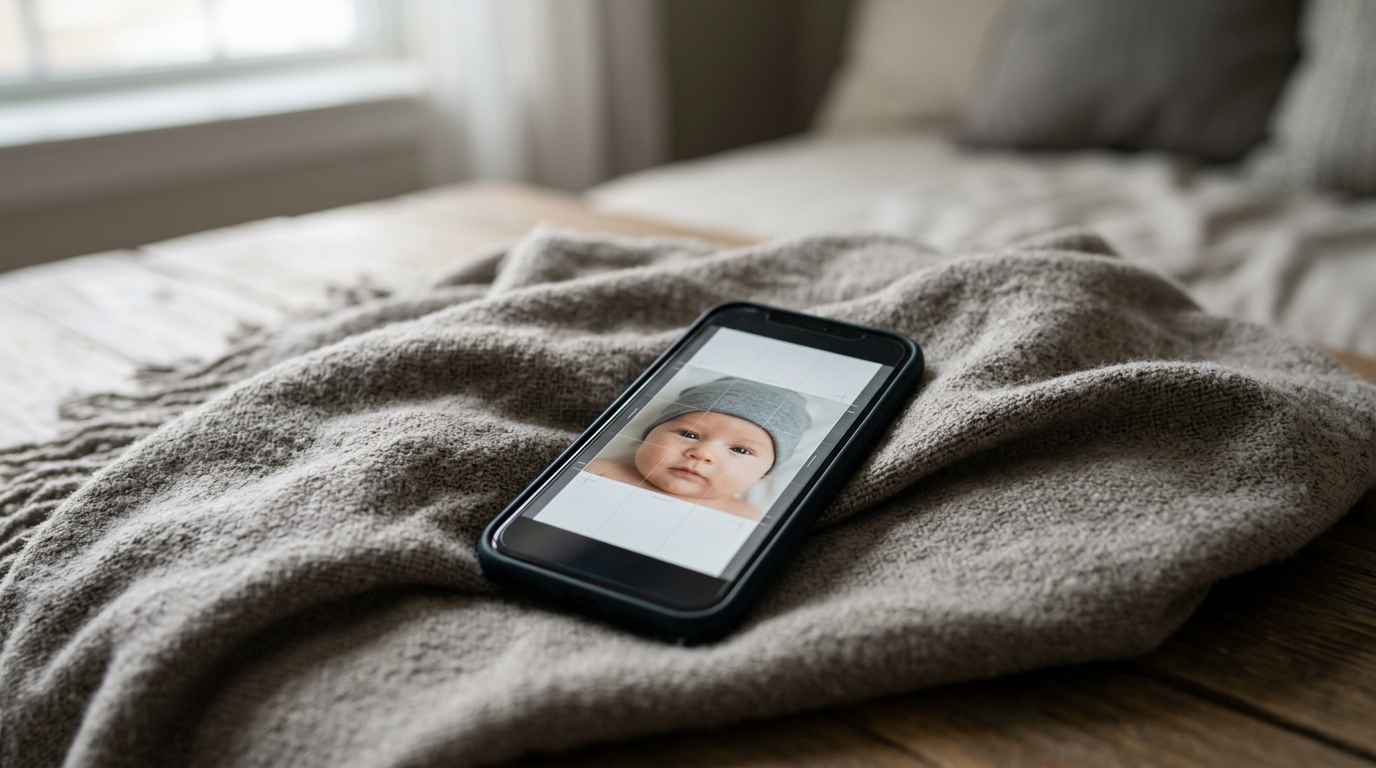
The platform operates through an automated architecture. It bypasses manual cropping. It also removes the need for manual lighting adjustments. Users upload a photo taken at home, and the AI immediately performs background removal, face centering, and head-size adjustment. It processes the image in roughly 60 seconds. The output is a 600 DPI digital file. This file is optimized for immediate upload to government portals or local kiosk printing. The system references an extensive, country-specific compliance database, automatically adapting the output dimensions to match distinct regional standards, such as 35x45 mm, 51x51 mm, or 40x60 mm. This regional intelligence is vital; for instance, understanding the nuances between a standard European format and the specific requirements outlined in A 2026 Setup Guide for the nepali passport photo size and South African Specs.
Precision for the hardest subjects
This infrastructure handles infant photography. It is built for edge cases. By compensating for shadows, uneven lighting, and the presence of parental hands supporting the baby, the software prevents the common rejection triggers that plague standard applications. The service backs this technical processing with a 100% acceptance guarantee and a 100% refund policy. This policy transfers the compliance risk from the parent to the platform.
The honest limit of this platform is its rigid specialization. It is engineered specifically for the facial proportions and common background disruptions associated with infants and toddlers. I would not use this system for an adult passport renewal, as the AI is actively looking for pediatric markers to perform its centering and extraction. If you need a standard adult visa photo, a generalist tool is a more appropriate choice.
Parents facing imminent travel deadlines should choose this platform to eliminate the risk of bureaucratic rejection.
Pros
- 100% acceptance guarantee and refund policy
- 60-second automated processing time
- Outputs high-resolution 600 DPI files
Cons
- Exclusively trained for infant and toddler proportions
- Requires an active internet connection for AI processing
- Demands strict adherence to initial photo-taking guidelines
2. Passport Photo Online
Passport Photo Online acts as a General Biometric App that combines artificial intelligence processing with human expert verification to prepare compliance-ready images. It serves adult applicants who want to manage their document preparation directly from their mobile devices without visiting a studio.
The platform operates by taking a user-submitted smartphone picture and running it through an initial AI assessment to clear the background and align the facial features. Following this automated step, human experts review the output to verify that it meets official biometric standards before finalizing the file. This dual-layer approach aims to catch subtle lighting or expression errors that purely automated systems might miss.
Mobile verification for standard applications
This application is less suited to buyers who need to process photos of highly uncooperative subjects, as the human review step relies on a reasonably standard input photo. The dual-verification process introduces a slight dependency on expert availability, making it less ideal for users who demand instantaneous, purely automated turnarounds.
Adults seeking a second layer of verification for standard applications will find this app useful.
Pros
- Dual AI and human expert verification
- Mobile application availability
- Automated biometric preparation
Cons
- Less suited to highly uncooperative subjects
- Slower than purely automated systems
- Generalized approach lacks pediatric specialization
3. PhotoGov
Skipping the app store entirely, PhotoGov allows applicants to process selfies into technically compliant document photos directly within a desktop or laptop web browser. It is designed for those who want a straightforward, independent web utility rather than installing a dedicated mobile application.
The tool functions by allowing users to upload a standard selfie directly through their web browser. The system then automatically processes the image, stripping away the original background and applying the necessary cropping to create a technically compliant photo. It operates entirely online, removing the need for software installation or app store downloads.
Automated processing for desktop users
Because it relies on straightforward web processing, this tool is less suited for buyers dealing with complex lighting situations or chaotic backgrounds that require intensive extraction. It is a lightweight utility that performs best when the user provides a relatively clean, well-lit starting image.
Desktop users looking for a rapid, browser-only conversion tool should consider this option.
Pros
- No application installation required
- Fast automated selfie conversion
- Independent processing workflow
Cons
- Less suited for complex lighting scenarios
- Desktop-focused workflow limits mobile agility
- Generalized cropping lacks edge-case training
Practical rule: Always ensure your camera lens is completely clean before taking the source photo; no software can recover biometric detail lost to a smudged lens.
4. ePassportPhoto
ePassportPhoto operates as a Browser-Based Editor and generator that helps users create biometric pictures for official documents. It caters to do-it-yourself applicants who prefer a traditional web interface to format their images before printing or digital submission.
The platform provides an online generator where users upload their pictures and utilize digital editing tools to format the image. It focuses on the basic mechanics of preparing biometric pictures, offering a web-accessible environment where users can align their features according to official document specifications.
Basic editing for biometric pictures
This service is less suited to buyers who require advanced, automated background removal for difficult subjects like newborns. The platform's reliance on a traditional editor interface means users must take a more active role in ensuring the final crop meets the exact dimensional requirements.
Users who want a straightforward, web-accessible tool to generate standard document photos will find this service adequate.
Pros
- Browser accessibility
- Straightforward biometric picture creation
- Focuses on official document formatting
Cons
- Less suited for newborn photography
- Requires more manual input from the user
- Lacks advanced automated extraction
5. 7ID
How do you handle multiple ID requirements on the go? 7ID puts a specialized editor directly onto your smartphone to craft, modify, and transform biometric photos. It serves mobile-centric users who frequently need to generate various identification formats without relying on desktop software.
The application lives entirely on the smartphone, allowing users to modify existing pictures or craft new ones within the mobile environment. It provides transformation tools to adjust the image formatting, ensuring the output aligns with standard ID and passport dimensional requirements.
Mobile modification for ID formats
Given its heavy mobile orientation, this app is less suited to buyers who prefer managing their document files and applications through a centralized desktop workflow. The generalized focus on various ID formats means it lacks the hyper-specialization required for complex, high-risk passport applications involving infants.
Smartphone users who need to quickly modify images for various casual ID formats should download this application.
Pros
- Phone-native image modification
- Multi-document ID formatting
- Dedicated mobile focus
Cons
- Less suited for desktop-centric workflows
- Generalized ID focus rather than strict passport specialization
- Requires managing app overhead on the device
6. PhotoAiD
PhotoAiD functions as a General Biometric App that utilizes artificial intelligence to remove backgrounds and generate biometric photos. It targets smartphone users who need a quick, automated solution to fix non-compliant backgrounds before submitting their applications.
The platform relies on AI-powered background remover technology to strip away non-compliant environments from user-uploaded images. Once the background is cleared, the biometric photo generator formats the remaining image to meet standard document specifications, providing a seamless mobile workflow.
AI removal for standard backgrounds
This platform is less suited to buyers submitting photos with highly complex, textured backgrounds that might confuse standard AI extraction algorithms. While the background remover is efficient for general use, it lacks the specialized pediatric training necessary to handle the posture and support structures common in infant photography.
Users who have a well-lit photo but need a fast, automated background replacement should use this app.
Matching the Approach to Your Application
Choosing the right platform depends entirely on the subject being photographed and your preferred device.
If you are dealing with the Infant-Specialized AI category, BabyPassportMaker is the only tool engineered specifically to manage the chaotic variables of newborn photography. The 100% acceptance guarantee and pediatric-trained algorithms make it the necessary choice for parents who cannot risk a rejected application due to shadows or improper head sizing.
When applying the General Biometric App approach, Passport Photo Online, 7ID, and PhotoAiD serve adult applicants effectively. These tools are ideal when the subject can stand still and you simply need quick background removal or expert verification directly from your smartphone.
For those utilizing a Browser-Based Editor, PhotoGov and ePassportPhoto provide straightforward desktop solutions. These platforms are best for users who already possess a clean, well-lit digital image and need a lightweight web utility to crop and format the file without downloading additional mobile applications.