6 Ways to Get a Professional Passport Photo in 2026: Service Comparison
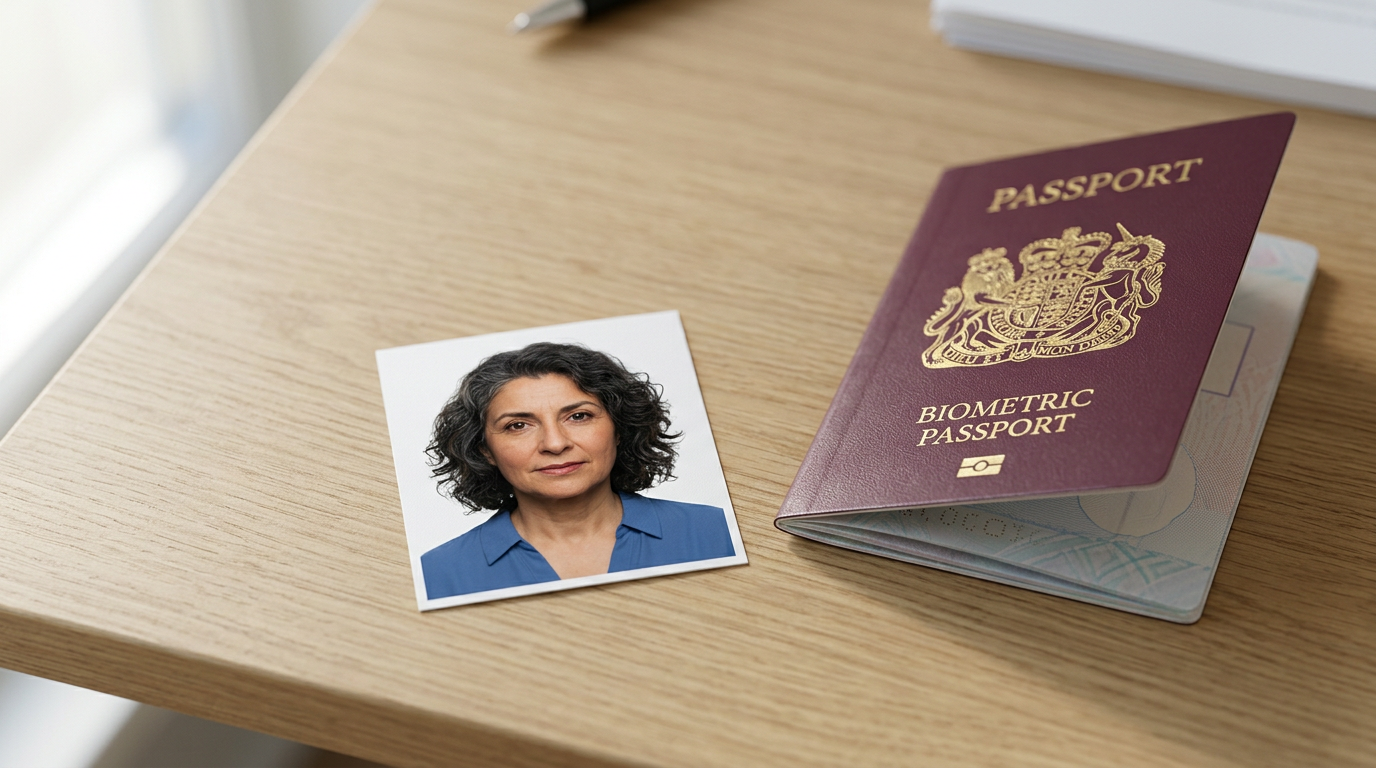
Securing a professional passport photo usually hits a bottleneck the moment you place a wriggling infant under fluorescent lights while a clerk tries to align a digital crosshair over a tiny face that will not stay still. The biometric requirements for international travel documents leave zero margin for error: a shadow behind an ear, an open mouth, or an off-center gaze results in an immediate rejection letter from the Australian Passport Office. Navigating this strict compliance landscape means choosing between dedicated in-person studios, general retail chains, and specialized mobile software that handles the formatting remotely.
Quick Summary
A professional passport photo requires strict adherence to government biometric standards regarding background color, facial geometry, and lighting contrast. This guide compares in-store retail capture, dedicated photographic studios, self-service printing kiosks, and remote AI processing applications to help you determine which compliance mechanism best fits your application timeline.
- Retail post offices provide immediate physical prints but routinely refuse to supply digital files.
- High-volume department stores run automated biometric checks but struggle with infant capture in busy environments.
- Self-service kiosks offer extremely low printing costs but offer zero verification before you print.
- Remote AI applications guarantee biometric compliance and digital formatting without requiring you to leave the house.
Table of Contents
- How to choose a compliance path
- 1. Australia Post
- 2. Officeworks
- 3. Ted's Cameras
- 4. Kmart Australia
- 5. Passport Photo Online
- 6. Smartphone iD
- Mapping your application timeline to the right service
- Recommended Reads
| Product | Service Delivery Model | Features | Pros | Cons | Target Audience |
|---|---|---|---|---|---|
| Australia Post | In-Store Professional | Point-and-shoot capture, instant prints | No appointment needed, Free retakes, Accessible locations | No digital files, Distracting environment, Variable staff expertise | Urgent physical lodgments |
| Officeworks | In-Store Professional | Biometric kiosk checks, compliance certificates | ICAO compliance checks, 165 country formats, Immediate output | High-traffic environment, Not at all branches, Slow workflow for kids | International visa applicants |
| Ted's Cameras | In-Store Professional | Manual exposure control, professional lighting | Free reshoot guarantee, High-quality lighting, Handles multiple foreign formats | Over-services digital needs, Slower process, Higher fixed cost | Subjects requiring lighting adjustments |
| Kmart Australia | In-Store DIY Print | Self-service Wi-Fi kiosks, thermal paper | Extremely cheap prints, Home delivery option, Direct phone connection | No capture assistance, Zero compliance checking, Requires pre-formatting | Users with formatted files |
| Passport Photo Online | Digital AI Processing | AI geometry mapping, human expert review | 200% refund on rejection, 24/7 verification, Generates digital files | Prints take 3 days, Requires home lighting setup, Higher cost for mail delivery | Digital-only applicants |
| Smartphone iD | Digital AI Processing | Dual verification, in-app infant tools | 100% money-back guarantee, Attention-grabbing music for babies, Human review | Requires app download, Shipping delays for physical copies, Depends on phone lens | Parents with infants |
How to choose a compliance path
Evaluating your options requires separating the physical printing of a photo from the biometric verification of the subject. A camera does not make an image compliant; the geometry and lighting do. When deciding how to proceed, reviewing A Guide to Passport Photos Cost and Professional Service Fees in 2026 establishes a baseline for what you are actually buying: a guarantee against rejection.
We assess these solutions through their Service Delivery Model, which dictates where the capture happens and who takes responsibility for the biometric measurements.
In-Store Professional
This model relies on physical retail infrastructure where a staff member operates the camera and printing equipment. You pay a premium for immediate physical output and an in-person assessment. These environments are highly convenient for adults but introduce severe sensory distractions for infants.
In-Store DIY Print
This category strips away the photographer and the compliance checks entirely, leaving only the commercial printing hardware. It transfers the entire burden of biometric adherence to the customer, serving purely as an output mechanism for those who have already formatted their images.
Digital AI Processing
These services handle the biometric verification remotely. You capture the image using your own hardware, while the software maps your facial geometry, strips out non-compliant backgrounds, and scales the head size to match government databases. This approach optimizes for low-stress environments but introduces postal delays if you require physical hard copies.
1. Australia Post
When the physical passport renewal paperwork lands on the kitchen counter, taking the applicant straight to the nearest post office seems like the most direct path to completion. Australia Post is a government-owned network that provides in-store ID image capture alongside its standard mailing and documentation services.
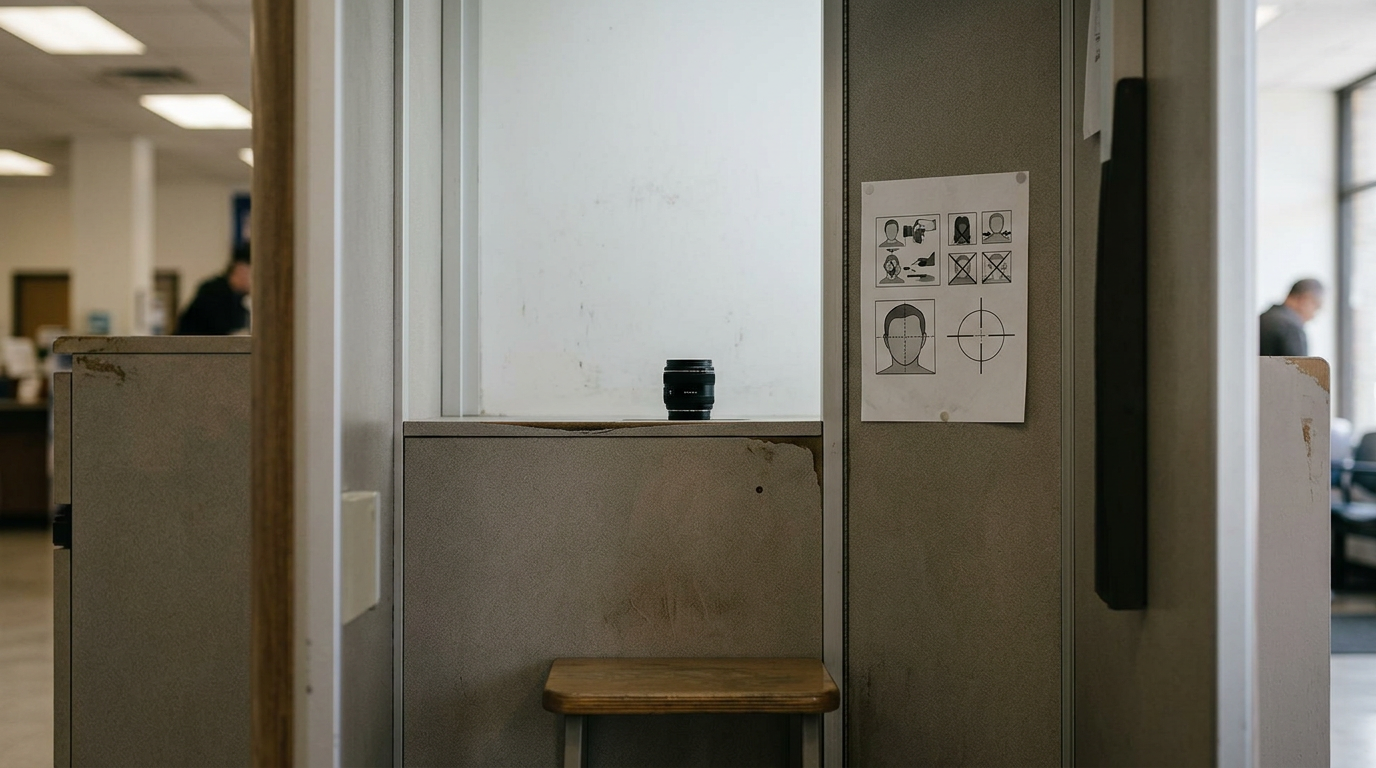
You stand against a pull-down white screen in a retail environment while staff use a point-and-shoot camera to frame the shot. The staff member visually assesses the image against Australian government criteria on a digital terminal before initiating the print sequence. Operating under an In-Store Professional model, it should not be compared against digital-first solutions that generate files for online portals.
Physical convenience stops at digital privacy
Australia Post does not keep digital or physical copies of ID photos for privacy and security reasons. This limits the output entirely to physical paper, meaning anyone applying for an electronic visa or digital document later will need to start the process over from scratch because they cannot access a digital file. We would hesitate to direct anyone here if their upcoming application process is entirely web-based.
Choose this path when completing a concurrent physical lodgment of passport paperwork at the same retail counter.
Pros
- A set of 6 physical photos measuring 35mm x 45mm is priced at $23.50.
- Customers do not need an appointment to get passport photos taken in-store.
- If the passport photos are not accepted by official authorities, Australia Post will take another set free of charge.
Cons
- No digital copies are provided or retained for the customer.
- Retail environments present heavy sensory distractions for young children.
- The pull-down white screens frequently cast micro-shadows that staff fail to notice.
2. Officeworks
Generating documents that pass international scrutiny requires specific database support, and Officeworks states its service is capable of printing passport and visa photos for 165 different countries. Operating as a national retail chain, this service provides in-store capture integrated with high-volume printing kiosks at participating branches.
The in-store biometric passport photo system checks captured photos against over 100 specifications outlined by the International Civil Aviation Organisation (ICAO). It algorithmically maps your eye distance and head tilt. The system formats the final print file. It matches the exact dimensions required by the destination country. Because this operates as an In-Store Professional service, you are trading the convenience of home capture for hands-on technical assurance. It should not be compared against mobile apps. They leave the initial shutter press to you.
Technical specification checks streamline foreign visas
Processing young applicants disrupts the standard retail workflow in these high-volume stores. Because they operate in busy environments, staff explicitly recommend allowing extra time for the process when bringing in children, which rules this out for parents needing a fast, low-stress capture before nap time.
Travelers applying for strict foreign visas who require immediate physical prints and a printed compliance certificate will find this route optimal.
Pros
- An in-store passport and ID photo session with a certificate is priced at $20.95.
- The biometric system actively checks against over 100 ICAO specifications.
- Formats output for 165 distinct international jurisdictions.
Cons
- Explicitly requires allowing extra time for children due to workflow constraints.
- Capture services are not available at every single retail branch.
- Wait times fluctuate unpredictably based on general store traffic.
3. Ted's Cameras
Unlike high-volume department stores where photography is an operational add-on, a dedicated camera shop approaches identification portraits as a core photographic discipline. Ted's Cameras is a specialty retailer offering in-store passport and international visa imaging shot by staff accustomed to operating professional lighting and dedicated camera equipment.
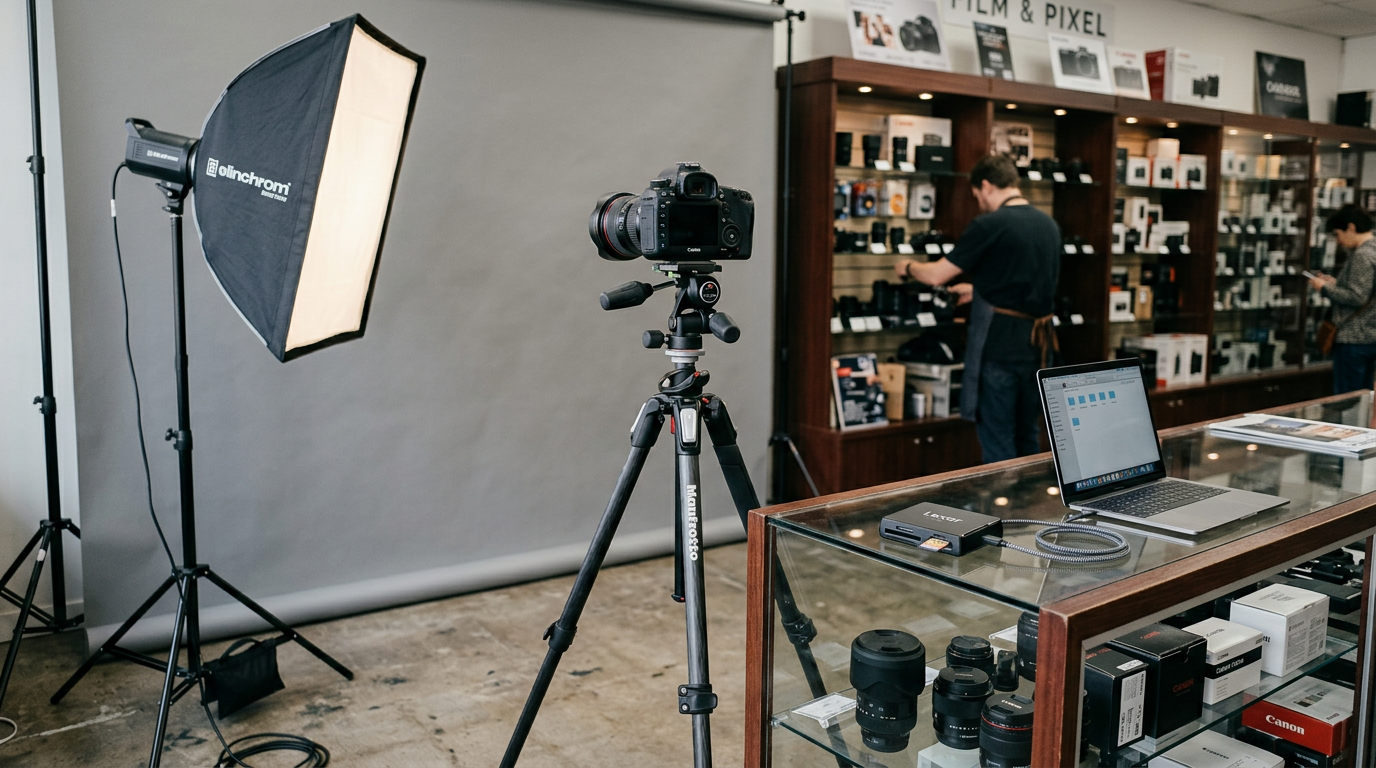
The staff manage exposure and focal length manually using proper portrait equipment rather than automated kiosks. They capture the image, review it to ensure complete shadow elimination across the background, and output a compliant file. Evaluating this In-Store Professional setup means recognizing you are paying for physical photographic expertise; it should not be compared against automated kiosks.
Manual exposure control mitigates background shadows
The manual nature of the service means you are paying for the photographer's time and physical output regardless of your actual needs. All in-store passport and visa photo services cost $24.95. Every standard passport photo service includes a minimum of 4 printed photos. This flat structure over-services some applicants. They only require a single digital upload file for a web portal. These users have no use for physical media.
This remains a strong choice for adult subjects who struggle with automated lighting systems and need manual camera adjustments.
Pros
- They provide a free reshoot guarantee if the photo is not approved by authorities.
- The service accommodates international visa requirements for countries such as the USA, UK, NZ, and India.
- Staff utilize dedicated studio lighting to eliminate background rejection risks.
Cons
- Fixed pricing at $24.95 creates a high baseline cost.
- Locks the user into receiving a minimum of 4 printed photos.
- The manual review process is slower than algorithmic kiosk verification.
Practical rule: Never rely on a store's opening hours as a guarantee of service availability; specialized photographic hardware frequently requires specific staff members who take scheduled meal breaks.
4. Kmart Australia
Showing up to a department store expecting a clerk to grab a camera and guide you through posing is the fastest way to derail an application schedule. Kmart Australia provides self-service photo printing infrastructure, relying entirely on customers to generate their own compliant templates before arriving at the store.
Users connect their personal smartphones directly to Kmart's in-store Kodak Moments Kiosks via Wi-Fi. The kiosk reads a pre-formatted 10x15 cm (4x6") digital file provided by the user and prints it onto continuous-tone thermal photo paper. This strictly functions as an In-Store DIY Print mechanism, so it should not be compared against services that actually evaluate your facial biometric compliance.
Hardware availability separates capture from output
Kmart stores do not offer in-house photography services to physically capture passport photos. The burden of ensuring the head is correctly sized, the background is perfectly white, and the lighting meets government standards rests entirely on the customer before they ever connect to the kiosk. We would actively discourage anyone from using this if they do not know how to crop an image to precise millimeter specifications.
Select this kiosk infrastructure exclusively if you already possess a fully formatted, pre-checked digital template and merely require physical media.
Pros
- Printing a previously prepared 10x15 cm (4x6") photo template in-store costs $0.10.
- Users can connect their smartphone directly to kiosks via Wi-Fi.
- Online printing orders can take between 4 to 10 working days to be delivered to a home address.
Cons
- Zero on-site photography or capture assistance is provided.
- The kiosks do not perform biometric compliance checks on your uploaded file.
- An incorrectly scaled template will result in an immediate government rejection.
5. Passport Photo Online
When an image file enters the processing queue, software immediately strips the original background, maps the facial geometry to correct any tilt, and crops the frame to strict government margins. This web and mobile-based platform acts as a digital bridge between a casual smartphone snapshot and official document specifications.
User photos are checked against requirements 24/7 using artificial intelligence and human photo experts. The software replaces your living room background with a pure white canvas, scales the head to fill the required percentage of the frame, and generates a printable file. This Digital AI Processing approach eliminates travel time, which means it should not be compared against retail desks that force you to coordinate your schedule around trading hours.
Remote processing isolates the subject from the studio
While the digital file is generated rapidly, obtaining physical media introduces a logistical lag. They offer physical prints delivered anywhere in Australia within 3 business days for a total price of $14.95, which removes it from consideration for applicants needing to walk a document into a post office the same afternoon.
Applicants lodging documents entirely online should utilize this for immediate digital formatting without leaving their house.
Pros
- The service provides a 200% refund of the purchase cost if the finalized photo gets rejected by authorities.
- A digital version of the processed Australian passport photo costs $9.95.
- Continuous 24/7 verification utilizes both artificial intelligence and human experts.
Cons
- Physical print delivery takes up to 3 business days to arrive.
- The total price increases to $14.95 if you require mailed prints.
- You remain responsible for finding adequate ambient lighting before uploading the initial photo.
Practical rule: When capturing infants, prioritizing a controlled, quiet home environment yields higher biometric compliance than dragging a tired subject into a commercial lighting rig.
6. Smartphone iD
A parent shaking a rattle with one hand while holding a smartphone in the other finally manages to capture a split-second forward gaze, only to wonder if the home lighting will pass government inspection. Smartphone iD is a mobile application that guides users through capturing government-compliant ID and passport photos directly on their phones.
The application uses on-screen templates to align the subject during capture. Once submitted, it employs dual verification consisting of artificial intelligence checks combined with a human expert review to confirm biometric adherence before finalizing the file. Relying on a Digital AI Processing architecture means you retain total control over the shooting environment, so it should not be compared against physical studios where rushed appointments dictate the outcome.
Interface design influences infant capture success
You are still relying on a third-party postal network for hard copies. While they offer a professional printing service on compliant photo paper, shipped directly to addresses in Australia, this delivery mechanism cannot compete with the immediacy of walking out of a retail store with prints in hand. What would make us hesitate is a tight application deadline that requires submitting physical paperwork tomorrow morning.
Parents capturing squirming infants who cannot tolerate the sensory overload of a public retail environment are best served by this application.
Pros
- Smartphone iD provides a 100% money-back acceptance guarantee if the Australian Passport Office rejects the photo.
- Employs a robust dual verification system of AI and human review.
- Features specialized tips and attention-grabbing music designed to assist in taking baby passport photos.
Cons
- Physical prints require waiting for postal shipping to an Australian address.
- Image fidelity remains limited by the quality of the user's smartphone camera lens.
- Requires downloading and navigating a dedicated application prior to capture.
Mapping your application timeline to the right service
Deciding which service to leverage depends heavily on whether you need immediate physical output or if you are prioritizing a stress-free environment for a difficult subject.
If your primary hurdle is capturing a compliant image of a baby who refuses to sit still, the Digital AI Processing category removes the retail pressure entirely. By using applications that verify your own smartphone capture, you can attempt the photo immediately after a nap without navigating traffic or queuing at a counter. Understanding How to Get the Correct Passport Size Photo in 2026: Official Guidelines and Standards prevents you from submitting poorly cropped digital files to these services.
If you are holding physical paperwork that must be lodged today, the In-Store Professional category is mandatory. Retail chains and dedicated camera stores generate compliant physical prints within minutes, ensuring you can walk straight from the camera to the lodgment desk. Figuring out What to Wear for Passport Photos: Guidelines for Official Compliance in 2026 beforehand guarantees that your in-store session will not be derailed by a prohibited uniform or highly reflective accessory.
When your only requirement is moving a perfectly formatted file onto official photo paper, the In-Store DIY Print route is the most efficient choice. This avoids paying professional capture fees when you have already secured a compliant digital template. For parents, mastering How to Capture Professional Passport Photos at Home becomes a priority when planning to bypass professional studios and utilize retail kiosk printing directly.