4 Best Passport Photo Template Tools and Digital Editors in 2026
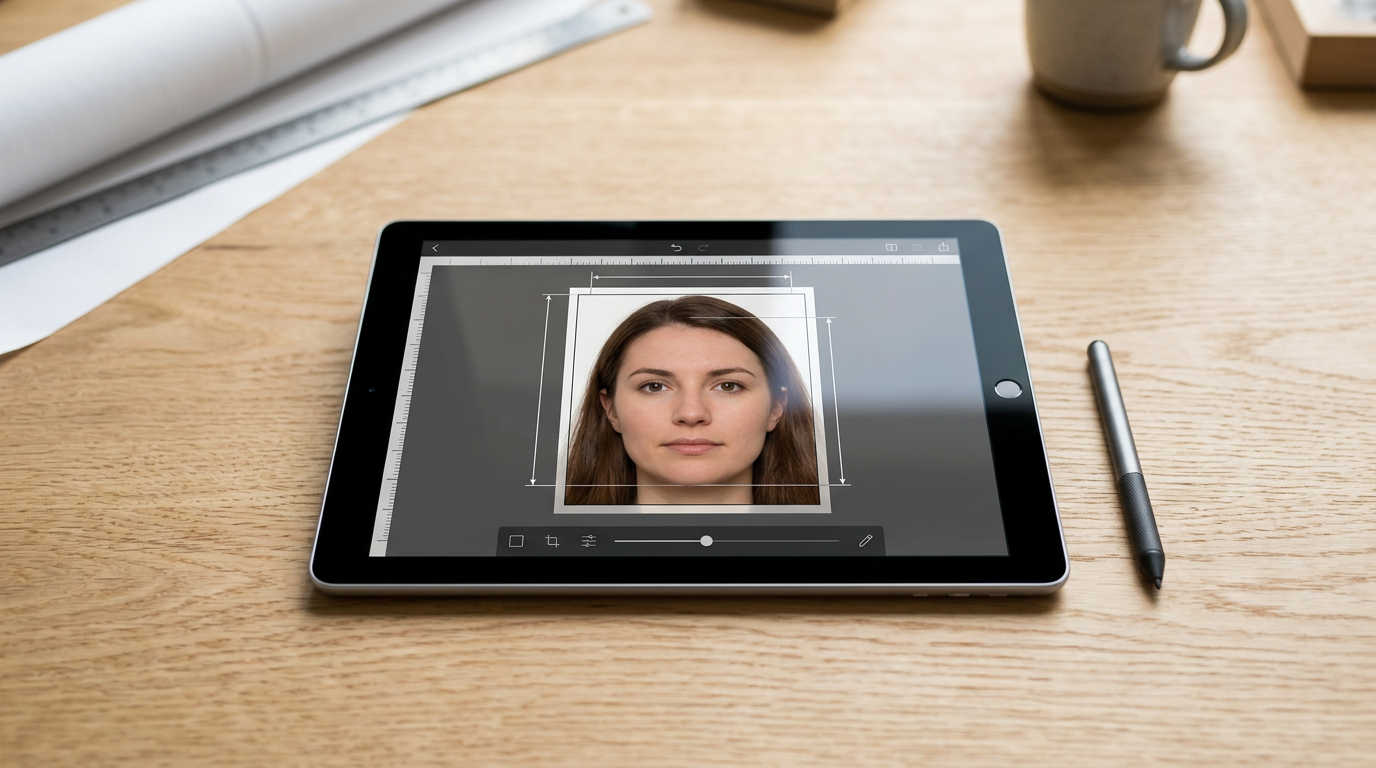
A rejected application often comes down to millimeters: a digital file submitted to a government portal that is cropped too tightly around the crown, or an infant's head that takes up 30 millimeters of a frame when the regulatory mandate explicitly demands 32. Navigating the stringent rules for biometric documents requires a reliable passport photo template that prevents you from sending non-compliant files into a multi-week bureaucratic queue. Rather than crossing your fingers and hoping a raw smartphone image passes border control systems, applying the correct digital parameters before submission separates successful applications from costly delays.
Quick Summary
A digital biometric formatting tool aligns raw smartphone captures with exact government parameters by adjusting crop dimensions, background clarity, and file size.
- Automation saves time: AI-driven platforms detect and remove background noise automatically.
- Manual editors demand precision: Browser-based cropping tools require you to measure the head-to-crown ratio yourself.
- Financial safety nets vary: Only a few premium services offer refunds if a photo is rejected.
- File formats matter: Specific platforms reject high-resolution or modern efficiency formats entirely.
Table of Contents
- Quick Summary
- Buying Guide: How to Choose a Formatting Tool
- 1. Passport Photo Online
- Financial guarantees shift the compliance risk
- 2. PhotoGov
- Regional quotas control the free processing tier
- 3. 123PassportPhoto
- Strict file constraints demand careful capture
- 4. IDPhoto4You
- Complete self-service removes all compliance safety nets
- Closing: Which Tool Fits Your Situation
- Recommended Reads
Buying Guide: How to Choose a Formatting Tool
Government passport and visa systems use automated software to scan uploaded images for exact facial ratios, background uniformity, and shadow presence. When choosing a tool to make a passport photo at home, you must evaluate the mechanism it uses to enforce these rules.
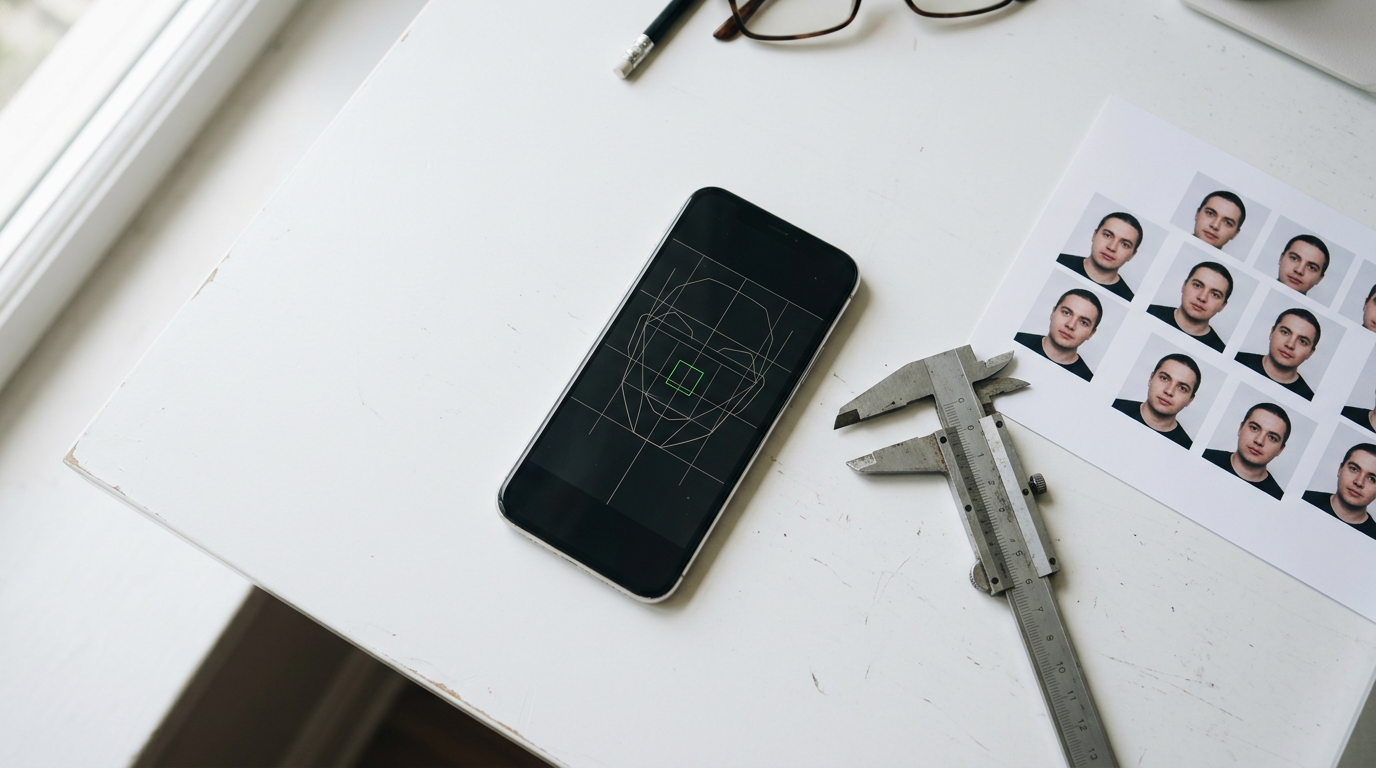
We classify these digital tools along one primary axis: Verification Method. This distinction separates the software into two distinct categories: AI-Backed Formatting and Manual Crop Utility.
Platforms in the AI-Backed Formatting category automatically map the geometry of the face. They detect the crown of the head and the bottom of the chin, scaling the subject so that these points fall exactly within the millimeter ranges required by specific nations. If you are handling complex subjects - like an infant who cannot support their head or who casts deep shadows on a car seat blanket - AI tools attempt to normalize the background without altering the facial biometrics. Understanding How to Meet Strict Government Passport Photo Requirements at Home is critical for infants, as artificial intelligence can strip out background noise that a human editor might miss.
Conversely, a Manual Crop Utility provides you with an overlay and leaves the judgment to you. These tools supply the correct aspect ratio and perhaps a digital chin-line marker, but you must manually scale and drag your photo into position. They do not warn you if the background is too gray, if the lighting is uneven, or if the subject's expression violates the neutral mandate.
Practical rule: Never use software that blurs the background to hide shadows; border control systems flag artificial depth-of-field as illegal photo manipulation.
Before committing to a workflow, check the output resolution. Many government portals demand files sized to precisely 600 dpi. An overly aggressive manual crop of a wide-angle smartphone photo often degrades the final pixel density below this threshold, causing an automatic rejection during the upload phase.
Comparison Table
| Product | Verification Method | Features | Pros | Cons | Target Audience |
|---|---|---|---|---|---|
| Passport Photo Online | AI-Backed Formatting | AI and expert review, iOS/Android apps | Compliance guarantee, expert human oversight, high customer ratings | $9.95 fee per template, requires app download for mobile, higher premium for printed options | Applicants for strict visas needing financial guarantees |
| PhotoGov | AI-Backed Formatting | Automated resizing, <30s processing, optional manual review | Fast processing time, regional free tiers, precise automated cropping | Daily limits apply, free access tied to geographic IP, manual review is an extra step | Users needing quick, region-specific automatic formatting |
| 123PassportPhoto | Manual Crop Utility | Support for 50+ countries, downloadable templates | Flat fee structure, high claimed acceptance rate, straightforward web interface | Strict 10MB file limit, max 4000x3000px upload, JPG/JPEG formats only | Tech-savvy users with pre-compressed, standard file formats |
| IDPhoto4You | Manual Crop Utility | Brightness/contrast adjustment, country standard templates | Completely free, automatic 6-hour data deletion, requires no account | No compliance verification, no dedicated mobile app, relies on user accuracy | Budget-conscious editors comfortable managing precise dimensional alignments |
1. Passport Photo Online
What happens to the application fee if the digital photo gets kicked back by a government portal? Passport Photo Online functions as a digital passport template photo creator and mobile application. The app takes selfies. It formats them into biometric document images. An AI-Backed Formatting approach automatically crops the image and replaces the background. A human expert verifies this before the final file is delivered.
According to its published pricing, a digital passport photo template on the platform costs $9.95. The service is accessible via mobile applications built for both iOS and Android platforms, allowing users to handle the capture and submission process natively on their devices. The company has a Trustpilot rating of 4.8 out of 5 stars based on over 21,000 reviews, pointing to a high volume of successfully processed documents.
Financial guarantees shift the compliance risk
The platform offers a compliance guarantee and will refund double the purchase cost if the photos are rejected by authorities. This mechanism essentially acts as insurance against the tool's own formatting algorithms. Because passport application fees are almost never refundable, a software provider absorbing the cost of a failed digital edit provides significant leverage for the applicant.
The hard limit here is the upfront financial cost. At $9.95 for a digital template, this tool prices out users who simply need to resize an already-perfect photograph or those processing multiple applications for a large family on a tight budget. I would hesitate to recommend this if you are applying for an informal ID card where strict government compliance is not enforced, as the premium paid for expert verification goes wasted on lenient systems.
Opt for this service if you are submitting documents for a notoriously strict immigration process and want a financial safety net protecting your initial software investment.
Pros * Offers a double refund policy if government authorities reject the final image * Combines artificial intelligence formatting with a secondary expert human verification step * Available as a dedicated application on both iOS and Android ecosystems
Cons * Charges $9.95 simply to download the prepared digital template * The double refund covers the tool's cost, not the potentially lost government application fee * Requires users to hand over biometric data to a paid, third-party commercial platform
2. PhotoGov
Unlike platforms that demand payment before revealing the final crop, PhotoGov operates an AI-powered editing service that automatically adjusts uploaded selfies to meet specific country guidelines before hitting a paywall. This AI-Backed Formatting platform detects the subject and actively resizes and crops the file to official dimensions, such as the exact Australian passport photo dimensions of 35-40 mm wide by 45-50 mm high, mapping the face height perfectly between 32-36 mm.
The tool is designed for speed, processing and delivering the final prepared photo in under 30 seconds from upload. For applications that mandate an extra layer of scrutiny, it offers an optional Human Verification service where a senior expert manually reviews the photo to confirm compliance before the final submission.
Regional quotas control the free processing tier
The platform offers two free ID photos per day. This depends on the user's location. This geographic gating means that the utility of the tool changes drastically based on your IP address. Reading an Australian Passport Photo Size and Guidelines: A 2026 Setup Guide reveals exactly how tight the margin of error is. An automated 30-second resize is highly valuable. This assumes your region qualifies for the daily quota without immediate payment.
Location-based rationing heavily restricts this platform. The daily allowance halts your workflow immediately. This happens if you are an expatriate applying from a region outside their preferred free-tier zones. It also happens if you need to process photos for three children at the same time. I would look for alternatives if you have a batch of family visas to submit simultaneously and cannot afford to split the process over multiple days.
Choose this tool if you only need a single, rapid automated crop and your current geographic location grants you access to the daily free allocation.
Pros * Processes and delivers formatted images in under 30 seconds * Automatically maps precise country-specific facial height and width ratios * Includes an optional tier for a senior expert to review the file manually
Cons * Restricts free usage to just two images per day based on geographic location * Users outside the preferred zones must pay to bypass the location restriction * Relies entirely on AI for the initial pass, which struggles with complex backgrounds
3. 123PassportPhoto
Users trying to upload modern smartphone images often encounter unexpected rejections due to unsupported file formats. 123 passport photo formatting offers a straightforward way around this via a web-based maker that allows users to upload, manually crop, and format their photos to meet document standards for over 50 countries. Falling squarely into the Manual Crop Utility category, this platform skips artificial intelligence entirely and relies on a physical digital overlay.
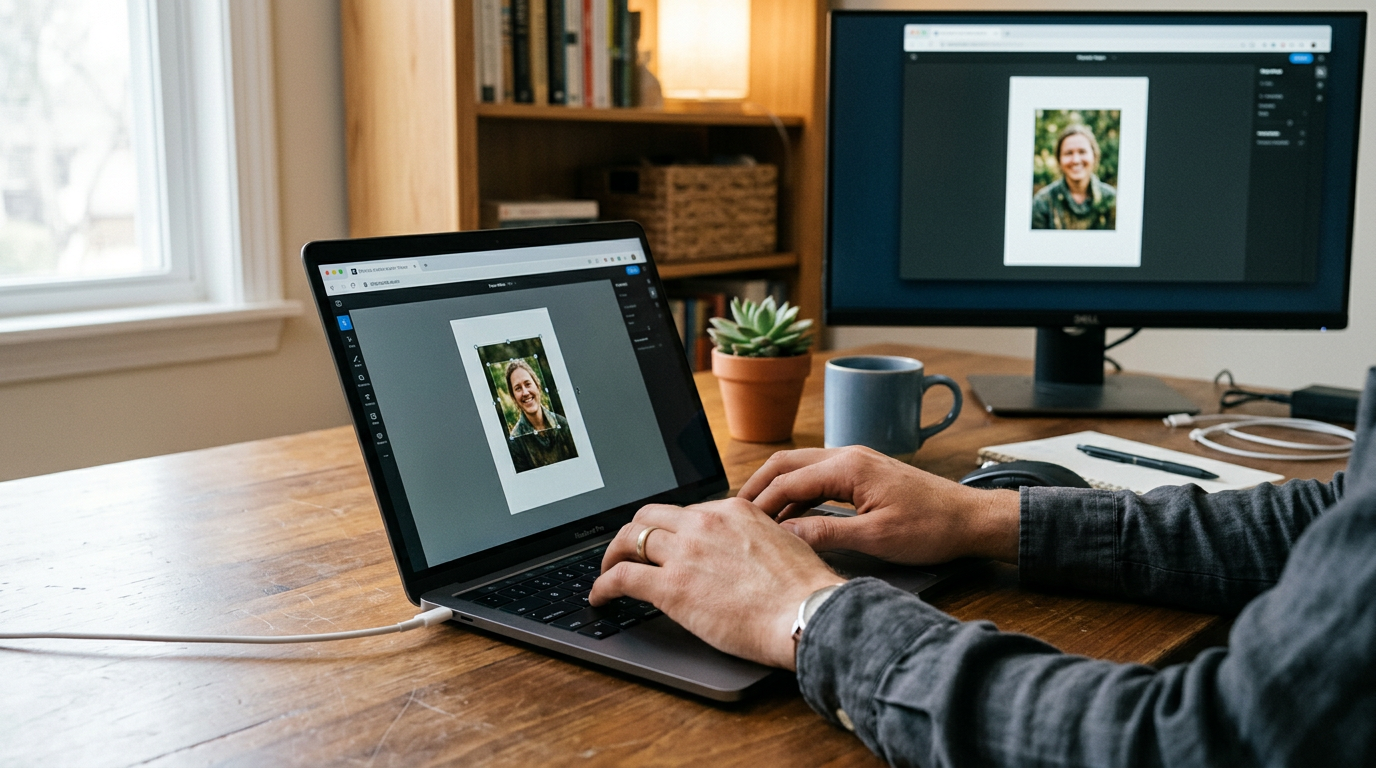
The service charges a flat fee of $8.90 for downloading the final cropped photo or printable template. Despite relying on user interaction for the crop, the service claims a 99.8% photo acceptance rate. It forces users to fit their head within designated boundary lines, maintaining compliance by refusing to alter the background or artificially enhance the lighting of the original upload.
Strict file constraints demand careful capture
The system accepts uploaded photos exclusively in .JPG or .JPEG formats. Furthermore, it restricts photo uploads to a maximum file size of 10MB and dimensions under 4000 x 3000 pixels. A complete How to Prepare a Compliant Passport Size Photo: Officeworks and Home Tool Setup Guide will mention that modern smartphones natively shoot in HEIC formats or generate raw files easily exceeding 15MB. You must compress and convert your files before this tool will even allow you to begin the cropping phase.
Practical rule: Check your raw file size before relying on a browser-based cropper, as native smartphone high-efficiency formats often exceed web upload limits.
An aggressive cap on digital inputs severely restricts this tool. By rejecting high-resolution files, it forces users into third-party conversion tools, which can degrade the image quality below the 600 dpi threshold required by some governments. I would skip this entirely if you shoot with a modern flagship smartphone and do not know how to downscale the file size while preserving pixel density.
Commit to this platform if you have an older, standard JPG file and prefer manipulating a physical cropping frame yourself rather than trusting an algorithm.
Pros * Provides a flat, transparent pricing model of $8.90 per digital download * Claims an exceptionally high 99.8% acceptance rate for finished documents * Supports precise manual cropping overlays for more than 50 different countries
Cons * Rejects all files larger than 10MB or wider than 4000 pixels * Refuses modern file types, forcing conversions to basic JPG formats * Lacks an automated verification mechanism to warn users of poor lighting
4. IDPhoto4You
When a digital image is sent into the IDPhoto4You system, it is temporarily stored in a web buffer solely for the time it takes the user to manually frame the face. This platform is a free web-based Manual Crop Utility that allows users to crop and adjust the brightness and contrast of photos to match standard dimensions for dozens of countries.
The service is completely free of charge to use, requiring no payment to crop and download photos. Users wondering about Free Online Passport Photo Tools: Are They Safe? should look at data retention policies: here, uploaded photos are stored temporarily and are automatically deleted from the servers after 6 hours. It is accessible strictly as a website and does not offer a downloadable mobile application.
Complete self-service removes all compliance safety nets
The platform does not provide any form of automated or human photo verification to guarantee compliance with regulations. If you apply a contrast filter that washes out your facial features, or if you accidentally drag the digital crop box so your chin rests below the minimum legal threshold, the software will package the file and hand it to you without a single warning.
An absolute lack of oversight drastically restricts this tool. The entire burden of interpreting complex international biometric mandates falls on the user navigating a mobile web browser. Because the interface differs from the American Passport Photo Requirements and Size Specs to those of the European Union, the margin for user error is massive. I would advise against using this if you are applying for an infant's passport, as placing the exact crop lines over an uncooperative, asymmetric newborn photo requires an expert eye.
Leverage this utility only if you are highly experienced with biometric regulations and simply need a zero-cost browser interface to lock in an aspect ratio.
Pros * Costs absolutely nothing to process, crop, and download the final file * Enforces strict data hygiene by wiping all uploaded files after 6 hours * Allows granular manual control over brightness and contrast levels
Cons * Fails to provide any algorithmic or human compliance checks * Forces mobile users to navigate a website interface without a native app * Permits users to make illegal lighting adjustments that trigger application rejections
Closing: Which Tool Fits Your Situation
Matching the correct software to your application depends entirely on your risk tolerance and the format of your original photograph.
If your priority is eliminating the risk of a rejected application, an AI-Backed Formatting platform is the logical choice. Tools in this category, such as Passport Photo Online and PhotoGov, parse out the background and measure the face mechanically. They suit users submitting critical, time-sensitive visas where a multi-week rejection delay would ruin travel plans, as the initial software cost acts as a barrier against much larger application losses.
If your priority is keeping costs down and you already have a perfectly lit, neutrally backgrounded image, a Manual Crop Utility is sufficient. Services like 123PassportPhoto and IDPhoto4You suit confident users who understand exactly where a digital chin-line marker must sit. However, they demand that you pre-process your file sizes and accept total liability for any biometric failures at the border agency.