A Complete Setup Guide to the Exact Chinese Passport Photo Size in 2026
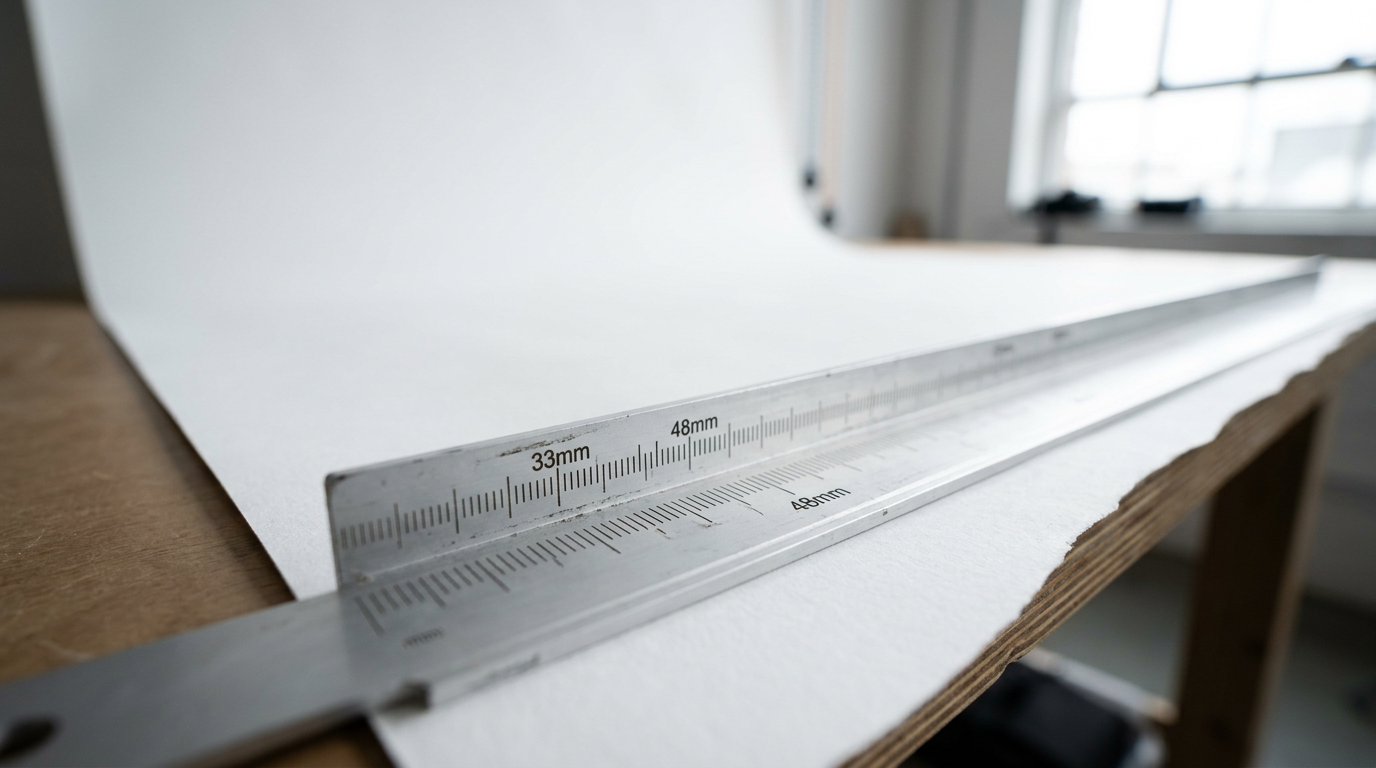
Most parents assume a biometric image is a universal commodity. You put your infant in front of a white screen, snap a picture, and walk away with a standard two-by-two-inch square that works for any government application. But applying for a Chinese travel document using that standard square is a guaranteed path to a suspended application. The Chinese consulate operates on a completely bespoke biometric grid that shares no outer or inner dimensions with the formats used in North America or Europe. Submitting the wrong dimensions does not just delay a visa; it triggers an automatic digital rejection before a human processor ever reviews your file. Mastering the chinese passport photo size requires moving past generic formatting apps and strictly adhering to a set of precise millimeter specifications that dictate everything from pixel density to physical paper weight.
Quick Summary
The Chinese passport photo requires exact dimensions of 33mm in width and 48mm in height, operating on strict internal facial scaling rules. Failing to meet these boundaries results in immediate automated rejection during the consular portal upload.
- Outer dimensions must be exactly 33mm by 48mm.
- Head height must occupy between 28mm and 33mm of the vertical space.
- Digital files must weigh between 40KB and 120KB, strictly in JPEG format.
- The background must be pure white (#FFFFFF) without any color casting or shadows.
- Clothing must sharply contrast with the white background.
Table of Contents
- Why the Chinese biometric grid mandates a custom setup
- 1. Setting the physical environment
- 2. Positioning infants for strict biometric framing
- 3. Cropping to millimeter dimensional standards
- 4. Formatting the digital file for portal upload
- 5. Preparing physical prints for manual submission
- Common Pitfalls & Troubleshooting
- FAQ
- Recommended Reads
Why the Chinese biometric grid mandates a custom setup
The consular system deployed by the Chinese government does not manually evaluate incoming digital files; it routes them through a pre-screening algorithm. This software maps the distance between the applicant's pupils, locates the exact edge of the chin, and measures the distance to the crown of the head. When you submit a standard US image, the head size is too small relative to the canvas. When you submit a standard European image, the canvas is entirely the wrong shape.
Before you start adjusting your camera settings, understanding Chinese passport photo size and compliance requirements for 2026 is mandatory. The core specification is a 33mm width by a 48mm height. Inside that frame, the head width must sit between 15mm and 22mm, and the head height must sit between 28mm and 33mm. The distance from the bottom edge of the photo to the applicant's chin must be perfectly calibrated between 7mm and 15mm. If the chin drops to 6mm above the bottom edge, the algorithm rejects the file. If the crown of the head sits too close to the top edge (requiring 3mm to 5mm of clear space above the head), the file is similarly flagged.
1. Setting the physical environment
Securing the correct background and lighting is the foundation of the process. The background must be pure white. Not off-white, not cream, and not a lightly textured wall. The Chinese digital portal checks the hexadecimal color code of the background pixels; anything that deviates from a pure white value risks a bounce.
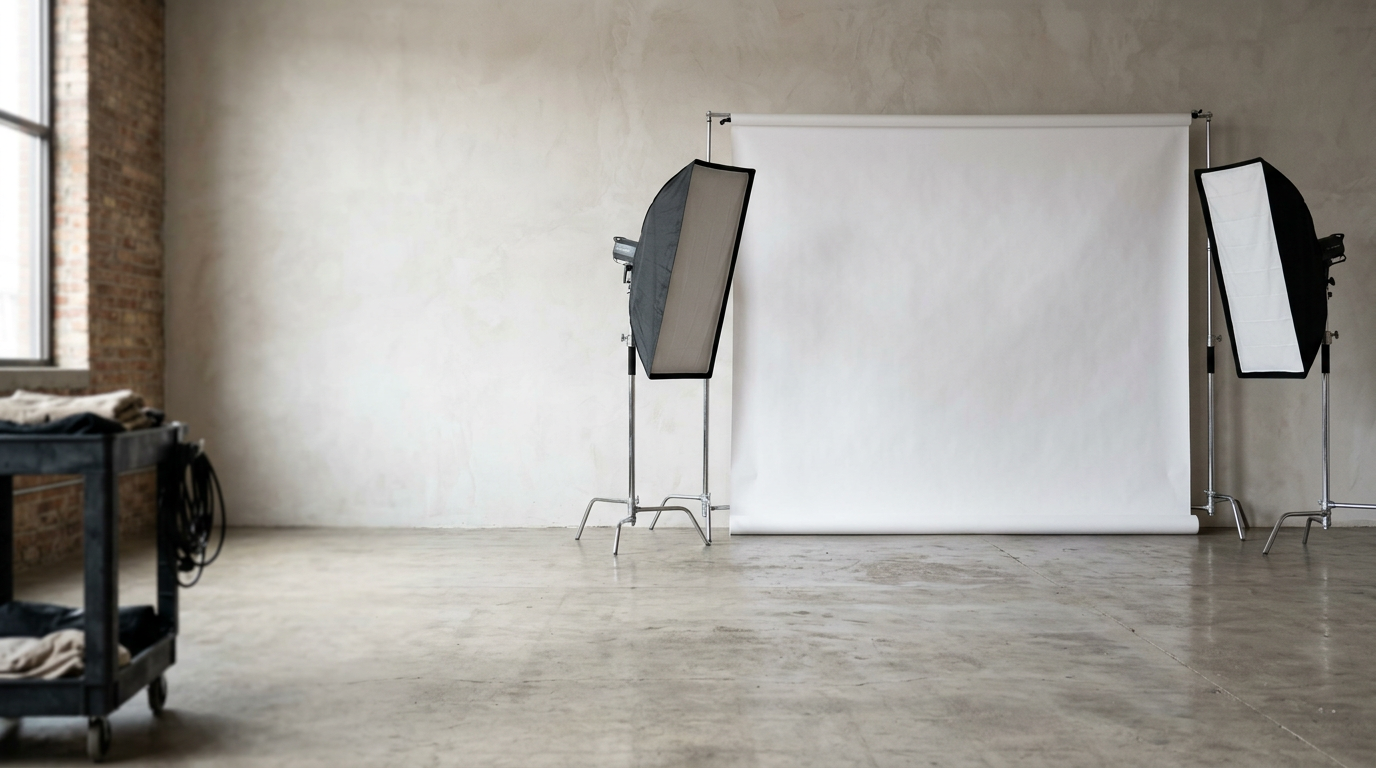
Indirect daylight outperforms artificial ring lights
Many applicants rely on ring lights or direct overhead bulbs to illuminate the face, assuming brighter is better. Artificial direct light creates sharp, dense shadows immediately behind the neck and under the ears. Worse, ring lights reflect perfectly circular catchlights directly over the pupils. The Chinese digital validation system frequently misinterprets bright circular catchlights as an alteration of the iris, flagging the photo for manipulation.
Instead, place your subject facing a large window broadcasting indirect daylight. Turn off the interior room lights entirely to prevent mixed-color temperatures - mixing a warm incandescent bulb with cool window light casts a yellow gradient across one side of the face. The goal is flat, even illumination that removes all depth from the subject's face while casting zero shadow on the background.
Practical rule: Dress the applicant in a dark, solid color like navy blue or black. A white or pastel shirt will blend into the background, causing the algorithm to register a floating head and instantly deny the application.
2. Positioning infants for strict biometric framing
Adults can sit still and look directly into a lens, but photographing a newborn introduces physical variables that biometric scanners cannot process. The applicant must have their eyes open, mouth closed, and both ears clearly visible. Pacifiers, hands, and supportive pillows are strictly forbidden from entering the frame.
Fabric folds trigger background rejection algorithms
If you are holding the infant upright, your own hands or shirt will inevitably slip into the background. The standard alternative is laying the infant on their back. However, how to meet the Chinese passport photo size and submission standards dictates that the background must remain perfectly flat. Laying a baby on a white cotton bedsheet creates heavy fabric wrinkles around their shoulders as they move. The biometric scanner reads these wrinkles as structural shadows and aborts the upload.
To solve this, lay the infant down on a rigid piece of white poster board. The cardboard will not wrinkle, providing the flat, textureless surface the algorithm requires. Keep your hands completely out of the frame by gently rolling a small towel and placing it strictly under the back of the infant's neck, hidden entirely by their head, to keep their face leveled upward toward the lens.
3. Cropping to millimeter dimensional standards
Once you capture a sharply focused image with even lighting, the file must be cropped to the 33mm by 48mm boundary. You cannot eyeball this ratio. Attempting to drag the corners of a photo down to size in a generic image editor usually alters the aspect ratio, stretching or squishing the face.
Generic templates fail the facial proportion check
Using a generic European template guarantees failure here. For example, the south africa passport photo size is 35mm by 45mm, which results in a wider, squatter image. If you crop your image to 35x45mm and attempt to stretch it vertically to hit 48mm, the facial biometrics distort, shifting the pupillary distance out of acceptable human ranges.
You must apply a dedicated cropping tool that locks the 33x48mm aspect ratio in place. Set the crop box so the chin rests no lower than 7mm from the bottom boundary. Ensure the top of the head (excluding hair volume) leaves at least 3mm of pure white space before the top edge. Global passport size photo requirements: 7 regional specifications for 2026 illustrate just how radically these internal margins shift from country to country, making manual estimation impossible.
4. Formatting the digital file for portal upload
The digital application portal imposes strict file constraints that have nothing to do with the physical dimensions. Your image must be saved as a JPEG. The pixel dimensions must fall precisely between 354 pixels wide by 472 pixels high at the absolute minimum, and 420 pixels wide by 560 pixels high at the maximum. It must be encoded in 24-bit RGB true color.
Compression artifacts destroy digital biometric validity
The file size must sit strictly between 40KB and 120KB. This narrow weight limit forces applicants to balance resolution against file compression. If you compress a high-resolution image down to 80KB using aggressive digital compression, you introduce blocky pixel artifacts around the edges of the hair and the jawline. The portal's edge-detection software relies on these jawline borders to verify identity. If the border is corrupted by JPEG artifacts, the file fails the integrity check.
Conversely, trying to upload a raw 5MB file directly from a modern smartphone will trigger a size rejection before the image is even scanned. This file size window is distinctly narrow compared to other Asian digital portals; for context, the malaysia passport photo size requirements for digital uploads often permit much larger file payloads. To safely hit the 40-120KB window without destroying the facial borders, resize the image dimensions strictly to 354x472 pixels first, then save it with minimal compression. Reviewing an international passport photo size guide: Chinese, Malaysian, and more helps isolate these specific digital thresholds.
5. Preparing physical prints for manual submission
While the application process begins online, most applicants eventually need physical prints for final processing or upon arriving at a visa center. The digital precision achieved in step four must translate perfectly to paper. The Chinese standard mandates that the physical print must be exactly 33mm by 48mm, printed without any white borders padding the edges.
Matte paper absorbs ink and blurs facial borders
The type of paper you use determines whether the image survives the physical inspection. You must use high-quality, photographic glossy paper. Matte paper is highly porous; when wet ink hits a matte surface, it bleeds microscopically outward. This micro-bleeding softens the sharp contrast between the applicant's clothing and the pure white background. Glossy paper traps the ink sharply on the surface, preserving the hard biometric edges.
Do not attempt to print a 33x48mm image on standard A4 printer paper. The paper weight is too light, and consular officials will reject it at the desk. Furthermore, be cautious when configuring your printer's paper size settings. When printing at home, uncheck any setting labeled "fit to page" or "scale to media." These settings auto-expand the image to fill the paper, destroying your carefully plotted millimeter dimensions. This differs wildly from the brazilian passport photo requirements, which often utilize a completely different 50x70mm standard that relies on entirely separate printing layouts. Always print a test sheet, measure the resulting head size with a physical ruler, and ensure it remains exactly within the 28-33mm height requirement before heading to the consulate.
Common Pitfalls & Troubleshooting
Even with the exact specifications in hand, specific environmental and digital errors routinely trip up applicants. These are the most frequent causes of portal rejection and the immediate fixes required.
Symptom: The portal returns an "Invalid Background Color" error.
This happens when the white background registers a slight tint, often gray or blue, because the subject was standing too far away from the light source, causing the background to fall into shadow. Fix: Open your image file and check the background pixel values. If they are not pure #FFFFFF, you must digitally erase and replace the background with a pure white fill. Increasing the exposure of the whole image will wash out the subject's face.
Symptom: The system flags "Facial Features Unclear" despite the image being in focus.
This is typically caused by uneven lighting across the face, usually when one side is lit by a window and the other is dark. The algorithm interprets the heavy shadow on the dark side of the nose as a physical distortion. Fix: Reshoot the image with the subject facing directly into the window light so both cheeks are illuminated equally. Do not attempt to digitally paint out the shadow, as this alters the biometric mapping.
Symptom: Rejection for "Unnatural Expression" on an infant.
Infants frequently drop their jaws or smile. A visibly open mouth breaks the jawline perimeter mapping. Fix: Patience. For infants, the only fix is waiting for a neutral moment. Capturing them immediately after they wake up from a nap often yields the relaxed, blank expression the consulate requires.
Symptom: The physical print is rejected at the desk despite the digital file passing online.
This occurs when the physical print was trimmed incorrectly, leaving a thin white border around the 33x48mm edge. The officer measures from edge to edge, and the border pushes the total size to 35x50mm. Fix: Reprint the photo on a 4x6 inch sheet containing multiple copies, and use a heavy-duty guillotine paper cutter to slice exactly on the pixel boundary. Do not use standard household scissors, which warp the edges of the glossy paper.
FAQ
Can I wear glasses in a Chinese passport photo?
No. While older guidelines occasionally permitted thin-framed prescription glasses, current digital processing standards uniformly reject images containing glasses due to the risk of lens glare obscuring the pupil and frames casting shadows across the eye socket.
Is it acceptable for my infant to wear a headband or bow?
No. Hair accessories, large bows, and hats are strictly prohibited. The crown of the head and the hairline must be clearly visible against the white background, and both ears must be entirely unobstructed.
Do I need a blue background for Chinese travel documents?
Generally, no. While some specific internal Chinese identification cards utilize a blue background, standard international passports and visa applications strictly require a pure white background. Always default to pure white for consular submissions.
Can I wear a white shirt if the background is also white?
No. The automated scanning system requires high contrast to separate your shoulders from the background canvas. Wearing white or pale gray will cause your torso to blend into the background, resulting in an immediate automated rejection.