A 2026 Guide to the Exact Passport Size Photo Size in Inch for DIY Printing
You secure the lighting, position the baby on a white sheet, and capture a sharp, government-compliant image, only to have the application rejected at the post office because the printed head measures 0.1 inches too small. Scaling digital pixels to physical photographic paper introduces a hidden translation error that ruins perfectly good portraits. Most government portals state their biometric requirements in millimeters, yet the templates and kiosk printers parents rely on operate in inches and standard 4x6 photo sheets. Knowing the exact passport size photo size in inch prevents the software from guessing the translation and stretching your file. When you ask what size photo for passport applications is correct, the answer involves both the outer trim dimensions and the internal chin-to-crown measurements. Establishing what is size of passport size photo for your specific destination before formatting your print sheet is the only way to ensure the biometric scanners accept the final document.
Quick Summary
The standard US passport photo measures exactly 2 x 2 inches, while most international documents require a 1.38 x 1.77 inch print. Formatting your own prints requires translating these specific dimensions onto a standard 4x6 inch photographic sheet without triggering automatic kiosk resizing.
- Always format your digital file at 600 DPI to guarantee physical measurement accuracy.
- US applications require a head size measuring between 1 and 1.38 inches vertically.
- Never use the "borderless" print setting on home or kiosk printers.
- Place a maximum of two 2 x 2 inch photos on a 4x6 sheet to allow for safe trimming.
Table of Contents
- 1. Determine the Target Dimensions for Your Document
- 2. Calculate the Internal Chin-to-Crown Proportions
- 3. Lock the Print Resolution to 600 DPI
- 4. Position the Images on a Standard Print Sheet
- Common Pitfalls & Troubleshooting
- FAQ
- Recommended Reads
1. Determine the Target Dimensions for Your Document
The most fundamental error in formatting a physical submission is assuming standard US dimensions apply globally. The standard United States passport photo requires an outer dimension of exactly 2 x 2 inches. However, countries throughout Europe, the United Kingdom, and Oceania utilize the ISO/IEC 19794-5 standard, which mandates a 35 x 45 mm physical print. To prepare these files on software configured for imperial measurements, you must translate the metric requirement to approximately 1.38 x 1.77 inches.
Why fractional differences trigger biometric rejection
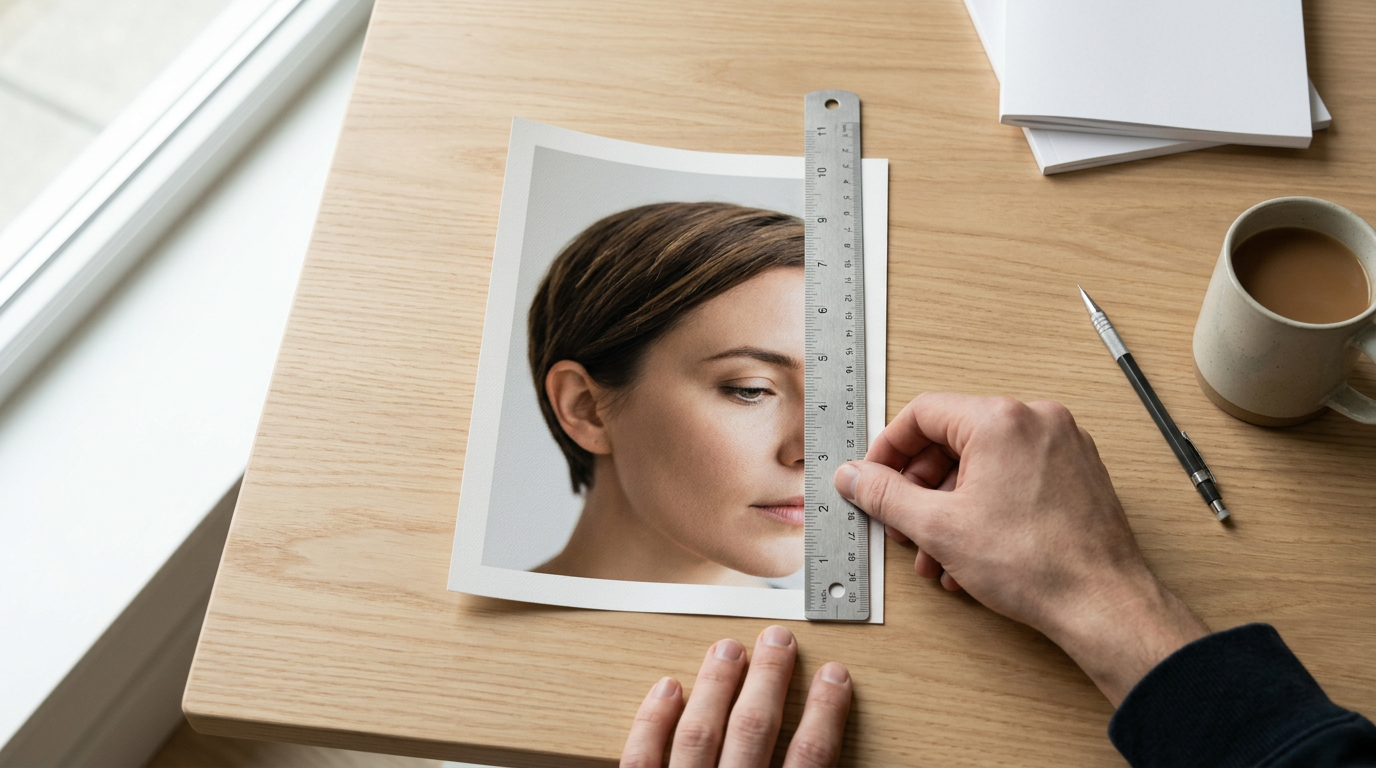
Government scanning hardware is calibrated to find facial landmarks. It locates specific coordinate intersections based on the paper's outer trim. If you print a European visa photo inside a 2 x 2 inch square, the scanner will register too much blank space above the head. Cutting a 1.38 x 1.77 inch rectangle out of a 2 x 2 inch print causes problems. It usually forces you to sever the infant's shoulders entirely. This invalidates the composition rule requiring visible shoulders. Reviewing an International Passport Photo Size Guide: Chinese, Malaysian, and More reveals how drastically these baseline dimensions diverge across borders. You must build your digital canvas to match the exact outer dimension of the destination country. Do this before placing the subject inside it.
2. Calculate the Internal Chin-to-Crown Proportions
Software grids map the internal space. An exact outer border is useless otherwise. The United States Department of State requires the subject's head to sit between 1 inch and 1 3/8 inches (1.38 inches). You measure this from the very bottom of the chin to the top of the hair. For a standard 2 x 2 inch physical print, the head must consume the majority of the total vertical space. Eye placement is strict. The eyes must also sit between 1 1/8 inches and 1 3/8 inches from the bottom edge of the physical photo.
Where rounding up ruins the infant scale
Infants possess a disproportionately large head-to-torso ratio compared to adults. When parents scale an infant's photo, the natural visual instinct is to zoom in until the shoulders fill the width of the frame. This universally pushes the chin-to-crown measurement past the 1.38-inch maximum limit, causing immediate rejection. You must prioritize the vertical head measurement over the horizontal shoulder width. Reading through the Passport Size Photo Dimensions in 2026: How to Meet Standard Requirements and Avoid Rejection documentation clarifies how strictly these internal proportions are enforced regardless of the subject's age.
Practical rule: If the infant's head measures more than 1.38 inches vertically on your screen, the automated software at the passport agency cannot map the distance between the eyes and the chin, and the photo will be rejected.
3. Lock the Print Resolution to 600 DPI
Digital files do not inherently possess physical dimensions like inches or millimeters; they possess pixels. The bridge between digital pixels and physical inches is Dots Per Inch (DPI). To guarantee that a file prints at exactly 2 x 2 inches, you must define the DPI explicitly in your image editor before saving the file. While 300 DPI is the standard minimum for photographic prints, government identity documents demand higher clarity to capture iris details and skin textures. You should format your canvas to 600 DPI. At 600 DPI, a 2 x 2 inch photo requires a canvas of exactly 1200 x 1200 pixels.
How low pixel density destroys facial recognition
When you export an image at 72 DPI (the standard web resolution) and instruct a printer software to stretch it to 2 inches wide, the printer must invent the missing pixels. It does this through interpolation, which creates a soft, blurry image. The biometric scanner reads this blur as a shadow cast over the face. This is why you must explicitly set the digital canvas density before laying out the photos. Understanding How to Prepare a Compliant Passport Size Photo: Officeworks and Home Tool Setup Guide requires recognizing that pixel density is exactly as critical as the physical trim size.
4. Position the Images on a Standard Print Sheet
Commercial photo kiosks and home photo printers are designed to output standard landscape photos, usually 4x6 inches (10x15 cm). They are not designed to output isolated 2 x 2 inch squares. If you feed a single 1200 x 1200 pixel file into a pharmacy kiosk, the software will attempt to stretch that square file across the entire rectangular 4x6 sheet, destroying your precise measurements. To prevent this, you must create a digital 4x6 inch collage sheet yourself. At 600 DPI, this means creating a blank white canvas measuring 2400 x 3600 pixels.
How automated cropping kiosks resize your file without warning
Once you have your blank 4x6 inch canvas, you paste two identical 2x2 inch (1200 x 1200 pixel) images onto it. You must place them near the center of the canvas, leaving ample white space around the outer edges. Commercial printers feature a mechanical mechanism called a roller bleed, which slightly enlarges the image and cuts off the outer 3% of the paper to ensure no white borders remain on consumer prints. By isolating your passport photos in the center of the sheet, you ensure the printer's roller bleed only trims the blank white space, leaving your biometric measurements untouched. Reviewing an Australian Passport Photo Size and Guidelines: A 2026 Setup Guide demonstrates how placing images too close to the edge routinely results in the crown of the head being sliced off during physical trimming.
Common Pitfalls & Troubleshooting
Even with correct digital dimensions, the physical printing process introduces mechanical errors. Diagnosing these failures requires examining the printed sheet before you make your final cuts.
The borderless printing distortion
Symptom: The printed face looks subtly wider than it does on your monitor, and the final cut photo measures 2.1 x 2.1 inches instead of exactly 2 x 2 inches. Cause: The printer software had "borderless printing" or "fit to page" enabled. This setting automatically stretches the source file by roughly 5% to cover the margins of the paper. Fix: Open the printer dialogue box and explicitly select "Actual Size" or scale the print to 100%. Turn off any setting labeled "Borderless" or "Fill Paper."
The infant proportions illusion
Symptom: The physical photo meets the 2 x 2 inch outer requirement perfectly, but the infant's shoulders are entirely missing from the frame, making them look like a floating head. Cause: You cropped the digital file too tightly around the face to compensate for an infant's lack of neck length. Fix: Zoom the digital file out until the tops of the shoulders are clearly visible, then re-measure the chin-to-crown distance to ensure it still falls above the 1-inch minimum requirement. You may need to angle the camera slightly higher during capture to expose more torso.
The compression artifact bleed
Symptom: The white background printed with faint gray squares or a slight blue hue around the edges of the infant's hair. Cause: Saving the print sheet as a low-quality JPEG introduced compression artifacts. While invisible on a backlit smartphone screen, photographic paper renders these digital artifacts as physical shadows. Fix: Always save your final 4x6 inch print sheet as a PNG or a maximum-quality JPEG (Quality 100) before sending it to a kiosk.
The matte paper absorption
Symptom: The physical photo measures correctly, but the colors look muddy and the facial contrast is severely reduced, leading to a rejection for "poor lighting." Cause: You printed the file on standard matte document paper or low-grade inkjet paper. Matte finishes absorb ink and scatter light, muddying the sharp contrast required for biometric scanning. Fix: You must print identity documents on high-quality glossy photographic paper. If your home hardware cannot handle thick glossy stock, you must export the correctly formatted file to a commercial printing service.
FAQ
What happens if my passport photo is 0.1 inches too big?
If the outer dimensions exceed 2 x 2 inches, you can carefully trim the edges down. However, if the internal chin-to-crown measurement exceeds 1.38 inches, the photo will be permanently rejected because the facial mapping software cannot process an oversized head.
Can I cut down a 2x2 inch photo for a 35x45mm requirement?
Cutting down a larger US standard print to fit an international metric standard is highly prone to error. You will almost always remove necessary shoulder width or cut too close to the top of the hair. You must scale the digital file to 35x45mm before printing.
Why does my 2-inch digital file print at 2.5 inches?
The printer software intercepted your file and applied a "Fit to Page" scaling algorithm. You must intervene in the print dialogue menu and mandate that the scale remains locked at 100% or "Actual Size" to preserve the raw inch measurements.
How many 2x2 inch photos fit on a standard 4x6 print?
You can safely fit exactly two 2 x 2 inch photos onto a 4x6 inch print sheet. Attempting to fit three or more removes the protective white border necessary to prevent the printer's roller mechanism from cropping the images during output.
Does a baby's photo require the exact same inch measurements as an adult's?
Yes. While government agencies are occasionally lenient regarding an infant's closed eyes or slight facial expressions, they do not grant exemptions for the physical size of the print or the minimum internal chin-to-crown proportions.