Global Passport Size Photo Requirements: 7 Regional Specifications for 2026
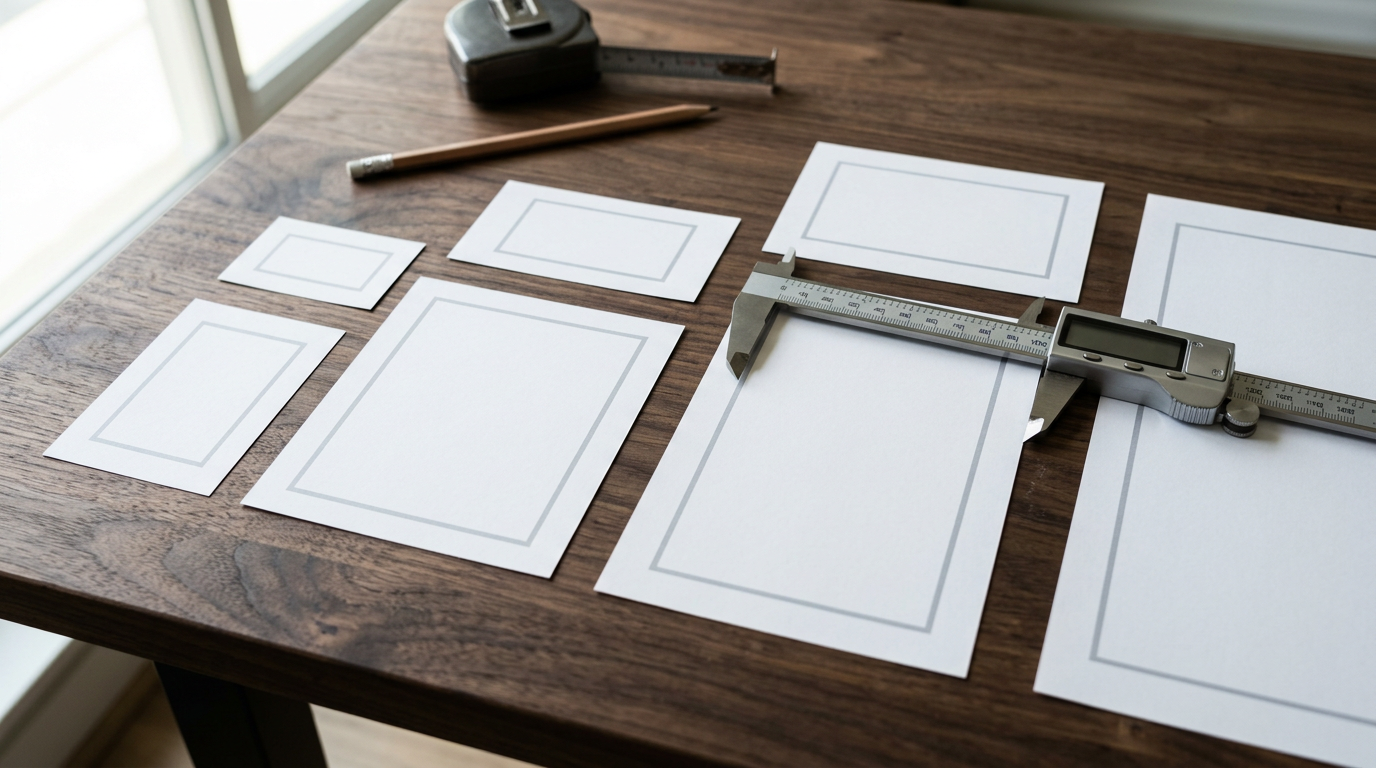
A universal standard for travel documentation is a myth. Assuming that one generic passport size photo will work across different global borders is the fastest way to trigger a costly rejection letter. A print that passes the facial recognition scanners in Washington will fail the dimensional checks in London, and cropping an image down with scissors destroys the chin-to-crown ratio required by automated immigration systems. The reality is that government portals now run automated verification on uploaded images before a human clerk ever sees them, parsing exact millimeter measurements, background hex codes, and pixel density.
When evaluating these formatting options, you must judge every requirement against three technical criteria: the overall outer dimensions of the canvas, the internal biometric scaling (the precise millimeter count from the bottom of the chin to the crown of the head), and the mandated background contrast. Every regional specification balances these three variables differently.
Quick Summary
A valid identification image requires strict adherence to regional biometric scaling and canvas dimensions, rather than a generic square crop. Submitting an improperly sized image delays application processing and incurs administrative rejection penalties.
- The US and India mandate a 2x2 inch square format with pure white backgrounds.
- The UK and Australia rely on a 35x45 mm standard that demands tight facial framing.
- Canada requires an oversized 50x70 mm physical print to accommodate ink stamps.
- Infant applications use adult outer dimensions but face severe background extraction limits.
Table of Contents
- 1. The 51x51 mm Standard for the Americas and India
- 2. The 35x45 mm European and Oceanian Format
- 3. The 50x70 mm Canadian Physical Standard
- 4. The 33x48 mm Chinese Narrow Format
- 5. Digital Portals and Pixel Specifications
- 6. Infant Dimensions and The Background Challenge
- 7. The Middle Eastern 40x60 mm and 51x51 mm Standards
- Comparison Table: Global Dimensions
- Aligning Your Documentation Strategy
- FAQ
- Recommended Reads
1. The 51x51 mm Standard for the Americas and India
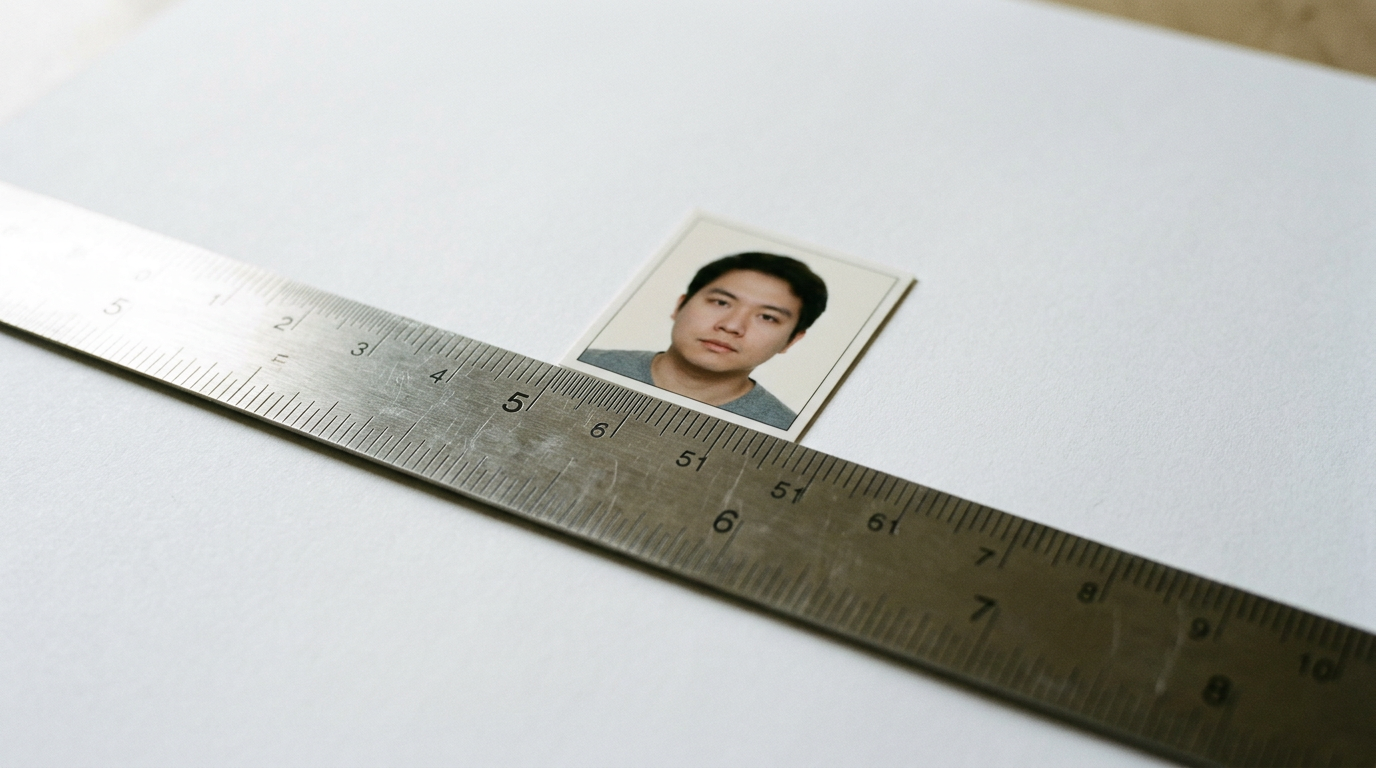
The 2x2 inch format is the dominant specification for citizens submitting a passport dimensions photo for United States documentation, as well as travelers seeking Indian visas. This square aspect ratio dictates that the physical print measures exactly 51x51 millimeters. The internal biometric scaling is equally critical: the subject's head must measure between 25 and 35 millimeters from the bottom of the chin to the top of the hair. If a subject is photographed from too close, their face fills the square and violates this maximum threshold. You can review the American Passport Photo Requirements and Size Specs to see exactly how these head-height rules dictate camera placement.
Square constraints dictate camera distance
To hit both the outer canvas dimensions and the inner head sizing, proper distance is crucial. The camera lens must be positioned approximately four feet (1.2 meters) away from the subject. Attempting a close-up shot distorts the facial features. It creates a fish-eye effect. This makes it impossible to achieve the 25-35 mm chin-to-crown measurement when the file is ultimately printed at 51x51 mm. Furthermore, automated cropping tools on government portals assume this exact focal length when scanning uploads.
Where this format fails is in its lack of tolerance for background variations. The specification requires a pure white background, meaning any shadows cast on the wall behind the subject instantly invalidate the image file. If you have limited ambient lighting, attempting to capture a compliant 2x2 inch photo against a cream wall will result in an automated rejection. The Indian Passport Photo Requirements and Dimension Standards apply this same strict white-background rule, meaning applicants cannot rely on natural lighting alone unless they can completely eliminate shadows. Skip this specific dimension entirely if you are applying for a European visa, as trimming a 51x51 mm print down to fit a smaller European template destroys the required biometric proportions.
2. The 35x45 mm European and Oceanian Format
Unlike the square American format, this taller rectangle forces a tighter crop around the subject. The 35x45 mm layout serves as the passport photo standard size for the United Kingdom, Australia, New Zealand, and the vast majority of the Schengen Area. In the UK and Australia, the face must consume nearly the entire vertical span of the frame. For Australian applications, this translates to a strict chin-to-crown measurement of 32 to 36 millimeters. Meeting the British Passport Photo Requirements: Everything You Need to Know means understanding that the subject's shoulders will barely be visible in the final print.
Background contrast outweighs absolute brightness
Because the face occupies so much of the 35x45 mm canvas, the immigration system relies heavily on the narrow sliver of visible background to find the edges of the subject's head and hair. This is why the UK actively rejects pure white backgrounds, mandating a light grey or cream color instead to ensure high contrast against pale skin or white hair. The automated scanners need a clear demarcation line between the subject and the wall.
Practical rule: Never trim a larger format photo down with scissors to meet a 35x45 mm requirement. Cutting the edges changes the percentage of the canvas occupied by the face, guaranteeing biometric rejection.
This format becomes highly problematic for individuals with very large hairstyles or religious head coverings that add significant height. Because the 45 mm vertical limit is absolute, and the chin-to-crown measurement cannot drop below 29 mm in the UK, tall hair often gets clipped off the top of the frame. The limit of the 35x45 mm format is its inflexibility regarding head position. If your primary challenge is fitting voluminous hair into a frame while keeping the chin at the required height, you will struggle with this strict European framing. You can check the Australian Passport Photo Size and Guidelines: A 2026 Setup Guide for specific tolerances regarding hair placement and upper-frame cropping.
3. The 50x70 mm Canadian Physical Standard
The 50x70 mm specification is entirely unique to Canadian applications and requires citizens to produce one of the largest physical prints in the international travel system. While the passport picture size is quite large, the subject's head must still measure precisely between 31 and 36 millimeters from chin to crown. This leaves a massive amount of negative space above the head and around the shoulders. The reason for this expansive canvas is administrative: applications require a physical stamp and the signature of a guarantor directly on the back of one of the printed photographs, certifying the applicant's identity.
Administrative space alters the photographic framing
The sheer size of the 50x70 mm print means the camera must capture a much wider field of view, typically extending down to the subject's mid-chest. Automated cropping tools designed for European or American formats routinely fail here because they attempt to closely center the face, whereas the Canadian Passport Photo Standards for 2026 require specific margins to leave room for the guarantor's ink stamp without bleeding through onto the facial features on the reverse side.
This standard relies strictly on commercial photo paper and physical processing. Home inkjet paper fails completely. The guarantor's pen will smudge. Ink stamps will bleed through the thin material, ruining the image on the front. Furthermore, this 50x70 mm rule applies only to physical submissions; if you are uploading a digital file for a renewal, the system expects a file that is 1200x1600 pixels, which does not cleanly translate to the same aspect ratio. Applicants who attempt to scan their physical 50x70 mm print to submit it digitally will almost always face rejection due to incorrect pixel scaling.
4. The 33x48 mm Chinese Narrow Format
The 33x48 mm requirement serves applicants for Chinese documentation, demanding the narrowest aspect ratio of any major global document. The Chinese passport photo size requires a head width between 15 and 22 millimeters, and a head height between 28 and 33 millimeters. Because the total width of the canvas is only 33 mm, there is virtually no margin for error on the left or right sides of the subject's face. The subject must be perfectly aligned with the lens; a rotation of just one or two degrees will cause an ear to disappear off the edge of the physical print or the digital frame.
Width constraints punish off-center alignments
Because the canvas is so incredibly narrow, the distance between the subject's ears and the edge of the photo is typically less than 5 millimeters. The digital validation system run by the consulate is notoriously strict about this exact symmetry. If the left ear is 3 mm from the edge and the right ear is 7 mm from the edge, the digital submission will be automatically blocked. The subject's shoulders must also be visible, which requires a very specific lens focal length to compress the width of the shoulders without distorting the facial features in the center.
Manual cropping presents a severe challenge for the 33x48 mm format. Attempting to use a standard photo-editing tool to manually drag a 33x48 mm box over a broader image almost always results in asymmetrical framing. Additionally, the digital upload portal demands file sizes strictly between 40kb and 120kb. This creates a severe technical bottleneck: you must maintain extreme sharpness to pass the facial recognition scan, but you must aggressively compress the file to stay under the 120kb ceiling. Anyone without access to specialized cropping software should skip trying to manually format this specific dimension.
5. Digital Portals and Pixel Specifications
Digital upload standards dictate the technical requirements for online visa applications and digital renewals, completely replacing physical millimeter measurements with pixel counts. When submitting through an online portal, asking what size photo for passport is required means looking at minimum resolutions and aspect ratios rather than ruler measurements. For example, the US digital renewal system requires a square image of at least 600x600 pixels in JPEG format. Instead of measuring the chin-to-crown in millimeters, the system calculates the percentage of total pixels the head occupies.
Compression algorithms destroy biometric markers
Every time a JPEG file is saved, compressed, or sent through a messaging app like WhatsApp, the file loses digital data. The sharp edges around the eyes and mouth become blurred by compression artifacts. Government portals run immediate validation checks on uploaded files; if the system cannot detect the distinct boundary of the iris due to pixelation, it rejects the photo instantly.
Digital specifications aggressively pit file size strictness against optical clarity. You are entirely at the mercy of the portal's upload limits. If a government site mandates a file under 240kb, but your smartphone camera natively shoots 12-megapixel photos at 4MB, you must heavily downscale the image. Doing this manually often strips the EXIF metadata that some portals look for to verify the photo's creation date. If you do not understand how to resize an image's pixel dimensions without degrading its dpi (dots per inch) resolution, manual digital resizing will routinely fail you, resulting in endless upload errors.
6. Infant Dimensions and The Background Challenge
Infant formatting applies to newborns and toddlers under the age of three, blending strict adult physical dimensions with relaxed behavioral rules. To determine a valid passport size photo size in inch measurements for a baby, you use the exact same outer canvas required for adults in that destination country (for example, 2x2 inches for the US). However, the internal biometric rules change. Infants are generally not required to maintain a neutral expression, their eyes do not need to be fully open in the first few weeks of life, and they are not forced to look directly at the camera. If you are learning How to Get the Perfect Passport Size Photo: A Step-by-Step Guide, the technical challenge shifts entirely from posing the subject to successfully isolating the background.
Support mechanisms interfere with background extraction
Because infants cannot sit up unassisted, they are typically photographed lying on their backs on a white sheet, or sitting in a car seat covered by a plain cloth. The government algorithms scanning these photos are hunting for a uniform background color. If a parent's hand is visible supporting the baby's neck, or if the car seat straps cast a deep shadow across the background sheet, the automated system reacts. It classifies those elements as foreign objects. It immediately rejects the image.
Practical rule: Never photograph an infant from an angle. The camera lens must be positioned perfectly parallel to the baby's face to prevent biometric distortion of the chin and forehead.
The primary limit when formatting infant photos is the failure rate of manual background removal. Attempting to use basic erasing tools to remove blankets, wrinkles, or supporting hands often leaves a jagged, unnatural edge around the baby's hair. Government scanners easily detect these artificial edits and flag the photo for manipulation. If the original photo has poor lighting that blends the baby's clothing into the background sheet, manual extraction will look entirely artificial. Parents dealing with highly active toddlers should avoid setting up a studio environment at home without automated background-clearing technology.
7. The Middle Eastern 40x60 mm and 51x51 mm Standards
These dimensions serve expatriates and travelers applying for documentation in the United Arab Emirates and Saudi Arabia, combining unique canvas sizes with strict attire regulations. The UAE mandates a distinct 40x60 mm size with a grey or white background, while Saudi Arabia utilizes a 51x51 mm square format that shares dimensions with the US but applies its own regional constraints. In both cases, the biometric scaling heavily scrutinizes the shoulders and neckline, requiring specific contrast levels. Both nations strictly prohibit the wearing of glasses, even prescription ones, and forbid military or work uniforms in the photograph.
Proportional height demands unique print templates
The 40x60 mm UAE requirement presents a unique logistical hurdle during physical printing. Standard photo paper in most local kiosks is cut to a 4x6 inch ratio. When you attempt to drop a 40x60 mm image onto a standard 4x6 inch canvas for printing, typical kiosk software attempts to auto-fit or stretch the image, severely distorting the applicant's facial structure. The digital layout must be explicitly pre-formatted with physical cut lines to ensure the 40x60 mm proportions remain locked during the physical printing process.
The honest limit for these regional dimensions is the total lack of fallback options if the attire guidelines are breached. If an applicant wears a white shirt against the required white background for a Saudi visa, the automated system will fail to detect the shoulders and instantly reject the application. You cannot simply adjust the contrast slider to fix this error; the image must be completely retaken. Those applying for work visas in these regions should abandon any attempt to repurpose old European or American photos, as the combination of unique dimensions, specific background tones, and rigid clothing rules will result in immediate administrative delays.
Comparison Table: Global Dimensions
| Region / Application | Canvas Dimensions | Biometric Rule (Chin-to-Crown) | Background Constraint |
|---|---|---|---|
| US & India | 51x51 mm (2x2 inch) | 25 - 35 mm | Pure white, zero shadows |
| UK, Australia & EU | 35x45 mm | 29 - 36 mm | Cream or Light Grey (high contrast) |
| Canada | 50x70 mm | 31 - 36 mm | Pure white, room for physical stamp |
| China | 33x48 mm | 28 - 33 mm | Pure white, perfect symmetry required |
| UAE | 40x60 mm | Approx. 70-80% of frame | White or Light Grey |
Aligning Your Documentation Strategy
Selecting the correct format requires matching your immediate administrative bottleneck to the right specification. If your primary obstacle is securing a visa for multiple European countries, build your application around the strict 35x45 mm standard, prioritizing background contrast over pure brightness. For those processing infant applications where posing is the bottleneck, focus on capturing a perfectly parallel facial angle and rely on post-processing to manage the 2x2 inch background extraction. If you are handling a Canadian renewal, skip digital workarounds entirely and secure an oversized physical 50x70 mm print that can cleanly accept a guarantor's wet-ink signature.
FAQ
What happens if my passport photo is off by a few millimeters?
Automated biometric scanners at government processing centers will immediately flag and reject the application. These systems measure the chin-to-crown ratio algorithmically, and even a 2 mm discrepancy prevents the facial recognition software from building an accurate baseline of your features.
Can I just take one 2x2 inch photo and crop it for every country?
No. Cropping a 51x51 mm square image down to a 35x45 mm rectangle fundamentally changes the percentage of the frame that your face occupies. This destroys the required biometric scaling, leading to immediate rejection in European and Oceanian immigration systems.
Do digital upload portals use the same size requirements as printed photos?
Digital portals replace physical millimeter measurements with pixel counts and file size limits (for example, 600x600 pixels and under 240kb). While the aspect ratio remains identical to the physical print, the technical execution requires managing digital compression rather than photo paper dimensions.
Why are infant passport photos rejected so frequently?
Infant photos fail primarily due to background contamination rather than facial expression. Government algorithms easily detect supporting hands, blanket wrinkles, or car seat straps in the background, flagging the image for artificial manipulation or failing it due to non-uniform background colors.