How to Execute Your Passport Photo Signature: A Complete Guide for 2026
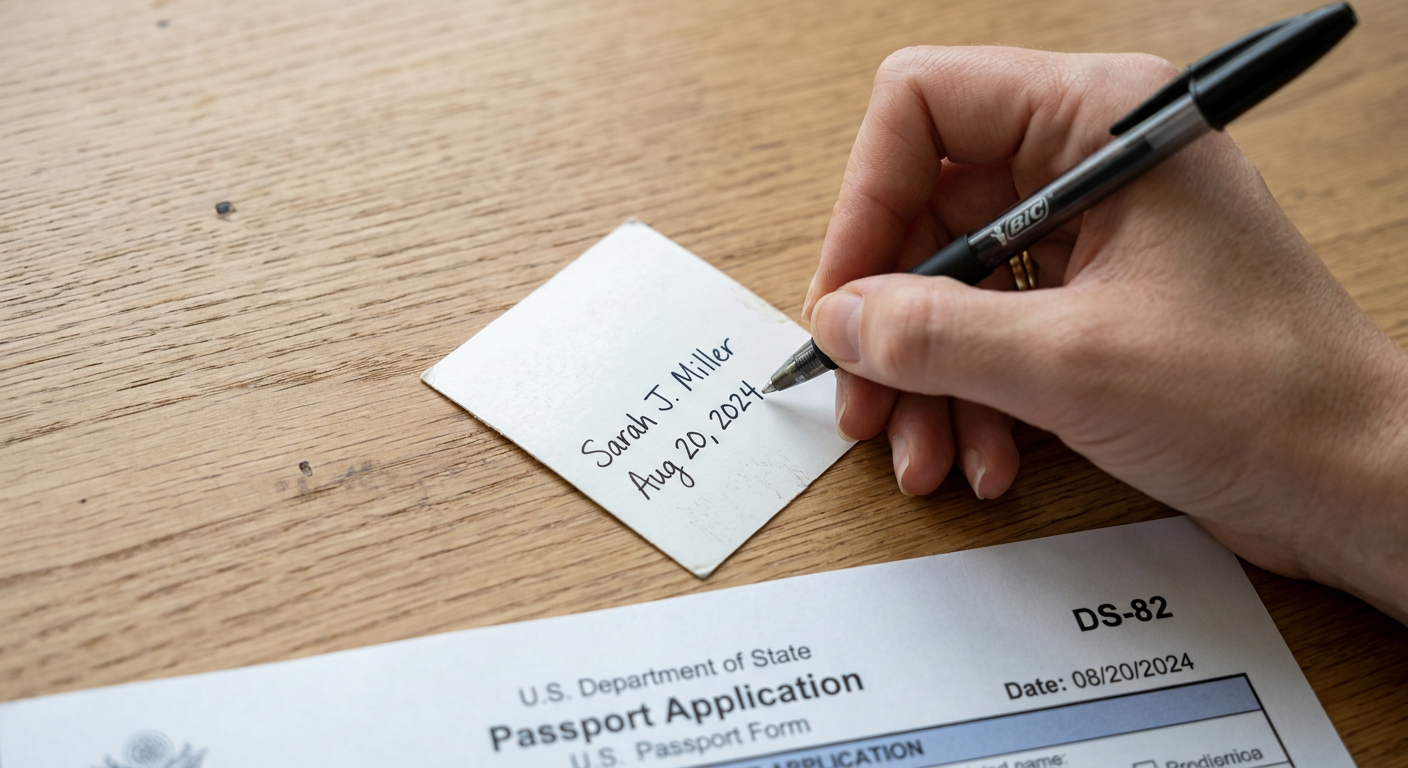
A common misconception about the passport photo signature is that any adult who has known you for a year can provide it. In reality, passport offices reject thousands of applications annually because the person signing works in the wrong profession, shares a residential address with the applicant, or uses the wrong type of ink on the back of the print. A signature is not merely a formality; it establishes a legal chain of accountability between the government and the citizen vouching for your identity. When an application is flagged at a processing center, it is rarely because the photo itself failed biometric scanning, but rather because the physical execution of the endorsement on the back violated a strict bureaucratic mandate.
Quick Summary
A passport photo signature is a handwritten legal endorsement placed on the back of an official identity photograph by an authorized third party. It serves as a binding verification that the image accurately represents the applicant.
- Guarantors must meet strict occupational criteria or hold a valid passport themselves.
- Blood relatives, spouses, and individuals sharing your address are universally disqualified.
- Digital photos must be printed on specific photographic paper to hold the ink without smudging.
- Modifying the mandated certification phrase will result in an immediate application rejection.
Table of Contents
- 1. Verify Your Guarantor's Eligibility
- Independence is Measured by Address and Bloodline
- 2. Prepare the Correct Format and Material
- Photographic Paper Chemistry Dictates Ink Adhesion
- 3. Execute the Passport Photo Signature
- Paraphrasing the Mandated Declaration Voids the Application
- 4. Match the Application Declarations
- Date Discrepancies Trigger Automated Fraud Flags
- Common Pitfalls & Troubleshooting
- FAQ
- Recommended Reads
1. Verify Your Guarantor's Eligibility
Before a pen touches the paper, you must identify someone legally permitted to act as a guarantor for passport photo verification. Government agencies use this individual to create a verifiable security link. If the applicant's identity is ever brought into question, the guarantor is the person the government will legally pursue.
Independence is Measured by Address and Bloodline
The core requirement for any guarantor is verifiable independence from the applicant. Most processing authorities mandate that the guarantor must have known you personally for at least 12 months. For infant applications, the requirement shifts: the guarantor must have known the applying parent for at least 12 months and must be able to state that they recognize the infant in the photo.
You cannot use someone related to you by birth, marriage, or a de facto relationship. Furthermore, the guarantor cannot reside at the same address as the applicant. When evaluating how to ensure your passport photo signature meets criteria, remember that governments cross-reference the guarantor's stated address against your own using national databases. If your chosen guarantor is a highly respected judge but happens to be your landlord living in the upstairs unit of your duplex, the shared address will trigger a rejection.
Eligibility typically falls into two categories depending on your jurisdiction. The first is the occupational route, where the individual must work in a recognized profession, such as a registered medical practitioner, a police officer with a certain rank, or a fully registered teacher. The second is the passport-holder route, where the guarantor simply needs to hold a current, valid adult passport from the issuing country. If you choose the passport-holder route, confirm that their document has not expired. A passport that expired yesterday invalidates the guarantor today, and the processing system will automatically reject the application the moment their passport number is checked.
2. Prepare the Correct Format and Material
A legally sound signature requires a physical medium capable of holding it. While many applications originate from smartphone images processed digitally, those files must eventually be printed out if a physical endorsement is required by your local passport office.
Photographic Paper Chemistry Dictates Ink Adhesion
Proper passport photo certification relies entirely on the interaction between ink and photographic paper. Not all printing paper is permitted. Most governments require images to be printed on high-quality, dye-sublimation photographic paper at a resolution of 600 dpi. Standard inkjet paper, or cheap photo paper designed for home crafting, will fail the certification process because of how it handles moisture.
When a guarantor writes on standard inkjet paper, the paper fibers aggressively absorb the ink, causing the letters to feather and bleed outward. This renders the text illegible. Conversely, resin-coated glossy photo paper creates a barrier that prevents water-based ink from absorbing at all. If your guarantor uses a gel pen on a high-gloss finish, the ink will sit on the surface for hours without drying. When you place the signed photo into your application envelope, that wet ink will transfer onto the front of the second photo or onto the application form itself. This transfer ruins the biometric readability of the face, guaranteeing a rejection.
To bridge this gap, ensure your images are printed on standard matte or low-gloss photographic paper. If you are preparing documents for North America, reviewing the American passport photo requirements and size specs before printing will ensure you do not trim off the white space necessary for the guarantor to write on. The guarantor must have enough physical room on the back of the print to write up to 20 words legibly without their pen slipping off the edge of the paper.
3. Execute the Passport Photo Signature
The physical act of signing the photo is where the highest volume of irreparable mistakes occurs. The applicant cannot write the certification text to save the guarantor time; the guarantor must handwrite the entire required phrase themselves, followed by their signature.
Paraphrasing the Mandated Declaration Voids the Application
Every passport authority mandates a specific script. The standard phrasing usually reads exactly: "I certify that this is a true photograph of [Applicant's Full Name]." The guarantor must write this out word for word. If the guarantor writes "This is a picture of John Smith" or "I verify this photo," the passport office will reject the application. Bureaucratic systems operate on exact compliance, not general intent.
The ink must be black. Blue ink is often rejected by the automated scanners used to archive applications, and other colors like red or green are strictly prohibited. The pen type is equally critical. You must provide your guarantor with a standard black ballpoint pen. Ballpoint ink is oil-based, meaning it dries instantly upon contact with photographic paper, eliminating the risk of smudging.
Practical rule: Always place the photograph face-down on a hard, completely flat surface like a glass table or granite counter before the guarantor signs it. Writing on a soft surface like a leather desk pad or a stack of paper allows the pen's pressure to emboss the guarantor's handwriting into the front of the photo, destroying its biometric validity.
If the guarantor makes a spelling mistake while writing the certification, do not allow them to cross it out, use correction fluid, or trace over the letters. Any alteration or correction marks on the back of the photograph immediately void it. You must destroy the ruined print, generate a new one, and have the guarantor start the process over. For complex applications, such as when dealing with the Indian passport photo requirements and 5 steps to application approval, ensuring an error-free certification on the first attempt prevents compounding delays later in the process.
4. Match the Application Declarations
The endorsed photograph does not exist in a vacuum; it is half of a paired security check. The second half is the guarantor's declaration section on the main passport application form. These two elements must align perfectly in the eyes of the processing agent.
Date Discrepancies Trigger Automated Fraud Flags
When the guarantor signs the back of your photograph, they must also complete and sign a corresponding section on your paper application. The primary failure mode here is a timeline disconnect. The date written on the application form next to the guarantor's signature must be the exact same date that they signed the back of the photograph. If the form is dated Monday, but the guarantor accidentally dates the photograph as Tuesday, the application will be flagged for fraudulent compilation. The passport office will assume the applicant assembled the documents separately without the guarantor being physically present for the photo verification.
Furthermore, the style of the signature must match. If your guarantor signs the back of the photograph using their full name in a formal cursive script, but hastily scrawls just their initials on the application form, the visual discrepancy will cause the processing agent to halt the application. They will suspect that two different people signed the documents.
Applicants dealing with strict international standards, such as those outlined in the British passport photo requirements, will find that discrepancies in the guarantor's signature style result in mandatory telephone interviews. The government will call the guarantor during business hours to verbally confirm their actions. If the guarantor cannot be reached after a few attempts, the application is discarded, and you forfeit your processing fees.
Common Pitfalls & Troubleshooting
Even when following guidelines, physical document preparation introduces human error. The failures below look similar from the outside - a rejected application - but stem from completely different mechanical errors during the signing process.
The Embossed Face * Symptom: When you hold the photograph up to a light and tilt it, you can read the guarantor's signature pressed into the applicant's face from behind. The passport office rejects it for "facial damage." * Cause: The guarantor wrote with a heavy hand on a yielding surface, or used a fine-tipped rollerball pen that acted like an engraving tool. * Fix: You cannot flatten the photo once it is embossed. You must print a fresh copy of the image. When the guarantor signs the new print, ensure they use a medium-point ballpoint pen and write gently on a solid surface.
The Smudged Certification * Symptom: The text on the back of the photo is blurry, or worse, black ink has transferred onto the front of the second, un-signed photograph required for the application. * Cause: Using a water-based gel pen or felt-tip marker on resin-coated photo paper, followed immediately by stacking the photos together in an envelope. * Fix: If ink has transferred to the face of a photo, the set is ruined and must be reprinted. To prevent this on the next attempt, use an oil-based ballpoint pen. After the guarantor signs, let the photo sit face-down in open air for ten minutes. Place a small square of clean tissue paper between the photos when inserting them into the mailing envelope.
The Ghost Guarantor * Symptom: The passport office halts your application and sends a letter stating the guarantor could not be verified, despite the signature and wording being physically perfect. * Cause: The government attempted to call the guarantor to verify the endorsement, but the guarantor either did not answer unfamiliar numbers, was out of the country on vacation, or panicked and forgot the applicant's exact details (such as an infant's birth date). * Fix: Warn your guarantor that they will likely receive a phone call from a government agency within three weeks of signing. Provide them with a cheat sheet containing your exact address, your full legal name, and your child's date of birth if applicable, so they can answer the security questions confidently.
The Incomplete Declaration * Symptom: Rejection for "incorrect certification wording." * Cause: The guarantor tried to be helpful by shortening the required text, writing "Certified true photo" instead of the full, legally required sentence. * Fix: Do not rely on the guarantor's memory. Write the exact required phrase on a separate piece of scrap paper and place it directly above the photograph. Instruct the guarantor to copy it exactly, letter for letter, onto the back of the print.
FAQ
Can a family member sign my passport photo? No. Immediate family members, individuals related to you by marriage, and people living at your residential address are prohibited from acting as your guarantor. This restriction exists to prevent conflicts of interest and ensure independent identity verification.
Do both copies of the passport photo need to be signed? In most jurisdictions, only one of the two identical photographs needs to be endorsed and signed by the guarantor. The second photograph is left completely blank so it can be scanned cleanly into the passport database. Always check your specific application instructions before signing both.
What pen should be used for a passport photo signature? A standard black ballpoint pen is required. Do not use gel pens, felt-tip markers, or fountain pens, as the water-based ink in these pens will not adhere properly to glossy or matte photographic paper and will smear during transit.
How do you certify a digital passport photo? You do not physically sign a digital file. For fully digital applications, you will provide the guarantor's email address and phone number to the passport office. The government will then send the guarantor a secure link where they will view the digital photo and complete an electronic declaration verifying your identity.
What happens if the guarantor makes a spelling mistake? If the guarantor misspells a word in the certification phrase or their own name, you cannot cross it out or use correction fluid. Any visible alteration invalidates the document. You must destroy the spoiled photo, print a new one, and have the guarantor rewrite the declaration correctly.