4 Passport Photo Application Services Compared for US, UK, and Canada in 2026
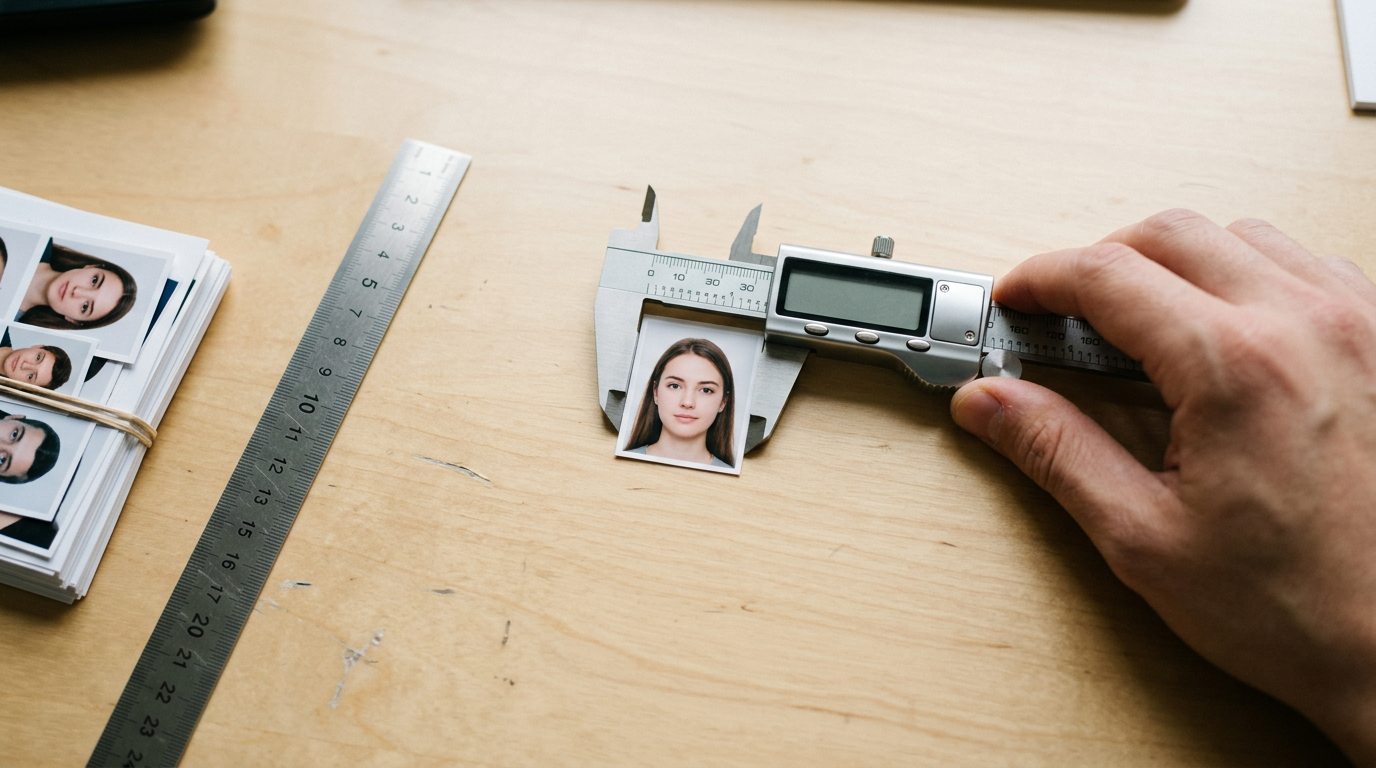
Most applicants assume the hardest part of a document renewal is locating old paperwork, only to have their entire passport photo application rejected because a shadow fell across their neck. The physical rules governing identification imagery are unforgiving. Governments do not evaluate pictures for aesthetics; they scan them for biometric geometry. A head positioned three millimeters too low, a background that registers as bright white rather than cream, or a subtle glare on a cheekbone will trigger an automatic failure at the consulate. The gap between taking a clear photograph and producing a compliant biometric document requires exact formatting, and choosing the right service model determines whether that burden falls on you, a retail clerk, or an automated script.
Quick Summary
A passport photo service bridges the gap between raw image capture and strict government compliance, ranging from staffed retail counters to automated digital processing tools. Your choice depends entirely on whether your target country requires a physical stamp on the reverse side or accepts direct digital submission.
- Automated Digital tools remove backgrounds and enforce dimensions instantly.
- In-Person Retail locations handle physical printing and necessary photographer stamps.
- Self-Service Kiosks offer the lowest cost if you can prepare your own digital file.
- Different national standards (like the US 2x2 inch vs the Canadian 50x70mm) dictate which fulfillment model actually works for your application.
Table of Contents
- Buying Guide / How to Choose
- 1. Australia Post
- 2. Officeworks
- 3. Ted's Cameras
- 4. PhotoAiD
- Fulfillment Models Dictate the Choice
- Recommended Reads
| Product | Fulfillment Method | Features | Pros | Cons | Target Audience |
|---|---|---|---|---|---|
| Australia Post | In-Person Retail | Prints included, digital copy via email, walk-in | Widespread locations, includes digital copy, no booking | In-store queues, restricted hours, lower print yield for large sizes | Urgent applicants requiring physical prints immediately |
| Officeworks | Self-Service Kiosk | 15x10 cm template printing, biometric checks | Extremely low print cost, immediate fulfillment, self-paced | Requires digital prep skills, physical travel needed, paper cutting required | Budget-conscious users with pre-formatted templates |
| Ted's Cameras | In-Person Retail | Studio lighting, staff verification, physical store network | Professional lighting setup, expert handling, specialized equipment | Bound by store hours, travel required, limited physical footprint | Applicants for strict physical visa requirements |
| PhotoAiD | Automated Digital | Background removal, cropping, physical delivery | 200% acceptance guarantee, free DIY tier, highly reviewed | Physical delivery takes time, requires own camera, no physical stamp | Users prioritizing home convenience and digital applications |
Buying Guide / How to Choose
Comparing service providers requires mapping your target country's biometric requirements against how a provider actually delivers the image. The mechanical differences between a us passport photo and canadian passport photos are substantial. The United States requires a strict 2x2 inch square. The United Kingdom demands a 35x45mm dimension set against a cream or light grey background, frequently accepting digital codes for online renewals. Canada enforces a much larger 50x70mm print format that explicitly requires the name and address of the photographer stamped directly on the back of the physical paper.
If you use a digital tool to generate a Canadian image but print it at home, the consulate will reject it for lacking that commercial stamp. A Complete Guide to Canada Passport Photo Requirements for 2026 clarifies why that physical verification matters. Conversely, paying a premium for a stamped physical print when the UK allows a direct digital upload wastes both time and money.
To navigate these requirements, evaluate providers through the lens of Fulfillment Method, separating the market into three distinct categories:
- In-Person Retail: You travel to a staffed physical location where an employee controls the lighting, captures the image, and hands you the final prints. This category is mandatory when your application requires a commercial photographer's stamp.
- Self-Service Kiosk: You visit a retail store but operate the printing machinery yourself. You carry the responsibility for ensuring the image's biometric geometry is correct before you initiate the print.
- Automated Digital: You capture the image on your own device, and software handles the background removal, biometric cropping, and digital formatting. You receive a digital file ready for submission or home printing.
1. Australia Post
An urgent renewal changes the priority fast. Time matters here. Australia Post operates as an In-Person Retail network providing manual passport and identity picture services straight from the post office floor. Rather than scheduling studio time, applicants arrive at a participating branch, stand against a designated screen, and a staff member captures the image using the branch's own hardware.
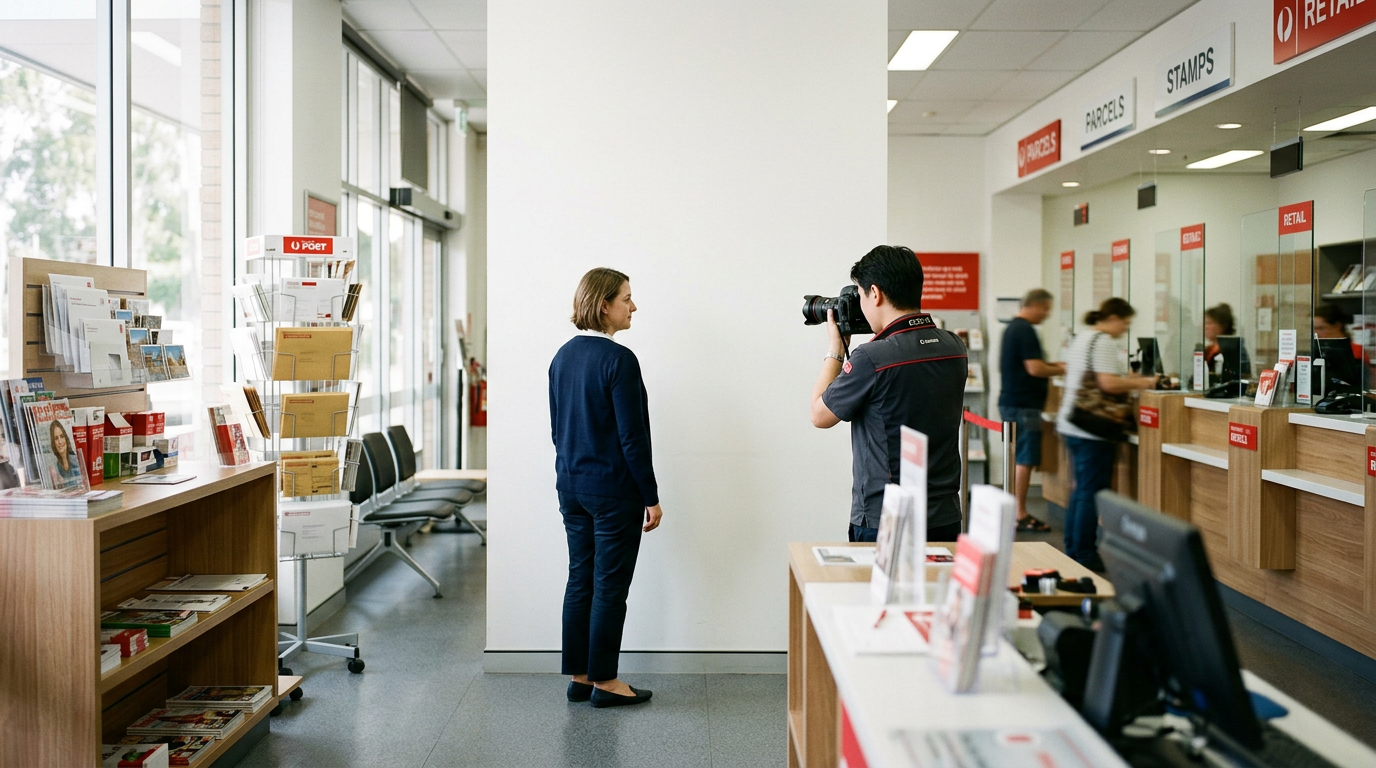
The mechanism is entirely analog at the capture stage but includes digital routing. The staff member reviews the shot on a digital screen, verifies it against broad government guidelines, and processes the output. The service is priced at $23.50, which covers the capture and physical prints. If the destination country uses a standard 35x45mm format, the customer receives six printed photos. For a target with larger dimensions, such as the 50x70mm format, the yield drops to 2 to 3 photos on the same standard paper sheet. If a digital copy is needed for an online portal, the staff can email it to the customer for free, provided the request is made before the picture is taken.
Wait times depend on postal foot traffic
A postal network comes with in-person friction. There are no appointments. The passport photo service operates entirely on a walk-in basis with no appointments offered. You cannot reserve a time slot, meaning your wait depends entirely on the general post office queue. Busy periods make that worse. If you arrive during a lunch-hour rush or the holiday shipping season, you will wait behind customers managing complex logistics before a staff member can drop the screen and configure the camera. I would hold off on this option if an application required complex, non-standard visa formatting that a busy postal clerk might not have the time to research at the counter.
If you need physical prints handed to you immediately and prefer someone else to handle the camera, this is the most direct path. Where to get passport photos: Comparing 4 Australian service providers provides further context on retail networks.
Pros * Provides immediate physical prints upon capture. * Digital copies are emailed at no extra cost if requested early. * Does not require booking ahead.
Cons * Wait times fluctuate with general retail postal traffic. * Produces fewer physical prints for larger international formats. * Limited strictly to the operating hours of the branch.
2. Officeworks
While traditional post offices control the entire capture process, some applicants prefer to manage the camera themselves and only outsource the final paper generation. Officeworks acts as a Self-Service Kiosk provider alongside its standard manual in-store service. It allows applicants to bring their own digital files into a retail environment to utilize commercial-grade photo printers.
For the self-directed route, the mechanism centers on a standard 15x10 cm print template. An applicant prepares an image at home, arranging multiple biometrically compliant headshots onto a single 15x10 cm digital canvas. They transfer this file to a USB drive or smartphone, walk up to a kiosk in the store, and print that specific layout. Printing a pre-prepared 15x10 cm template at an in-store Officeworks photo kiosk costs $0.15. The machine outputs the sheet, and the applicant manually cuts the individual pictures to size. For those who do not want to format the grid themselves, the standard in-store service includes automatic biometric compliance checks managed by the software.
Formatting shifts entirely to the applicant
The practical boundary of the kiosk method is your own technical proficiency. If you choose the $0.15 template route, the machine simply prints the pixels you hand it. It will not warn you if your head size falls outside the required 1 to 1 3/8 inches for a US application. You carry the full burden of measuring, cropping, and spacing. If your background is slightly grey instead of the mandated white, the kiosk prints the error perfectly.
Practical rule: Only use a self-service kiosk to print application images if your digital file has already passed a dedicated biometric verification check; standard photo printing machines do not validate government geometry.
I would choose this kiosk route only if I possessed a pre-verified, biometrically secure digital file and simply lacked the commercial photo paper at home. For further analysis on navigating self-managed printing, Professional Passport Photo Services vs DIY Apps: How to Choose in 2026 offers a deeper comparison.
Pros * Extremely low cost for the print-only kiosk template. * Self-paced interaction without interacting with staff. * Immediate physical output once the file is loaded.
Cons * Kiosk template printing lacks automated biometric safeguards. * Requires manual cutting of the final printed sheet. * Relies on the user's ability to format a 15x10 cm digital grid.
3. Ted's Cameras
How do you guarantee a foreign consulate accepts a physical print when the lighting requirements are aggressively strict? Ted's Cameras approaches the market as an In-Person Retail photography chain, leveraging its dedicated imaging equipment to fulfill passport, visa, and ID photography services across its national store network.
Rather than fitting a camera setup into a multi-purpose retail counter, this mechanism relies on specialized photographic hardware. Staff members utilize professional lighting arrays and dedicated backdrops to capture the subject. This environment removes the variables of ambient store lighting or shadows that often plague ad-hoc photo setups. The staff review the captured image against the specific biometric criteria requested by the applicant, adjusting exposure and contrast before sending the file to commercial lab printers located in the same store.
The footprint restricts immediate access
The inherent constraint of a dedicated camera retailer is geographic accessibility. Unlike a postal network or a general office supplier that operates in nearly every suburb, dedicated camera chains have a much smaller physical footprint. You must travel to a specialized retail center, and you are strictly bound by standard commercial operating hours. I would hesitate to rely on this model if I discovered a document error at 8:00 PM the night before a consulate appointment, as the physical doors would be locked.
If your application mandates a commercial photographer's physical stamp or requires highly specific lighting conditions that a standard white wall cannot provide, a dedicated imaging retailer provides the necessary infrastructure. Exploring British Passport Photo Requirements: Everything You Need to Know highlights how precise these physical capture conditions must be.
Pros * Utilizes controlled studio lighting to eliminate shadows. * Staff possess dedicated training in photographic capture. * Fulfills requirements for commercial photographer stamps.
Cons * Restricted to the chain's limited physical store locations. * Operates solely within standard retail shopping hours. * Requires travel to a commercial shopping district.
4. PhotoAiD
Upload an image, and a software script immediately isolates the subject, deletes the living room background, and enforces precise biometric dimensions. PhotoAiD belongs to the Automated Digital category, functioning as an online and mobile-app-based automated tool that takes standard smartphone captures and engineers them into compliant biometric files.
Everything happens on the server after upload. A user takes a picture against any plain wall and uploads it. The platform's algorithms map the facial geometry, strip away the existing background to replace it with the mandated white or grey, and crop the image to exact parameters. The platform offers a free photo booth service option where users can prepare their own compliant template to print themselves. For buyers comparing options first, the key points are the free digital template, AU$5 home delivery for four printed passport photos in Australia, and a 200% acceptance refund guarantee if government authorities reject the images.
The post office determines your timeline
The digital file arrives right away, but printed fulfillment still depends on the mail. You can have four prints delivered to your home address for AU$5, which means waiting on postal handling rather than getting them the same day. If your consulate appointment is tomorrow morning, a mailed print will not arrive in time. You would have to pivot to the free digital template and locate a physical kiosk to finalize the process.
Practical rule: Always match your delivery timeline to your submission format; automated tools excel at instant digital applications but introduce mail delays for physical requirements.
What would make me choose this tool is having a fully digital renewal process where I can upload the compliant file directly from my phone to the government portal. 7 Best Tools for Getting Passport Photos Online in 2026 outlines how this digital-first approach scales.
Pros * Removes non-compliant backgrounds automatically. * Offers a free tier for generating a printable template. * Provides a 200% refund guarantee on acceptance.
Cons * Physical print delivery introduces postal delays. * Does not provide a commercial photographer's back-stamp. * Relies on the user to provide adequate ambient lighting during capture.
Fulfillment Models Dictate the Choice
Matching your specific government requirement to the correct fulfillment model prevents applications from bouncing back. The biometric rules of the target country should act as the primary filter for your decision.
If your application involves strict physical verification - such as the Canadian mandate for a commercial photographer's stamp or a visa requiring specialized lighting - the In-Person Retail category is the only viable path. Australia Post provides widespread accessibility for standard formats, while Ted's Cameras delivers the specialized studio environment required for heavily scrutinized physical documents.
If you possess the technical capability to format a digital canvas and want to bypass standard retail markup, the Self-Service Kiosk model fits perfectly. Officeworks allows you to print a pre-verified digital grid for a fraction of a dollar, provided you are willing to manage the cutting and formatting yourself.
If your application process is entirely online, such as a modern british passport photo renewal, or if you prefer to finalize the digital template at home before heading to a kiosk, the Automated Digital model removes the friction of travel. PhotoAiD handles the background removal and geometric cropping instantly, though users needing physical prints must account for mail delivery times.