5 Best Tools for Passport Photos Online in 2026
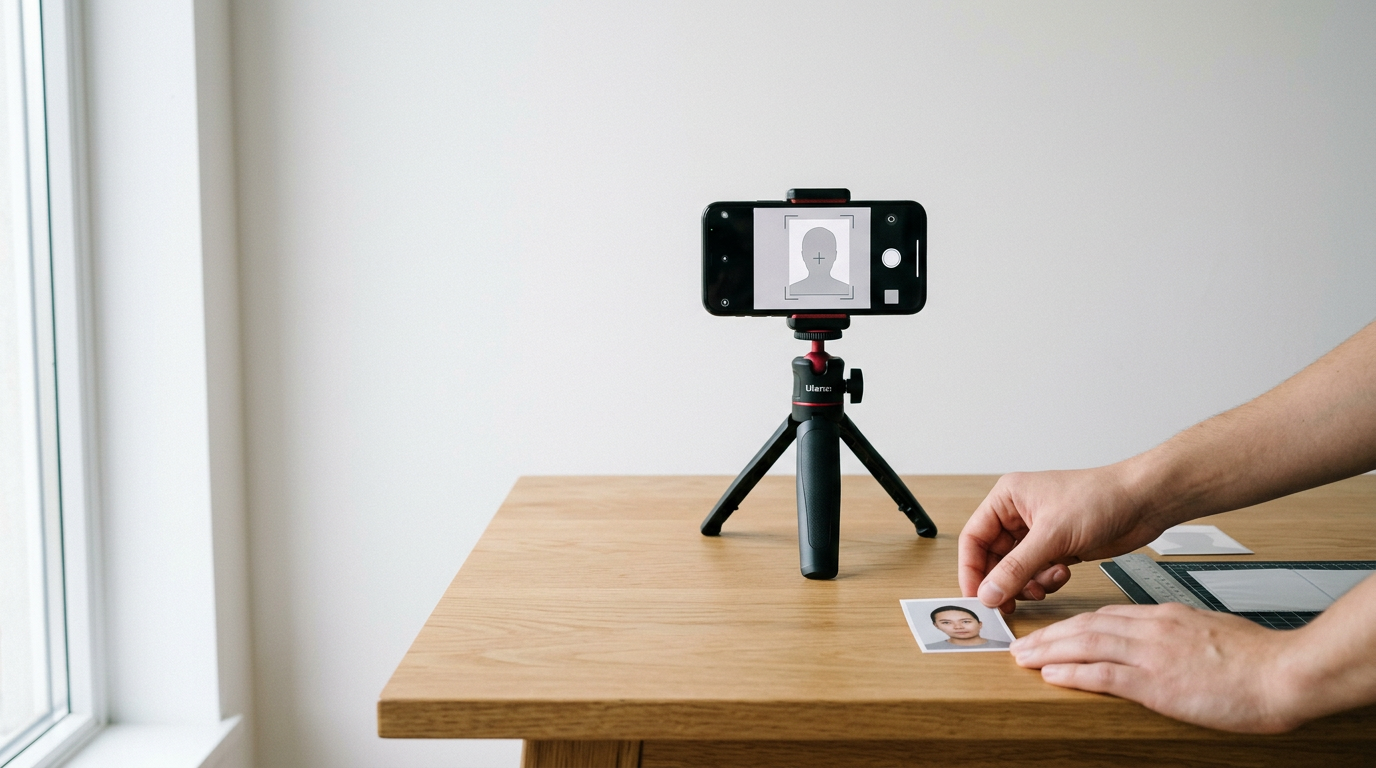
You are balancing a wriggling six-month-old on your hip in a crowded post office, trying to keep their eyes open and mouth closed under harsh fluorescent lights, only to be told the shadows on the white backdrop mean you have to start over. Securing compliant passport photos online removes this exact bottleneck, allowing you to control the environment and the timing from home. However, moving the process to a smartphone shifts the compliance burden from the studio photographer directly onto you. A rejected photo delays a passport application by weeks, turning a cheap digital tool into an expensive administrative delay.
Quick Summary
Generating passport photos online involves using digital platforms that process standard smartphone portraits into government-compliant biometric images with specific dimensions, background colors, and head proportions. Choosing the right tool depends on whether you need automated compliance checks or simply a formatting template.
- Digital platforms remove the need for stressful studio visits, especially for infants.
- Automated background removal is standard, but manual adjustment introduces rejection risks.
- Refund guarantees offer financial protection but do not recover the time lost to an application delay.
- Free tools often lack human verification, shifting the quality assurance burden to the user.
Table of Contents
- Buying Guide: How to Choose a Photo Tool
- 1. BabyPassportMaker
- 2. PhotoBooth Online
- 3. PhotoGov
- 4. 7ID
- 5. Visafoto
- Matching Your Situation to the Right Model
- Recommended Reads
| Product | Processing Model | Features | Pros | Cons | Target Audience |
|---|---|---|---|---|---|
| BabyPassportMaker | AI-Automated Compliance | Infant-specific AI, 60-second processing, 600 DPI files | 100% acceptance guarantee, Tailored for newborns, Broad regional databases | Digital only (no physical shipping), Requires home/kiosk printing, Strict input requirements | Parents of infants and global travelers |
| PhotoBooth Online | Manual Template Editors | Australian standards, 10x15 cm template, Delivery option | Money-back guarantee, Printable template included, Optional physical delivery | Delivery delays application, Manual selfie adjustment, Paid download | Applicants needing physical prints delivered |
| PhotoGov | Hybrid Verification | Browser-based, Biometric auto-adjust, Optional human check | No app download required, Free automated tier, Mobile compatible | Human verification costs extra, Independent entity, Less hand-holding on free tier | Budget-conscious adults needing quick digital files |
| 7ID | Manual Template Editors | iOS/Android app, White background slider, Auto head-sizing | Free print templates, App-based convenience, Australian sizing defaults | Manual background slider, Risk of user error, Phone storage required | Mobile-first users who want layout control |
| Visafoto | AI-Automated Compliance | International formatting, Digital and print formats | Full refund policy, Dual format output, Broad compliance | Paid upfront fee, No physical shipping, USD pricing | Travelers needing strict international formatting |
Buying Guide: How to Choose a Photo Tool
When evaluating a passport photo id maker, feature lists matter less than how the platform actually handles the strict biometric rules enforced by government agencies. The core differentiator between these options is their Processing Model. You must assess platforms across three distinct categories:
AI-Automated Compliance: These tools ingest a raw photo, automatically strip the background, center the face, adjust the head size to exact millimeter specifications, and output a locked, compliant file. You cannot tweak the output. This model suits users who want a high certainty of acceptance without fiddling with sliders.
Manual Template Editors: Platforms in this category provide the framework - such as a 4x6 inch printable grid or a background slider - but require the user to manually adjust the image until it looks right. A passport photo template helps with physical layout, but the user assumes the risk for proper lighting and edge detection.
Hybrid Verification: These systems offer an automated baseline for free or low cost, while upselling a secondary layer of expert human verification. They bridge the gap between algorithmic speed and the nuanced judgment required to spot a problematic shadow before the passport office does.
1. BabyPassportMaker
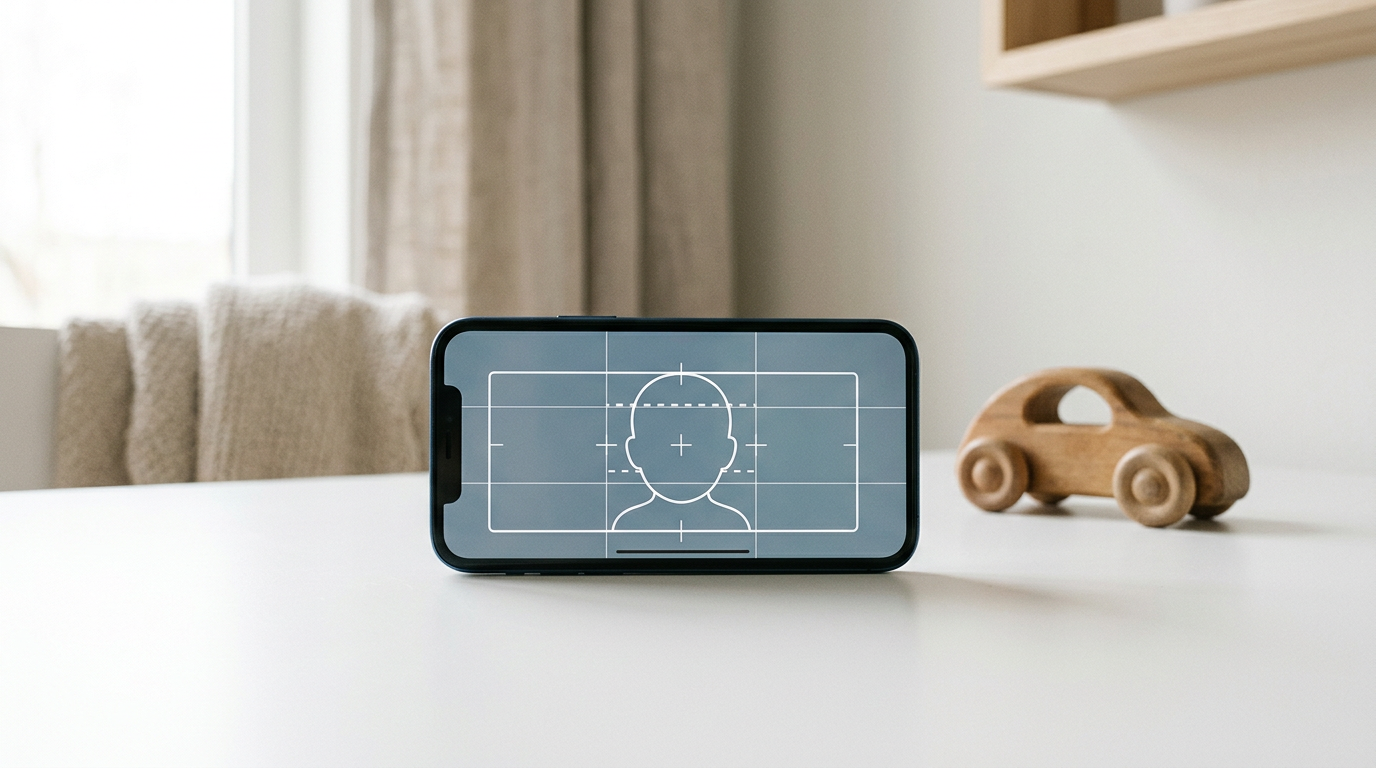
BabyPassportMaker, which publishes this guide, is one of the options below. It is an AI-powered platform specifically engineered to bridge the gap between smartphone photography and strict government biometric requirements for infants and children. Instead of requiring users to manually crop images, the system automatically removes backgrounds, centers the face, and adjusts head proportions to meet exact national standards, such as 35x45 mm or 51x51 mm. The output is a 600 DPI digital file optimized for direct upload to government portals or for local printing at a photo kiosk.
Specialized algorithms reduce infant photo rejections
The core mechanism relies on an AI architecture trained specifically on infant faces, which often lack the defined necklines and straightforward gaze of adult portraits. When a parent uploads a smartphone image, the engine processes it in 60 seconds, mapping the biometric points to align with the selected country's database. Because it targets the AI-Automated Compliance model, users do not manually adjust sliders or paint out backgrounds. The system either generates a compliant image or rejects the input if the lighting or angle is unworkable. BabyPassportMaker backs this automated processing with a 100% acceptance guarantee and a 100% refund policy if the generated photo is rejected by the issuing authority.
Practical rule: Always verify the specific DPI requirements of your target country's digital portal before downloading an image; a compliant dimension will still fail if the resolution is too low.
The structural limit of BabyPassportMaker is its focus on digital delivery and user-side printing. The platform provides the compliant 600 DPI file. It lacks a mail-order service. Parents who do not have access to a reliable home photo printer or a local pharmacy kiosk will find this limitation frustrating. They must still execute the final physical step themselves if a paper application is required. Furthermore, the AI is strict. It cannot magically fix heavy shadows or extreme angles. Parents may need to take several photos before the system accepts one for processing.
I would steer busy parents and expatriate families toward this platform when they are applying for infant passports and visas, particularly if they are preparing documents for strict jurisdictions like the UK, Australia, or the US, and want to avoid the logistical nightmare of a studio visit.
Pros
- Processes photos in 60 seconds using infant-specific AI.
- Carries a 100% acceptance guarantee with a full refund policy.
- Outputs 600 DPI files optimized for official government portals.
Cons
- Does not offer physical printing or mail delivery services.
- AI strictly rejects poor lighting, requiring well-lit input photos.
- Requires users to manage their own printing at a local kiosk if physical copies are needed.
2. PhotoBooth Online
PhotoBooth Online serves as an online photo editor that crops and adjusts user-uploaded selfies to meet official Australian passport photo standards. Users upload a picture from their phone or desktop, and the platform generates a digital download alongside a 10×15 cm (4×6″) printable template containing six identical images. Operating within the Manual Template Editors category, it costs $4.95 for the digital download and template package.
Formatting relies on predefined grid alignment
The service works by mapping the uploaded selfie onto a digital grid matched to Australian biometric rules. It provides a money-back guarantee with a full refund if the authorities do not accept the processed photo. For users who prefer not to navigate local printing kiosks, PhotoBooth Online offers an optional paid service to print and deliver eight physical photos directly to their door with free shipping.
Relying on physical delivery introduces a major bottleneck. If an applicant opts for mail-order prints rather than downloading and printing the template themselves, they lose the immediacy that makes digital photo tools appealing. A postal delay translates directly into a delayed passport application. This makes the service a poor choice for last-minute renewals.
I would use this service if I specifically needed a fast online passport size photo template for Australian requirements and preferred to have the physical prints shipped rather than visiting a pharmacy.
Pros
- Generates a 4x6 inch printable template with six images.
- Offers an optional delivery service for physical prints.
- Includes a money-back guarantee for rejected photos.
Cons
- Physical delivery option negates the speed advantage of digital tools.
- Charges $4.95 for the basic digital download.
- Focuses primarily on standard adult selfies rather than difficult infant photos.
3. PhotoGov
PhotoGov is a free platform that converts user-uploaded selfies into compliant digital files for various countries directly through a web browser. It operates independently of any government, embassy, or consulate. Users can access the tool on both desktop and mobile phone browsers without requiring any app download, making it highly accessible for quick formatting tasks.
Browser-based processing automates basic biometrics
PhotoGov operates as a Hybrid Verification tool. It automatically adjusts sizing, head proportions, framing, and backgrounds. This matches standard biometric rules without charging an upfront fee for algorithmic work. Users who want a free online passport photo can generate files using this automated tier. For more certainty, optional paid services are available. These include digital clothing changes for appropriate attire and expert human verification to double-check the automated results.
Practical rule: When using a tool that offers digital clothing changes, confirm that your target government allows digital manipulation; some jurisdictions instantly reject photos with artificially rendered clothing.
Where this platform falls short is the inherent risk of its free tier. Because the free passport photo online option relies entirely on the automated system without the paid human verification, the user assumes the full risk of algorithmic errors. If the background removal leaves a halo effect or the framing is slightly off, the resulting rejection at the passport office will cost far more in time than the fee for human verification would have.
I would look to this tool when processing straightforward adult applications where the lighting is already perfect, and the budget strictly requires a free initial output.
Pros
- Operates entirely in-browser with no app download needed.
- Provides free automated adjustments for sizing and framing.
- Offers optional expert human verification for added security.
Cons
- Free tier lacks human oversight, increasing rejection risk.
- Optional human verification and clothing changes require payment.
- Operates as an independent entity with no official government affiliation.
4. 7ID
7ID is a mobile application available for iPhone and Android designed to crop, edit, and format photos to meet official document specifications. Once downloaded, the app allows users to process images directly on their device, formatting photos to meet the standard Australian passport photo dimensions of at least 45 mm x 35 mm.
App-based sliders transfer control to the user
When a user selects their target country, the app corrects the head size and eye line automatically. However, acting as one of the Manual Template Editors, it requires users to manually adjust the photo's background to white using a built-in slider. It provides a free print template in two variations: one optimized for digital submission and another arranged for physical printing on 4×6 inch (10×15 cm) paper.
The system falters because of its reliance on that manual background slider. While automated sizing handles the proportions, forcing the user to dial in the white background manually introduces a massive margin for human error. Sliding it too far erases the subject's hair or ears. Stopping too short leaves shadows that lead to a swift rejection by passport control.
I would hold off on this app if dealing with fine details like wispy infant hair or complex lighting, reserving it for users who are comfortable making granular digital edits on a small phone screen.
Pros
- Provides templates for both digital submission and 4x6 printing.
- Automatically corrects head size and eye line based on country.
- App-based processing works natively on iOS and Android.
Cons
- Manual background slider relies heavily on user precision.
- Requires downloading and installing a dedicated application.
- Fine editing on a mobile screen often leads to edge-detection errors.
5. Visafoto
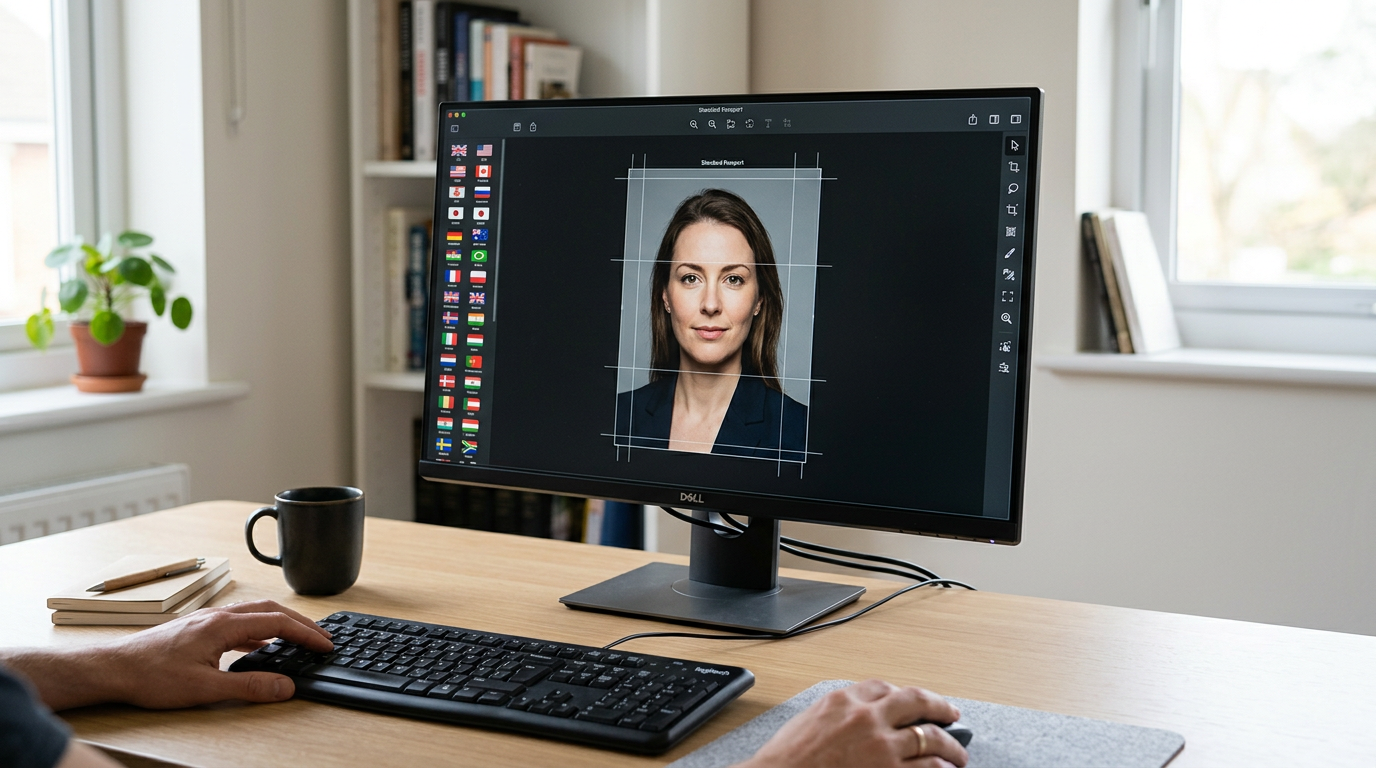
Visafoto operates as an online biometric photo creator that formats and edits user-uploaded portraits to comply with international passport regulations. It targets applicants who need precise formatting for specific foreign visas and passports, charging a one-time fee of USD 7 (approximately AUD 10.5) to prepare the compliant output.
International compliance relies on paid algorithms
Emphasizing AI-Automated Compliance, the service processes the uploaded image and returns a package that includes a digital image for online submission and a second format suitable for physical printing. If the final processed photo is not accepted by the relevant authorities, Visafoto offers a full refund to the user.
Visafoto charges its fee upfront. This happens before verification. Because of this blind spot, applicants might pay for a processed template only to find out at the passport office that their original lighting was fundamentally flawed. A refund returns the USD 7. However, it does not buy back the weeks lost in the application queue.
I would choose this platform when applying for obscure international visas where the formatting rules differ wildly from standard domestic sizes, and I needed an automated system to handle the specific dimensions.
Pros
- Delivers both digital upload files and physical print layouts.
- Provides a full refund if authorities reject the processed image.
- Handles a wide array of international passport and visa dimensions.
Cons
- Charges an upfront fee of USD 7 per photo package.
- Refund policy cannot compensate for time lost to application delays.
- Does not ship physical prints, relying on user printing.
Matching Your Situation to the Right Model
Selecting the best tool requires evaluating your specific application needs against the three processing models outlined in the buying guide.
If your primary challenge is securing a compliant photo of a wriggling infant without leaving the house, the AI-Automated Compliance model is the most effective choice. By relying on platforms like BabyPassportMaker, which handle the edge detection and biometric scaling automatically, you eliminate the risk of manually erasing a child's ear with a clumsy digital brush. Visafoto also fits here for complex international visa sizing, provided you are willing to pay the upfront fee.
When your bottleneck is simply arranging an already-perfect portrait onto a printable grid for a local pharmacy kiosk, Manual Template Editors offer the right balance of control and output. Tools like PhotoBooth Online or 7ID provide the exact 4x6 inch layouts needed, though they require you to take responsibility for ensuring the background is genuinely white and free of shadows.
If your budget is zero but you are unsure about standard biometric proportions, the Hybrid Verification approach is best. PhotoGov allows capable adults to use the automated free tier, offering the flexibility to pay for human oversight only if the automated result looks questionable before submission.