5 Ways to Manage Passport Photos Cost in 2026: Fees and Rates Compared
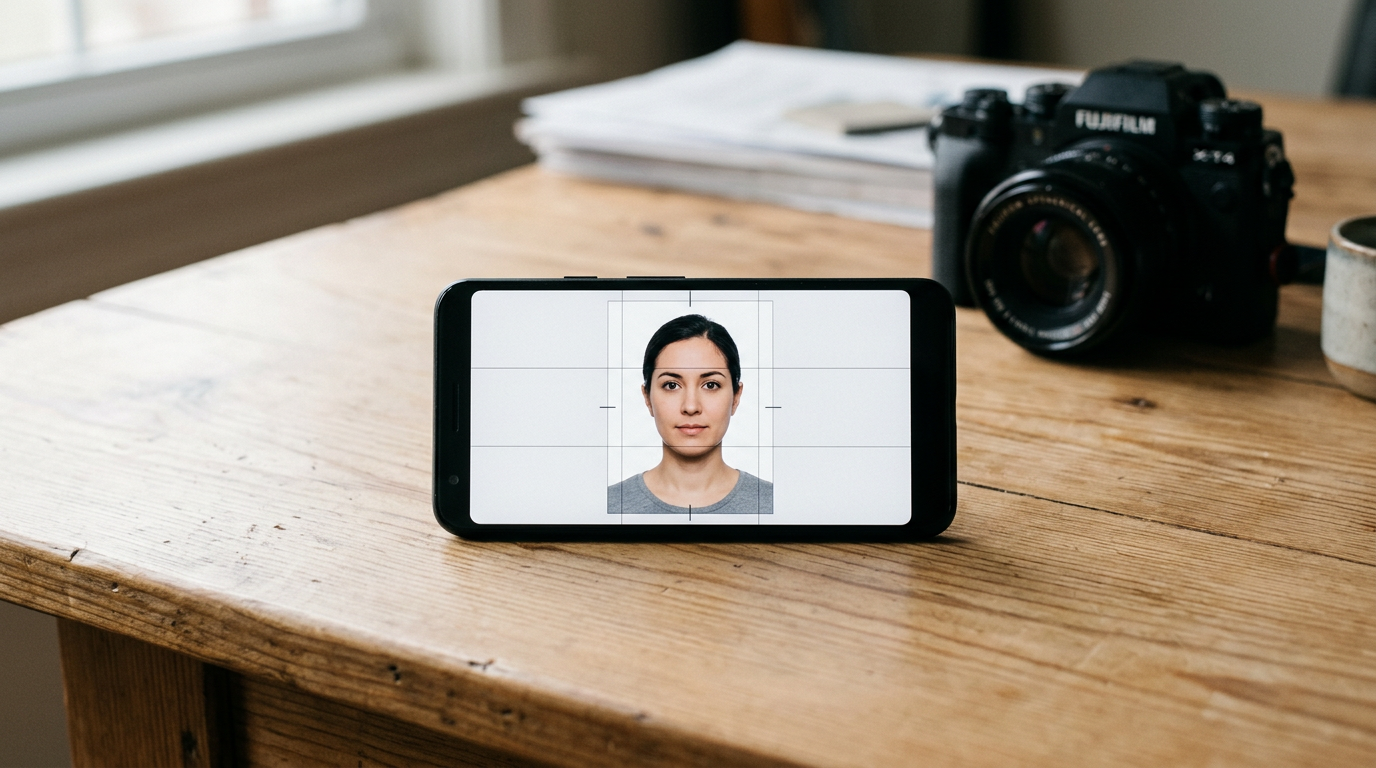
Holding a wriggling infant steady under fluorescent retail lights while a clerk attempts to capture a perfectly aligned biometric shot is a familiar stress test for traveling parents. The process usually ends with a compromised image and an unexpectedly high bill at the checkout counter. Understanding the actual passport photos cost across different fulfillment methods reveals that families often pay a premium simply for the physical location, not necessarily for better compliance.
Quick Summary
The true passport photos cost depends heavily on whether you pay for physical capture, digital formatting, or self-service printing. Professional in-store services command the highest rates, while digital alternatives and self-service kiosks drastically reduce the passport photo fee by shifting the capture process to the applicant's own smartphone.
- In-store professional capture remains the most expensive route.
- Retail kiosks offer the cheapest physical prints if you bring a compliant template.
- Digital platforms bridge the gap by automating biometric compliance.
- Formatting errors in DIY approaches lead to costly application rejections.
Table of Contents
- Evaluating the True Passport Photos Cost
- 1. BabyPassportMaker
- 2. Australia Post
- 3. Officeworks
- 4. Kmart Australia
- 5. Visafoto.com
- Matching the Fulfillment Method to Your Deadlines
- Recommended Reads
Evaluating the True Passport Photos Cost
Comparing options requires separating the capture of the image from the printing of the paper. When evaluating passport photo rates, buyers must look at what genuinely separates the providers. We categorize these services along a specific classification axis: Fulfillment Method. The categories within this lens include AI Digital Automation, In-Store Professional, Retail Self-Service Kiosk, and Standard Online Processing.
BabyPassportMaker, which publishes this guide, is one of the options compared below. To make an informed decision, applicants must decide whether they are paying for a photographer's time, a software's precision, or a retail store's photo paper.
| Product | Fulfillment Method | Features | Pros | Cons | Target Audience |
|---|---|---|---|---|---|
| BabyPassportMaker | AI Digital Automation | Infant-specific biometric formatting, global standards support | Guaranteed compliance, home convenience, cost-effective | Requires user capture, no physical prints, digital delivery only | Parents of infants needing stress-free compliance |
| Australia Post | In-Store Professional | On-the-spot capture, six printed photos, no booking required | Walk-in service, immediate physical prints, gloss paper | Premium pricing, requires travel, difficult for infants | Walk-in applicants needing immediate physical copies |
| Officeworks | In-Store Professional | Dual service tiers, compliance certificate, template printing | High compliance rate, cheap template prints, immediate results | Template route risks rejection, premium in-store price, physical travel | Budget DIYers and standard in-store applicants |
| Kmart Australia | Retail Self-Service Kiosk | 10-cent template printing, 4x6 inch format, glossy paper | Lowest printing cost, widespread locations, fast self-service | No formatting help, no in-store capture, strict template needs | Highly capable DIYers with ready digital files |
| Visafoto.com | Standard Online Processing | Digital template delivery, automatic background adjustment | Fast digital turnaround, multi-country support, standard compliance | Third-party printing required, generic processing, flat USD pricing | Independent travelers needing quick digital files |
1. BabyPassportMaker
Parents of newborns face a unique logistical hurdle when securing travel documentation, as standard photography setups fail to accommodate uncooperative subjects. BabyPassportMaker operates as a web-based platform that converts standard smartphone photographs of infants into government-compliant biometric images. It specifically targets the strict requirements of international travel authorities, stripping away the friction of traditional studio visits. The system acts as a digital bridge between amateur home photography and rigid bureaucratic standards.
Users upload their images. The platform uses AI Digital Automation to process them. Once a parent captures a photograph of their infant, the system automatically isolates the subject and replaces the background with the requisite white or light grey. It scales the image to ensure the head proportion meets precise measurements, such as the 25 to 35 millimeter chin-to-crown requirement standard in many jurisdictions. Because it formats files to 600 DPI, the resulting output matches the exacting digital resolution rules enforced by major international passport agencies. The service tailors these technical specifications dynamically, whether the user selects the 35x45 millimeter standard for Australia or the 51x51 millimeter standard for the US.
Automated compliance removes the biometric guesswork
The platform guarantees acceptance by government bodies, backed by a 100% refund policy if an application is rejected due to image formatting. This risk mitigation is crucial for expatriate families managing tight visa timelines. The AI assesses lighting uniformity and color balance, flagging shadows that would otherwise disqualify the submission. By handling the technical cropping and background adjustments, the software allows parents to focus solely on capturing a moment when the infant is relatively still and looking at the lens. For users comparing the Passport Size Photo Officeworks vs. DIY Options, this automated processing eliminates the formatting risks inherent in manual template creation.
The platform does not provide physical printing or mail delivery of paper photographs. Users must source their own compliant glossy paper printing through a local retailer or kiosk. Parents who require a fully finished, physical photo immediately in hand, without dealing with a secondary printing step, will find this digital-only delivery insufficient.
This platform is the ideal choice for parents of infants who need guaranteed biometric compliance without the stress and scheduling conflicts of an in-store studio visit.
Pros
- Removes background elements automatically.
- Guarantees government application acceptance.
- Eliminates the need for studio visits.
Cons
- Requires the user to capture the initial photo.
- Demands a secondary physical printing step.
- Delivers files in a digital-only format.
2. Australia Post
Australia Post represents the traditional baseline for identity document photography across the country. It serves applicants who prefer a standardized, face-to-face transaction with an established postal authority. This service eliminates the need for any digital manipulation on the user's end.
Operating within the In-Store Professional category, the service utilizes staff members equipped with dedicated digital cameras and fixed-distance setups. According to its published pricing, Australia Post charges $23.50 for their passport photo service. The process yields six printed 35mm x 45mm photos on colored gloss paper. Photos are available on the spot with no booking or appointment required. The staff handles the lighting, the backdrop, and the cropping to meet domestic standards before running the file through an on-site dye-sublimation printer.
Walk-in convenience carries a premium price tag
The ubiquity of postal branches makes this the most accessible physical option. Applicants can walk in off the street, stand against the designated white screen, and walk out minutes later with dry, cut photographs ready for immediate inclusion in a physical application envelope.
Practical rule: Never attempt an in-store capture with an infant during peak retail hours; the pressure of a waiting queue inevitably leads to rushed, non-compliant photographs.
In-person visits require managing an infant's schedule around retail queue times, and postal clerks are rarely trained in specialized infant photography. Applicants with highly sensitive newborns or those seeking to minimize their overall passport photo fee should look elsewhere.
I would reserve this service for solo adult travelers who need guaranteed physical prints immediately and prioritize proximity over cost savings.
Pros
- Requires no technical formatting skills.
- Delivers physical prints immediately.
- Operates across widespread national locations.
Cons
- Commands a premium retail price.
- Lacks specialized infant capture training.
- Involves waiting in retail queues.
3. Officeworks
Officeworks provides a hybrid approach, catering both to walk-in applicants needing full assistance and to budget-conscious users holding ready-to-print files. It occupies a distinct space by offering two entirely different fulfillment mechanisms under one roof.
When evaluating the Officeworks passport photo price, buyers must distinguish between the In-Store Professional service and the retail printing tier. The in-store passport and ID photo service with a compliance certificate costs $20.95. The staff captures the image and verifies it against both Australian Government and International Civil Aviation Organisation (ICAO) standards. Conversely, if you bring a prepared 4x6-inch template, you can print passport-sized photos yourself in-store for $0.15. This lower tier relies entirely on the customer's prior digital formatting.
Dual pricing separates the service from the paper
The premium tier provides a safety net via its compliance certificate, ensuring the physical output meets the rigid strictures of the passport office. The 15-cent option, however, leverages the store's high-quality glossy paper printers for mere pennies, stripping away the labor costs entirely.
The 15-cent rate requires bringing a perfectly formatted 4x6-inch template, offering no compliance safety net for the DIY route. Users who fail to size the head correctly prior to arrival will simply print a 15-cent mistake that the passport office will reject.
This dual setup suits meticulous DIYers who only need cheap glossy output, or standard adult applicants willing to pay $20.95 for guaranteed full service.
Pros
- Offers a certified capture service.
- Provides extremely cheap DIY print rates.
- Uses compliant glossy photo paper.
Cons
- Offers no formatting help at the DIY tier.
- Charges a high rate for staff capture.
- Requires physical travel to a retail box.
4. Kmart Australia
Kmart Australia serves as a pure printing utility for applicants who have already resolved their formatting challenges. It is a strict hardware provider, offering no photographic services of its own.
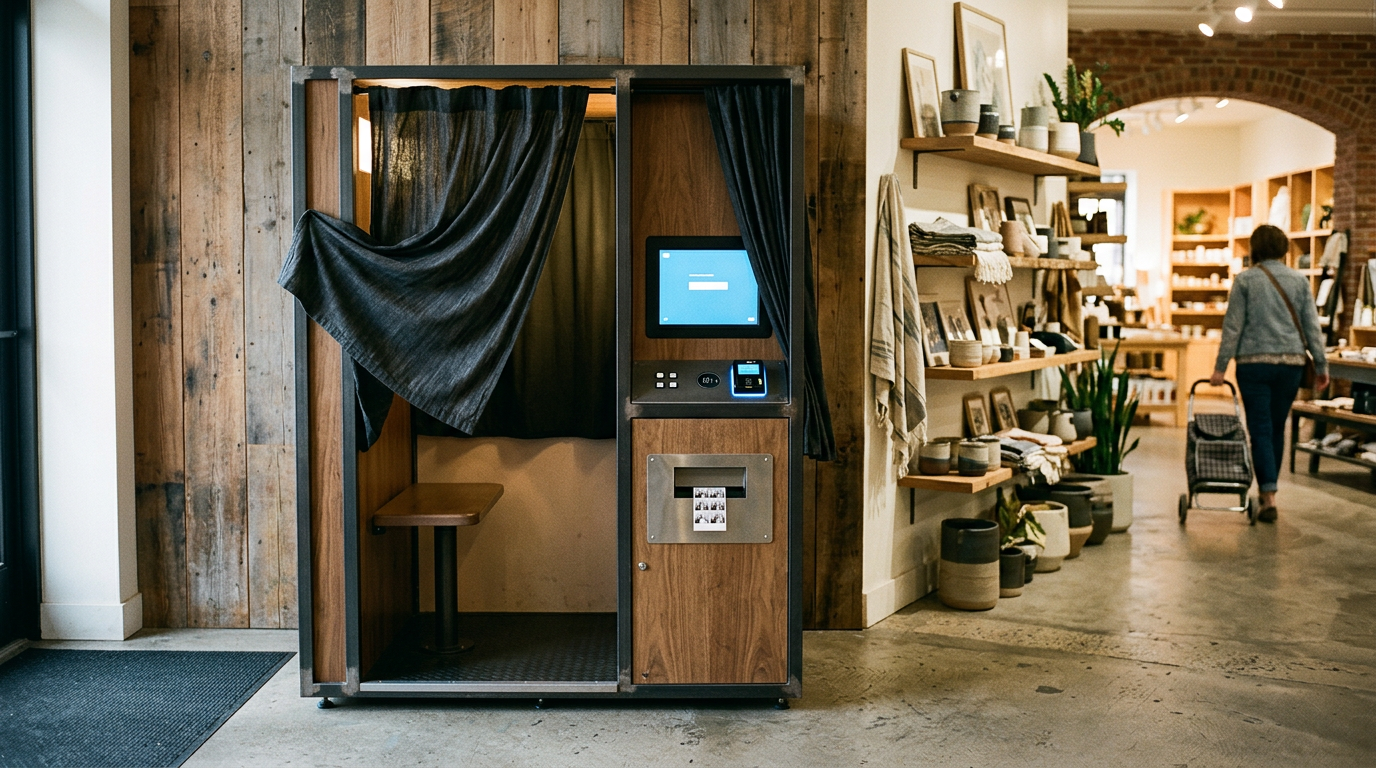
This option sits firmly in the Retail Self-Service Kiosk category. Kmart stores in Australia do not take passport photos in-store. Instead, the cost of printing a 10x15 cm (4x6") template containing your passport photos at a Kmart kiosk is $0.10. Kmart Photo Centres print on glossy paper only. Users approach a standalone digital terminal, connect their smartphone or USB drive, select the standard 4x6 print size, and wait for the automated lab to dispense the sheet.
Bottom-dollar printing assumes you supply the expertise
By entirely removing staff labor from the equation, this method drives the physical printing cost down to the absolute floor. It is the cheapest physical output mechanism available, provided the user brings a flawlessly executed file that aligns perfectly with domestic identity standards.
Kmart provides no formatting assistance or in-store capture, meaning any sizing errors or lighting flaws in the user's uploaded file lead to immediate application rejection. Applicants seeking A Comprehensive Guide to Passport Photo Requirements and Renewal Documentation for 2026 will find no help at these unmanned kiosks.
I recommend this kiosk output strictly for highly confident users who possess a verified, mathematically perfect digital template and merely need inexpensive glossy paper.
Pros
- Features the lowest print cost available.
- Utilizes standard photo gloss paper.
- Operates through quick self-service terminals.
Cons
- Provides zero staff assistance.
- Lacks in-store capture capabilities.
- Demands perfect pre-formatted files.
5. Visafoto.com
Visafoto.com offers an automated online utility aimed at independent travelers who are comfortable capturing their own raw images but lack the editing skills to meet strict government specs. It is a digital-only tool that manipulates user-provided files.
This tool operates under Standard Online Processing. The service charges USD 7. This fee provides a ready-to-print digital photo template. The tool automatically refines the format, background, and quality of your photo to match official standards. Users upload a photograph taken against a relatively plain wall. Then, the system executes algorithmic adjustments to crop the face, replace the background color, and align the eyes according to selected national criteria.
Template generation shifts the printing burden
This approach removes the anxiety of manual cropping and standardizes the output across dozens of international visa requirements. It is a rapid, algorithmic fix that turns an informal headshot into a structured biometric template without requiring the user to download complex photo editing software.
The service evaluates digital compliance but still leaves the user responsible for sourcing high-quality physical prints on acceptable gloss paper. Buyers looking for Best Passport Photos Online 2026: Mobile Apps and Digital Tools Compared must recognize that this flat USD fee covers only the digital manipulation, not the final physical object.
This tool makes sense for adults applying for digital-only visas who do not need physical prints mailed to their door.
Pros
- Automates background replacement quickly.
- Supports numerous international formats.
- Delivers ready-to-print digital sheets.
Cons
- Requires external physical printing.
- Prices services in US dollars.
- Leaves capture responsibility to the user.
Matching the Fulfillment Method to Your Deadlines
Choosing the right path depends on balancing your budget against the complexity of your subject. The passport photos cost is ultimately measured in both currency and time.
If your priority is securing biometric precision for an unpredictable infant, AI Digital Automation provides the necessary patience. BabyPassportMaker removes the friction of retail queues by handling the exacting crop and background replacements directly from a smartphone file.
If you lack a printer and refuse to navigate formatting software, the In-Store Professional category remains the safest bet. Australia Post and the premium tier of Officeworks trade a higher upfront fee for immediate, physically compliant results.
If you have already secured a perfectly compliant file and merely need to transfer it to paper, the Retail Self-Service Kiosk route is unmatched for economy. Kmart Australia provides the necessary glossy output for pennies, assuming you have done the digital heavy lifting yourself.
If you require digital templates for foreign visas and prefer not to edit files manually, Standard Online Processing utilities like Visafoto.com bridge the gap between amateur photography and rigid bureaucratic measurements.