4 Best Tools for an Online Passport Size Photo in 2026
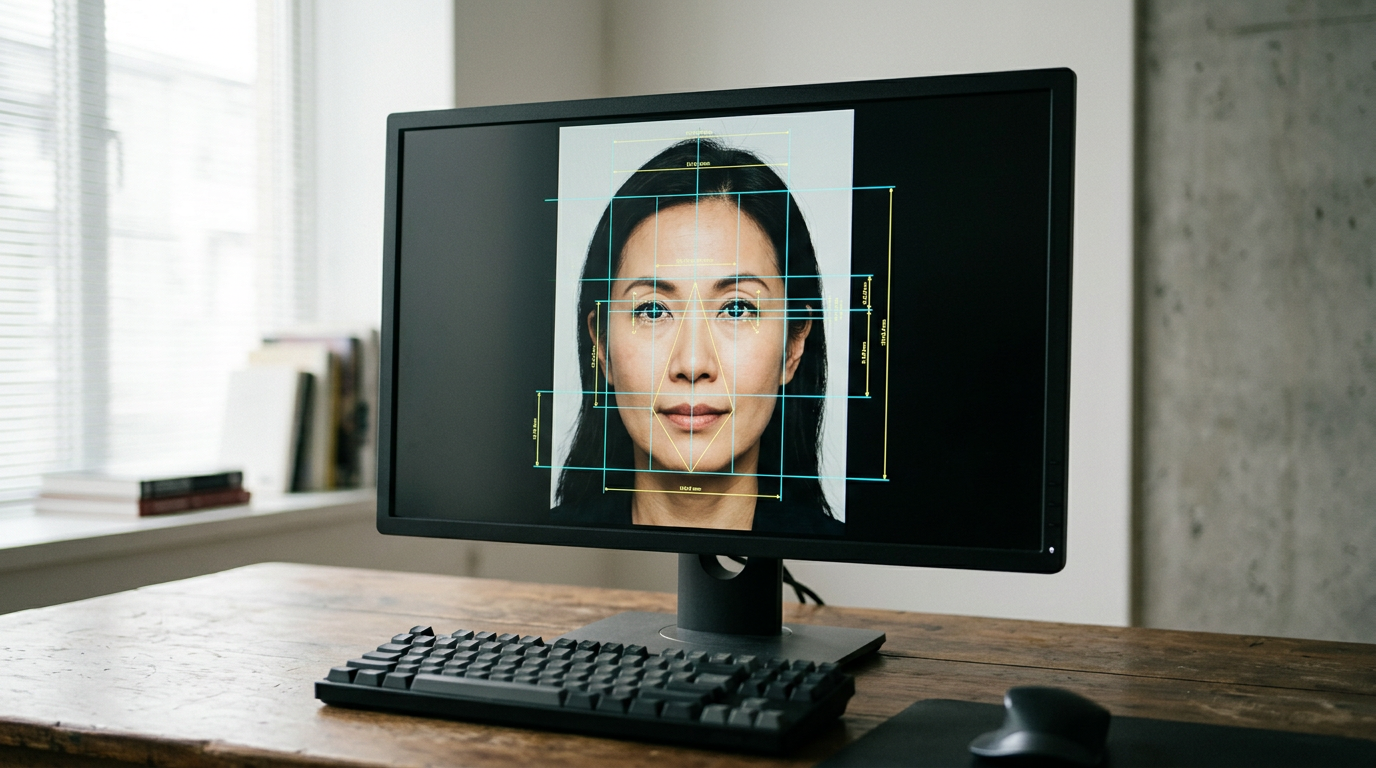
Positioning an infant against a brightly lit wall while keeping their chin up and shoulders straight is difficult enough before factoring in strict consulate rules. A single shadow behind the ear or a head proportion off by three millimeters will trigger an automatic rejection at the visa counter. Securing an approved online passport size photo requires software that evaluates biometric data points, rather than just cropping a square out of a camera roll. Every government enforces distinct dimensional tolerances, and navigating them manually virtually guarantees failure. Processing these files successfully demands specific algorithmic interventions to isolate the subject and verify legal compliance before printing.
Quick Summary
Generating compliant biometric imagery requires software that automatically corrects background gradients and scales facial proportions to strict government standards. - Full-service options process digital files and mail physical prints. - Hybrid tools provide machine cropping with optional human review. - Automated software replaces backgrounds and sizes files instantly. - Manual interfaces offer free cropping but leave compliance entirely to the applicant.
Table of Contents
- Why an Online Passport Size Photo Demands Precision
- Comparison Table
- Where the Processing Level Dictates Your Acceptance Rate
- 1. PhotoBooth Online
- Physical fulfillment bypasses kiosk degradation
- 2. PhotoGov
- Human intervention catches algorithmic blind spots
- 3. Visafoto
- Refund policies act as a risk transfer mechanism
- 4. MakePassportPhoto.com
- Manual canvases shift the compliance burden entirely
- Matching the Processing Level to Your Travel Deadline
- Recommended Reads
Why an Online Passport Size Photo Demands Precision
When an applicant uses a standard camera to capture a portrait, the resulting file is entirely unsuitable for a government database. A passport size photo online must conform to strict pixel counts, specific aspect ratios, and precise resolution densities. For instance, obtaining a compliant US passport photo requires generating an exact 2x2 inch square. In contrast, referencing a global passport size photo requirements guide for regional specifications reveals that a New Zealand visa demands a 35x45 mm file, while Saudi Arabia requires a 51x51 mm output, and the UAE expects 40x60 mm. The engine you choose must understand these parameters natively.
Comparison Table
| Product | Processing Level | Features | Pros | Cons | Target Audience |
|---|---|---|---|---|---|
| PhotoBooth Online | Full-Service Fulfillment | Digital templates, physical post delivery | Print fulfillment available, standard digital templates | Physical delivery adds cost, wait times apply for mail | Users needing physical prints |
| PhotoGov | Hybrid AI Verification | Automated cropping, human review add-on, free tier | Free daily generation, human verification option | Subscriptions cost $9.90, manual review adds delay | Applicants fearing automated rejection |
| Visafoto | Automated Image Editing | Background removal, biometric formatting, refund policy | 99.7% stated pass rate, full refund guarantee | $9 one-time fee, no physical prints | Users needing immediate digital compliance |
| MakePassportPhoto.com | Self-Service Manual Framing | DIY manual crop, auto-correction option | Free DIY tier, cheap auto option | Low service rating, user handles cropping | Budget-conscious self-starters |
Where the Processing Level Dictates Your Acceptance Rate
Understanding how to prepare a compliant passport size photo via an Officeworks or home tool setup reveals that poor source lighting requires heavy algorithmic correction. Because source files vary wildly in quality, the market splits these tools across a strict classification axis: the Processing Level.
- Full-Service Fulfillment: Generates a digital file but heavily prioritizes mailing physical prints directly to your door.
- Hybrid AI Verification: Runs the initial crop through an algorithm but offers a manual, human expert review as an upsell for strict applications.
- Automated Image Editing: Relies entirely on one-time algorithmic checks to strip backgrounds and scale the face to exact pixel counts without human intervention.
- Self-Service Manual Framing: Gives you a grid and a set of sliders, forcing you to align the chin and crown yourself.
An applicant uploading a selfie is submitting raw data. The software must identify the pupillary distance and the crown of the head to establish the facial axis. From there, it calculates the ratio of the face to the total image area. Assessing whether free online passport photo tools are safe and effective often comes down to this core capability: can the tool independently map your face and fix the background, or does it leave the heavy lifting to you?
Practical rule: Never apply digital filters or standard camera app portrait modes before uploading your file; artificial background blurring prevents compliance algorithms from accurately detecting the edges of your head.
1. PhotoBooth Online
How do you secure an Australian passport photo online? Usually, applicants must choose between generating a digital file or standing in line at a physical retail kiosk. Processing user-uploaded photos into compliant Australian passport and ID photos demands a complete pipeline. Buyers requiring Full-Service Fulfillment skip the physical wait entirely. The tool ingests a standard smartphone image. It applies the mandatory biometric ratios for regional authorities and outputs a formatted layout. Nobody wants to hunt down a USB drive. Rather than negotiating with a local pharmacy technician, applicants get digital image correction connected directly to a physical printing infrastructure.
Physical fulfillment bypasses kiosk degradation
A digital passport photo template designed for self-printing costs $4.95 on the platform. However, the system is fundamentally geared toward users who want a hard copy in hand without leaving home. It offers a bundle containing 8 physical prints delivered via Australia Post and a digital copy for $14.95. This removes the final leg of the errand, which is often where digital-only files fail due to low-quality retail photo paper or automated color-correction algorithms at consumer kiosks. The service is rated 4.6 out of 5 stars on Trustpilot with over 50,000 satisfied Australian applicants.
The structural constraint of this pipeline is the postal system itself. If you are uploading an image on a Wednesday for a consulate appointment on Friday, physical delivery via Australia Post introduces a fatal delay that a purely digital delivery mechanism avoids.
I would prioritize this service when the receiving authority absolutely mandates physical paper copies and the application timeline comfortably allows for a multi-day postal transit.
Pros - Bypasses the need to negotiate with retail photo technicians - Specific processing optimizations for regional ID standards - High volume of verified applicant success ratings
Cons - Digital-only template still incurs a baseline processing fee - Physical print bundle triples the base cost of the file - Reliance on external postal networks for final document delivery
2. PhotoGov
Processing multiple travel documents for a corporate team exposes how quickly individual application fees drain a budget. Each user can generate one free ID photo per day, automatically sized and cropped by this automated online passport photo maker that converts selfies into standard biometric ID photos. Operating inside the Hybrid AI Verification category, the software maps the subject's facial geometry against a database of international constraints. It isolates the head, replaces the background with a compliant white or grey hex code, and executes a strict pixel crop based on destination measurements.
Human intervention catches algorithmic blind spots
While the baseline automated cropping happens instantly, machine vision frequently struggles with complex shadows, stray hair against dark backgrounds, or glare on prescription spectacles. To bridge this reliability gap, an expert human verification service is available as a manual add-on costing between $2.90 and $4.90 depending on the region. This puts a secondary set of eyes on the file before it goes to a government official. For power users, the platform offers a monthly subscription plan for $9.90 rather than charging a fee per image.
The glaring limit of this commercial structure is its mismatch with the average consumer lifecycle. A recurring monthly subscription creates a terrible value proposition for a single individual updating a travel document once a decade, as the ongoing fee vastly outweighs the cost of a one-time process.
I would bypass the subscription tier entirely unless managing visa applications is a routine part of your administrative workload.
Pros - Permits one free automated image generation every day - Manual human oversight catches complex lighting failures - Monthly subscription scales efficiently for volume processors
Cons - Manual verification adds variable fees based on region - Monthly subscriptions over-serve single civilian applicants - Secondary human reviews inevitably extend turnaround times
3. Visafoto
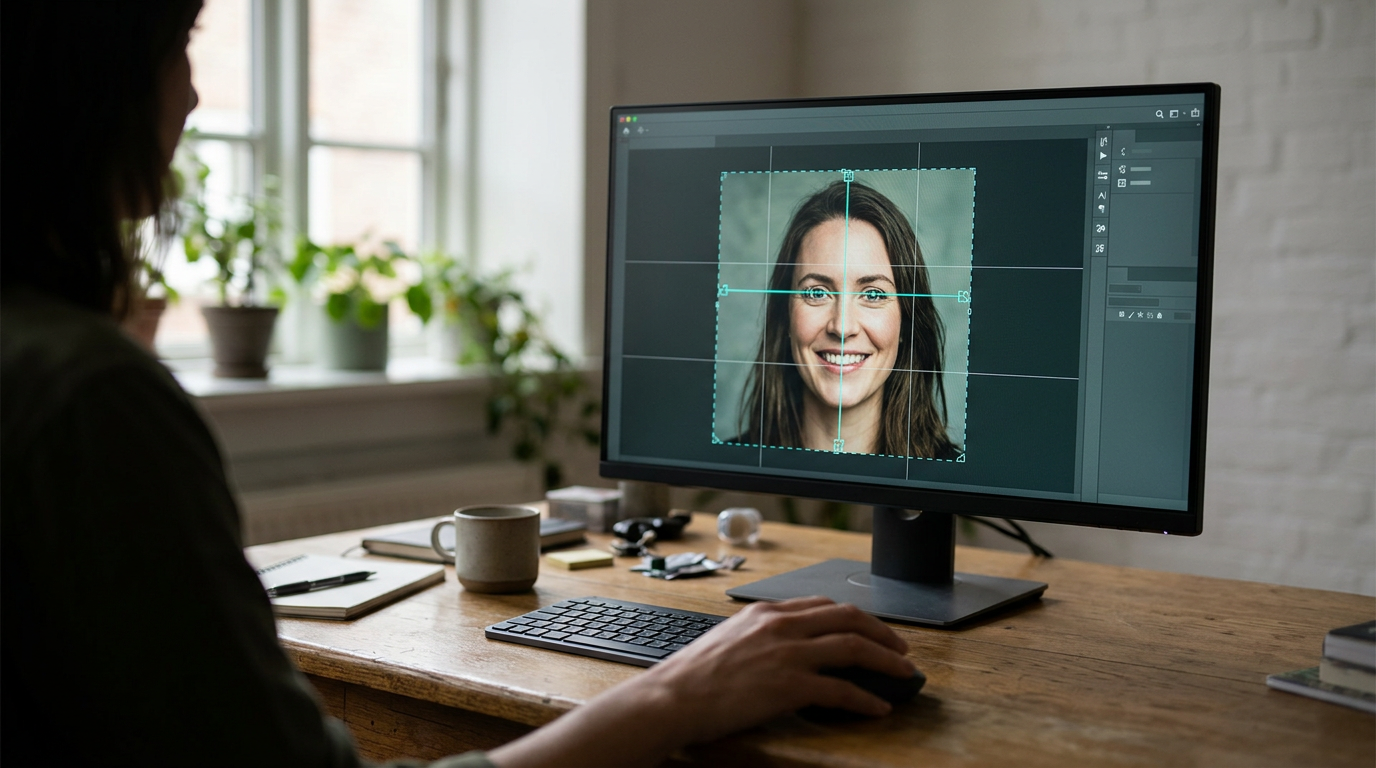
The software edits, crops, and reformats photos mechanically. It strips environmental lighting and calculates face-to-frame ratios down to the exact pixel to meet official passport requirements. Buyers needing Automated Image Editing rely on this processing engine. It cross-references the uploaded file against the exact dimensional rules of the target country. The system digitally flattens the background. It straightens posture alignment by reading the pupillary axis. The engine produces a final high-resolution JPEG without utilizing any manual slider adjustments.
Refund policies act as a risk transfer mechanism
The platform charges a one-time photo editing fee of $9 US dollars. Because the processing requires no physical paper or postage overhead, the company relies entirely on its algorithmic accuracy to justify the cost compared to basic manual alternatives. The platform states it has a 99.7% pass rate for processed photos. To mitigate the risk of a denied visa application, the vendor stipulates that if the processed photo is not accepted by officials for any reason, the service will issue a full refund.
Practical rule: When submitting a digital file to an embassy portal, never compress the final JPEG to save upload time; altering the generated 600 dpi resolution immediately invalidates the biometric formatting.
The rigid reliance on purely digital output stops being enough the moment a government official asks for a hard copy. If strict Australian passport photo size and guidelines or European consulates require two identical gloss prints, you must independently source compliant photographic paper and a printer that will not stretch the file to fit a standard 4x6 canvas.
I would route an application through this engine exclusively for digital embassy portals where physical paper is obsolete and biometric precision is the only metric that matters.
Pros - Stated 99.7% acceptance rate reduces application anxiety - Flat one-time pricing eliminates recurring subscription traps - Full refund policy protects users against official rejection
Cons - Processing pipeline completely lacks physical print fulfillment - Base fee is higher than simple unverified digital templates - Digital output requires careful downstream printing by the user
4. MakePassportPhoto.com
Realizing an online visa portal requires an exact 2x2 inch file thirty minutes before a deadline often drives applicants to an online tool that enables users to create standard passport and visa photos matching biometric guidelines. Falling into the Self-Service Manual Framing category, the platform loads the raw smartphone image directly into a browser-based canvas. It provides static overlay grids corresponding to official head-height limits, requiring the user to physically drag, scale, and rotate the digital image until the chin and crown align perfectly with the markers.
Manual canvases shift the compliance burden entirely
The 'Do It Yourself' option is free and allows users to manually crop the image entirely by eye. For those who realize they cannot accurately isolate a cluttered background or balance the contrast manually, a digital version of the automatically corrected passport photo costs $2.99. This splits the tool into two distinct experiences: a costless manual editor and a heavily discounted automated processor. However, execution ultimately determines success, and the tool has an average customer service rating of 2.5 out of 5 stars based on 77 reviews on Trustpilot.
Providing a free canvas does not equal providing a compliant photograph. If your initial source lighting is uneven or you misjudge the digital overlay grid by three pixels, the free tier will happily let you export an image that will fail a biometric scan instantly.
I would utilize this manual interface only if you already possess a perfectly lit, solid-background photograph and simply need to slice it to a specific dimension without spending money.
Pros - Do-it-yourself tier provides completely cost-free dimensional cropping - Automated digital correction tier remains highly affordable - Browser-based canvas requires zero external software installation
Cons - Aggregate customer service rating indicates friction in the process - Manual cropping drastically increases the risk of biometric rejection - Free tier offers no intelligent background removal or contrast correction
Matching the Processing Level to Your Travel Deadline
Checking an international passport photo size guide for Chinese or Malaysian requirements is only the first step; matching the tool to your situation dictates the rest of the workflow.
- Full-Service Fulfillment: Choose this path if your priority is securing physical paperwork without the logistical friction of retail print shops. The delay of the postal service is the required trade-off for staying home.
- Hybrid AI Verification: Look here if you manage travel documents for a broader corporate team or an expatriate family and want the reassurance of a secondary human check, trading instant processing for expert oversight.
- Automated Image Editing: Default to this path when feeding a strictly digital embassy portal. It strips the background and sizes the file purely via algorithms, offering the fastest route to a compliant digital asset.
- Self-Service Manual Framing: Lean on this method if the budget is strictly zero and you already know how to light a subject perfectly against a white wall, relying solely on the tool for the final dimensional crop.