Digital Resolution Standards for American Passport Photo Requirements
You carefully line up the shot, capture a seemingly perfect image of your infant, and upload it to the government portal, only to immediately hit an "image too compressed" or "resolution too low" error. The portal does not tell you what went wrong, just that the file failed biometric validation. Understanding the mechanics behind image resolution, file compression, and digital quality is the difference between a submission that sails through the system and an application that stalls for weeks. This guide unpacks how government algorithms evaluate pixels, why smartphone images often fail despite having high-megapixel cameras, and how to ensure your digital submissions meet strict processing standards.
Quick Summary
Government digital passport portals reject photos based on strict biometric and resolution thresholds rather than simple visual clarity. Meeting the American passport photo requirements means providing an image with uncompressed detail, correct pixel dimensions, and the proper color space to allow facial recognition algorithms to map biometric points accurately without interference from compression artifacts.
- Pixel dimensions: Most systems require a minimum of 600x600 pixels, ensuring sufficient data for facial mapping.
- Compression limits: Highly compressed JPEG files introduce blocky artifacts that disrupt biometric scanning algorithms.
- Sensor capabilities: Smartphone cameras default to heavy processing and compression, which can degrade the raw image data needed for official documents.
- Color spaces: Submissions must utilize the sRGB color space to prevent unnatural skin tones during the automated validation process.
- DPI settings: Digital submissions rely on absolute pixel counts, but files intended for later physical printing must maintain 300 to 600 DPI density.
Table of Contents
- The Mechanics of Digital Resolution
- Compression Artifacts and Rejection
- Why Sensor Size Outperforms Megapixels
- Resolution Standards Across Borders
- Lighting's Impact on Effective Resolution
- FAQ
- Recommended Reads
The Mechanics of Digital Resolution
Digital resolution in the context of official documents is not simply about how sharp a photo looks on a retina display. It is a mathematical measure of the data available for biometric mapping. When you submit a photo to a government portal, automated systems scan the image to measure the exact distance between the pupils, the width of the mouth, and the distance from the chin to the crown of the head. If there are not enough pixels separating these landmarks, the algorithm cannot confidently verify the subject's identity. This is why American Passport Photo Requirements and Size Specs dictate a minimum resolution of 600 by 600 pixels.
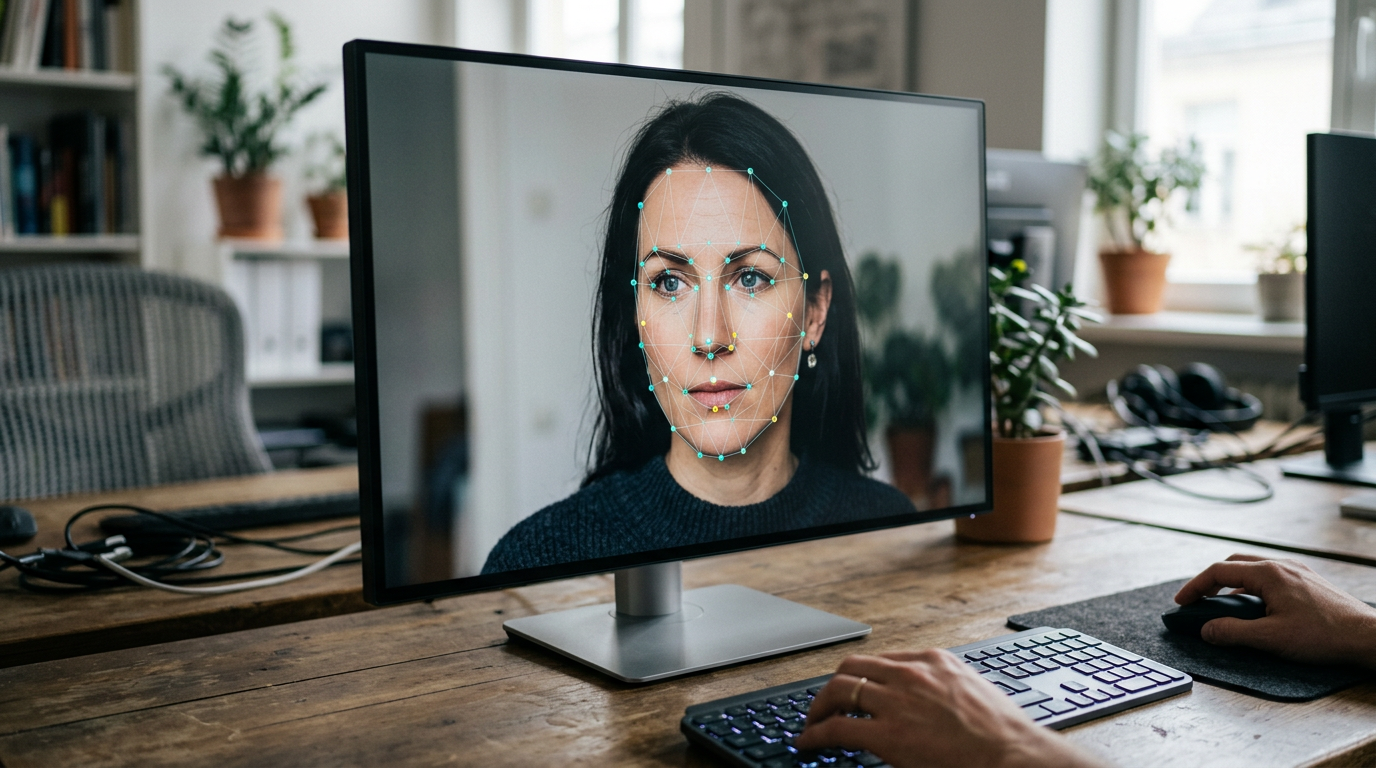
Below that threshold, the data density is too sparse. A standard smartphone screen might display a 300-pixel-wide image clearly, but to a scanning algorithm, that same image lacks the necessary mathematical precision. The system requires discrete, clearly defined edges around the eyes and jawline. When an image lacks sufficient resolution, those edges blur into a gradient of gray or flesh-toned pixels, making it impossible for the software to pinpoint the exact boundary of a facial feature.
This becomes especially complicated when photographing infants. Babies naturally lack the sharp, defined jawlines of adults, meaning the algorithm is already working with softer biometric landmarks. If you compound a soft physical feature with a low-resolution digital file, the biometric scanner will almost certainly flag the image for manual review or outright rejection. You must provide an image where the pixel density compensates for the subject's softer features.
Compression Artifacts and Rejection
Resolution is only half the equation; image fidelity is the other. The most common format for digital submission is the JPEG (.jpg) file. JPEG is a lossy format, meaning every time the image is saved or compressed, the software discards data to make the file size smaller. It does this by grouping similar pixels together into blocks. In a heavily compressed image, a smooth gradient of skin tone becomes a chunky, blocky pattern.
These compression blocks are disastrous for biometric validation. To a human eye, a slightly compressed image still looks like a face. To an algorithm, a compression block sitting on the edge of the iris looks like a deformed eye. The software interprets the hard edge of a compression artifact as a physical facial feature, throwing off the geometric calculations required to verify the identity. This is a frequent failure mode for parents who try to email photos from their phone to their computer before uploading. Mobile operating systems often compress emailed images automatically to save bandwidth, silently destroying the biometric fidelity of the file.
Practical rule: Never use a messaging app, social media platform, or the "small file size" email option to transfer a passport photo between devices, as these systems strip essential pixel data and introduce biometric-ruining compression artifacts.
To avoid this, files must be kept as close to their original, uncompressed state as possible until the final formatting stage. When preparing a file, the compression ratio should be kept as low as possible while still staying under the government portal's maximum file size limit (often 240kB or 500kB, depending on the jurisdiction). If you are learning How to Get Passport Photos Ready for Online Submission in 2026, you must prioritize maintaining the original JPEG quality slider at maximum until the very last step of the cropping process.
Why Sensor Size Outperforms Megapixels
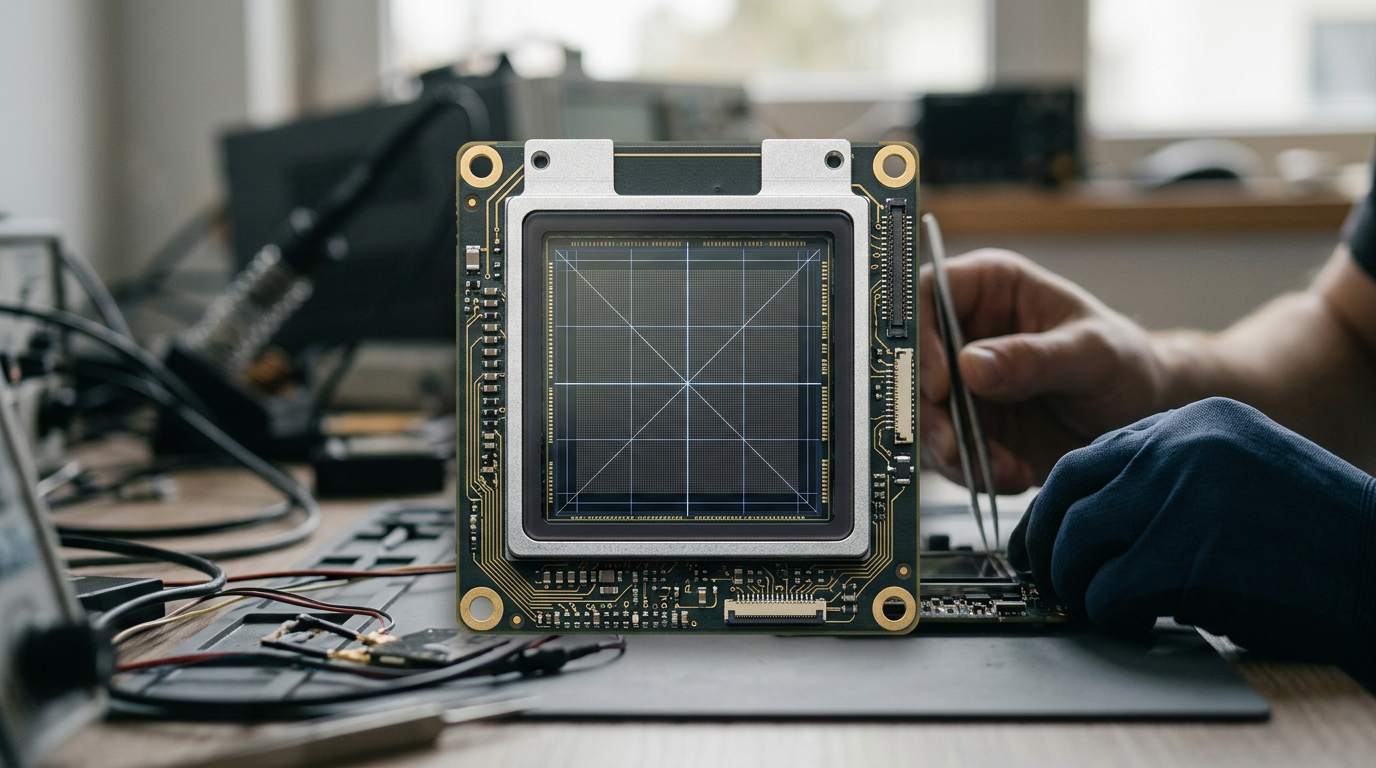
Camera manufacturers market their devices based on megapixel counts, boasting 48, 64, or even 100-megapixel sensors. However, a high megapixel count does not guarantee the image quality required for official documents. The physical size of the image sensor and the size of the individual pixels (photosites) on that sensor matter significantly more for capturing clean, noise-free biometric data.
Smartphone sensors are physically tiny. To cram 48 million pixels onto a sensor the size of a fingernail, each pixel must be microscopic. Microscopic pixels capture very little light. To compensate, the smartphone's software artificially brightens the image, which introduces digital noise - a grainy, speckled texture across the photo. To hide this noise, the phone applies heavy "smoothing" algorithms, which wipe out fine details.
This smoothing effect is the enemy of biometric scanning. It essentially airbrushes the face, removing the natural texture and subtle shadows the algorithm uses to map the depth and contours of the subject. A 12-megapixel image taken with a larger sensor will consistently out-perform a 48-megapixel image taken with a tiny, noisy sensor, because the 12-megapixel image contains actual optical data rather than software-approximated data. When evaluating the Malaysian passport photo requirement or standards from any other nation, you will find that clean data always beats raw pixel count.
For practitioners taking these photos at home, the solution is not to buy a professional camera, but to understand the limits of the smartphone. By providing overwhelming amounts of natural light, you force the smartphone to use its lowest ISO setting, minimizing digital noise and preventing the smoothing algorithm from triggering.
Resolution Standards Across Borders
Different countries employ different biometric processing systems, resulting in varied digital requirements. While the underlying need for clear facial mapping remains constant, the exact pixel dimensions, file sizes, and DPI expectations shift depending on the specific government portal.
If you are navigating Global Passport Size Photo Requirements: 7 Regional Specifications for 2026, you must format the raw image data to match the destination strictly. A file perfectly optimized for a US submission will fail a UK digital upload, not because the image is poor, but because the container dimensions do not match the algorithm's expectations.
| Jurisdiction | Digital Dimensions (Pixels) | File Size Limits | Color Space |
|---|---|---|---|
| United States | 600 x 600 to 1200 x 1200 | Maximum 240 kB | sRGB |
| United Kingdom | Minimum 600 wide x 750 high | 50 kB to 10 MB | sRGB |
| Australia | 35mm x 45mm equivalent (print) | Varies by portal | sRGB |
| Canada | Minimum 1200 x 1600 | Minimum 60 kB | sRGB |
The variation in these specifications highlights why simply cropping an image on a smartphone is rarely sufficient. The aspect ratio must be precise. The US requires a 1:1 square ratio, while the UK and Canada require specific rectangular ratios. If you submit a 600x750 image to the US portal, the system will either stretch the image to force it into a square - distorting the biometric proportions and causing an instant rejection - or reject the file outright for incorrect dimensions. Using dedicated formatting tools as outlined in Best Passport Photos Online 2026: Mobile Apps and Digital Tools Compared ensures the final file matches the precise mathematical container the destination government expects.
Lighting's Impact on Effective Resolution
Even with the correct pixel dimensions and zero compression artifacts, poor lighting can destroy the effective resolution of a digital image. Automated systems rely on contrast to find the edges of facial features. If the lighting is too flat, the contrast disappears, and the edges blur together. If the lighting is too harsh, deep shadows create false edges that the algorithm misinterprets as physical features.
Uneven lighting across the face is a primary cause of rejection in digital submissions. When one side of the face is significantly darker than the other, the software struggles to map the symmetry required for identity verification. The algorithm may read the shadow line as the edge of the face, miscalculating the width of the jaw or the positioning of the nose.
For those figuring out How to Meet Strict Government Passport Photo Requirements at Home, achieving flat, even, shadowless lighting is the most critical step before any digital formatting occurs. You cannot fix bad lighting by increasing the resolution or saving the file at a higher quality setting. The data must be captured correctly in the lens. The subject should face a large, diffused light source, such as a window on an overcast day, to wrap light evenly around the facial contours, ensuring every pixel accurately represents the physical geometry of the face.
When dealing with infants, placing them on a white sheet near a sliding glass door provides the necessary light volume while allowing you to shoot from above. This approach maximizes the smartphone sensor's ability to capture clean data, eliminating the digital noise and software smoothing that ruin biometric fidelity. By controlling the light, minimizing compression, and formatting to the exact pixel dimensions required by the specific jurisdiction, you provide the government's algorithms with the clean, unambiguous data they need to approve the submission on the first attempt.
FAQ
Why does the government portal say my file size is too small if the image looks clear?
A small file size indicates heavy digital compression. Even if the image looks visually clear on your screen, the compression process has grouped pixels together, destroying the granular detail required for biometric algorithms to accurately map facial features.
Can I increase the resolution of a small photo to meet the requirements?
No. Upscaling an image using software simply tells the computer to guess what the missing pixels should look like. It creates a larger file, but it does not create accurate biometric data, and scanning systems will reject artificially upscaled images due to blurring and interpolation artifacts.
What is the difference between DPI and pixel dimensions for digital uploads?
Pixel dimensions (e.g., 600x600) dictate the absolute amount of digital data in the file and are the primary metric for online portals. DPI (Dots Per Inch) is a print instruction that tells a printer how densely to pack those pixels on a physical piece of paper. For purely digital submissions, DPI is largely irrelevant as long as the absolute pixel count is correct.
Why did my phone's portrait mode ruin my digital submission?
Portrait mode uses software to artificially blur the background, but it frequently makes mistakes around the edges of the hair, ears, and jawline, blending the subject into the background. Biometric scanners detect these artificial blur boundaries and reject the photo for digital manipulation.