British Passport Photo Requirements in 2026: A Step-by-Step Compliance Guide
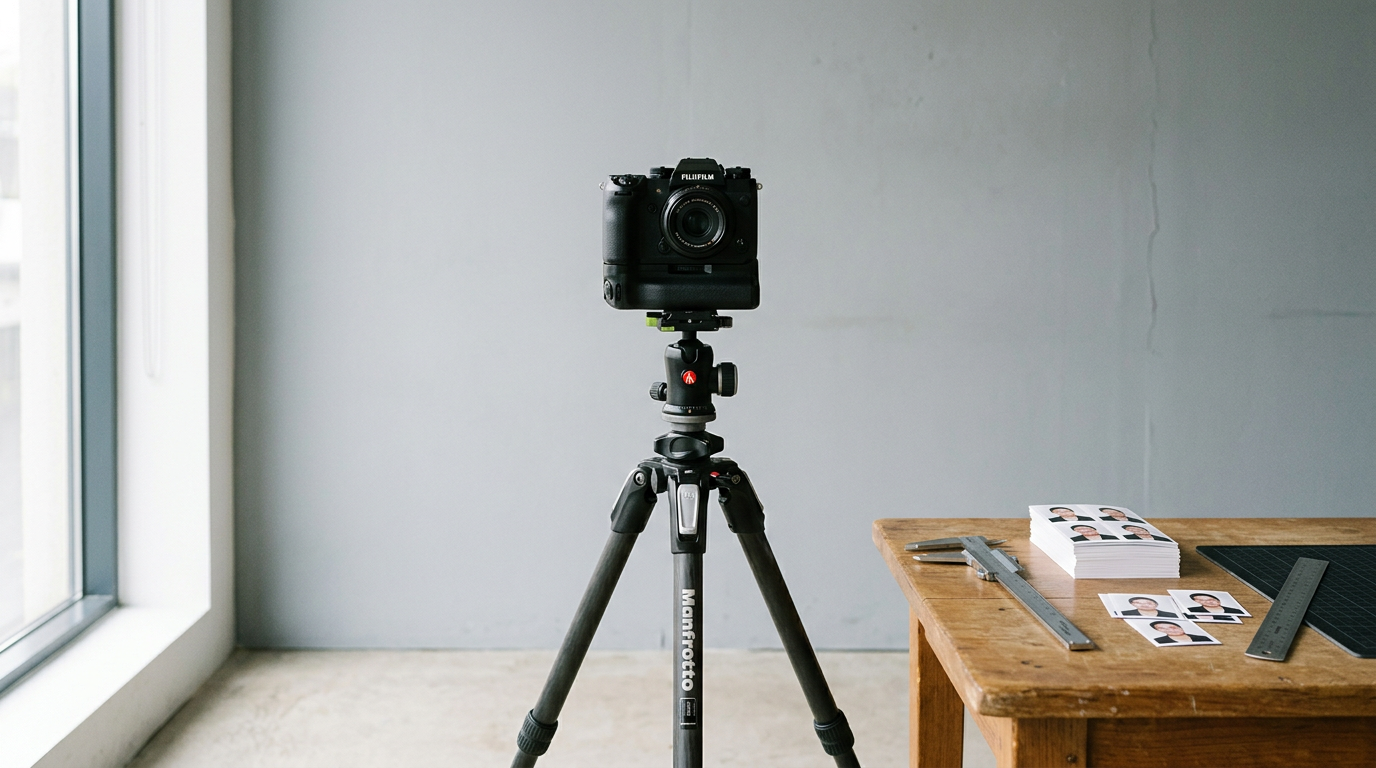
HM Passport Office (HMPO) does not manually review every uploaded image before generating a rejection notice. Biometric software scans for background uniformity, pupil distance, and contrast within milliseconds. A parent fighting to keep a newborn's eyes open might capture the perfect expression, only to see the application paused because a soft shadow fell across the right collarbone. Understanding the strict british passport photo requirements before setting up the camera determines whether a passport arrives in three weeks or is delayed by months of back-and-forth correspondence.
Quick Summary
Submitting a compliant image to HMPO demands precise control over background color, facial geometry, and file dimensions. Standardized biometric checks instantly reject images with uneven lighting, cropped heads, or visible physical support from parents holding infants.
- Digital uploads must measure at least 600x750 pixels and weigh between 50KB and 10MB.
- Printed submissions require a precise physical cut to exactly 45x35mm.
- Backgrounds must remain light grey or cream, never pure white.
- Infant applications require no other person, hands, or pacifiers visible in the frame.
Table of Contents
- Strict enforcement of british passport photo requirements dictates application timelines
- 1. Background and ambient lighting control
- 2. Camera positioning for facial mapping
- 3. Clear the face and secure a neutral expression
- 4. Digital file configuration for online HMPO submission
- 5. Physical formatting for postal applications
- Common Pitfalls & Troubleshooting
- FAQ
- Recommended Reads
Strict enforcement of british passport photo requirements dictates application timelines
Biometric mapping leaves no room for human judgment
The UK passport application process operates on an automated baseline. When a photograph is uploaded to the HMPO portal, an algorithm maps the distance between the pupils, the bottom of the chin, and the top of the head. It measures the contrast between the subject's jawline and the background wall. If any of these metrics fall outside the acceptable range, the system issues an automatic rejection without a human ever looking at the file. Meeting strict global visa specifications and UK rules is entirely about passing this initial machine-read layer. There is no manual override for an image that looks generally acceptable but fails a biometric contrast check.
1. Background and ambient lighting control
Mixed lighting triggers color cast rejections
HMPO rules dictate a plain light grey or cream background. Pure white backgrounds are explicitly forbidden because biometric software struggles to find the edge of pale skin against a stark white backdrop. The scanner interprets the lack of contrast as a missing boundary, categorizing the image as heavily overexposed.
To achieve flat, even lighting, position the subject directly facing a large window during daylight hours. Turn off warm indoor room lights. Mixing natural daylight (which burns blue) with household tungsten bulbs (which burn yellow/orange) creates a color cast across the face that the software flags as unnatural skin tone manipulation. For infants, draping a smooth, light grey bedsheet over a car seat or flat on the floor provides the necessary backdrop without introducing texture.
The most common mistake at this stage is standing the subject directly against the wall. This traps harsh shadows directly behind the neck. Pulling the subject 18 inches forward allows the ambient light to wrap around them, dropping the shadow below the camera's frame. This makes capturing government-compliant images at home possible without expensive flash equipment.
2. Camera positioning for facial mapping
Floor angles distort infant facial geometry
The exact distance between the lens and the subject dictates the physical proportions of the face. Modern smartphone lenses are naturally wide-angle. If you hold a phone two feet away from a subject's nose, the lens drastically enlarges the center of the face and pushes the ears backward, altering the biometric map HMPO relies on.
For an accurate mapping, maintain a physical distance of at least 1.5 meters (5 feet) from the subject. The official uk passport photo size demands that the final image features a head measuring between 29mm and 34mm from the bottom of the chin to the crown of the head.
Parents photographing infants on the floor frequently fail this step by standing over the child and angling the camera downward. This angle elongates the forehead and compresses the jawline. The lens must remain perfectly parallel to the plane of the subject's face.
Practical rule: Hold the camera completely parallel to the subject's face at a distance of 1.5 meters; rely on optical zoom, not physical proximity, to fill the frame and preserve facial geometry.
3. Clear the face and secure a neutral expression
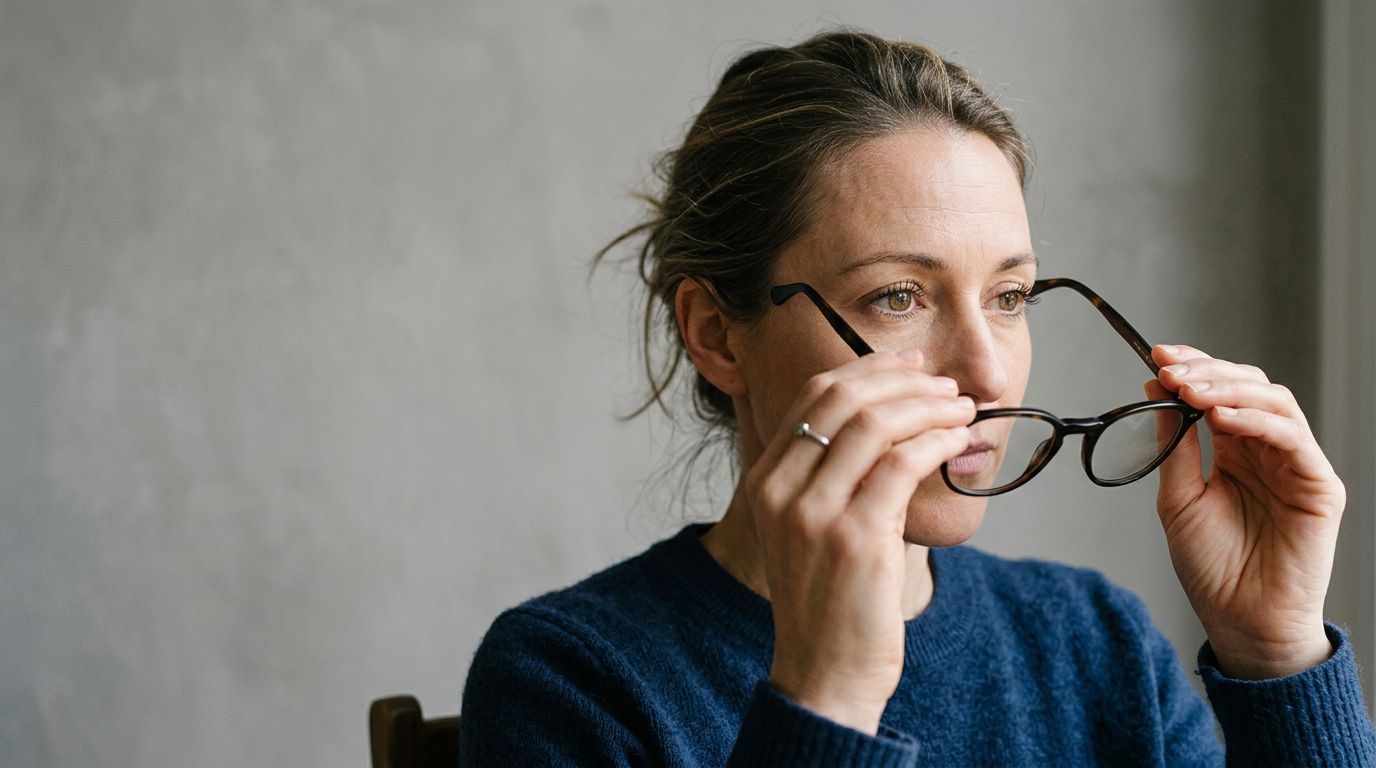
Glasses and pacifiers obstruct anchoring points
Biometric scanning requires unobstructed anchoring points: the center of both pupils, the tip of the nose, and both corners of the mouth. The uk passport photo requirements dictate that the subject must look directly at the camera with a closed mouth and a neutral expression. Smiling shifts the cheeks and narrows the eyes, which alters the geometric distances between facial landmarks.
Remove all glasses, even if the subject wears them daily. Anti-reflective coatings bounce ambient light directly back into the lens, obscuring the pupil. If the frame of the glasses covers any fraction of the eye socket, the image is immediately flagged.
For infants, the constraints are just as strict regarding foreign objects, though the expression rules are slightly relaxed. Children under one year old do not need to look directly at the camera or maintain perfectly open eyes, but they must not have a pacifier in their mouth. Parents must also ensure their own hands do not creep into the frame to prop up the child. Securing the proper facial alignment without physical intervention requires slipping hands entirely underneath the subject's clothing or behind a blanket.
4. Digital file configuration for online HMPO submission
Tight cropping ruins the automated processing tool
Digital applications require different formatting than printed submissions. An uploaded file must measure a minimum of 600 pixels wide by 750 pixels tall and carry a file size between 50KB and 10MB. The image must be saved as an uncompressed JPG or JPEG.
The critical mistake applicants make here is attempting to pre-crop the image to the exact proportions of a physical passport photo before uploading it. The HMPO online portal utilizes its own internal cropping tool. This tool requires a wide field of view - it needs to see the subject's shoulders, chest, and plenty of empty space above the head to successfully isolate the face and execute its own crop. If you upload a file already tightly cropped to the head, the system cannot verify the background boundary and rejects the file.
Furthermore, the file must be entirely unaltered by cosmetic software. Smartphone beauty filters that smooth skin texture or artificially remove red-eye alter the digital fingerprint of the file, which the processing software detects as manipulation. Automating the digital formatting process requires software built specifically for biometric compliance, not aesthetic enhancement.
5. Physical formatting for postal applications
Home inkjet printers fail the chemical durability test
Certain applications - including complex renewals or first-time infant passports in specific jurisdictions - still mandate a physical photograph. The printed uk passport photo size must be exactly 45mm high by 35mm wide, with no white borders.
Printing this at home on standard inkjet photo paper is a guaranteed path to rejection. HMPO requires photographs printed on professional-grade photographic paper using dye-sublimation. Inkjet ink sits on top of the paper and smudges under the heat lamination process used to bind the passport data page. Dye-sublimation physically embeds the color into the paper, ensuring it withstands the lamination heat without degrading.
When trimming the photo, do not use household scissors. The edges must be perfectly straight and unfrayed. Jagged edges catch in the scanning machinery at the passport office. When preparing documents for a passport renewal, take the digital file to a commercial printing kiosk equipped with a specialized die-cutter to ensure an exact 45x35mm extraction.
Common Pitfalls & Troubleshooting
Failures often look identical from the outside - the applicant simply receives an email stating the photo is non-compliant. Diagnosing the exact biometric failure requires understanding how the software interprets light and geometry.
The Asymmetrical Shadow Rejection
This is the most frequent cause of automated failure.
- Symptom: The system flags the image for "uneven lighting" or "shadows on face."
- Fix: The subject is sitting side-on to a light source (like a window), causing one half of the face to be brighter than the other. Turn the subject 90 degrees so they squarely face the window, ensuring the ambient light hits both cheeks equally.
The "Floating Head" Contrast Failure
- Symptom: The image is rejected for "background not distinct."
- Fix: The subject is wearing a light grey or cream top that matches the background color. The software cannot determine where the shoulders end and the wall begins. Have the subject change into a dark, solid-colored shirt to create a hard visual boundary between the torso and the background.
The Phantom Hand Intervention
- Symptom: An infant's application is rejected for "other person or object in frame" despite no adult face being visible.
- Fix: A parent's knuckle, fingertip, or wedding band has breached the edge of the frame while supporting the child's neck. Parents must slip their hands completely beneath the child's clothing or blanket. Standard rules applied across multiple jurisdictions enforce a zero-tolerance policy for foreign objects in the frame.
The Red-Eye Artifact
- Symptom: Rejected for "eyes not clearly visible."
- Fix: A direct camera flash has bounced off the retina. Do not attempt to fix this with digital red-eye removal tools, as HMPO software detects the pixel manipulation. Turn off the flash entirely and rely on indirect natural light.
FAQ
Can infants have their eyes closed in a UK passport photo?
Children under the age of one receive leeway regarding facial expressions. They do not need to look directly at the camera, and their eyes can be closed or partially closed. However, once a child turns one, they are held to the standard adult requirement of open, visible eyes.
Do I need a professional photographer for a baby passport application?
No. HMPO accepts photos taken on smartphones, provided they meet all biometric requirements regarding lighting, sizing, and background color. The determining factor is compliance, not the equipment used.
Are glasses ever permitted under current HMPO rules?
While the official guidance states glasses may be worn if medically necessary, in practice, they cause an overwhelming majority of rejections due to glare or frame obstruction. It is heavily advised to remove all glasses for the photograph to ensure biometric processing succeeds.
What happens if HMPO rejects my uploaded photo?
Your application is paused, and HMPO will email you a link to upload a replacement photo. The processing timeline halts entirely until a compliant image is successfully processed by the system.