How to Meet the Exact Australian Passport Photo Size and Guidelines in 2026
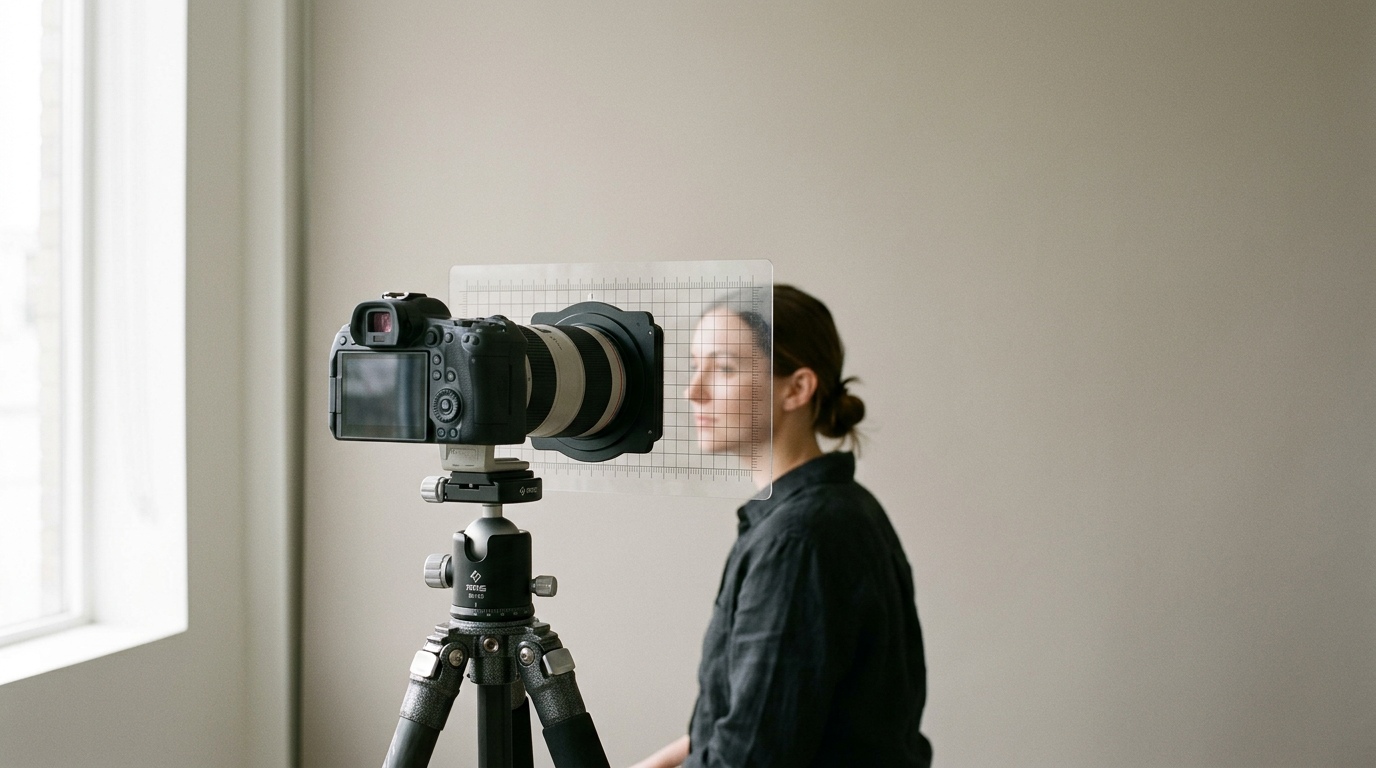
You receive the letter from the passport office: "Application incomplete. Photo rejected." You measured the outside edges perfectly, but the distance from your chin to the crown of your head fell outside the mandated 32mm to 36mm range. Setting up the exact australian passport photo size is an exercise in millimeter-level compliance, not just cropping a good picture. The Department of Foreign Affairs and Trade (DFAT) relies on automated biometric scanners that reject images for subtle background shadows, invisible digital compression artifacts, or slight perspective distortion long before a human reviewer ever sees them.
Quick Summary
Getting an Australian passport photo accepted requires strictly adhering to DFAT's biometric scanner standards. The printed image must measure exactly 35mm to 40mm wide and 45mm to 50mm high, but the internal facial proportions are what trigger most automated rejections.
- Overall print dimensions must remain within a strict 35-40mm by 45-50mm window.
- Chin to crown measurement must fall precisely between 32mm and 36mm.
- Backgrounds must be plain white or light gray with zero shadows or textures.
- Subjects must use flat, diffuse lighting to prevent false topographical shadows.
- Infants must be photographed horizontally without visible support hands or props.
Table of Contents
- Why the australian passport photo size dictates your setup parameters
- 1. Camera distance and focal length
- 2. Lighting setup
- 3. Background selection
- 4. Infant positioning
- 5. Image scaling and printing
- Common Pitfalls & Troubleshooting
- FAQ
- Recommended Reads
Why the australian passport photo size dictates your setup parameters
DFAT processing systems use the ISO/IEC 19794-5 biometric standard. This means the software evaluates the photo as a mathematical grid, measuring the distance between the center of your pupils, the width of your mouth, and the exact space from the bottom of your chin to the top of your skull. If you try to achieve these measurements by merely cropping a standard portrait later, you will fail. The physical distance of the camera lens from your face, the direction of the ambient light, and the distance between your shoulders and the background wall all physically alter those spatial relationships. Relying on a 2026 setup guide for the Australian passport photo size and guidelines prevents you from capturing source material that is mathematically impossible to crop correctly.
1. Camera distance and focal length
Modern smartphones use wide-angle lenses by default. While this captures more of the room, it warps subjects that are placed too close to the glass.
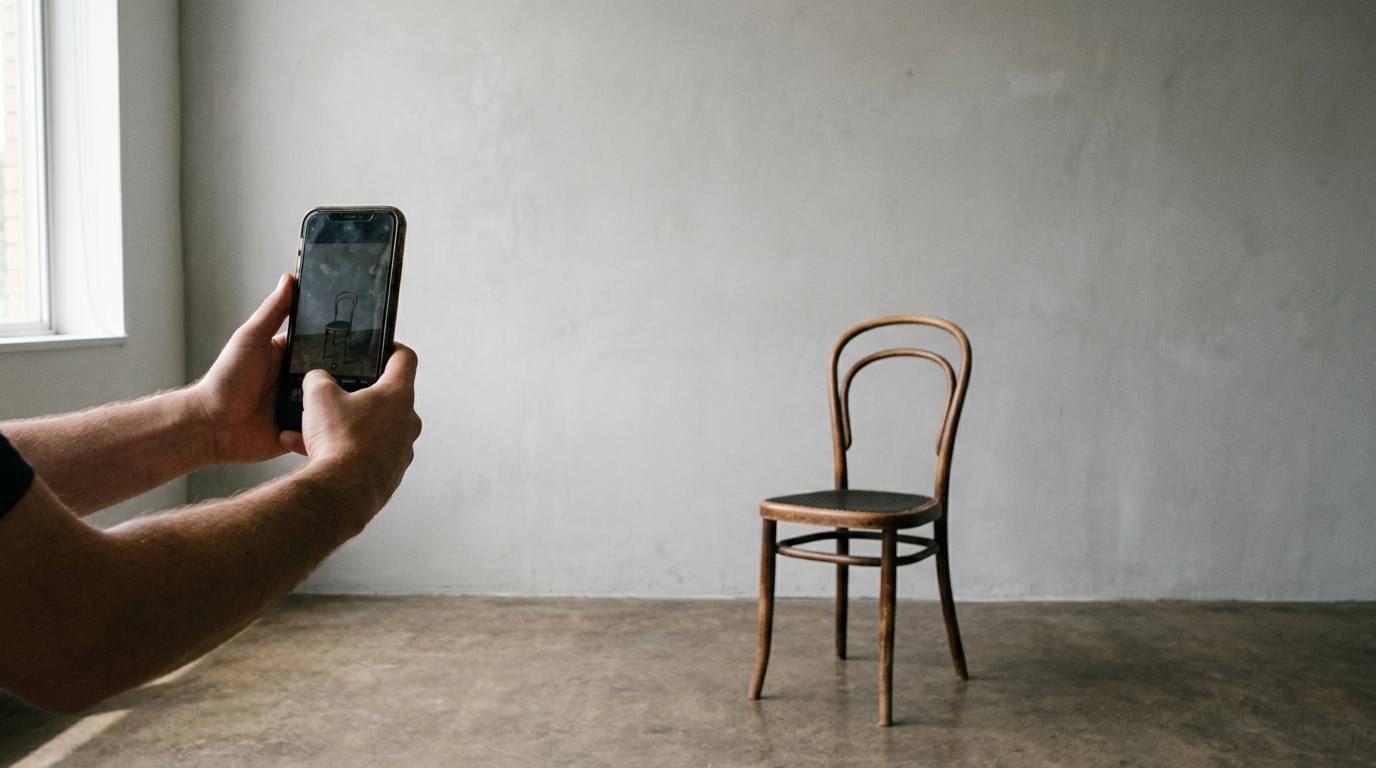
Lens distortion alters the distance between your eyes
If you hold a camera 50 centimeters from your face, the lens suffers from barrel distortion. Your nose, being closer to the lens than your ears, is artificially magnified. The biometric scanner reads this enlarged nose and calculates that the ratio between your facial features is incorrect, flagging the image as invalid. The only way to capture accurate facial geometry is optical compression, which requires physical distance.
Do not use the front-facing "selfie" camera, which has the widest and most distorting lens. Use the primary rear-facing camera. Stand exactly 1.5 meters (about 5 feet) away from the lens, and use a 2x or 3x optical zoom to frame the shot. This flattens the perspective, ensuring your ears, nose, and eyes are recorded in their true physical proportions. Anyone understanding Australian passport photo guidelines and requirements knows that stopping distortion at the moment of capture is the only way to pass the software check.
2. Lighting setup
To a 2D biometric scanner, a shadow is a physical object. The software cannot tell the difference between a dark shadow under your chin and an extended jawline.
Overhead fixtures create false shadows beneath the brow
Standing in a hallway directly under a ceiling light creates hard downlighting. This casts severe shadows inside your eye sockets, beneath your nose, and under your chin. The scanner requires uniform illumination across the entire face so it can cleanly detect the boundary between your iris and the white of your eye (the sclera). Mixed color temperatures - such as a warm incandescent ceiling bulb combined with blue daylight from a window - will also confuse the white-balance sensors, often leading to a rejection for altered skin tones.
Practical rule: Turn off all artificial lights in the room and face directly toward a large window during the daytime, ensuring the natural light hits both sides of your face equally without casting a shadow on either cheek.
If one side of the face remains slightly darker, use a large piece of white cardboard placed just out of frame on the darker side to bounce the window light back onto the cheek. If you check a complete guide to Australian passport photo guidelines for 2026, uniform, flat light is the non-negotiable baseline for biometric acceptance.
3. Background selection
The background must be plain white or light gray. However, a white wall that is poorly lit will photograph as dark gray, and a textured wall will photograph as a field of high-contrast micro-shadows.
Proximity to the wall creates unremovable outlines
The most frequent background mistake is standing flush against the wall. When you stand touching the wall, your body blocks the ambient room light from hitting the paint directly behind you, casting a hard drop-shadow directly over your shoulders. DFAT software immediately rejects images with background shadows because the automated cropping tool cannot distinguish where the subject's dark clothing ends and the shadow begins.
Move the subject precisely 50 centimeters away from the background. This physical gap allows the ambient window light to spill behind the subject, illuminating the wall evenly and dropping any body shadow down toward the floor, entirely out of the frame. This distance also throws the wall slightly out of focus, smoothing out minor paint textures or roller marks that might otherwise trigger a rejection for a non-uniform background.
4. Infant positioning
An infant Australian passport photo presents unique mechanical challenges because newborns lack the cervical spine control required to sit upright, yet the regulations mandate that no visible support (such as a parent's hand or an infant seat headrest) can appear in the frame.
Gravity pulls the head out of biometric alignment
Attempting to photograph a baby in a car seat or bouncer usually fails because the raised sides of the seat block incoming light, creating heavy side shadows. Furthermore, the baby's chin naturally tucks into their chest when inclined, obscuring the jawline and breaking the 32mm to 36mm chin-to-crown measurement requirement.
Place a firm board on the floor, cover it tightly with a plain, untextured white sheet, and lay the infant flat on their back. If the baby's head rolls to the side, place two rolled white washcloths under the sheet on either side of the head to gently cradle it in a forward-facing position. The camera must be positioned directly above the baby, parallel to the floor, shooting straight down. Ensure the baby's eyes are open; while DFAT offers minor leniency for newborns regarding eye gaze, closed eyes will result in a rejection. By consulting the official guidelines and standards for getting the correct passport size photo in 2026, you confirm that laying the infant flat is the only way to guarantee the background remains clean while keeping the head in full alignment.
5. Image scaling and printing
Capturing the correct proportions is useless if the final physical print handed over the post office counter is scaled incorrectly. The Australia passport photo dimensions are completely unforgiving regarding print measurements.
Automated print formatting ruins millimeter accuracy
When you print a file at a local pharmacy kiosk or on a home inkjet printer, the software typically defaults to a setting called "Fit to Page" or "Borderless Printing". This setting automatically stretches or shrinks the image by 2% to 4% to ensure the ink bleeds off the edge of the 4x6 inch paper. A 3% magnification might seem invisible, but it will stretch a compliant 35mm chin-to-crown measurement to 36.05mm, resulting in an automatic failure at the passport office scanner.
To preserve exact sizing, format your image onto a 4x6 inch digital canvas before you ever send it to the printer. Place the properly sized 35x45mm passport images in the center of that 4x6 canvas with ample white space around them. When you hit print, explicitly select "Print at 100% scale" and disable any borderless printing options. Print strictly on high-quality gloss photo paper at a minimum of 600 DPI, as matte paper diffuses the scanner's light and lowers the contrast required to map facial features. Using the 4 best tools for an online passport size photo in 2026 can help format this 4x6 grid, but the physical print settings remain entirely in your hands.
Common Pitfalls & Troubleshooting
When an application is rejected, DFAT rarely provides specific technical feedback beyond a generic "poor quality" or "unacceptable background" notice. Diagnosing the exact failure saves you from repeating the same mistake.
The Blurry Facial Edge
- Symptom: The subject's face is sharp, but the ears and hair appear slightly soft or blurred against the crisp white background.
- Fix: Disable your smartphone's "Portrait Mode". Modern phones use AI depth-of-field to artificially blur backgrounds, which frequently misidentifies the edges of ears and hair as part of the background. Biometric scanners flag this artificial blur as digital manipulation. You must shoot in standard photo mode.
The Ashen Skin Tone
- Symptom: The white background looks perfectly white, but the subject's skin appears unusually gray, pale, or color-shifted.
- Fix: Lock your camera's white balance and exposure on the subject's face, not the wall. This is most often the real cause of color rejection. When a camera sees a massive wall of bright white, it automatically darkens the entire exposure to compensate, turning the white wall gray and drastically underexposing the skin. Tap the subject's face on the screen and lock the exposure before capturing.
The Jagged Halo
- Symptom: There is a faint, bright white outline or jagged pixelation immediately surrounding the subject's head.
- Fix: Stop using free online background removal tools. Cheap automated clipping software leaves compression artifacts around the hair. If you cannot achieve a pure white background in the camera natively, you must ensure any digital compliance processing outputs at 600 DPI in the sRGB color space without aggressive edge sharpening.
FAQ
Can I wear my reading glasses for the photograph?
No. DFAT prohibits all glasses, including prescription eyewear. Even if you wear glasses daily, they must be removed. The only exception is for severe medical reasons, which requires a signed medical certificate, and even then, the frames cannot obscure the eyes or reflect any light.
How strict is the chin-to-crown measurement for children?
The biometric requirements are identical for adults and children. The chin-to-crown measurement must be precisely between 32mm and 36mm. While human processing staff occasionally show leniency for infants under one year old, the automated scanning hardware does not. Aiming strictly for a 33mm or 34mm head size is the only way to avoid system rejection.
What counts as a "light gray" background?
A photographic 18% middle gray is entirely too dark. If you use a gray background, it should be a 5% to 10% gray value. It must be just dark enough that a white shirt does not blend into the wall, but light enough to provide extreme contrast with the subject's hair.
Can I edit out a blemish or scratch before printing?
Absolutely not. Any digital alteration of facial features - including smoothing skin, removing temporary blemishes, or eliminating red-eye via software - invalidates the image immediately. Biometric systems map skin texture; altering a blemish changes the pixel map and flags the file as digitally manipulated.