What to Wear for Passport Photos: A 2026 Guide to Professional Standards
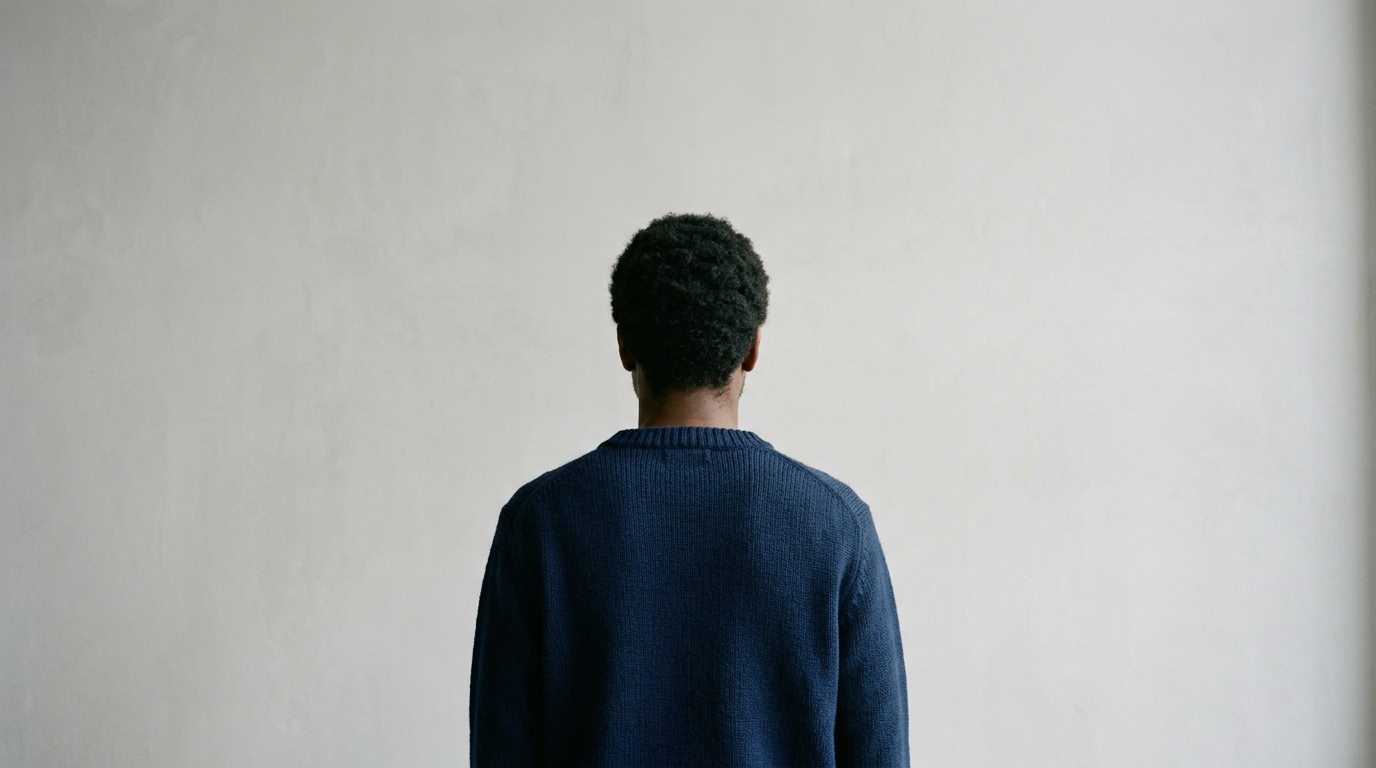
You are standing in front of a camera, staring at the lens, and wondering if the slight pattern on your shirt or the way your collar sits will be the reason your travel documents get rejected three weeks from now. Government agencies do not evaluate passport images as portraits; they process them as biometric data matrices. Every clothing choice, hair placement, and grooming decision you make either helps the algorithm map your facial features or triggers an automatic rejection. Knowing exactly what to wear passport photos require is the difference between a smooth application and a delayed trip.
Quick Summary
Government passport photos require specific attire, grooming, and formatting standards to ensure biometric algorithms can accurately map facial features. A compliant photo avoids uniforms, blends high-contrast clothing against the required backdrop, and keeps all facial borders clearly visible.
- Wear dark, solid colors that contrast sharply with the mandatory background.
- Remove all glasses, non-religious headwear, and bulky accessories that cast shadows.
- Keep hair pulled back so the edges of your face, including both ears, are entirely visible.
- Ensure infant photos feature simple attire without pacifiers, headbands, or visible parental hands.
- Follow precise guarantor rules when handling the physical passport photo certification process.
Table of Contents
- 1. Choose Clothing That Contrasts the Background
- 2. Manage Hair and Grooming for Biometric Scanning
- 3. Remove Non-Essential Accessories and Eyewear
- 4. Dress Infants and Toddlers for Compliance
- 5. Navigate Certification and Signatures
- Common Pitfalls & Troubleshooting
- FAQ
- Recommended Reads
1. Choose Clothing That Contrasts the Background
Biometric software relies on edge detection to separate the applicant from the backdrop. When your clothing matches the wall behind you, the software cannot locate your shoulders, leading to a "floating head" effect that results in an immediate rejection. Because almost every nation requires a passport photo white background or a very light gray or cream variation, wearing white, light gray, or pale pastel shirts is a critical mistake.
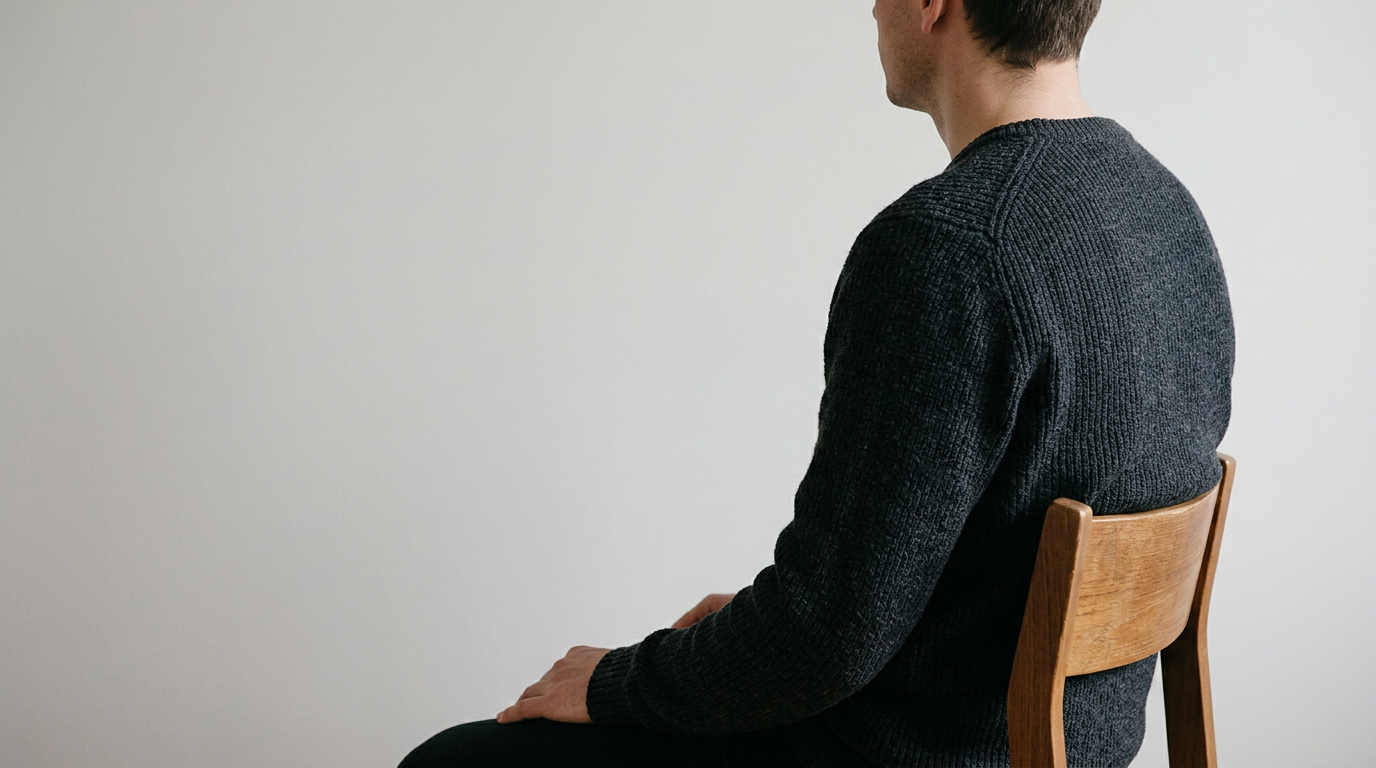
To ensure proper contrast, wear a dark, solid-colored shirt. Navy blue, black, charcoal, or dark green are ideal choices. The neckline also matters. A high turtleneck can obscure the jawline or neck, confusing the biometric crop, while an excessively low V-neck might be cropped out entirely in the final print, making you appear unclothed. A standard crew neck, polo, or button-down collar provides a clean, visible line at the base of the neck.
Avoid heavy patterns, camouflage, and uniforms. Government agencies strictly prohibit uniforms or clothing that looks like a uniform, including military attire, law enforcement garments, and sometimes even commercial airline or security uniforms. This rule exists to ensure the photo remains a neutral civilian identifier. If your daily work wear is a uniform, you must change into casual or business attire before capturing the image.
Practical rule: If you squint at your photo and your shirt blends into the wall behind you, the biometric scanner will reject it. Change into a darker, solid color.
2. Manage Hair and Grooming for Biometric Scanning
The primary function of a passport photo is to map the distances between your eyes, nose, mouth, and the edges of your face. Any grooming choice that obscures these anchor points renders the photo useless. Hair draped over the cheeks or heavy bangs covering the eyebrows block the algorithms from calculating facial symmetry.
Pull long hair back and tuck it behind your ears. While some countries do not strictly mandate visible ears, making them visible guarantees the full width of your face is exposed. If you have bangs, pin them back so that your entire forehead and both eyebrows are clearly defined. Be mindful of hair volume; excessively high hairstyles might get cut off by the strict cropping dimensions required for standard passport sizing, throwing off the required head-height percentage.
For makeup and skincare, avoid high-gloss products, heavy contouring, and sunscreens with physical blockers like zinc oxide. Camera flashes reflect off glossy lips, shimmering highlighters, and SPF, creating white spots or "flashback" on the image. These reflections are interpreted by scanning software as biometric anomalies or damage to the photo. Keep your appearance as close to your daily, natural look as possible. Tattoos are generally acceptable as long as they do not obscure facial features, but temporary face paint or heavy theatrical makeup is prohibited.
To learn more about preventing rejection triggers, review this detailed Passport Photo Criteria: A Guide to Avoiding Rejection.
3. Remove Non-Essential Accessories and Eyewear
Almost all major passport authorities, including the US, UK, and Australia, have entirely banned eyeglasses in passport photos. Even if you wear glasses every day, you must remove them for the photo. The glare from the lenses, the shadows cast by the frames, and the physical obstruction of the eye socket prevent accurate facial recognition. Do not attempt to negotiate this rule with tinted glasses or transitions lenses; they will be rejected.
Jewelry should be kept to an absolute minimum. Large, reflective necklaces or oversized hoop earrings can catch the light and create secondary shadows on the neck or cheeks. Small stud earrings or thin necklaces are usually permitted, but the safest approach is to remove all jewelry before the photo is taken.
Headwear is strictly forbidden unless worn daily for religious or medical reasons. If you must wear a hijab, turban, or yarmulke, it must not cast shadows on the face, and it must be pulled back enough to reveal the hairline, the jawline, and the chin. You may be required to submit a signed statement confirming the headwear is recognized as traditional religious attire or providing a doctor's note for medical headwear. Hats, beanies, headbands, and casual scarves must be removed.
4. Dress Infants and Toddlers for Compliance
Capturing an acceptable photo of an infant introduces a unique set of challenges, particularly because the baby must meet the same strict background and visibility rules as adults. Keeping the baby's passport photo professional means ensuring no external objects or people appear in the frame. Parents cannot have their hands, arms, or clothing visible while supporting the child.
Dress the infant in a simple, dark-colored onesie or shirt. Avoid oversized collars, hoodies, or bulky sweaters that can bunch up around the baby's neck and obscure the chin or jawline. Remove all accessories, including pacifiers, teething rings, hats, and decorative bows. Large headbands on infants are a frequent cause of rejection because they alter the natural shape of the head and can cast shadows across the forehead.
If the infant needs to be laid down for the photo, place a plain white sheet over the car seat or mattress to ensure the background remains compliant. The baby's clothing must still contrast with this white sheet. Ensure no toys or blankets are visible in the final crop.
For a comprehensive breakdown of executing these standards in a home environment, consult How to Capture Professional Passport Photos at Home in 2026.
5. Navigate Certification and Signatures
Once you have dressed correctly and captured the image, physical prints often require validation before submission. The passport photo certification process involves an authorized third party verifying that the image is a true likeness of the applicant. This step is particularly strict in countries like Canada, the UK, and Australia.
The guarantor must write a specific declaration on the back of the physical print and apply their passport photo signature. This signature cannot bleed through the paper or smudge. You must ensure the photo is printed on high-quality photographic paper that accepts ink without smearing. If the ink bleeds through to the front of the image, the biometric data is compromised, and the photo will be rejected. Always use a standard black or blue ballpoint pen; gel pens and markers are prone to smudging and transferring onto other documents in the envelope.
If you are an expatriate or applying internationally, ensuring your photos meet the destination country's exact certification rules is paramount. For detailed instructions on this final step, read How to Execute Your Passport Photo Signature: A Complete Guide for 2026.
Common Pitfalls & Troubleshooting
Even when applying the correct grooming and attire standards, applications often fail due to subtle environmental interactions with clothing. Here are the distinct failures that ruin passport photos and how to fix them.
The Floating Head Syndrome
- Symptom: The applicant's neck and shoulders blend entirely into the background, leaving only the face visible in the final crop.
- Cause: Wearing a white or very pale shirt against the mandatory white or light-gray backdrop.
- Fix: Change into a dark, solid-colored shirt (navy, black, or dark gray) to provide a hard edge for the biometric scanner to detect. This is the most frequent cause of rejection related to attire.
The Flashback Distortion
- Symptom: White, glowing patches appear on the forehead, cheeks, or nose in the printed photo.
- Cause: Using sunscreen with physical blockers (zinc oxide), high-gloss lip gloss, or shimmering makeup that reflects the camera flash directly back into the lens.
- Fix: Wash off glossy or SPF-heavy products. Apply a matte powder to eliminate shine on the skin before taking the photo.
The Jawline Shadow
- Symptom: A dark, unnatural shadow creeps up the neck and obscures the line of the chin.
- Cause: Wearing a bulky scarf, a high turtleneck, or a thick hoodie that blocks overhead lighting from reaching the neck area.
- Fix: Wear a flat-collared shirt, crew neck, or V-neck that keeps the fabric away from the immediate base of the chin. Ensure lighting is placed at eye level rather than directly overhead.
The Uniform Rejection
- Symptom: The photo is rejected with a note regarding "prohibited attire."
- Cause: Wearing a shirt with military-style epaulets, a corporate uniform with a highly visible logo, or nursing scrubs.
- Fix: Switch to plain, everyday civilian clothing. Even if you are on your lunch break from a uniformed job, you must cover the uniform with a plain jacket or change your shirt entirely.
FAQ
Can I wear makeup in my passport photo?
Yes, you can wear makeup, but it should reflect your everyday appearance. Avoid heavy contouring that alters your facial structure and glossy products that cause glare. Matte finishes are recommended to prevent reflections.
Are earrings allowed in passport photos?
Small stud earrings are generally permitted, but large, reflective hoops or dangling earrings should be removed to prevent secondary shadows from falling across your cheeks and neck.
What color shirt is best for a passport photo?
Dark, solid colors like navy blue, charcoal, or black are best because they create a sharp contrast against the required white or light-colored background, ensuring biometric software can locate your shoulders.
Can my baby wear a headband or bow in their photo?
No. Infants must have all headbands, bows, and pacifiers removed. The child's natural head shape and facial features must be completely unobstructed.
Do I have to remove my glasses even if I wear them daily?
Yes. Almost all major passport authorities require the removal of eyeglasses to eliminate glare and ensure the eye sockets and pupils are fully visible to scanning software.