How to Navigate New Zealand Passport Photo Requirements for Infants
A parent uploads a perfectly lit smartphone picture of their infant to the official passport portal, the internal system accepts the file size, and three days later, the application is rejected because the digital background removal tool clipped the edge of the baby's ear. Automated verification systems fail differently than human processors do. Securing an approved document means understanding both what the official nz passport photo requirements explicitly state and how the portal's upload software actually measures the biometric data within your image file.
Quick Summary
Capturing an infant passport photo at home requires matching physical camera mechanics with strict government digital formatting standards. You must manage lens distortion, secure a neutral expression, and submit a file free of software artifacts.
- Keep the smartphone camera 1.5 meters away to prevent wide-angle facial distortion.
- Lay infants on a pale, untextured sheet to ensure natural, shadow-free background isolation.
- Format the final image to a 3:4 or 4:3 digital aspect ratio rather than physical millimeter dimensions.
- Rely on compliance software that identifies compression artifacts before final government submission.
Table of Contents
- Why strict nz passport photo requirements reject digital uploads
- 1. Prepare the physical background and ambient lighting
- 2. Position the camera to map true facial geometry
- 3. Secure a neutral expression with open eyes
- 4. Format the digital file to government software constraints
- 5. Run the file through a new zealand passport photo checker
- Common Pitfalls & Troubleshooting
- FAQ
- Recommended Reads
Why strict nz passport photo requirements reject digital uploads
Government image processing relies on biometric landmarking. The software plots the distance between the pupils, measures the ratio of the forehead to the chin, and scans the background for pixel manipulation. When you review New Zealand Passport Photo Requirements: A Complete Checklist, the specifications are built entirely around ensuring these algorithms have clean, uncompressed data to read. Digital uploads fail most often not because the subject looks incorrect to the human eye, but because smartphone camera software applies localized contrast enhancements that the passport portal registers as a facial obstruction.
1. Prepare the physical background and ambient lighting
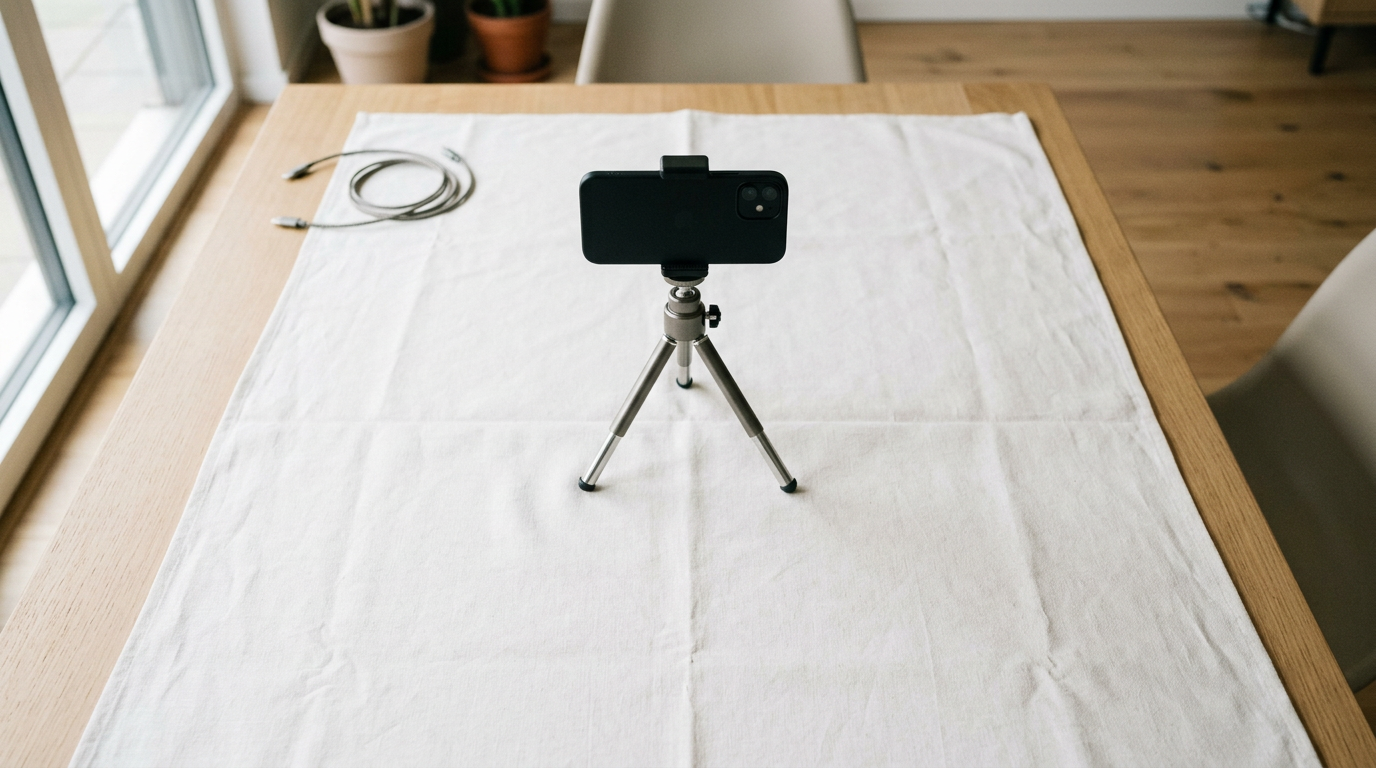
For infants, achieving a compliant background means laying the child flat on a firm surface rather than attempting to support them upright. The lighting must be perfectly even across the face, which requires indirect, diffused daylight. Direct sunlight casts high-contrast shadows under the chin and nose, which biometric software interprets as asymmetric facial features.
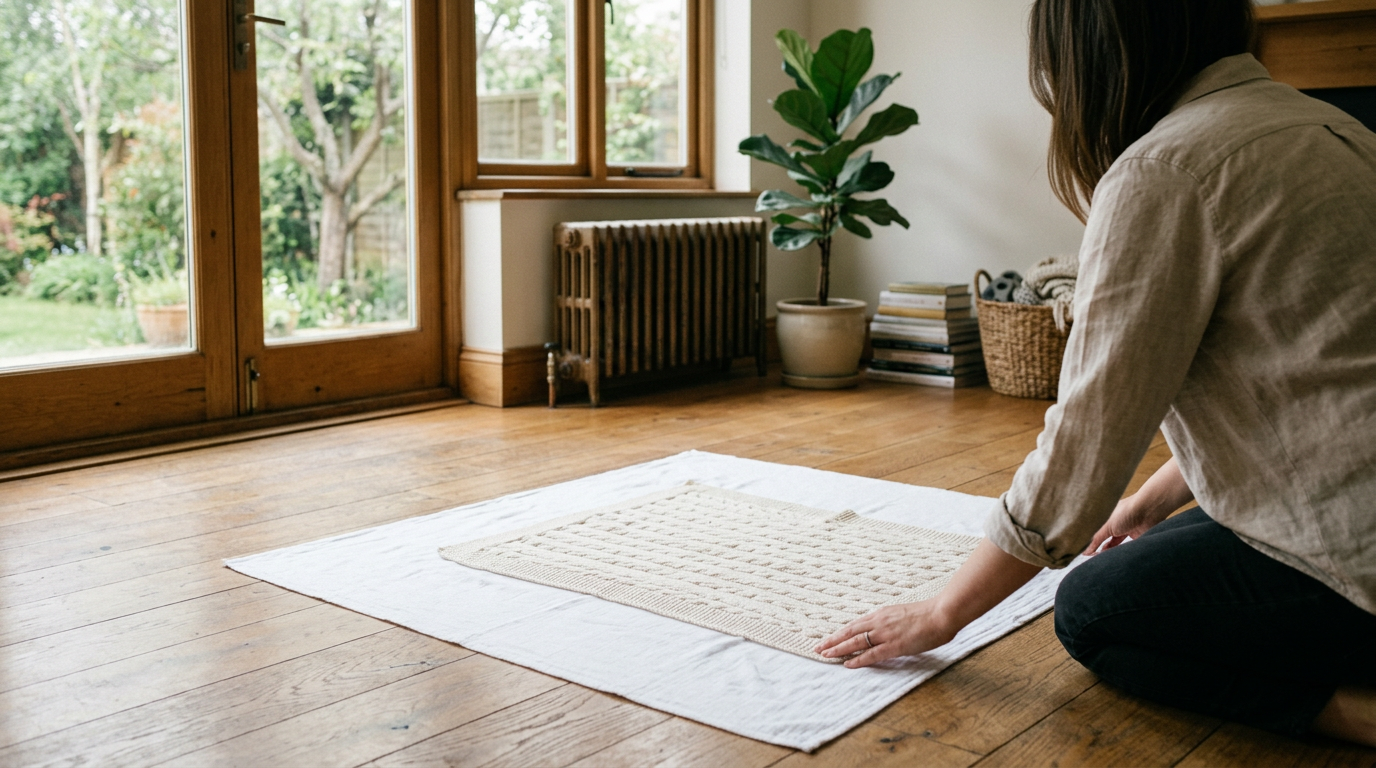
Plain white backgrounds trigger sensor underexposure in smartphone cameras
While guidelines ask for a plain, light-colored background, placing an infant on a pure white sheet causes the smartphone camera sensor to underexpose the subject. The camera software averages the brightness of the scene; a predominantly white frame forces the lens to darken the baby's face, resulting in heavy shadows that violate compliance.
Instead, use a pale grey, light blue, or cream-colored fabric. The material must be completely flat. Textured blankets, muslin wraps, or visible creases create micro-shadows. When the image is compressed into a JPEG for upload, these shadows transform into digital noise artifacts that trigger manual review and subsequent rejection. Reviewing What to Wear for Passport Photos: Guidelines for Official Compliance in 2026 confirms that solid, contrasting clothing against a pale grey background ensures the edge-detection algorithms can successfully isolate the infant's shoulders from the floor.
2. Position the camera to map true facial geometry
Capturing an image that meets biometric proportion rules requires overriding how your smartphone naturally wants to take a photograph. The distance between the lens and the subject dictates the geometry of the face.
Standard wide-angle phone lenses distort nose and ear proportions
The default lens on a modern smartphone typically features a 24mm to 26mm focal length. When you hold this lens 30 centimeters above an infant's face, the wide-angle glass elongates the nose, expands the forehead, and hides the ears behind the curvature of the cheeks. This barrel distortion guarantees a failed biometric scan. The upload portal will flag the facial proportions as unnatural.
To capture true geometry, you must step back. Hold the camera between 1.2 and 1.5 meters away from the infant. Use the camera's optical zoom (typically the 2x or 3x setting) to reframe the face. This compresses the perspective, flattening the features into the exact mathematical proportions the government software expects.
Practical rule: Keep the smartphone lens perfectly parallel to the infant's face; tilting the device downward artificially elongates the forehead and causes instant rejection.
3. Secure a neutral expression with open eyes
The standard requirement for a neutral expression exists because a smile alters the shape of the jaw and squints the eyes, shifting the biometric landmarks the software plots. For adults, this is a strict binary rule. For infants, the mechanics of capturing the expression require specific timing and staging.
Infants under twelve months receive strict mechanical leniency
New Zealand guidelines offer mechanical leniency for newborns and infants under one year old, but this leniency applies only to specific constraints. The mouth may be slightly open, provided the tongue does not obscure the lips. However, the eyes must be open, and the pupils must be clearly visible.
Parents often fail this step by leaving a pacifier in the frame or allowing their own hands to support the infant's head. The passport portal's edge-detection software will instantly reject any foreign object in the frame, including a parent's finger. If the infant's head rolls to the side, place rolled towels under the sheet to cradle the head from beneath, ensuring no external support is visible to the camera.
4. Format the digital file to government software constraints
An otherwise perfect image will be rejected if the digital container holding it violates system constraints. You must deliver an unaltered JPEG file between 500KB and 10MB in size.
Digital aspect ratios override physical millimeter dimensions
When applying for a document digitally, physical printing dimensions do not apply. Trying to crop an image to 35x45 millimeters on a smartphone screen misunderstands how the upload portal functions. The online system requires a specific ratio of width to height - specifically a 3:4 or 4:3 aspect ratio in portrait orientation.
Understanding How to Get the Correct Passport Size Photo in 2026: Official Guidelines and Standards clarifies that the portal's internal cropping tool will force your uploaded file into this ratio. If you upload a square or a heavily cropped rectangle, the tool will either cut off the infant's chin or stretch the face horizontally to fill the required digital frame. Leave ample empty space above the head and across the shoulders in your original file. The government software requires this negative space to properly anchor the digital crop.
5. Run the file through a new zealand passport photo checker
Before initiating an official application, validating the file structure saves the applicant from week-long processing delays. Dedicated compliance tools evaluate the image against the exact parameters the government portal uses.
Automated systems pass artifact errors that human processors reject
A basic new zealand passport photo checker verifies the file size, aspect ratio, and basic facial positioning. However, basic API checkers often fail to detect heavy algorithmic editing. If a parent uses a generic graphic design tool to digitally remove a background and replace it with pure white pixels, a basic checker will pass the image.
When that file reaches a human processor at the passport office, they will immediately identify the unnatural, razor-sharp edge around the infant's hair caused by the background removal tool. The photo will be flagged for digital manipulation and rejected. Reviewing the 4 Best Tools for an Online Passport Size Photo in 2026 demonstrates that successful verification requires software specifically trained on government compliance constraints, not just general photo editing. Specialized tools, as detailed in 6 Types of Online Passport Size Photo Tools Compared for 2026, evaluate the image for compression artifacts, digital halos, and EXIF data anomalies that trigger manual rejection.
Common Pitfalls & Troubleshooting
An infant passport photo nz processors reject usually fails for one of three mechanical reasons. The symptoms often look identical on a smartphone screen, but they require distinct operational fixes.
The edge-halo rejection
- Symptom: The file size is correct, and the background looks perfectly clear, but the application is rejected for "image manipulation."
- Fix: Stop using aggressive commercial background removers. Generic AI tools delete wisps of hair and create a jagged, pixelated halo around the subject's head. You must use a compliance-specific formatting tool that manages edge detection without stripping away the natural diffusion of the hair.
The false-shadow rejection
- Symptom: The photo is rejected for facial shadows despite being shot in a brightly lit room.
- Fix: Remove heavy winter clothing or thick collars. Bulky garments cast micro-shadows onto the infant's jawline and neck. The software interprets these shadows as a lack of contrast between the face and the background. Dress the infant in flat, collarless clothing.
The aspect ratio compression
- Symptom: The file size is correct, but the face looks squashed, distorted, or unusually wide upon upload to the portal.
- Fix: The camera app saved the original photo in a widescreen 16:9 ratio. When the portal forced it into a 3:4 box, it compressed the image horizontally. You must use your phone's crop tool to lock the image to a 3:4 vertical ratio before you save and upload the file.
If you are updating an expiring document for an older child, the constraints shift slightly. A Complete Guide to Passport Photo Renewal Requirements for 2026 explains that toddlers must adhere to stricter expression rules than newborns.
FAQ
Do both ears need to be visible in a New Zealand passport photo?
No. The requirement is that the head must be centered and facing the camera directly. If the subject's ears sit naturally flat against their head or are covered by hair, they do not need to be artificially exposed.
Can an infant's eyes be closed in the photograph?
No. While there is leniency for newborns regarding a completely neutral expression, the eyes must be visibly open with the pupils distinguishable from the eyelids.
Why was my photo rejected for being too close?
The biometric software requires negative space around the head to properly map the face. If the subject's hair touches the edge of the digital frame, the system cannot verify the physical proportions of the skull.
Is it permissible to use portrait mode on a smartphone?
No. Portrait mode uses software to artificially blur the background (the bokeh effect). This process frequently blurs the edges of the subject's ears and hair, resulting in an immediate rejection for digital image manipulation.