Navigating NZ Passport Photo Requirements for Digital Submission in 2026
The moment you attempt to hold a newborn upright, keeping their head perfectly straight while ensuring their eyes are open and mouth is shut, you realize why identity documents cause so much stress. A baby's natural posture and environment fight against every biometric standard designed for adults. When you add the specific nz passport photo requirements, which differ significantly from other international standards, the rejection rate for home submissions climbs. You cannot simply snap a picture against a white wall and hope for the best. To successfully process an application through the Department of Internal Affairs (DIA) on the first try, you must understand how their automated systems parse a digital file, what triggers an immediate rejection, and how to manipulate your environment to capture a compliant image.
Quick Summary
The New Zealand digital passport application system relies on automated biometric scanning that evaluates contrast, face scaling, and file parameters before human review. A compliant image must be between 500KB and 10MB, feature a light colored but explicitly non-white background, and maintain an exact 4:3 or 3:4 aspect ratio.
- Backgrounds: Stark white is automatically rejected; use light gray, cream, or pale blue.
- Proportions: The head must cover the majority of the frame without cropping the hair or ears.
- Infant posture: Babies unable to sit must be photographed lying down on a firm, unwrinkled, light-colored surface.
- File integrity: Images sent through messaging apps lose EXIF data and suffer compression, leading to validation failure.
Table of Contents
- Why the background color breaks most applications
- How biometric scaling applies to infant proportions
- What automated validation algorithms actually measure
- Where ambient lighting creates automatic rejections
- Who struggles most with the neutral expression mandate
- Why physical photo studios often fail the digital test
- FAQ
- Recommended Reads
Why the background color breaks most applications
The most common reason for a rejected application stems from a fundamental misunderstanding of the specific new zealand passport photo requirements regarding the background. Unlike the United States, which mandates a stark white or off-white background, New Zealand explicitly rejects stark white backgrounds. The DIA system requires strong contrast between the background, the subject's skin tone, and their clothing. When a subject with fair skin or a white shirt stands against a white wall, the algorithm cannot detect the boundaries of the shoulders or the crown of the head.
You must source a plain, light-colored background. Pale gray, cream, or a very faint pastel blue are optimal. Furthermore, the background must be entirely uniform. If you use a painted wall, it cannot have visible texture, scuff marks, or wall fixtures like light switches in the frame. If you use a fabric backdrop or a blanket for a newborn, it must be pulled taut. A single wrinkle behind the subject's ear will cast a shadow, and the validation software will flag that shadow as a foreign object or unacceptable background texture.
For infants who cannot support their own heads, the standard approach is to lay them on their back. If you choose this route, the surface beneath the blanket must be firm. Placing a baby on a soft mattress causes their body to sink, pulling the fabric inward and creating deep shadows around their shoulders. A piece of light gray poster board laid over a firm carpet provides a flat, textureless surface that satisfies the contrast mandate without introducing shadows.
Practical rule: Never dress the subject in a top that matches the background color; the validation software requires a sharp, continuous edge mapping the shoulders to separate the body from the backdrop.
How biometric scaling applies to infant proportions
Biometric standards are built on the golden ratio of adult facial structure. The rules dictate that the face, measured from the bottom of the chin to the crown of the head, must occupy the vast majority of the vertical frame. This creates a severe technical challenge when photographing infants, because a baby's anatomical proportions are entirely different from an adult's. Babies have proportionately larger heads, significantly shorter necks, and shoulders that sit much closer to the ears.
When you attempt to frame an infant to meet the maximum fill threshold, you risk cropping out the top of their hair or the edges of their ears, which results in an immediate rejection. Conversely, if you pull back to include the torso, the face shrinks below the minimum required size. You must frame the shot tighter than feels natural for a portrait, leaving just enough negative space above the crown to prove the head is intact within the boundary.
This scaling challenge is why utilizing infant compliance checklists for New Zealand proves useful. The framing must accommodate the camera's lens distortion. Modern smartphones use wide-angle lenses for their primary cameras. If you hold the phone too close to the subject to fill the required frame threshold, the lens physically distorts the center of the face, enlarging the nose and narrowing the ears. You must step back at least four feet (1.2 meters) to flatten the facial features, and then crop the resulting image to the correct proportions in post-processing. The final digital file must measure between 900 by 1200 pixels and 4500 by 6000 pixels, maintaining a strict 3:4 aspect ratio.
What automated validation algorithms actually measure
When you upload a file to the DIA portal, a human does not look at it first. A dedicated new zealand passport photo checker evaluates the raw data of the JPEG. Understanding what this software measures tells you exactly what you must control during the capture.
The algorithm maps facial landmarks. It identifies the inter-pupillary distance (the exact space between the centers of the eyes), the bridge of the nose, and the corners of the mouth. If the software detects any yaw (head turned to the left or right) or pitch (chin tilted up or down), it calculates the facial asymmetry. A head tilt of just a few degrees will cause the pupil map to fail, resulting in a rejection indicating the subject is not facing the lens squarely.
Beyond mapping, the algorithm strictly analyzes file integrity and compression artifacts. The minimum file size is 500KB, and the maximum is 10MB. This creates a trap for parents who take a great photo on their phone but then send it to a partner via WhatsApp, iMessage, or email. Messaging applications automatically strip the EXIF data (the embedded camera information) and heavily compress the image to save bandwidth. The resulting file might look fine on a screen, but the validation tool will flag the file size as too small or detect pixelation artifacts around the edges of the face. You must transfer the original, uncompressed file directly to the upload portal, avoiding any intermediary messaging platforms that alter the file structure.
Leveraging mobile applications tailored for digital document formatting can help preserve the necessary metadata while managing the crop ratios and file sizes required by the government system without degrading the pixel density.
Where ambient lighting creates automatic rejections
Human eyes easily compensate for uneven lighting, but biometric sensors do not. The DIA requires uniform illumination across the entire face. If one side of the face is brighter than the other, or if shadows drop beneath the nose and chin, the contrast mapping fails.
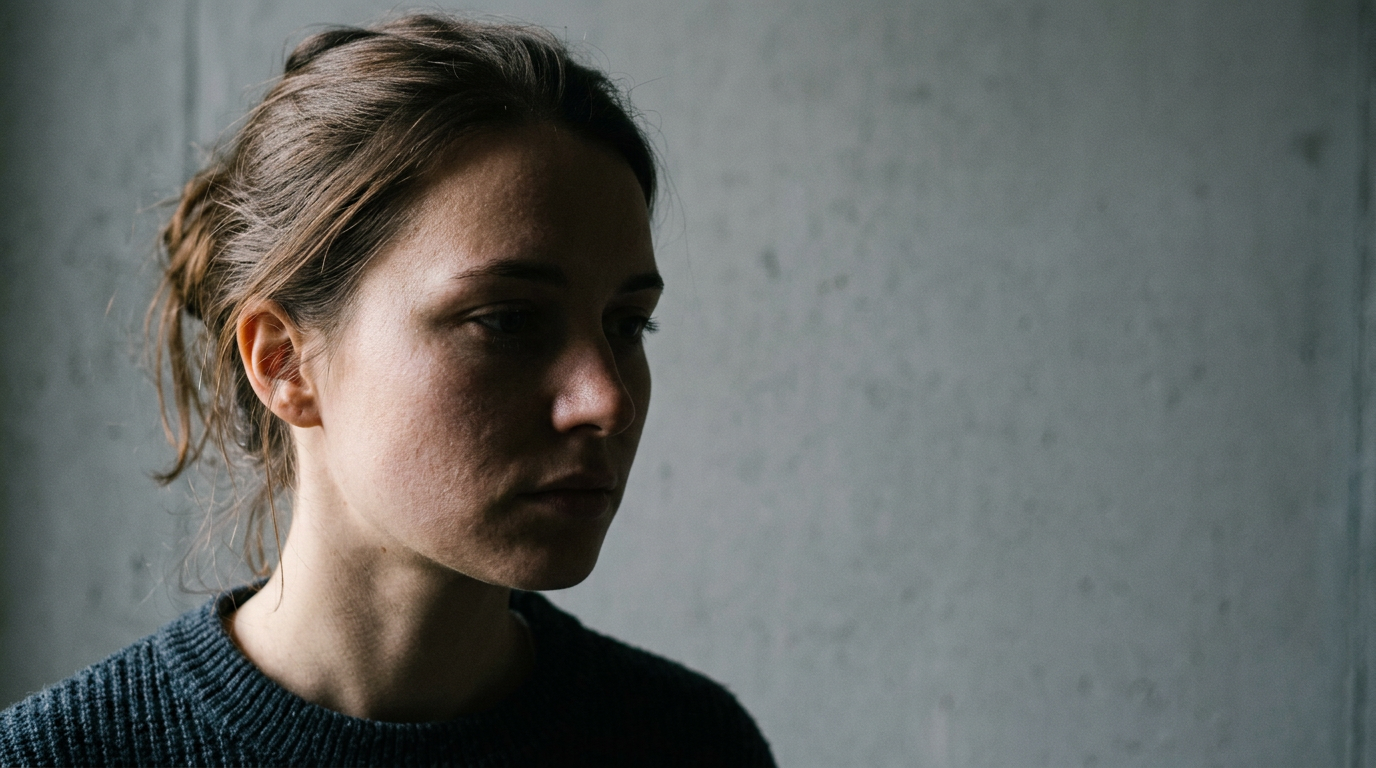
Using a flash is almost always the wrong approach. A direct camera flash creates harsh, specular highlights on the forehead and cheeks, washing out the skin tone. More destructively, a flash fires a hard burst of light that creates a sharp, black shadow on the wall directly behind the subject's head. The algorithm views that hard shadow as part of the hair or a foreign object in the background.
To achieve uniform lighting without professional strobes, you must rely on large sources of ambient light. Position the subject facing a large window on an overcast day. Overcast skies act as a giant softbox, diffusing the sunlight and removing hard directional shadows. If you are photographing a baby lying on the floor, place the board parallel to the window so the light washes evenly over them from the top of their head downward, rather than coming in from the side.
Check for micro-shadows. Window mullions, blinds, or even a parent leaning over the child holding the camera can cast subtle variations in light across the subject's chest and face. If the room has overhead lighting turned on at the same time as window light, the differing color temperatures (the orange hue of a household bulb mixing with the blue hue of daylight) can cause the software to read the skin tone as unnatural or altered.
Who struggles most with the neutral expression mandate
The instruction to maintain a neutral expression with eyes open and mouth closed is simple for adults, but nearly impossible for infants under six months of age. Babies lack the neuromuscular control to consciously shut their mouths or stare directly into a lens on command.
The DIA guidelines do offer a slight relaxation of the rules for the youngest applicants. While toddlers and older children are expected to fully comply with the neutral expression mandate, newborns are generally permitted to have their lips slightly parted. However, their eyes must be open, and they must be generally looking toward the camera. If a baby is mid-cry, mid-yawn, or smiling broadly, the facial landmarks shift too dramatically for the biometric software to process them as a baseline identity record.
The most practical failure point here is the presence of foreign objects. A pacifier is absolutely forbidden, as it obscures the mouth. More commonly, a baby will bring their hands up to their face. If a single finger enters the frame near the chin, the photo is invalid. Similarly, if a parent is supporting the baby's head, the parent's hands, arms, or clothing cannot be visible anywhere in the frame. You cannot drape a cloth over your hand and hold the baby from behind; the software will detect the unnatural shape behind the child's neck.
Understanding the official sizing guidelines for biometric images helps you realize why the framing must be so tight, and why keeping hands and supports out of that specific 3:4 window is critical.
Why physical photo studios often fail the digital test
Historically, applicants visited a local pharmacy or post office to obtain a passport photo nz. While this remains a viable option for adults needing printed copies, it frequently fails when applied to infants or digital-first applications.
Physical retail locations are optimized for speed and adult height. The camera is usually mounted on a fixed tripod, and the lighting consists of a single overhead strobe. When a parent brings an infant into this environment, the staff often struggle. They cannot lay the baby down because their lighting is fixed to the wall. They attempt to have the parent hold the baby up, which introduces the parent's hands into the frame or causes the baby's head to slump forward, violating the pitch rules. Furthermore, many retail locations use a standard white pull-down screen, which directly violates the New Zealand rule against stark white backgrounds.
When you rely on a physical location, you are also at the mercy of their digital delivery method. Many pharmacies will email you the digital file, but their internal systems may compress the JPEG before sending it, dropping the file size below the 500KB minimum required by the DIA portal.
Comparison of Preparation Methods
| Method | Background Compliance | Infant Suitability | Digital File Integrity | Cost Efficiency |
|---|---|---|---|---|
| Retail Pharmacy | Often fails (uses stark white) | Poor (fixed lighting/tripods) | Variable (often compressed via email) | Low (pay per attempt) |
| Manual Smartphone | High (if sourced correctly) | High (can shoot on floor) | High (if transferred directly) | High (free) |
| AI Validation Tools | High (auto-replaces background) | High (processes floor shots) | High (outputs exact DIA specs) | Medium (pay for validated file) |
Practical rule: If you use a digital tool to remove and replace the background, ensure the software is specifically calibrated for New Zealand standards; a tool that defaults to a US-standard white background will cause your application to be rejected.
When comparing digital photo preparation methods, the ability to control the environment at home while relying on software to handle the exact pixel dimensions and background color replacement offers the highest success rate for infant applications. You eliminate the stress of a studio visit and ensure the final file meets the exact byte-size and contrast requirements before you ever open the government portal.
FAQ
Can a baby have their eyes closed in an NZ passport photo?
No. Even for newborns, the eyes must be open and visible. If the baby is asleep, you must wait until they wake up to capture the image. The only exception is for medical reasons, which requires accompanying documentation.
What is the exact digital file size required by the DIA?
The digital file must be a JPEG between 500KB and 10MB. Files smaller than 500KB will be rejected for insufficient resolution, and files larger than 10MB will not upload to the portal.
Can parents hold their baby in the picture?
Parents can support the baby, but no part of the parent - including hands, arms, or clothing - can be visible in the final cropped frame. This is why laying the infant on a firm surface is generally preferred over holding them.
Are glasses permitted under current NZ guidelines?
Glasses are permitted only if they do not obscure the eyes and there is absolutely no glare on the lenses. However, the DIA strongly recommends removing glasses entirely to avoid automatic rejection due to frame shadows or reflections.