Where to Get Passport Photos in 2026: 5 Options Compared
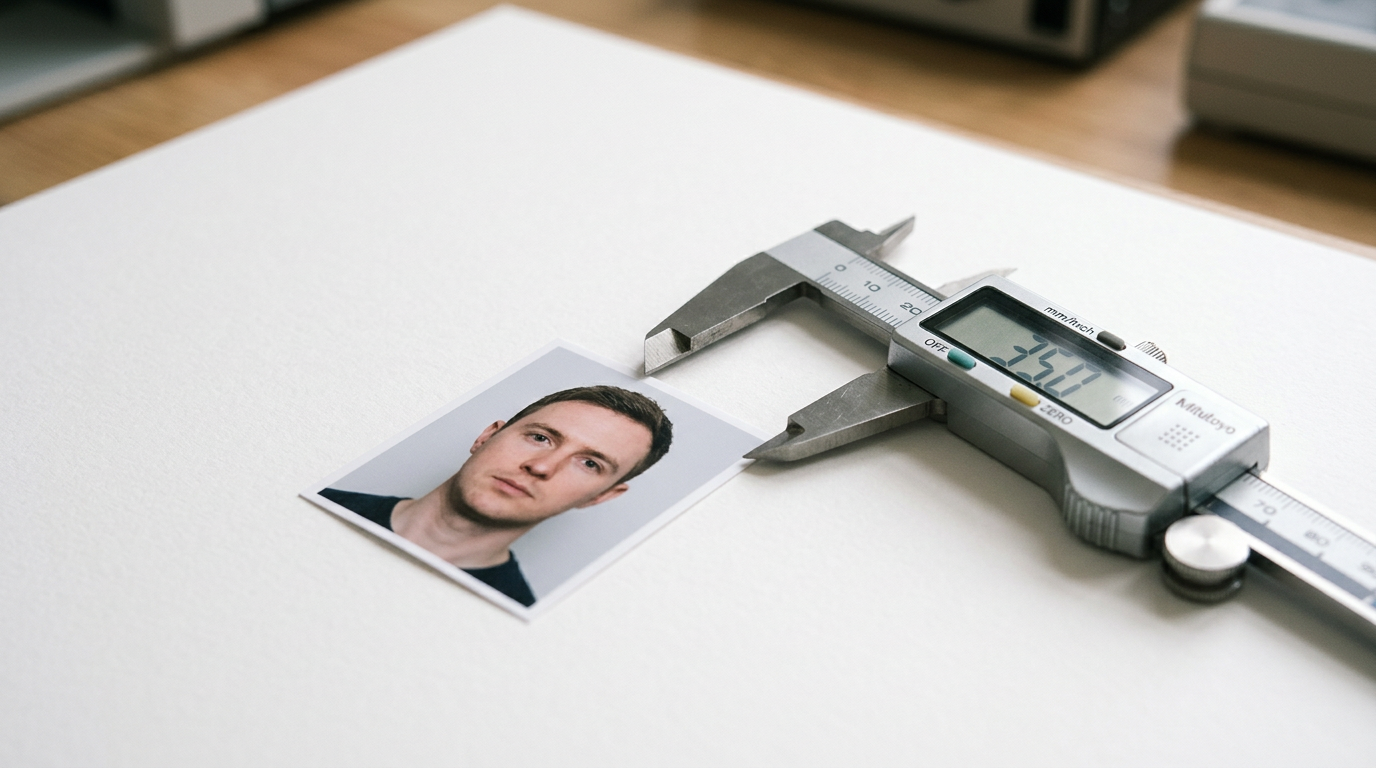
Staring at a rejected visa application because the background of your portrait carried a five percent grey tint is a universally frustrating moment for travelers. The scramble to find a compliant replacement instantly shifts the focus from trip planning to navigating strict government biometric tolerances. Selecting a provider is rarely about finding a camera; it is about finding a validation workflow that guarantees the resulting image will pass automated embassy scanners. With numerous retail chains and software tools offering distinct turnaround times and printing hardware, understanding the mechanics behind these services determines whether your application proceeds smoothly or stalls in administrative limbo.
Quick Summary
Securing compliant identification imagery requires selecting a fulfillment method that aligns with your specific application timeline and technical tolerances. While physical retail locations provide immediate hardcopy outputs through managed camera hardware, asynchronous digital platforms replace the retail queue with either human compliance review or immediate algorithmic validation for digital portal submissions.
- Walk-in postal branches resolve immediate hardcopy requirements through managed biometric capture.
- Algorithmic retail kiosks remove human measuring errors for complex foreign visa dimensions.
- Dye sublimation printers at dedicated camera storefronts offer maximum archival stability.
- Asynchronous remote processing combines home capture with trained human oversight.
- Mobile validation software instantly flags geometric and lighting errors for immediate digital submissions.
Table of Contents
- Where to get passport photos: How to choose
- 1. Australia Post
- Physical convenience comes with operational rigidities
- 2. Officeworks
- Algorithmic compliance checks reduce human error
- 3. Ted's Cameras
- Dedicated imaging hardware prevents chemical degradation
- 4. PassPhoto
- Manual verification overrides strict algorithmic rejection
- 5. Passport Photo Online
- Instant feedback loops bypass manual processing delays
- Matching the fulfillment method to your application
- Recommended Reads
| Product | Fulfillment Method | Features | Pros | Cons | Target Audience |
|---|---|---|---|---|---|
| Australia Post | In-Person Retail | 35x45mm prints, walk-in | • Immediate prints • Zero upload required • Free reshoots |
• Strict trading hours • High traffic location • No digital copies |
Walk-in applicants needing standard prints |
| Officeworks | In-Person Retail | ICAO software, 165 country formats | • Extended hours • Algorithmic formatting • Compliance certificate |
• Busy warehouse setting • Peak hour delays • Harsh display lighting |
Applicants needing foreign visa dimensions |
| Ted's Cameras | In-Person Retail | Dye sublimation prints, 15-min turnaround | • Archival print stability • Professional hardware • Free reshoots |
• Higher upfront cost • Requires physical travel • Standard mall hours |
Users needing high-stakes permanent prints |
| PassPhoto | Digital-to-Home Delivery | Human specialist review, same-day dispatch | • Professional review • Avoids retail queues • Tracked delivery |
• Postal transit delays • No immediate hardcopies • Rely on home lighting |
Remote applicants with flexible timelines |
| Passport Photo Online | Self-Service Mobile Validation | Real-time AI validation, iOS/Android apps | • Instant digital files • Immediate feedback • No travel required |
• Burden of capture on user • Vulnerable to bad lighting • Relies on smartphone lens |
Digital portal submitters |
Where to get passport photos: How to choose
Before committing to a provider, applicants must understand the technical mechanisms that distinguish one service from another. The decision of where to get passport photos hinges on whether your application requires immediate physical prints, specific international dimensions, or purely digital files for a web portal. Comparing services solely on price ignores the operational realities of how these images are captured and verified.
The most critical variable is the validation mechanism. Government biometric standards measure the exact pixel distance between facial features, the uniformity of the background, and the absence of shadows. Some services rely on the visual judgment of retail staff, while others mandate strict algorithmic checks or asynchronous human review. Selecting the wrong validation model often leads to application rejection. Finding alternative ways to get your newborn passport photo taken safely requires understanding these exact models.
To structure this comparison, the options below are divided along a specific classification axis: Fulfillment Method. This determines where the image is captured and how the final product reaches the applicant.
- In-Person Retail: These providers require the applicant to travel to a physical location. Staff handle the lighting, capture, and immediate printing. This category suits applicants who cannot capture a well-lit photo at home and require physical copies instantly.
- Digital-to-Home Delivery: These services allow users to upload their own photos from a smartphone for professional review. The provider then prints and mails the compliant hardcopies. This replaces the retail queue with a postal transit delay.
- Self-Service Mobile Validation: These are specialized applications that use local processing to validate biometrics in real time. They generate instantaneous digital files for immediate portal upload, placing the burden of capture entirely on the user.
1. Australia Post
Six printed 35mm x 45mm gloss photos are delivered straight across the counter. Published pricing lists a standard session at $23.50. This government-owned postal service provider operates as a primary biometric capture site. It serves walk-in applicants. These individuals require immediate physical copies. Positioned firmly within the In-Person Retail category, it removes the technical burden of framing and lighting from the applicant entirely.
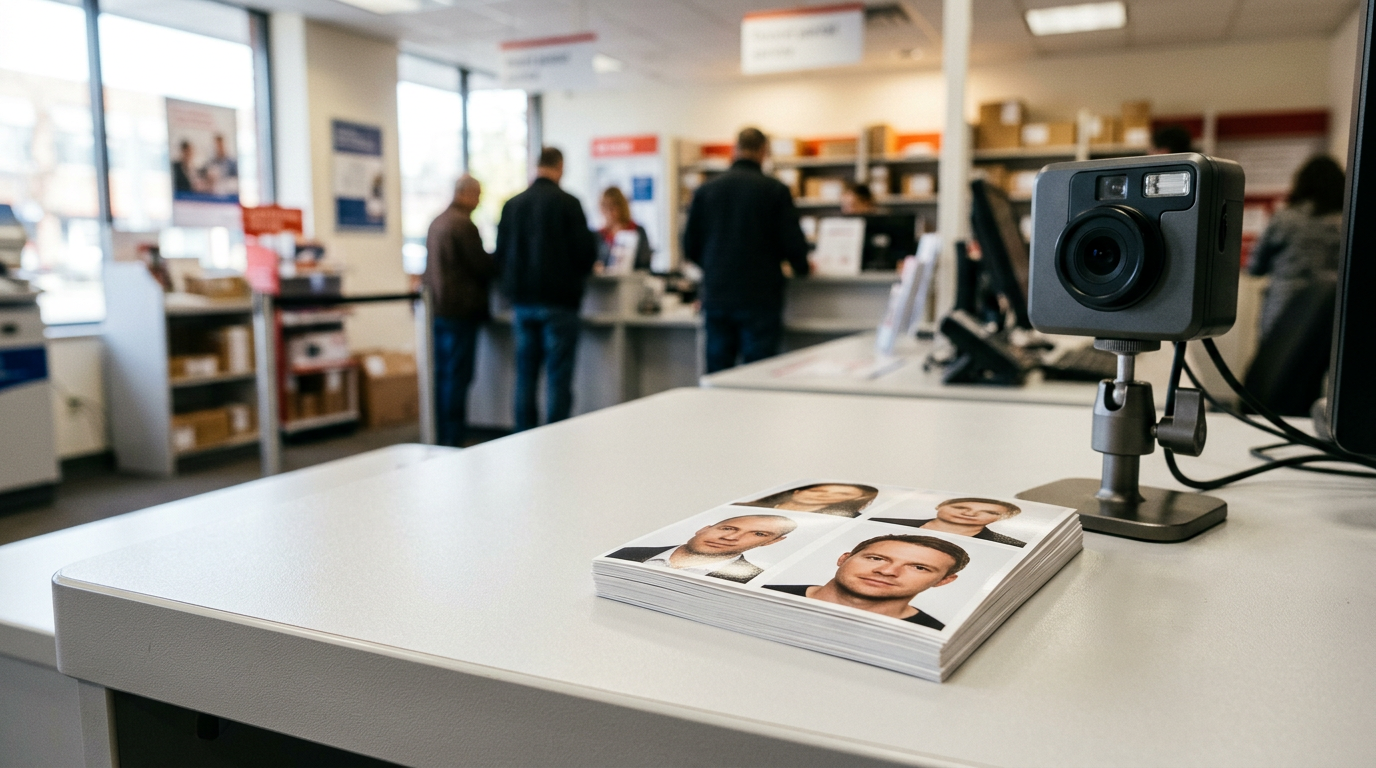
The process operates strictly on a walk-in basis without any appointments. Applicants arrive during regular branch trading hours, wait in the general service queue, and sit for a capture behind the counter. Staff use dedicated digital cameras tethered directly to formatting software that crops the image to biometric standards. You walk away with physical gloss prints in minutes. From a risk management perspective, if the passport authority rejects the photos, they will be replaced at no cost when presented with the receipt at the same Post Office. Evaluating passport photos cost and professional service fees requires factoring in this reliable replacement guarantee.
Physical convenience comes with operational rigidities
Relying on a postal branch means your timeline is tethered to standard business hours. When considering auspost passport photos, one must account for the capture environment. These branches are primarily high-traffic logistics hubs. Background screens are often pulled down in busy thoroughfares, subjecting the applicant to harsh fluorescent overhead lighting and a rushed sequence.
I would skip this walk-in route if my infant was particularly unsettled, as the rushed counter environment leaves no room for patience. Families often struggle here, as staff cannot dedicate extended periods to coaxing a neutral expression out of a newborn while a queue builds behind them.
Choose this counter service when you need immediate physical prints and are passing a branch during standard weekday trading hours.
Pros * Zero technical upload requirements * Immediate hardcopy fulfillment * Guaranteed free replacements
Cons * Confined to strict trading hours * High-traffic capture environments * No digital copies provided
2. Officeworks
Unlike postal branches that limit photo output to standard counter hours, chain retail environments expand the operational window considerably. This major Australian office supplies chain provides biometric ID processing for applicants who want to combine document preparation with other errands. Delivering this service through In-Person Retail lets the store target applicants needing specific foreign dimensions. The in-store service includes a certificate of compliance and is priced at $20.95.
The mechanism relies on integrated compliance software rather than just a staff member's visual judgment. Once you sit for the capture at the print center, its biometric system checks captured photos against over 100 specifications outlined by the ICAO. The service supports requirements for 165 different countries. If you need a specific 51x51 mm format for an international application rather than a standard local crop, the software automatically recalibrates the dimensions before printing. Understanding the official guidelines and standards is less critical here since the kiosk enforces them autonomously.
Algorithmic compliance checks reduce human error
Because the backend software handles the specific ICAO parameters, staff do not need to manually measure facial ratios. Those researching passport photos Officeworks systems generate will appreciate the algorithmic compliance that standardizes the output. Furthermore, stores typically offer walk-in services from 7 am to 10 pm on weekdays and 9 am to 7 pm on weekends.
Practical rule: Always request the digital file alongside the physical print if the service offers it, as many embassies now mandate digital uploads prior to the physical interview.
The structural limit lies in the warehouse environment itself. What would make me hesitate is the sheer noise; I would avoid bringing a tired toddler here during peak weekend trading. Finding an available staff member trained on the biometric kiosk takes time during these peaks, and the lighting is calibrated for merchandise displays rather than portrait diffusion.
Opt for this retail fulfillment if you need verified foreign visa formats during weekend or late-evening hours.
Pros * Extended evening and weekend availability * Supports 165 international formats * Includes a compliance certificate
Cons * Subject to busy warehouse conditions * Staff availability fluctuates wildly * Merchandise lighting casts shadows
3. Ted's Cameras
An impending flight frequently demands immediate document resolution, sending applicants straight to dedicated electronics retailers. This specialized camera retail chain offers professional in-store passport, visa, and ID photo services. As an option firmly in the In-Person Retail category, it appeals directly to applicants who prioritize imaging quality and dedicated hardware over grabbing a quick shot alongside their grocery shopping.
Australian Passport photo services are priced at $24.95. The entire workflow is completed in approximately 10 to 15 minutes, with no store appointment required. Once captured by staff using professional-grade camera bodies, the file routes to a specialized printing kiosk. Each session includes a minimum of 4 identical printed photos produced using dye sublimation technology. Unlike standard inkjet outputs that can smudge, dye sublimation uses heat to transfer ink directly into the paper, creating a continuous-tone print that meets strict archival standards. If rejected by the passport office, Ted's Cameras will reshoot it for free. Comparing professional passport photo services vs DIY apps often comes down to this exact physical print quality.
Dedicated imaging hardware prevents chemical degradation
The primary mechanism at work here is optical quality. Because the staff specialize in photography, the capture environment usually features better diffusion lighting and accurate focal lengths that prevent facial distortion, avoiding the geometry warping common with wide-angle smartphone lenses.
However, the reliance on premium dye sublimation means you pay a higher upfront cost, and you remain restricted to standard shopping mall hours. If you live in a regional area without a specialized camera store nearby, the necessary travel time negates the rapid 15-minute turnaround. I would prioritize this service exclusively for high-stakes applications like permanent residency visas where image degradation over a decade is a genuine concern.
This route suits applicants submitting high-stakes visa documents who value archival print stability over budget pricing.
Pros * High archival print stability * Professional camera hardware * Dedicated photographic lighting
Cons * Higher upfront service cost * Requires targeted physical travel * Bound by standard mall hours
4. PassPhoto
Eliminating the requirement to physically stand in a retail queue altogether changes how applications are handled from home. This platform processes, prints, and delivers government-compliant passport photos to home addresses in Australia. Positioned in the Digital-to-Home Delivery category, it serves remote applicants who want to take their own images but still require professional oversight and physical prints.
A digital-only download is available for a one-time price of $9.95 AUD. For physical copies, the printed option is priced at $14.95 AUD, providing four printed photos and including free tracked Australia-wide delivery. Once a user uploads an image, the file does not merely pass through an automated filter. Instead, every submitted photo undergoes review by a trained human specialist to verify compliance with government guidelines. Print orders submitted before 2 pm AEST are dispatched on the same business day. Reviewing NZ passport photo requirements or strict local standards becomes infinitely easier when a human checks your work.
Manual verification overrides strict algorithmic rejection
The integration of a human specialist acts as a crucial buffer. Automated systems frequently reject acceptable photos due to slight shadow variations that a human reviewer knows fall well within government tolerance thresholds. This asynchronous review process means you can upload multiple attempts and have an expert select the most compliant shot.
The structural limit of this workflow is entirely tied to physical logistics. Because the physical fulfillment relies on standard postal networks, you cannot obtain a hardcopy immediately. I would feel confident using this for standard renewals, but I would hold off on postal fulfillment if my embassy interview was scheduled within the same calendar week. Even with same-day dispatch, mail transit times dictate that this service cannot rescue an application due tomorrow.
Select this asynchronous review process when preparing applications weeks in advance and avoiding retail foot traffic is the priority.
Pros * Trained human compliance review * Removes retail travel requirements * Tracked nationwide delivery
Cons * Bound by postal transit times * Cannot generate immediate hardcopies * Relies on adequate home lighting
5. Passport Photo Online
Real-time mobile processing isolates the subject from their background and instantly flags lighting irregularities before saving the file. This digital tool and mobile app crops, adjusts, and verifies biometric ID photos without human intervention. Operating within the Self-Service Mobile Validation category, it provides an immediate digital workflow for users who need compliant files for online portals rather than waiting for physical mail.
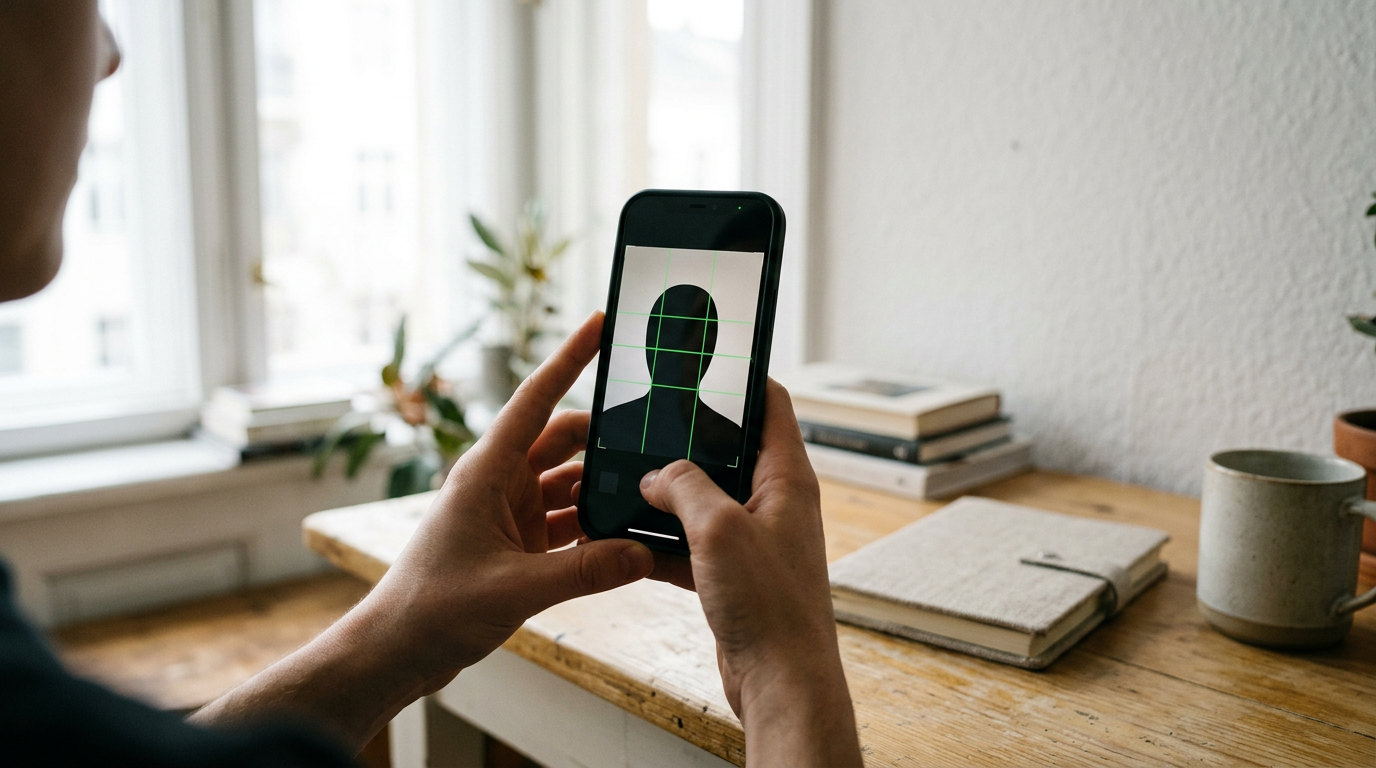
The service provides specialized mobile applications for both iOS and Android platforms. The digital version of an Australian passport photo costs $9.95 AUD, while printed and delivered photos cost $14.95 AUD. When capturing an image, a built-in validator tool automatically compares photos with official biometric requirements in real time. It standardizes the background and aligns the chin and crown to required pixel heights before processing payment. This makes it significantly easier to get passport photos ready for online submission without leaving the house.
Instant feedback loops bypass manual processing delays
The primary mechanism is the immediate feedback provided by the software. Instead of waiting for a clerk to review your file, the application tells you precisely what is wrong the second you take it. If your head is tilted or lighting creates a shadow across your jawline, the software forces a retake immediately.
Practical rule: When capturing your own image for digital validation, step two feet away from the wall to eliminate harsh drop shadows behind your neck.
The limitation here is that the burden of capture falls entirely on the user. If your smartphone camera has a damaged lens or your room lighting is severely cast with yellow bulbs, the software cannot reconstruct the missing pixel data. I would use this tool for straightforward portal uploads, provided I had a newer smartphone with a clean, undistorted wide-angle lens.
Download this validator when you have ample natural lighting at home and require immediate digital files for a web portal.
Pros * Instantaneous algorithmic feedback * Immediate digital file generation * Accessible from any location
Cons * Demands competent user operation * Software cannot fix physical shadows * Hardware limitations affect quality
Matching the fulfillment method to your application
For those relying on In-Person Retail, immediate hardcopy fulfillment comes at the cost of physical travel. If you have an in-person embassy appointment tomorrow morning and require a specialized format, chain retailers equipped with ICAO formatting software provide the most reliable output during extended evening hours. Conversely, if you prioritize archival quality over sheer speed, dedicated electronics and camera storefronts ensure your prints resist chemical degradation over time.
When your situation allows for postal transit, Digital-to-Home Delivery provides professional oversight without the retail queue. This suits families coordinating multiple applications simultaneously, as the asynchronous human review catches shadow defects that automated systems might misclassify, though you must factor mailing days into your submission deadline.
If your application is entirely digital, Self-Service Mobile Validation serves as the most efficient bridge. Users comfortable with standardizing their own home lighting can bypass postal networks entirely. This instantly fulfills the data requirement for modern visa portals, provided the smartphone camera used captures sufficient resolution.