Where to Get Digital Passport Photos in 2026: 5 Options Compared
Staring at a government rejection notice because a faint shadow fell across an infant's left ear is the exact moment many parents realize identification standards have tightened. Deciding where to get digital passport photos dictates whether your application sails through the portal or triggers a costly delay. The physical capture is only half the battle; the underlying biometric validation determines your success.
Quick Summary
A digital passport photo is an uncompressed, precisely cropped image file that meets strict government biometric standards for online visa and identification applications. Choosing the right fulfillment model depends heavily on the subject's ability to remain still and your required turnaround time.
- Retail environments offer immediate physical fulfillment but struggle with variable lighting.
- Specialist studios provide guaranteed compliance for complex foreign requirements at a premium cost.
- Mobile applications eliminate travel and utilize algorithmic validation for challenging subjects like infants.
- Self-service kiosks require pre-validated digital files to ensure final print compliance.
Table of Contents
- Where to get digital passport photos dictates your rejection risk
- 1. Australia Post
- National footprint provides accessibility over processing speed
- 2. Officeworks
- General retail environments introduce severe lighting variables
- 3. Ted's Cameras
- Studio equipment solves for complex compliance rules
- 4. Smartphone iD
- Algorithmic validation removes operator guesswork
- 5. Kmart Australia
- Hardware reliability dictates the final output quality
- Matching the fulfillment model to your timeline
- Recommended Reads
| Product | Fulfillment Model | Features | Pros | Cons | Target Audience |
|---|---|---|---|---|---|
| Australia Post | Full-Service Retail | In-person capture, physical prints, secure digital code generation | National branch network, Handles physical lodgement simultaneously, Immediate digital codes | High queue pressure, Fluorescent overhead lighting, Operators handle multiple postal roles | Applicants submitting physical documents concurrently |
| Officeworks | Full-Service Retail | USB file transfer, digital email delivery, printed physical copies | Extended trading hours, Multiple digital delivery methods, Walk-in availability | General retail lighting casts shadows, Operators lack portraiture training, No privacy during capture | Cooperative adult applicants requiring fast turnaround |
| Ted's Cameras | Specialist Photography | Studio strobe lighting, DSLR capture, manual focal adjustment | Eliminates facial distortion, Perfects background lighting, Handles non-standard ratios | Premium price point, Limited store locations, Requires travel to specialized branches | Applicants facing strict foreign visa requirements |
| Smartphone iD | Mobile Application | Algorithmic validation, background removal, human secondary review | Eliminates travel requirements, Validates biometric ratios automatically, Handles restless subjects easily | Dependent on user's ambient lighting, Requires modern smartphone lens, No immediate physical kiosk | Busy families and parents of infants |
| Kmart Australia | Self-Service Kiosk | Wi-Fi upload, USB upload, dye-sublimation continuous tone printing | Extremely cost-effective, High-volume durable printing, Fast self-guided interface | Does not perform compliance checks, Requires pre-formatted files, Built-in webcams are inadequate | Users who already possess a validated file |
Where to get digital passport photos dictates your rejection risk
Selecting a provider requires mapping your constraints against their specific Fulfillment Model. This classification axis separates providers by how they actually capture and deliver the file, directly impacting your likelihood of approval.
Full-Service Retail encompasses high-street chains and postal branches where staff operate basic cameras alongside their primary retail duties. They offer convenience but introduce variables in lighting and operator skill.
Specialist Photography relies on dedicated studios equipped with off-camera strobes and DSLR bodies. This model is built for precision, ensuring the output aligns perfectly with strict official guidelines and standards before you ever leave the store.
Mobile Application removes the physical location entirely. Software utilizes the smartphone's camera API, applying biometric overlays and algorithmic background removal to validate the image from your living room.
Self-Service Kiosk focuses purely on the final output stage. These standalone terminals take a pre-existing digital file and transfer it to dye-sublimation paper, offering cheap physical copies but zero compliance validation.
Practical rule: Never evaluate a capture method by its price alone; calculate the cost in lost time if the final file fails the government's automated upload check.
1. Australia Post
Rushing an application renewal right before an international flight sends most families looking for an immediate, in-person resolution. Australia Post operates as the national postal service provider, offering in-person passport photography services at most localized branches. It serves applicants looking for a consolidated physical submission point where they can capture the image and lodge the forms in a single transaction.
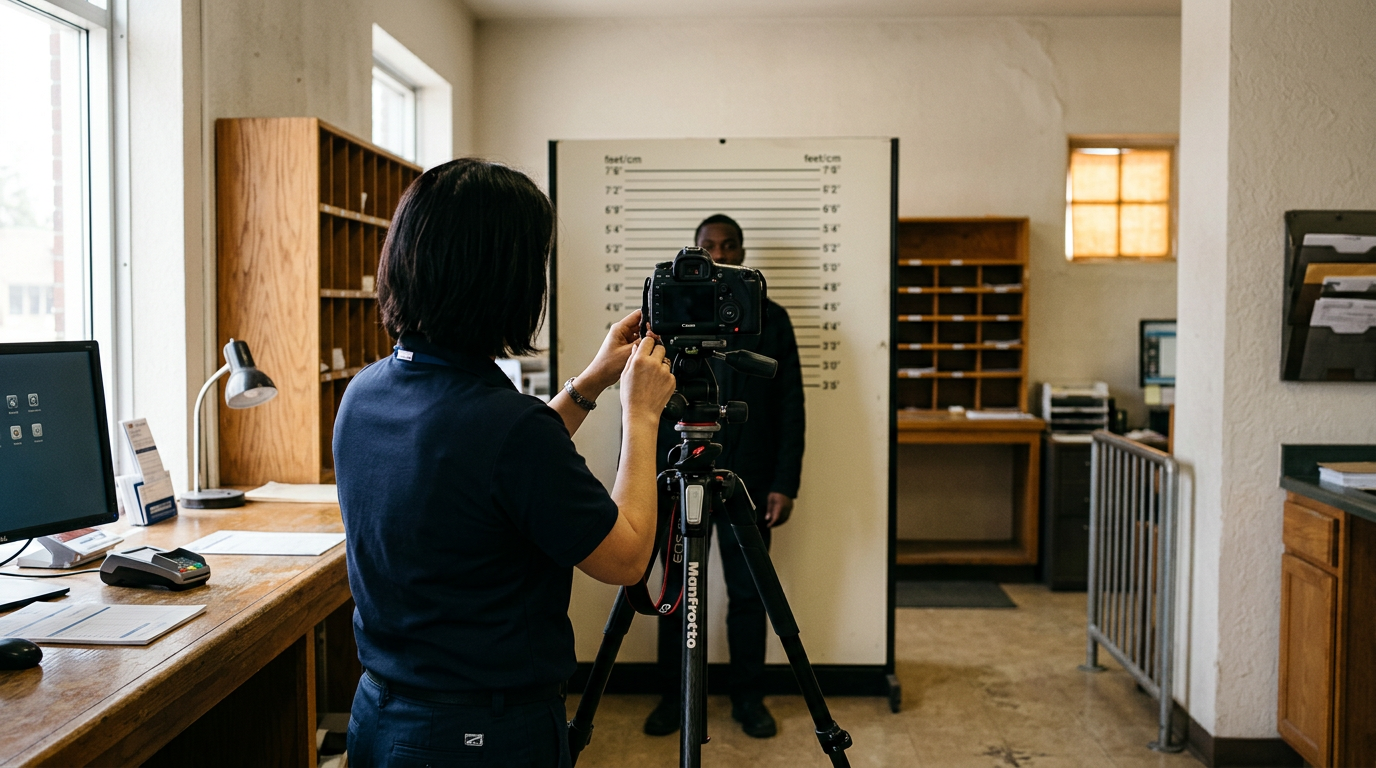
The retail staff operate a standardized point-and-shoot camera mounted on a tripod against a retractable white screen. They frame the subject using a digital overlay on the screen that maps the required 35-45 mm head-to-crown ratio. Once captured, the raw image passes through a localized validation system that flags excessive glare or red-eye before generating a unique alphanumeric code. You use that code to retrieve the australia post digital passport photo online through the government portal. We would hesitate to rely on this channel during the December holiday rush, as the photography station usually shares the exact same queue as parcel lodgement.
National footprint provides accessibility over processing speed
The sheer volume of general mail traffic is immense. Staff cannot dedicate extended periods to a difficult capture. If an infant refuses to look directly at the lens within the first few attempts, the operator must often abandon the session to clear the growing line of postal customers. A line of twenty people holding parcels adds immense pressure. Working under that constraint, an operator will often accept a marginal image rather than attempting a flawless reshoot.
This route fits applicants who intend to lodge their physical paperwork at the counter in the exact same visit.
Pros - Leverages an extensive national branch network for easy access - Generates a verified digital code for immediate portal retrieval - Allows simultaneous lodgement of physical identity documents
Cons - Forces subjects into high-pressure, time-constrained capture sessions - Exposes the capture to harsh, unalterable overhead fluorescent lighting - Requires waiting in unpredictable general retail and postal queues
2. Officeworks
Assuming every large retail chain employs dedicated photographic specialists is the mistake teams make when evaluating high-street print centers. Officeworks operates as an Australian office supplies and retail chain offering in-store passport photography alongside standard digital printing services. It caters primarily to adults needing a fast capture while completing other administrative tasks.
The process relies on existing commercial lighting infrastructure rather than dedicated studio strobes. An employee uses a handheld digital camera to photograph the applicant against a plain wall or basic backdrop, often near the busy printing aisles. The raw file is then imported into an internal cropping software that adjusts the frame to standard domestic dimensions. Customers receive a physical printout and a digital file on a USB drive or via email, ensuring they have the digital passport photo australia requires for digital uploads. What would make us skip this specific approach is arriving with a newborn, as the glaring overhead warehouse lighting routinely casts deep shadows that the internal software cannot correct.
General retail environments introduce severe lighting variables
The primary role of the operator is retail sales. They lack portraiture training to manually manipulate exposure settings. When the ambient store lighting changes due to time of day or store layout shifts, the resulting image often suffers from uneven contrast. Retail environments are optimized for product display. Because of this, their fluorescent tubes often cast green hues that register as unnatural skin tones, prompting algorithmic rejections when uploaded.
Select this approach for cooperative adult applicants who can stand completely still under standard retail fluorescent lighting.
Pros - Provides flexible digital delivery via email or physical USB - Operates with extended trading hours compared to postal branches - Requires no prior booking for walk-in photography sessions
Cons - Subjects face unavoidable background shadows from warehouse lighting - Operators lack the technical training to adjust manual camera settings - Fails to provide a private, distraction-free capture environment
3. Ted's Cameras
"Will this output survive the strict non-reflective criteria of a foreign visa?" is the question a buyer asks before shortlisting a dedicated camera store. Ted's Cameras operates as an Australian specialist camera retail chain providing in-store government-compliant passport photography. It targets applicants with highly specific, non-standard identification requirements that automated systems frequently miscalculate.
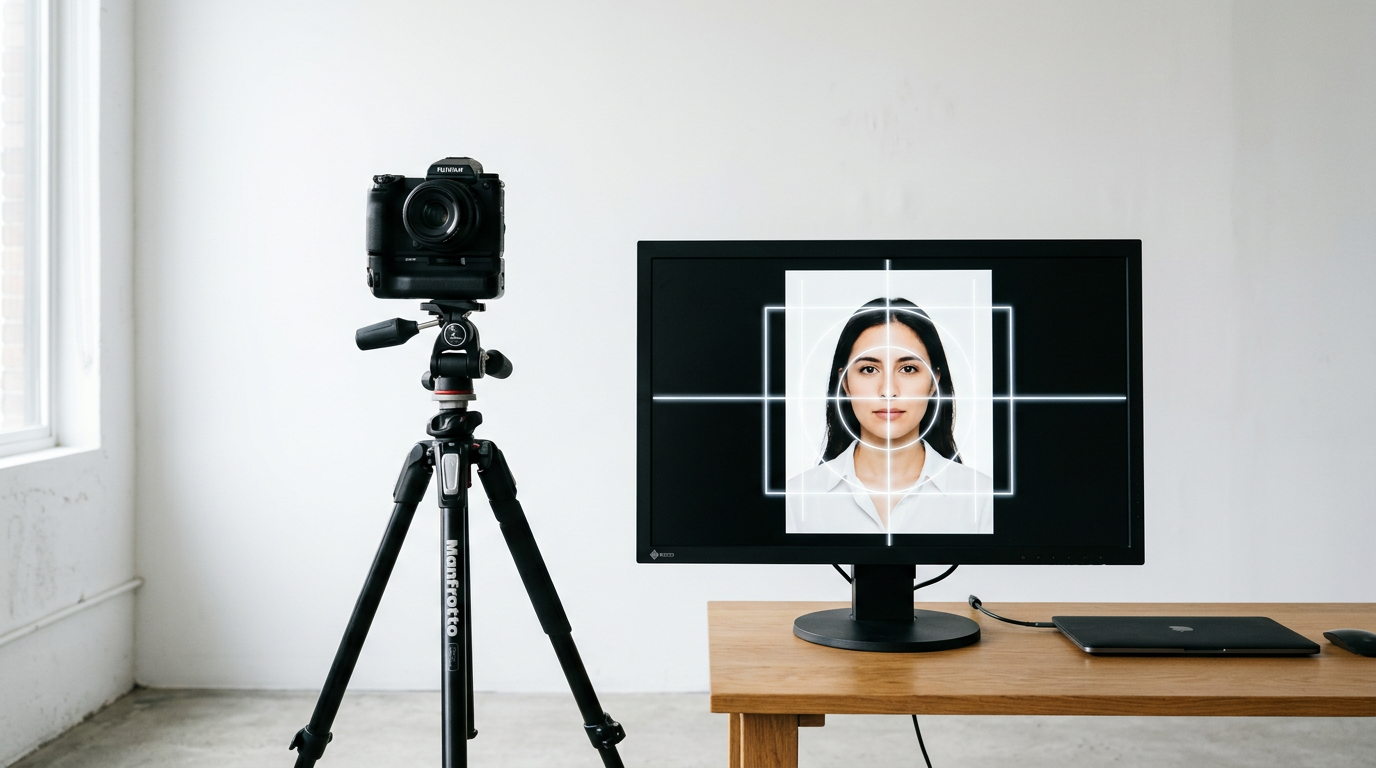
The capture relies on professional-grade DSLR camera bodies paired with synchronized external strobes. This studio lighting setup deliberately flattens the light to eliminate all shadows under the chin and behind the ears. The operator uses an 85mm lens to avoid the facial distortion common to wide-angle smartphone cameras, manually adjusting the aperture and focal length to ensure edge-to-edge sharpness. They then utilize desktop editing software to precisely measure the inter-pupillary distance before exporting the final compliant file. We would strongly consider booking this service when navigating the strict Chinese passport photo size and submission standards.
Studio equipment solves for complex compliance rules
The heavy reliance on physical infrastructure means applicants are bound by restricted trading hours and a limited number of store locations. Paying a premium for professional lighting also stops making financial sense if you only need a standard domestic upload. The government portal heavily compresses the final image anyway. The cost of maintaining a physical studio reflects directly in the per-image price. This makes it an expensive route for large families.
This option serves best when the applicant requires a non-standard foreign visa size that automated commercial systems routinely reject.
Pros - Eliminates facial distortion through appropriate telephoto lenses - Eradicates background shadows entirely using synchronized strobes - Adjusts manually to accommodate obscure international sizing ratios
Cons - Commands a significant price premium over general retail options - Restricts access to a smaller footprint of specialized locations - Demands travel and coordination during standard retail hours
4. Smartphone iD
Algorithms automatically isolate the subject's head-to-crown ratio and digitally replace non-compliant background clutter with a pure, shadow-free white or grey canvas. Smartphone iD functions as a mobile application that allows users to capture, verify, and receive compliant digital passport photos directly from home. It is built for busy households that cannot align their erratic schedules with retail trading hours.
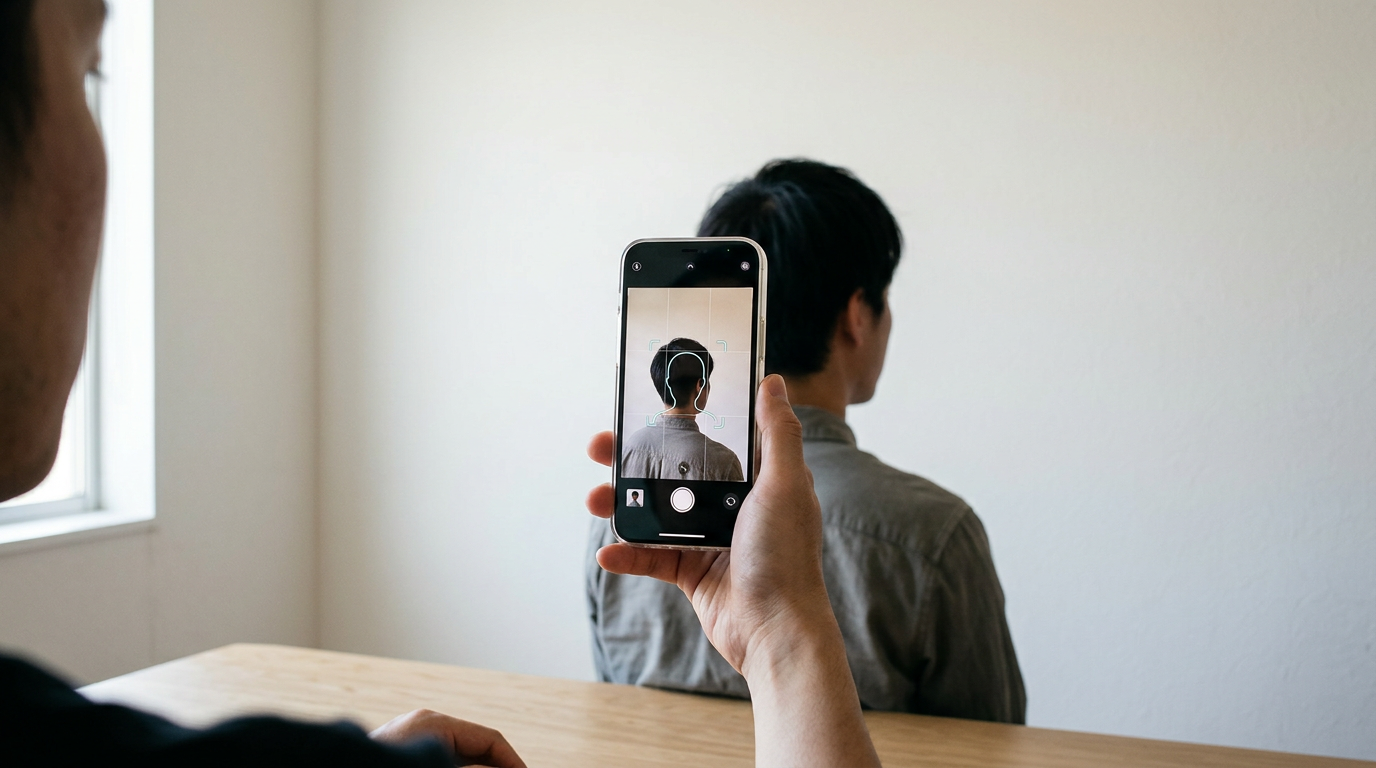
The software leverages the mobile device's native camera API to present a real-time biometric overlay, guiding the user's framing. Once the user snaps the picture, the application transmits the raw file to a cloud-based verification engine. This engine checks the geometric digital passport photo Australia demands, flagging closed eyes or uneven lighting. If the image passes, human operators perform a secondary manual review to catch nuanced errors - like a white shirt blending into the required white background - before emailing the validated file. We would avoid relying on this specific application if your device has a heavily scratched lens, as the software cannot restore lost optical detail.
Algorithmic validation removes operator guesswork
The entire system fundamentally relies on the user providing adequate ambient light. If you attempt the capture in a dimly lit hallway, the resulting digital noise will degrade the image quality far below the 600 dpi resolution threshold required by border authorities. The algorithms can fix the background and measure the face, but they cannot sharpen a blurry base image caused by a shaky hand or a dark room.
This application fits families with erratic schedules who need a validated image without transporting a restless infant to a commercial center.
Pros - Validates biometric ratios through combined algorithmic and human checks - Removes the logistical burden of traveling to a physical retail store - Replaces non-compliant backgrounds digitally to ensure uniformity
Cons - Fails entirely if the user captures the image in a dark room - Relies heavily on the optical clarity of the user's smartphone lens - Leaves the user responsible for sourcing a printer if hard copies are needed
Practical rule: When capturing an image at home, position the subject facing a large window to flood the face with natural, even daylight before the software processes the background.
5. Kmart Australia
While mobile apps handle the initial capture and formatting, securing the required physical hard copies often still demands a trip to a high-volume retail location. Kmart Australia operates as an Australian retail store chain offering self-service digital photo printing. It supports budget-conscious consumers who already possess a validated digital file but need inexpensive physical prints to accompany traditional postal applications.
Customers interact directly with a standalone Kodak or Fujifilm kiosk using a touchscreen interface. They transfer pre-formatted digital files via a local Wi-Fi connection, Bluetooth, or physical USB drive. The kiosk bypasses image alteration, sending the exact pixel dimensions to an internal dye-sublimation printer that applies continuous tones of color directly onto standardized photo paper. This printing method ensures the final output resists smudging and meets the physical archival requirements, bypassing the need to ask how can i get a digital passport photo taken by a human operator on site. We would bypass these machines entirely for the actual image capture phase, as the built-in kiosk webcams offer atrocious dynamic range.
Hardware reliability dictates the final output quality
The terminals execute basic printing commands without performing any biometric compliance checks on the uploaded file. If the original image contains a faint shadow, an incorrect head tilt, or fails to meet the strict Canadian passport photo standards for 2026, the machine will reproduce those errors perfectly. It leaves the applicant to discover the failure only after paying, printing, and submitting the flawed application to the authorities.
This hardware is the right choice for applicants who already hold a pre-validated, perfectly cropped digital file and simply need physical backup copies.
Pros - Prints via dye-sublimation for durable, continuous-tone physical outputs - Operates rapidly through an intuitive, self-guided touchscreen interface - Costs significantly less than full-service portrait photography sessions
Cons - Performs exactly zero biometric validation on the uploaded digital file - Replicates existing image errors perfectly onto the final physical print - Features low-quality built-in webcams that routinely fail official standards
Matching the fulfillment model to your timeline
Figuring out where do i get a digital passport photo ends when you align the service model with your specific constraints. Not every application requires a studio, and not every subject can handle a busy retail queue.
If your priority is navigating complex foreign sizing requirements or you need to analyze a passport photo example against strict consulate rules, the Specialist Photography model guarantees the lighting and focal length will not trigger a rejection. The premium paid covers the certainty of the final biometric measurement.
If you are dealing with a restless subject and need to get a newborn passport photo taken, the Mobile Application model removes the pressure entirely. Capturing the image at home allows you to control the environment, relying on cloud-based algorithms to validate the head tilt and strip out the background clutter without fighting a queue.
If you simply need to finalize an application today and require both the digital file and the printed paperwork simultaneously, the Full-Service Retail model forces a compromise. You trade the precision of a studio and the comfort of your home for the sheer speed of walking out with a digital code and a receipt in hand.